
Blank Space for Instagram Highlights
Copy a blank-looking character for your Highlight title, then paste, save and check the label.
Blank Characters to Try for Instagram Highlight Names
Copy one character at a time. These options do not change your cover or stories; Instagram decides whether the title is accepted.
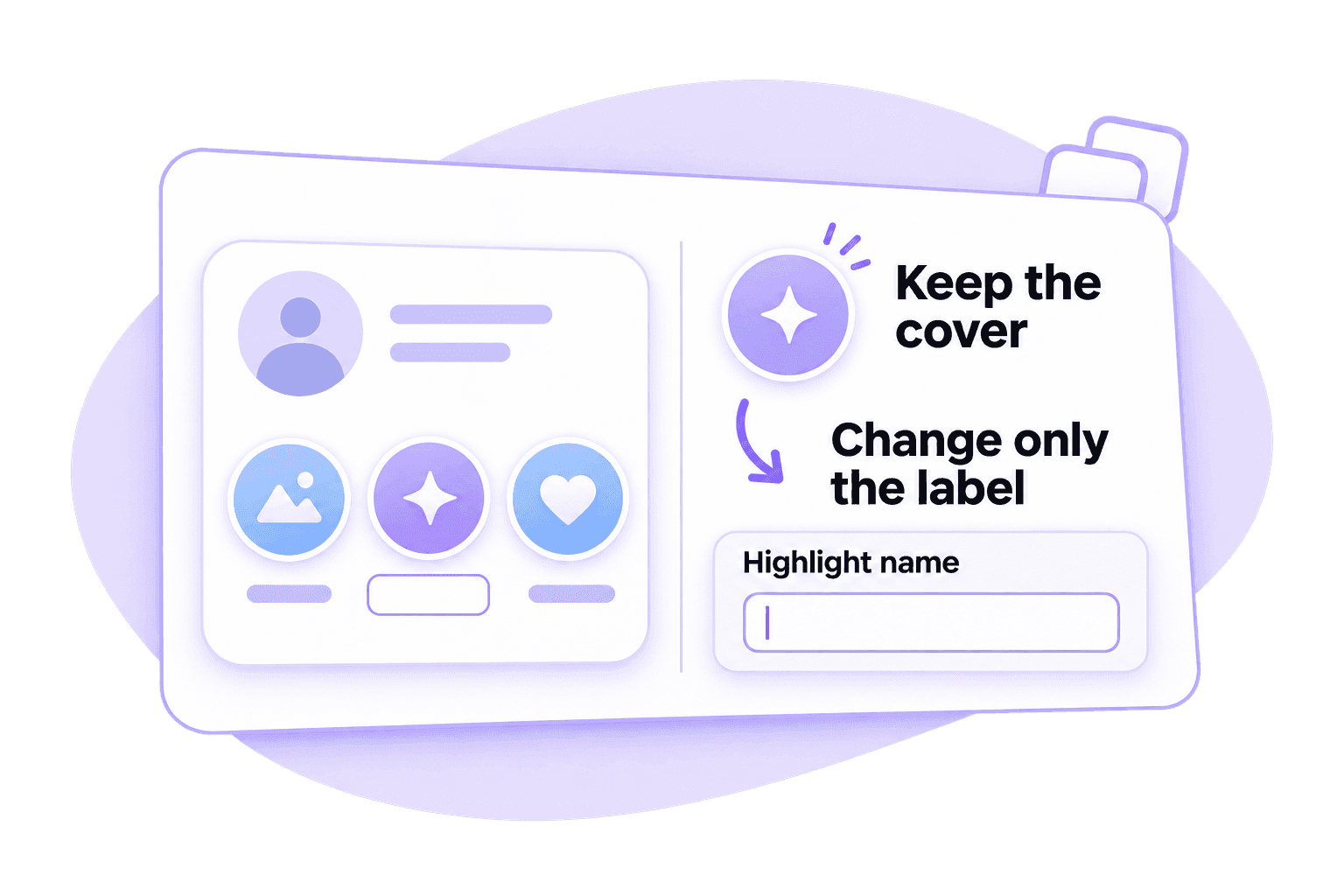
A Blank Label with Your Highlight Cover in Place
A blank-looking title can leave the Highlight cover as the main visual cue. Copy a character from the list and try it in the name field, rather than changing the cover image.
The character is still text, even when it has no visible mark. Check the saved profile to see whether Instagram keeps the label blank, restores a default title or displays a symbol.
How to Give an Instagram Highlight a Blank Name
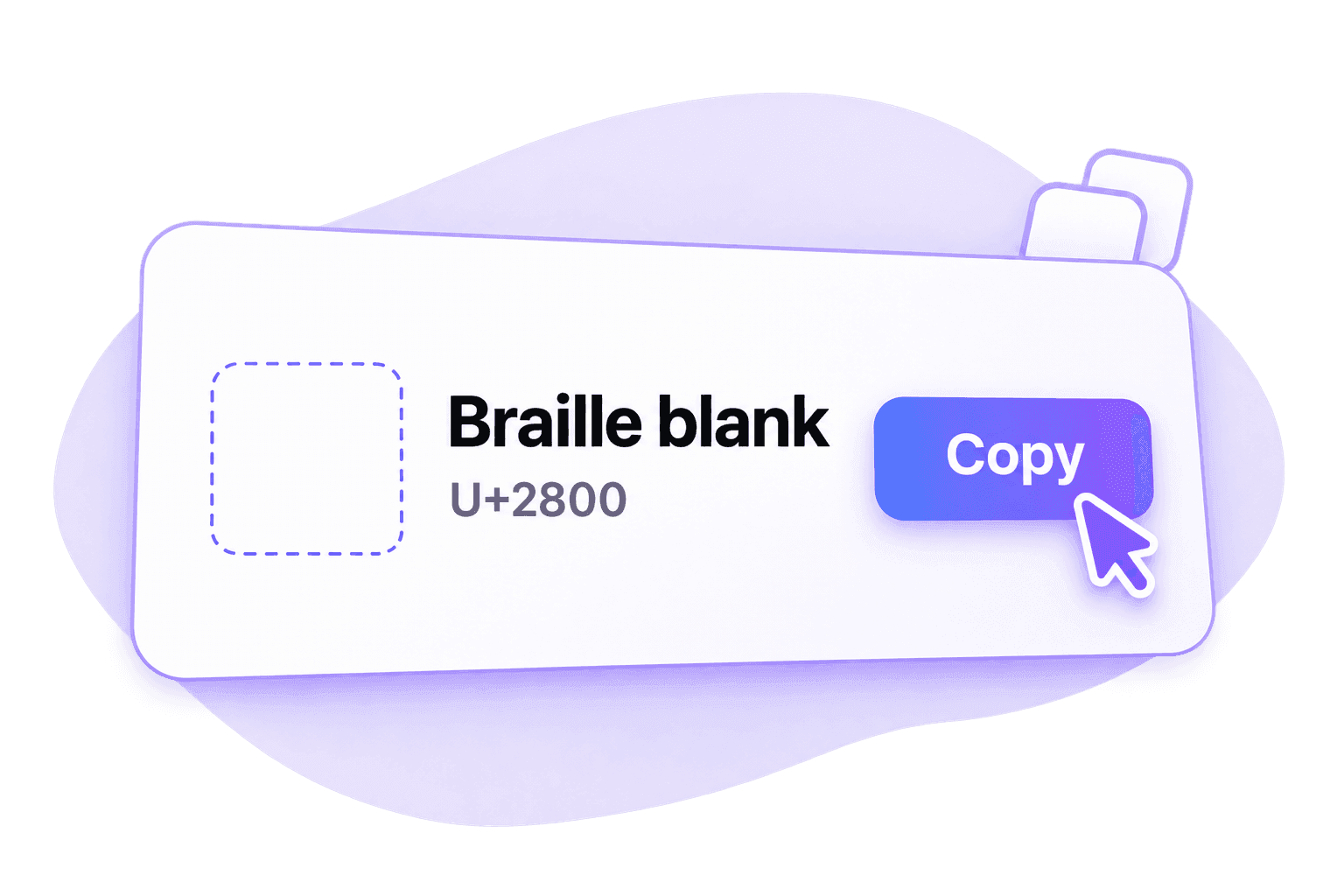
Step 1. Copy One Blank Character
Choose a named character from the list and click Copy. Complete sign-in if prompted, then return to the Highlight you want to edit.
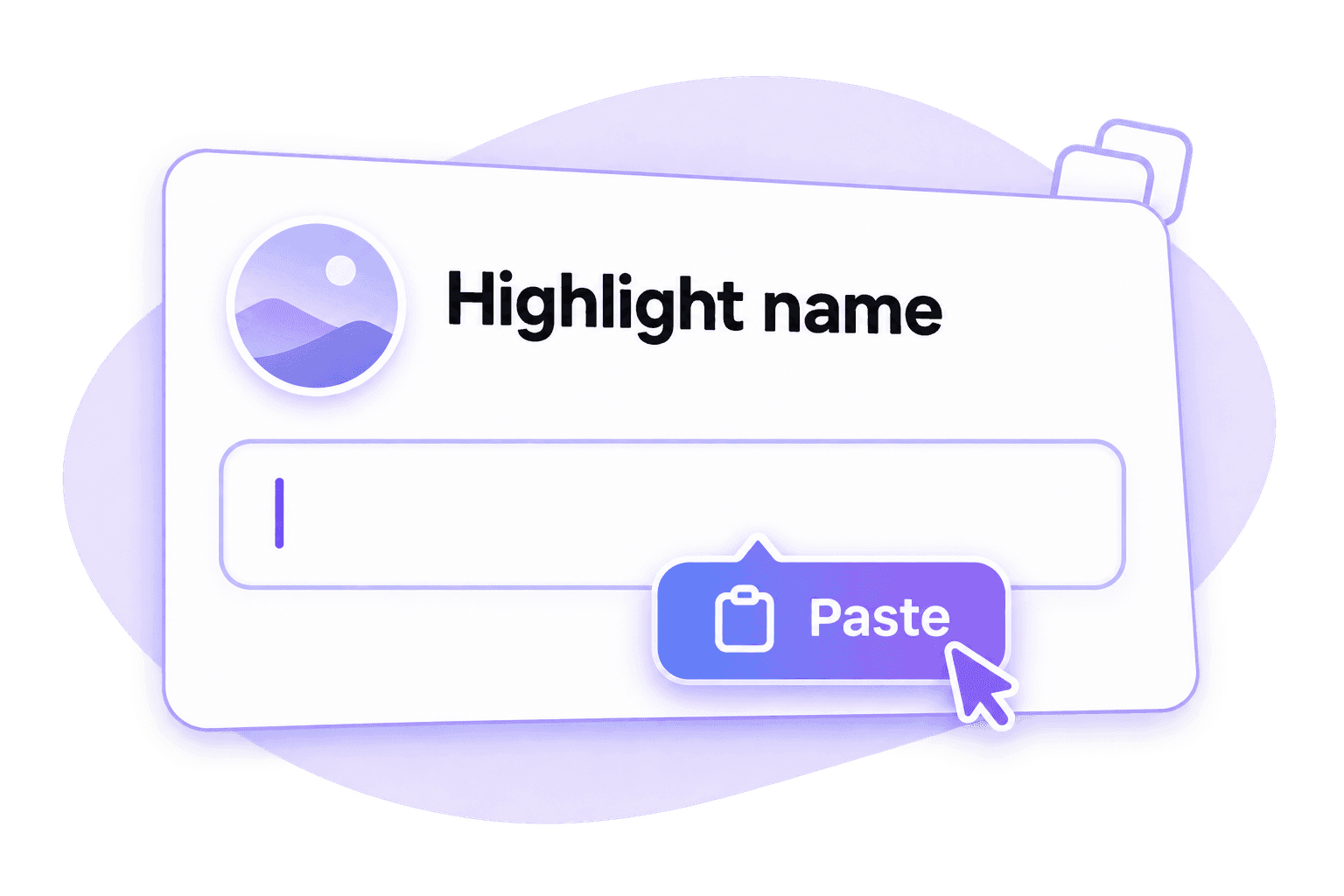
Step 2. Paste Into the Highlight Name
Open the Highlight’s name-editing field, clear its current title and paste the character. Keep the cover and story content separate from this name change.
Step 3. Save and Check the Label
Save the edit and return to your profile. Check the label beneath the cover; if it resets or shows a symbol, compare another listed character.
If the Blank Highlight Name Does Not Save
A blank-looking character on this page may behave differently in Instagram. Check the exact name field and the saved result.
The default title returns. The name may have been treated as empty or the character removed. Check what was saved and try a different code point from the list.
A box or visible mark appears. The device or font may render that character differently. Compare another option and inspect the profile again.
Nothing pastes. Repeat the copy action and check any sign-in or clipboard-permission prompt. A blank input alone does not prove copying succeeded.
No option is accepted. Keep a short visible label. This tool cannot change Instagram’s validation rules or guarantee a blank title.
Frequently Asked Questions
It is a Highlight title containing a real Unicode character that looks blank. This differs from an empty field with no characters. Whether the label remains blank after saving depends on Instagram’s current handling of that field.
The character is intended for the name field. It does not create a cover image or edit the stories. Check that you are editing the label rather than deleting the Highlight.
You can try the same copying action when naming a new Highlight or editing an existing one. Check the current name field and saved result in either case.
Paste controls, keyboard behavior and fonts can differ. Use the paste command on your device, then inspect the saved label. Acceptance on one device is not a guarantee for another.
Do not assume it will. Check the saved profile from another device or viewing context when possible, especially if your own device displays a placeholder box.
You can copy characters for manual spacing experiments, but this page does not automatically format a whole bio or caption. Those fields may handle the same character differently.