

Blank Message for WhatsApp
Copy a blank-looking character, paste it into WhatsApp and check whether the message can be sent.
Blank Characters to Try in a WhatsApp Message
Each row copies one character. Paste it into a chat and check the send control; a copied character is not a guarantee that WhatsApp accepts it.
How to Copy and Send a Blank-Looking WhatsApp Message
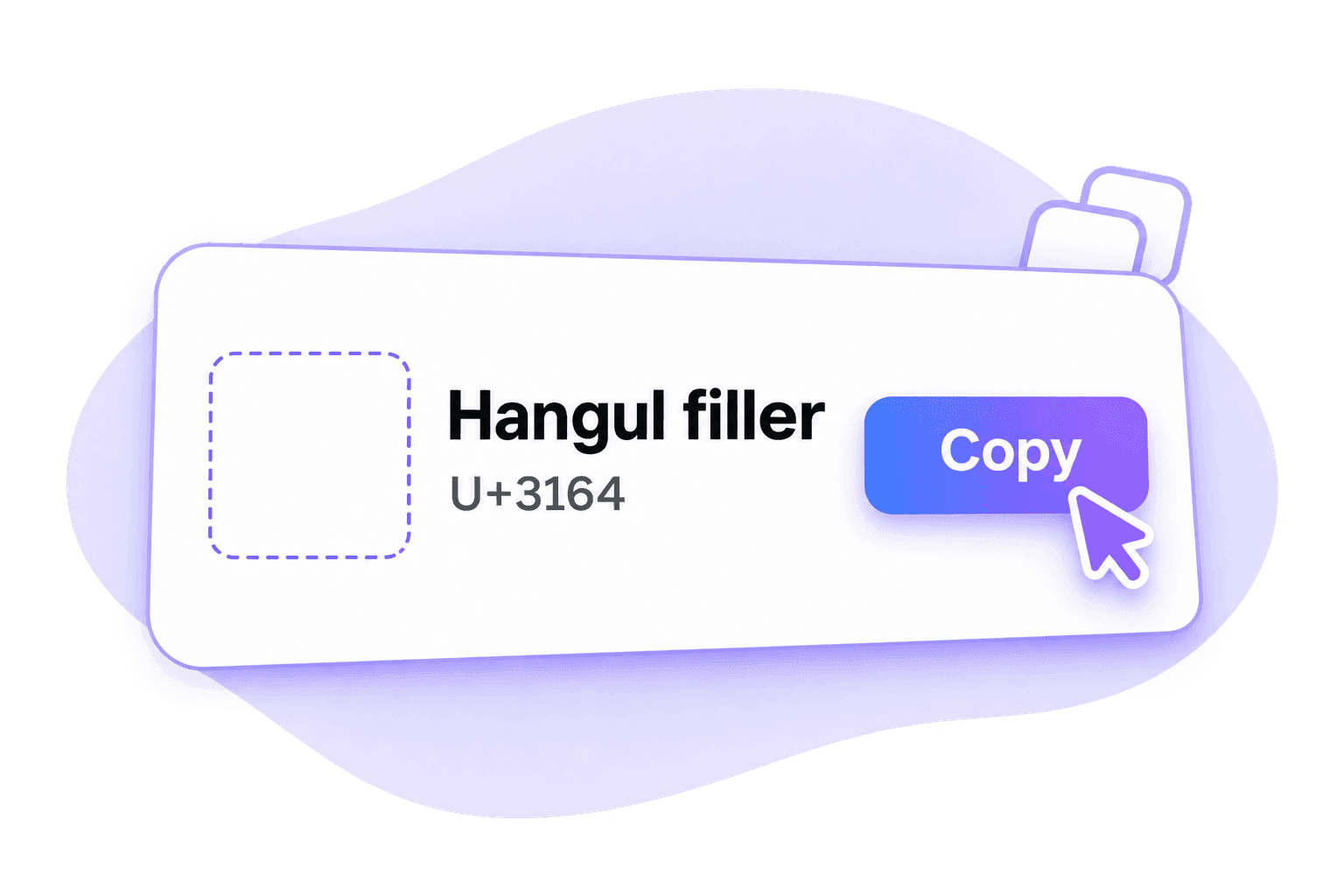
Step 1. Copy One Blank Character
Select a named character and click Copy. Complete sign-in if requested. Use one character first so you can check what happens without a long blank string.
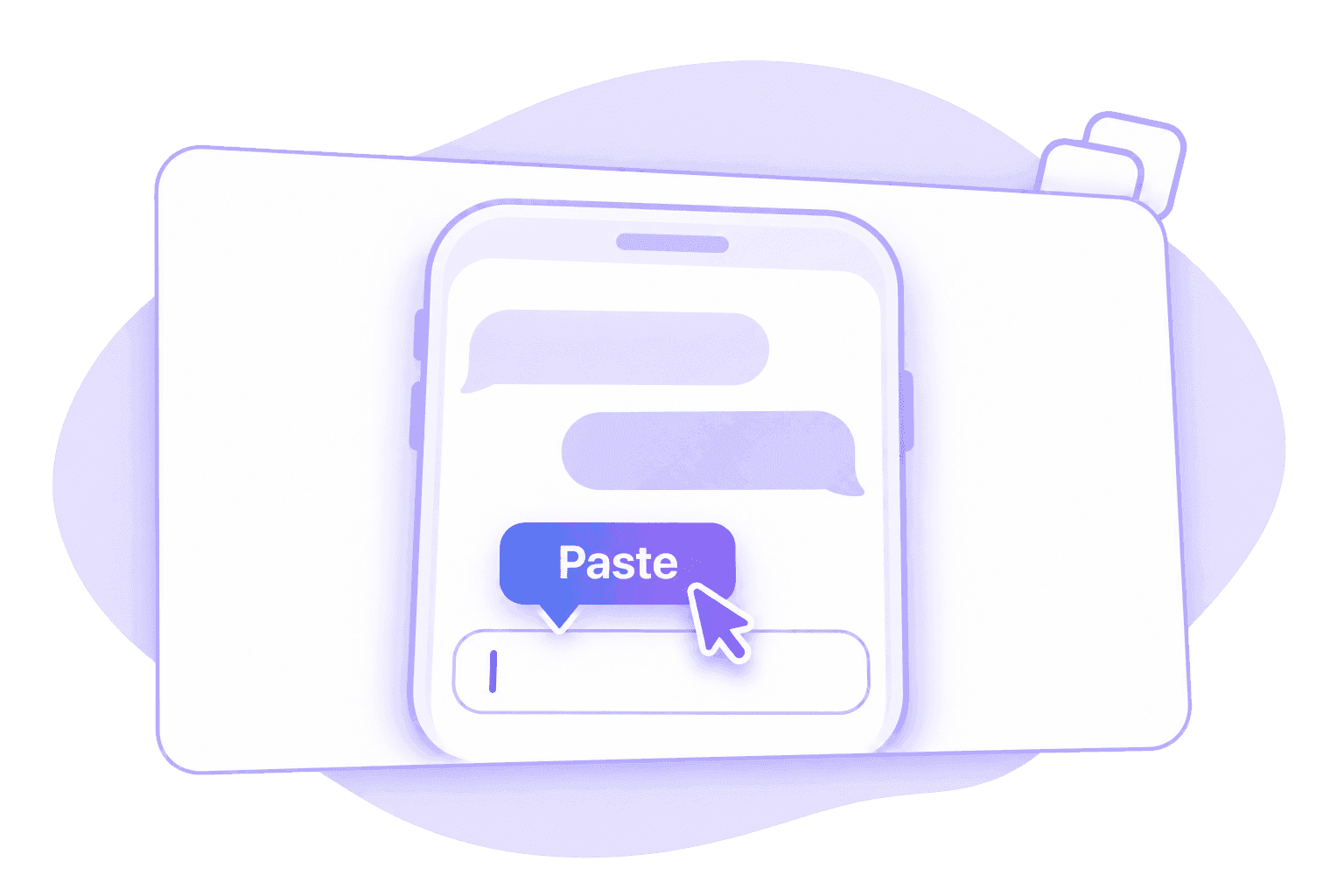
Step 2. Paste Into a WhatsApp Chat
Open the intended WhatsApp conversation and paste the character into its message field. Inspect the input and check whether the send control becomes available.

Step 3. Send and Review the Message
If the message can be sent, review what appears in the conversation. If the character is refused or shown as a box, try an alternative or use visible text.
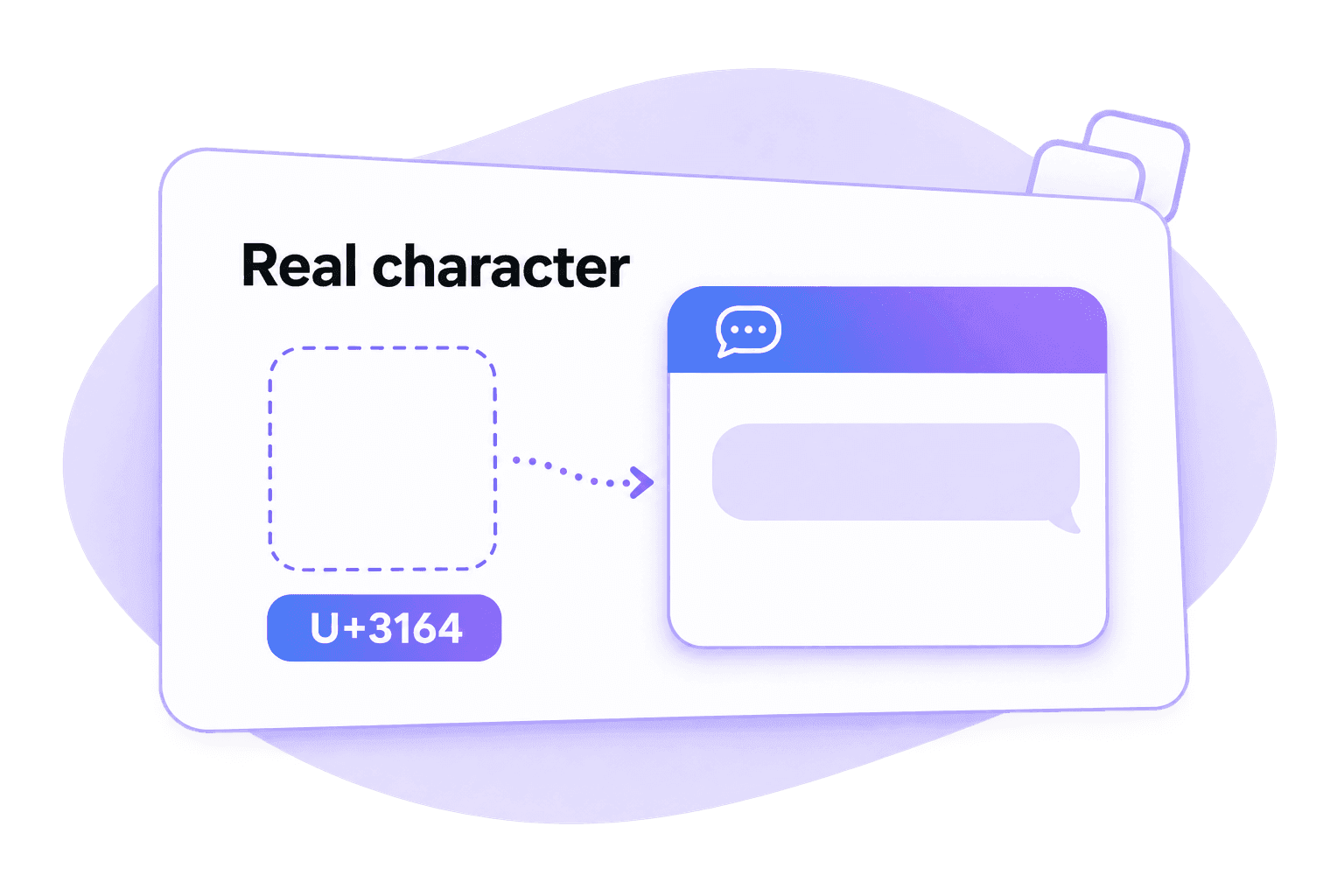
Blank-Looking Text Is Still a Real Character
An empty message field contains no text. Invisible text contains a real Unicode character, even if the font draws no visible mark. That is why copying a Unicode character is different from leaving a chat field empty.
Lynote provides the character; you choose where to paste it and whether to send it. This does not hide a written message, create disappearing messages or connect Lynote to your WhatsApp account.
If Your Blank WhatsApp Message Will Not Send
Check the message input and destination app. This page does not diagnose your account, network or chat history.
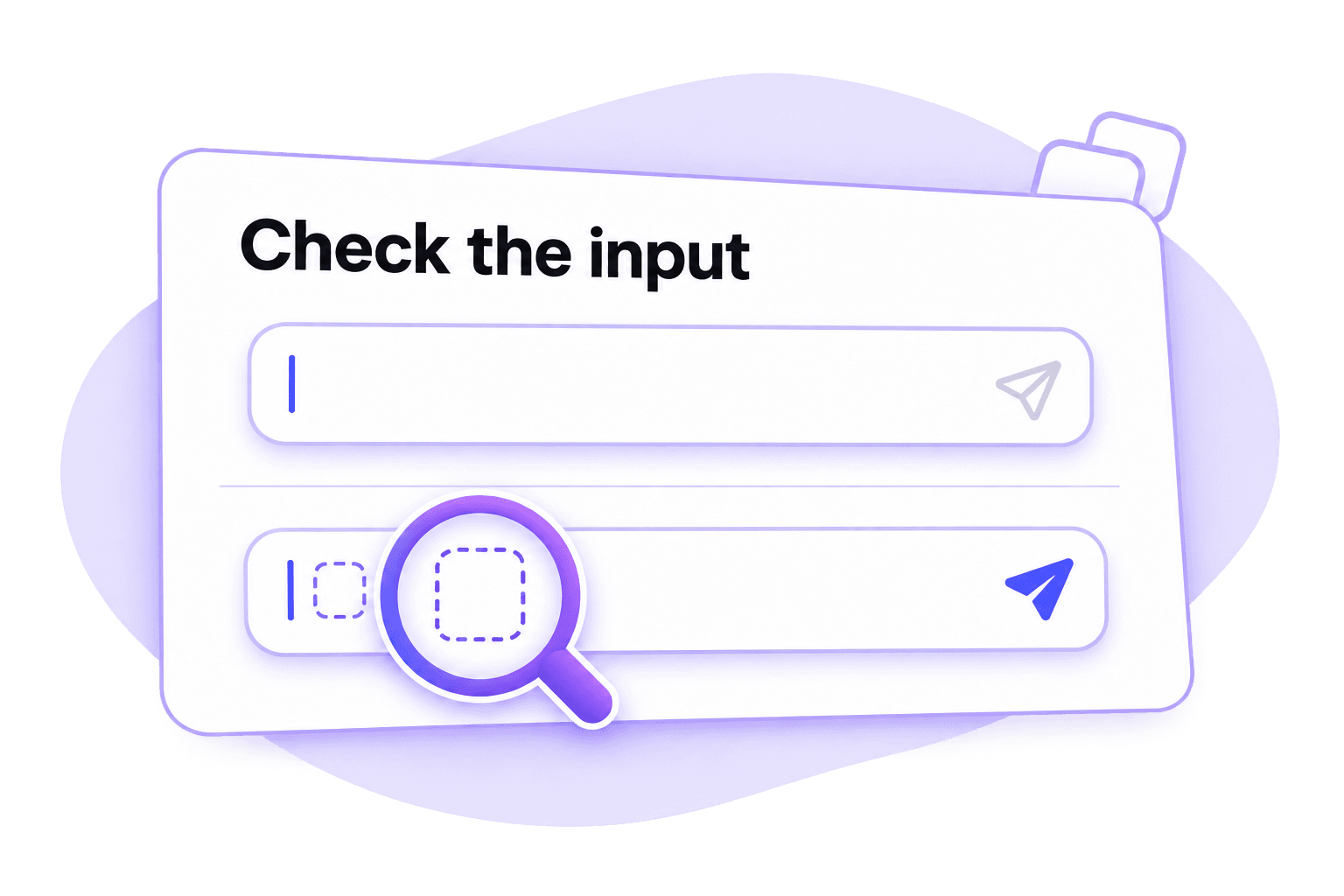
The send control stays unavailable. The input may still be empty, or WhatsApp may have removed the chosen character. Repeat the copy action or compare another option.
The character appears as a box. A device or font may show a visible placeholder. Try a different character and inspect the result in that chat.
Web and mobile behave differently. Test the exact surface you plan to use. A character retained in the phone app may be handled differently by Web or desktop.
Existing messages are blank or missing. That is a different problem. This character-copy tool cannot restore chats, fix connection issues or recover message content.
Frequently Asked Questions
No. It contains at least one real Unicode character whose appearance may be blank. A truly empty field has no characters. The destination app decides whether it accepts the pasted character as message content.
No. Disappearing messages concern the lifetime of sent content, while hiding text concerns visible message content. A blank-looking Unicode character is simply text with no visible mark in some fonts.
No. Lynote supplies a character to copy. You open the destination conversation, paste it and decide whether to send. This page does not connect to your WhatsApp account.
Keyboard paste menus and fonts can differ. Paste into the intended conversation and check the send control and rendered message. This page does not guarantee identical behavior on both systems.
You can try it, but check Web separately. Browser, clipboard and app behavior may differ from mobile, so a result in one surface does not establish compatibility in another.
No. Status, About and chat messages are different destinations. A character accepted in one field may be removed or displayed differently in another. This page focuses on chat messages.