

Bypass GPTZero For Free
Content
Bypass Result

Your transformed text will be ready here. To begin, paste your AI-generated text above and humanize it.
Recent History



Why Use Lynote AI to Bypass GPTZero?

GPTZero-Oriented Rewriting
Lynote preserves your thesis, logic, and key details while making AI writing sound more human and believable to readers and GPTZero-style review.

Reduce AI Detection Signals
Our AI rewrites with full context awareness, improving phrasing, flow, and variation so your content sounds more natural, preserves its meaning, and avoids common patterns that trigger AI detectors.

Adjustable Rewrite Depth
Choose light editing or deeper AI humanization based on how obvious the original AI text sounds and how much GPTZero-aware rewriting you need before submission.

Original Wording
Lynote refreshes awkward wording with more original, human-sounding language so the final result feels less templated, less repetitive, and more authentic after GPTZero-facing cleanup.

Meaning Preservation
Keep your meaning, citations, and key points intact while improving flow and readability, so the rewrite stays accurate and more likely to bypass GPTZero-style detection.

Academic-Friendly Tone
The output stays polished and academic for essays, reports, reflection papers, and discussion posts, helping your work sound natural without losing a credible student voice.

Fast First Pass
Paste your draft and get a more human version in seconds, making Lynote a fast AI humanizer for students, researchers, and professionals who want quicker GPTZero-ready revision.

Private & Confidential
Your content stays yours. We process every submission securely and do not share, expose, or reuse your text without your permission.
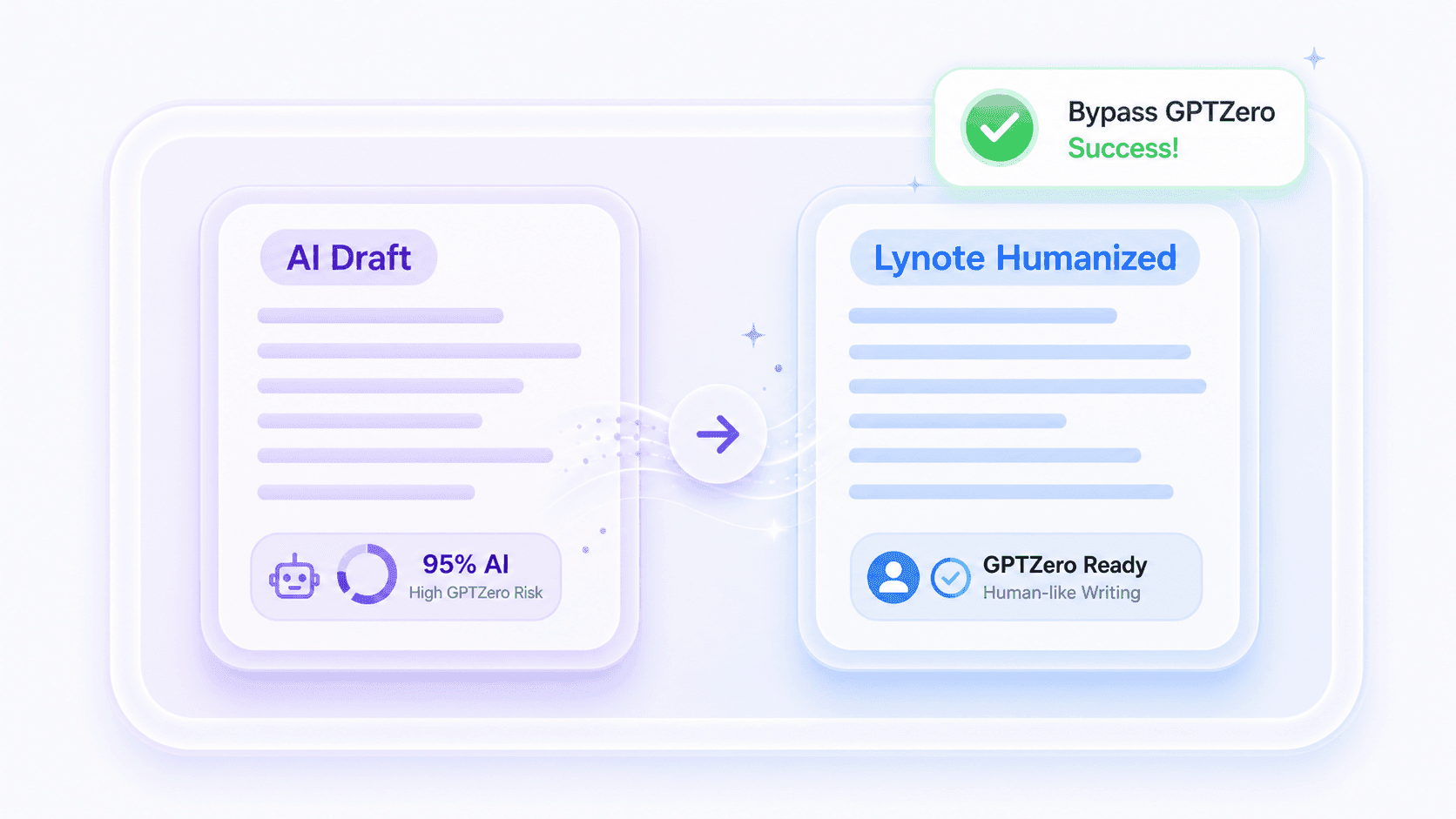
What Does It Mean to Bypass GPTZero with Lynote?
To bypass GPTZero with Lynote AI Humanizer means reducing the obvious patterns that make AI-assisted writing sound machine-generated. Lynote does this by improving rhythm, sentence variety, phrasing, and transitions instead of relying on shallow synonym swaps.
Use it when ChatGPT, Claude, Gemini, GPT-5, or DeepSeek content still feels too polished, repetitive, or generic. Lynote helps your draft read more like real human writing while preserving your meaning, structure, and overall message.
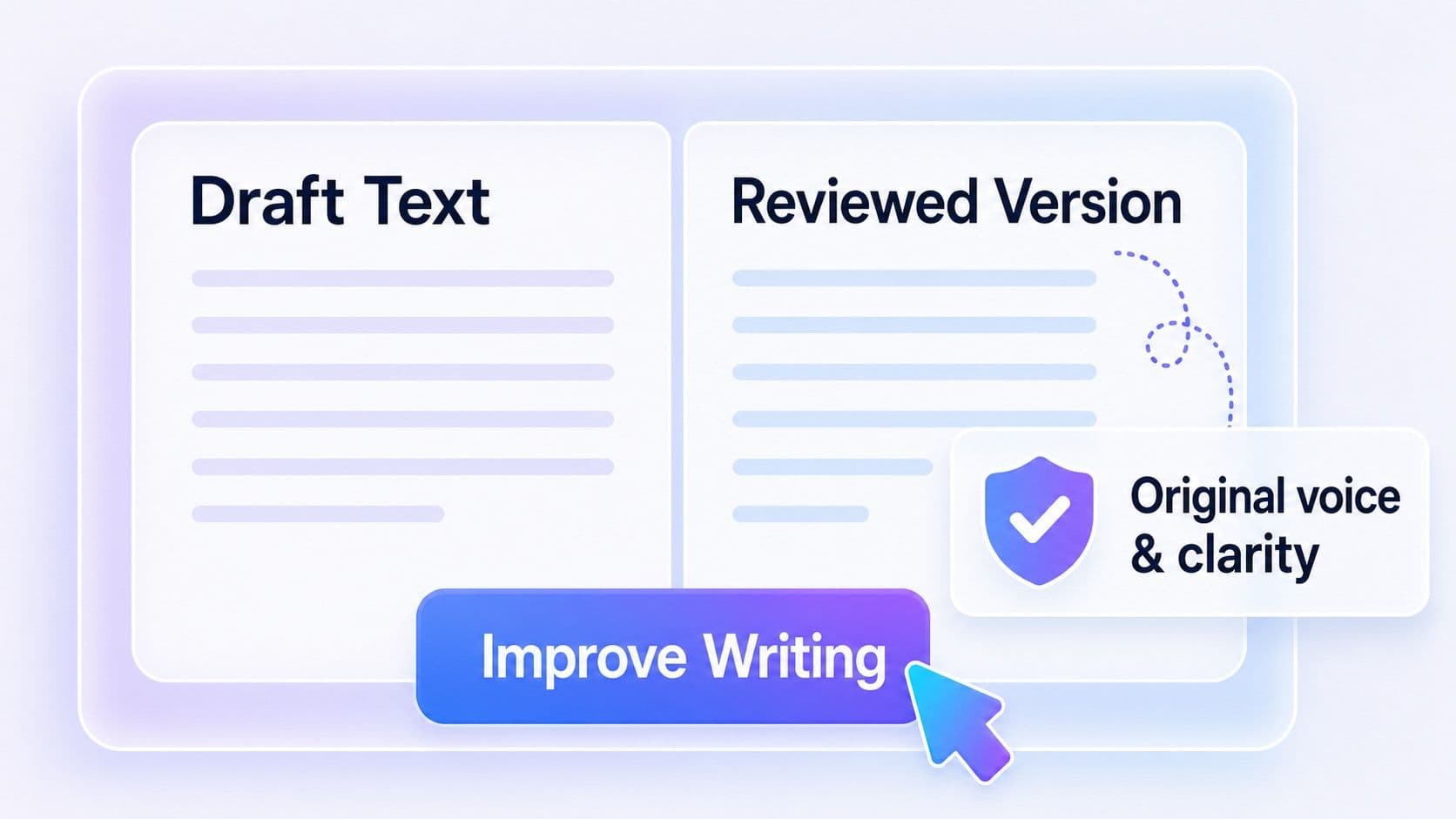
How do we bypass GPTZero detection?
- •Copy to bypass GPTZero Rework rigid machine-generated language into authentic student-style writing.
- •Cut robotic phrasing Eliminate AI triggers detected by GPTZero’s pattern algorithms for authentic, human-like readability
- •Preserve full original context Wipe out recognizable AI writing markers while keeping your main points unchanged.
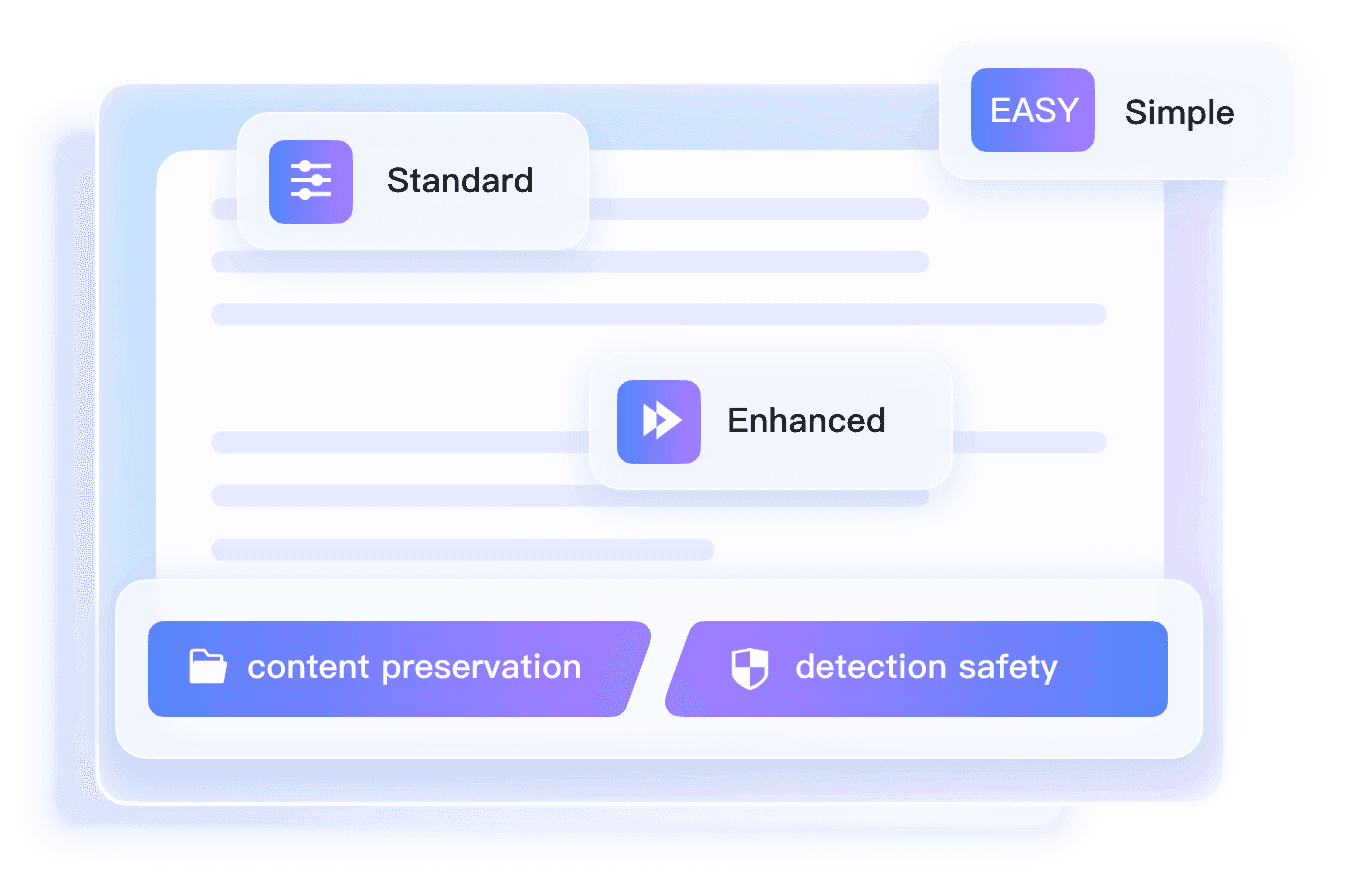
Adjustable Humanization Levels for Different GPTZero Risks
Not every draft needs the same amount of intervention. Lynote AI Humanizer lets you choose the rewrite strength that fits the original text, whether you need lighter cleanup or deeper restructuring before GPTZero-style detection review.
- •Simple (Light Edits) cleans robotic phrasing while keeping tone and structure close to the original.
- •Standard (Balanced) improves readability, rhythm, and naturalness for essays, reports, and discussion posts.
- •Enhanced (Deeper Rewrite) applies stronger restructuring for drafts that still feel obviously AI-generated.
How to Bypass GPTZero in 3 Steps

Paste or Upload Your Draft
Add your AI-generated text to the editor, or upload a DOC, DOCX, PDF, or TXT file. Lynote reads the wording, sentence structure, and tone first so it can identify the patterns that may look obvious to GPTZero.


Rewrite with Lynote Bypass
Click to start the rewrite. Lynote reduces robotic phrasing, repetitive transitions, and predictable AI-style patterns while keeping your original meaning, logic, and key details intact.

Review and Use the Result
In seconds, you will get a more natural, human-sounding version that feels smoother and less machine-written. Review the output, then copy or download it for submission, publishing, or sharing.
Bypass GPTZero Detection for Any Writing Task

For SEO Content
Rewrite AI-assisted articles, category pages, and product copy into more natural, search-friendly writing that keeps key terms while reducing obvious AI-style patterns.
Rewrite AI-assisted articles, category pages, and product copy into more natural, search-friendly writing that keeps key terms while reducing obvious AI-style patterns.

For Blog Publishing
Polish AI-generated blog drafts so they read more smoothly, feel less templated, and are better prepared for publishing and editorial review.
Polish AI-generated blog drafts so they read more smoothly, feel less templated, and are better prepared for publishing and editorial review.

For Essays and Papers
Rewrite AI-assisted essays and class papers into more natural, student-like writing that feels less obvious in GPTZero-style review.
Rewrite AI-assisted essays and class papers into more natural, student-like writing that feels less obvious in GPTZero-style review.

For Research Summaries
Refine AI-assisted summaries, reflections, and study notes into clearer, more human-sounding text without losing key points.
Refine AI-assisted summaries, reflections, and study notes into clearer, more human-sounding text without losing key points.
For Marketing Copy
Improve AI-assisted emails, landing page copy, and promotional content with cleaner phrasing, better flow, and a more credible human tone.
Improve AI-assisted emails, landing page copy, and promotional content with cleaner phrasing, better flow, and a more credible human tone.
For Discussion Posts
Turn stiff AI-generated responses into smoother, more personal writing that sounds more like a real student voice.
Turn stiff AI-generated responses into smoother, more personal writing that sounds more like a real student voice.
Who Needs Bypass GPTZero?

SEO Specialists
Rewrite AI-assisted articles into more natural, readable content that keeps target keywords intact and feels less obvious to GPTZero-style review.

Bloggers
Polish AI-written posts before publishing so they sound more personal, less templated, and more engaging to real readers.

Content Creators
Refine scripts, captions, newsletters, and long-form drafts into smoother human-sounding writing that matches your voice better.

Copywriters
Use AI for speed, then rewrite the draft with Lynote so the final version feels more original, natural, and ready for clients.

Students
Rewrite AI-assisted essays, reports, and discussion posts into more natural writing that feels less obvious in GPTZero-style review.

Researchers
Improve the flow and clarity of summaries, notes, and draft explanations while keeping key ideas and technical points intact.
Frequently Asked Questions
Explore answers to the most common questions about Lynote. If you do not see what you need, feel free to contact our team.
Yes. Lynote offers a free GPTZero bypass tool that helps you rewrite AI-generated text into more natural, human-sounding writing online. You can paste text or upload a document, run the rewrite in seconds, and review the result before using it.
No sign-up is required for basic use. Just paste or upload your draft, start the rewrite, and review the output when it is ready.
Lynote rewrites text that sounds overly robotic, repetitive, or machine-shaped. It improves wording, rhythm, sentence flow, and variation so the draft reads more naturally while keeping your original meaning intact.
You can use Lynote for essays, articles, blog posts, emails, reports, product descriptions, social captions, and other AI-assisted drafts that need more natural phrasing and smoother delivery.
Lynote is built to reduce common AI-writing signals that GPTZero may flag, such as repetitive sentence patterns and robotic wording. However, detector results can vary, and no tool can guarantee a specific score every time.
An online tool gives you a faster way to revise AI-assisted drafts without installing software. With Lynote, you can paste or upload your text, reduce obvious AI signals, and get a cleaner, more human-sounding version in seconds.