It helps identify the parts of AI text that need a more human touch.
★★★★★


Your transformed text will be ready here. To begin, paste your AI-generated text above and humanize it.



Lynote has been featured across technology, academic, and productivity publications for helping users rewrite AI-generated drafts into more natural text with reduced AI detection signals. These media mentions reflect why users see Lynote as a strong Bypass AI Detection tool: authentic rewrites, preserved meaning, AI detector awareness, and multilingual support.
It helps identify the parts of AI text that need a more human touch.

Bypass AI is becoming an essential step in modern content workflows.

Lynote helps turn raw AI output into more usable, structured writing.

Lynote combines linguistic analysis and rewriting to reduce obvious AI signals.
Lynote supports more authentic publishing by balancing efficiency and human readability.

Lynote helps users bypass AI detection with natural rewrites across major AI models.

Lynote is gaining attention as a practical Bypass AI tool for students and professionals.

When AI text feels too robotic, Lynote provides a cleaner and more human-sounding rewrite.

Lynote helps creators make AI-assisted content feel more authentic and less machine-written.

Lynote gives content teams a smarter way to verify, refine, and humanize AI-generated writing.

Lynote ByPass Tools rewrite repetitive phrasing, robotic transitions, and formulaic sentence patterns so AI-generated text sounds more natural and is better positioned to pass most AI detector checks.

Unlike basic spinners, Lynote rewrites with context in mind, preserving your thesis, logic, keywords, and supporting details while making the draft sound more human, personal, and believable.

Choose light cleanup or deeper humanization depending on how obvious the original AI text sounds and how aggressively you want Lynote ByPass Tools to reshape it before review.

Lynote refreshes awkward wording with more original, human-sounding language so the final result feels less templated, less repetitive, and more authentic to real writing.

Lynote is free to use and gives you 600 characters at no cost, making it easy to test the ByPass Tools, humanize AI text instantly, and see the quality before upgrading.

The output stays polished and suitable for essays, reports, reflection papers, and discussion posts, helping your work sound natural without losing a credible student or professional voice.

Paste your draft and get a stronger first-pass rewrite in seconds, making Lynote ByPass Tools a practical option for students, researchers, marketers, and professionals who need efficient revision.

Your draft stays yours. Lynote uses privacy-first rewriting so you can humanize AI content for detector checks, coursework, business writing, and sensitive documents with more confidence and control.
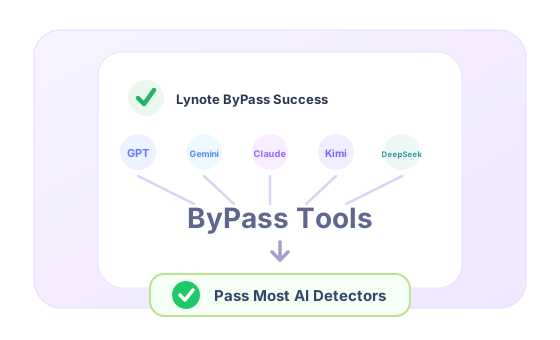
To bypass AI detectors means taking AI-assisted writing and reshaping it into language that feels more individual, more natural, and less pattern-based. ByPass AI does this by improving tone, rhythm, sentence variety, and transitions instead of just swapping a few words.
Use it when ChatGPT, Claude, Gemini, GPT-5, or DeepSeek content sounds too polished, too repetitive, or too generic for academic submission. ByPass AI helps your work read more like real human writing while preserving your core idea and structure.
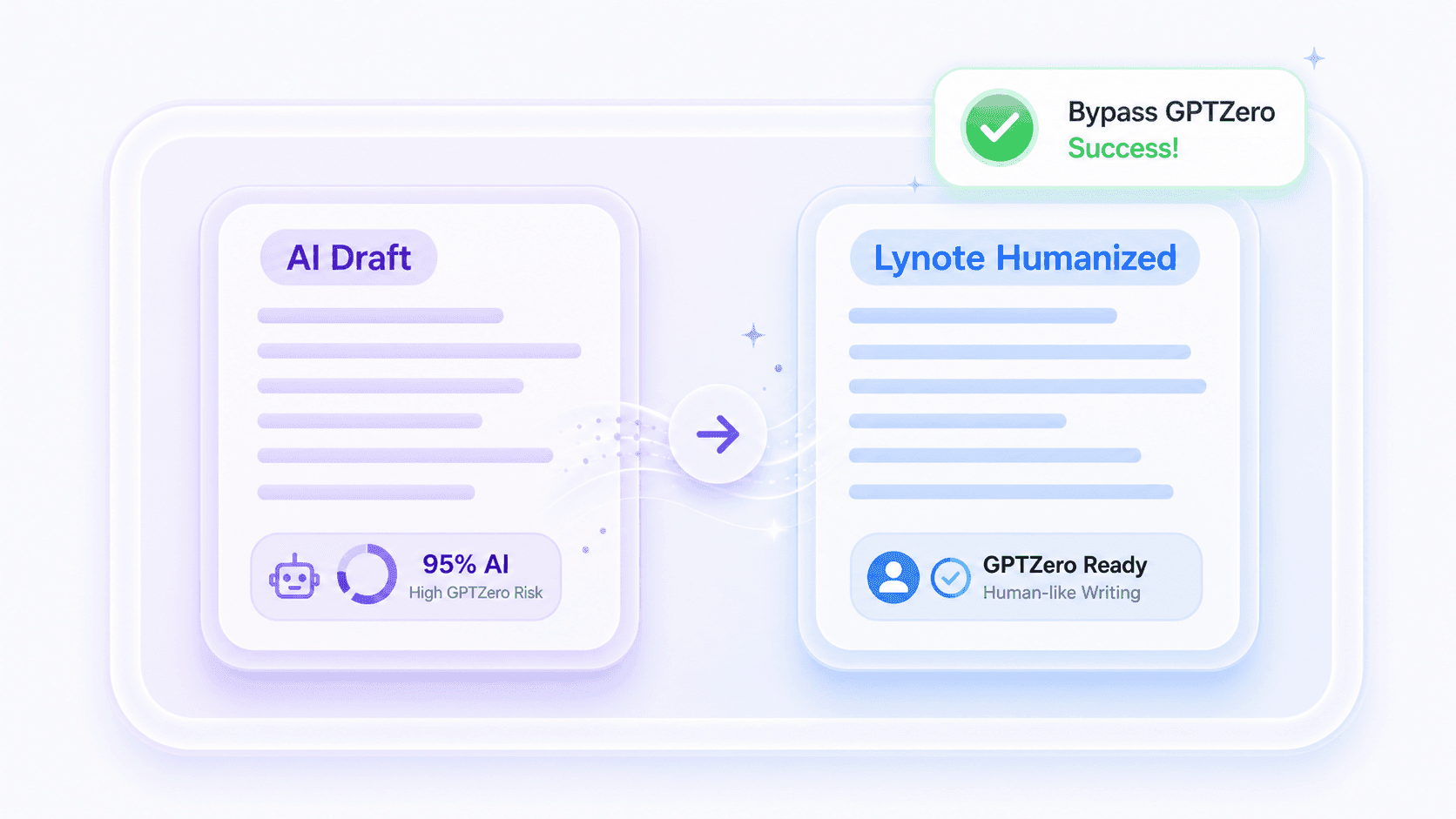
AI content detectors are everywhere, from school platforms to client review tools, and they can wrongly flag your writing as machine-generated. Even when your ideas are strong, AI traces in the phrasing can still raise red flags. That is where Lynote helps: it rewrites your text to sound fully human, so it feels safer for submissions, publishing, and sharing anywhere.
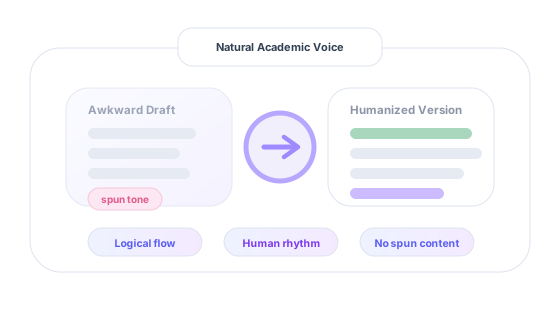
Many AI rewriters create text that feels even more suspicious because the wording becomes strange, padded, or unnatural. ByPass AI focuses on believable sentence movement, clearer phrasing, and a more grounded academic voice.
Lynote rewrites AI-assisted text into smoother, more human-sounding content that feels authentic to readers and more suitable for online publishing. With clearer phrasing, stronger readability, and fewer obvious AI signals, your content is better positioned for engagement, trust, and long-term SEO value.
The result is writing that feels more original in rhythm and delivery, while still preserving the meaning of your draft.
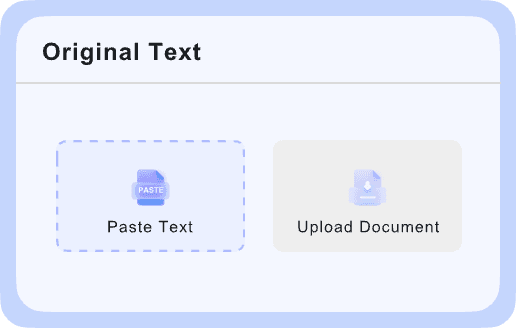
Add your AI-generated text to the editor or upload a DOC, DOCX, PDF, or TXT file so Lynote can analyze the wording, structure, and tone of the draft.

Start the rewrite and let Lynote Bypass reduce robotic phrasing, repetitive structure, and obvious AI-style patterns while preserving your original meaning.
Get a more natural, human-sounding version in seconds, then review, copy, or download the final text for your next use case.
See how Lynote Bypass AI transforms stiff, AI-generated text into more natural, human-sounding writing by reducing obvious AI detector signals while preserving the original meaning.
Original AI drafts may read smoothly, but they often sound predictable and machine-written. This side shows the text before Lynote improves the wording, rhythm, and flow.
Lynote Bypass is built for natural rewrites, stronger meaning preservation, and detector-aware academic workflows. Here is how the product positions itself for users comparing options for AI detector-focused rewriting.
| Features | Lynote AI | Humanizer AI | AI Humanize | SuperHumanizer | WriteHuman | WalterWrites | GPTHuman | Undetectable AI | StealthWriter | Decopy AI |
|---|---|---|---|---|---|---|---|---|---|---|
| Human Score | 99%+ | 85% | 92% | 90% | 87% | 95% | 85% | 83% | 91% | 88% |
| Turnitin | Yes | Yes | Yes | No | No | Yes | No | No | Yes | No |
| GPTZero | Yes | No | Yes | No | Yes | Yes | No | No | No | Yes |
| Originality.ai | Yes | No | No | Yes | No | No | Yes | No | Yes | No |
| Multilingual Support | 50+ | 50+ | 30+ | Not listed | Not listed | 50+ | Not Listed | 20+ | 10+ | 50+ |
| Built-in AI Detector | Yes | Yes | No | No | Yes | Yes | No | Yes | Yes | Yes |
| Plagiarism-Free Output | Yes | Yes | No | No | Yes | No | No | Yes | No | No |
| Meaning Preservation | High | Good | Good | Natural | Good | High | Good | Natural | Good | Good |
| Processing Speed | Fast (<30s) | Moderate | Fast | Moderate | Moderate | Moderate | Fast | Slow | Moderate | Slow |
| Free Trial | 300 Words | 200 words | Not listed | Not listed | 250 Words | Not listed | 300 Words | Not listed | Not listed | Not listed |
This comparison reflects Lynote's own review and is for general reference only. Product details may change or be incomplete, so it should not be treated as fully authoritative.

Turn AI-assisted notes, chapter summaries, and review materials into clearer, more natural writing that is easier to understand and remember.
Turn AI-assisted notes, chapter summaries, and review materials into clearer, more natural writing that is easier to understand and remember.

Rewrite AI-generated blog posts, landing pages, and product copy into human-sounding content that improves readability while keeping important keywords intact.
Rewrite AI-generated blog posts, landing pages, and product copy into human-sounding content that improves readability while keeping important keywords intact.

Refine scholarship essays, application drafts, and self-introductions so they sound more authentic, personal, and less obviously AI-written.
Refine scholarship essays, application drafts, and self-introductions so they sound more authentic, personal, and less obviously AI-written.

Humanize AI-assisted video scripts, podcast outlines, and talking points to make them sound more conversational and engaging.
Humanize AI-assisted video scripts, podcast outlines, and talking points to make them sound more conversational and engaging.
Rewrite AI-generated proposals and presentations into clearer, more polished business writing that feels credible and professional.
Rewrite AI-generated proposals and presentations into clearer, more polished business writing that feels credible and professional.
Turn generic AI-generated captions into smoother, more natural content that better matches your tone and audience.
Turn generic AI-generated captions into smoother, more natural content that better matches your tone and audience.

Use Bypass AI to rewrite study notes, essays, and discussion drafts into more natural writing that feels clearer and more human.

Humanize AI-generated articles, landing pages, and website copy to improve readability, trust, and search-friendly publishing quality.

Turn AI-assisted scripts, captions, and content drafts into smoother, more natural writing that better matches your voice.

Polish AI-generated proposals, emails, and client deliverables into writing that feels more personal, professional, and credible.

Refine resumes, cover letters, and personal statements so they sound more authentic and less obviously AI-generated.

Improve fluency, sentence flow, and clarity while keeping the original meaning intact and making the text sound more natural.
Created by the Lynote team, this is a practical AI Bypass handbook designed to help you understand and use AI rewriting tools more effectively.
This walkthrough shows how Lynote ByPass rewrites robotic AI phrasing, preserves your meaning, and helps transform stiff drafts into more natural writing before AI detector review.

Graduate Student

Lynote AI ByPass helped me rewrite AI-assisted essays into more natural writing. It feels much safer for bypass AI detector checks, and the final result still sounds like my own work.

Freelance Writer
What I liked first was that Lynote offers an AI bypass free workflow to test quickly. I could paste a draft, get a smoother rewrite, and see the difference without wasting time.

SEO Content Strategist
I’ve tested several tools, but Lynote is one of the few that can actually help bypass AI detector signals without making the text awkward. The rewrite feels clean, readable, and usable.

Content Creator
It is hard to find an AI bypass free tool that still gives readable output. Lynote did a much better job than I expected, especially for captions and short content drafts.

Blog Editor
Lynote works well as an AI detection remover when a draft feels too robotic. It softens repetitive wording and removes the obvious machine-written tone that usually stands out right away.

Agency Founder
We use Lynote as an AI detection remover for first-pass cleanup before final editing. It helps our team turn stiff AI drafts into more natural content without losing the original message.
Have questions about bypassing AI detectors with Lynote? We’ve got all the answers. Reach out anytime if you can’t find the info you need.
Yes. Lynote offers a free ByPass AI Detector workflow that lets you rewrite AI-generated text into more natural, human-sounding content online. You can paste text or upload a file, generate a cleaner rewrite, and review the result in just a few steps.
No sign-up is required for basic use. You can paste or upload your draft, run the rewrite, and review the output without going through extra setup.
Lynote identifies the patterns that make AI-generated writing feel machine-written, such as repetitive phrasing, predictable structure, awkward transitions, and flat rhythm. It then rewrites those areas into smoother, more natural text while keeping the original meaning intact.
Yes. Lynote Bypass can help make academic and SEO-focused drafts sound more natural while keeping important meaning, structure, and keywords intact.
Yes. Lynote is designed to reduce common AI-writing patterns such as repetitive phrasing, predictable structure, and overly robotic tone. It helps make text sound more natural, although results can still vary across different AI detectors.
Yes. Lynote processes your text and uploaded files with privacy in mind. Your content is used only to generate the rewritten result and is not shared with third parties.
Yes. Rewriting AI-generated content into more natural language can improve readability, user experience, and content quality. Lynote also helps preserve important keywords, although SEO performance still depends on factors like search intent, originality, structure, and overall value.
Yes. Lynote supports AI text rewriting in more than 80 languages, helping users improve grammar, flow, and naturalness across multilingual content.
An online workflow makes it easier to rewrite AI-generated text quickly without installing extra software. With Lynote, you can paste or upload your draft, generate a more human-sounding version, and review the result in seconds.