French Audio to Text Converter Online

Drop files or browse

Add study materials to enable the AI to extract and structure content.



Why Use Lynote for French Audio to Text?
Convert French audio to editable text, then review, translate, summarize, and reuse the transcript in one focused workflow.

French Audio Transcription
Convert French recordings from lectures, interviews, podcasts, meetings, voice notes, and videos into clear, editable text.

Editable French Text
Review the generated French transcript, then correct names, terminology, punctuation, or phrasing before using it.

French and English Review
Keep an editable French source transcript and translate the text into English when you need a bilingual workflow.

Simple Online Audio Upload
Upload French audio in your browser without installing traditional transcription software.

MP3 and Common Formats
Work with MP3, WAV, M4A, MP4, MOV, and other supported audio or video sources.

AI Summaries and Chat
Ask questions, summarize long French recordings, and identify useful information after transcription.

Long Recording Support
Process lectures, webinars, podcasts, meetings, and extended interviews without typing every word manually.

Secure File Processing
Your recordings are processed securely and are never used to train AI models.
Convert French Audio Files Into Editable Text
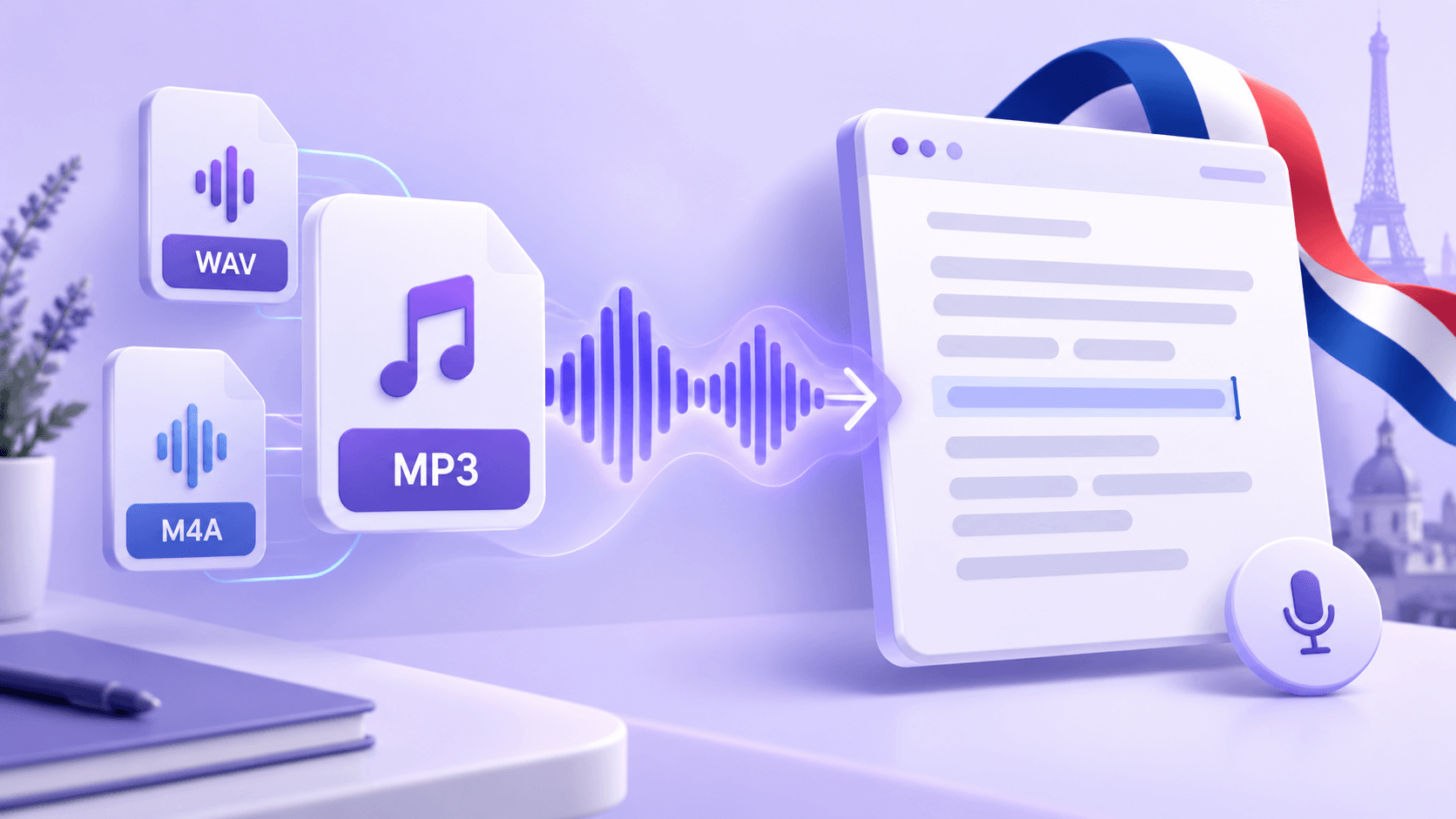
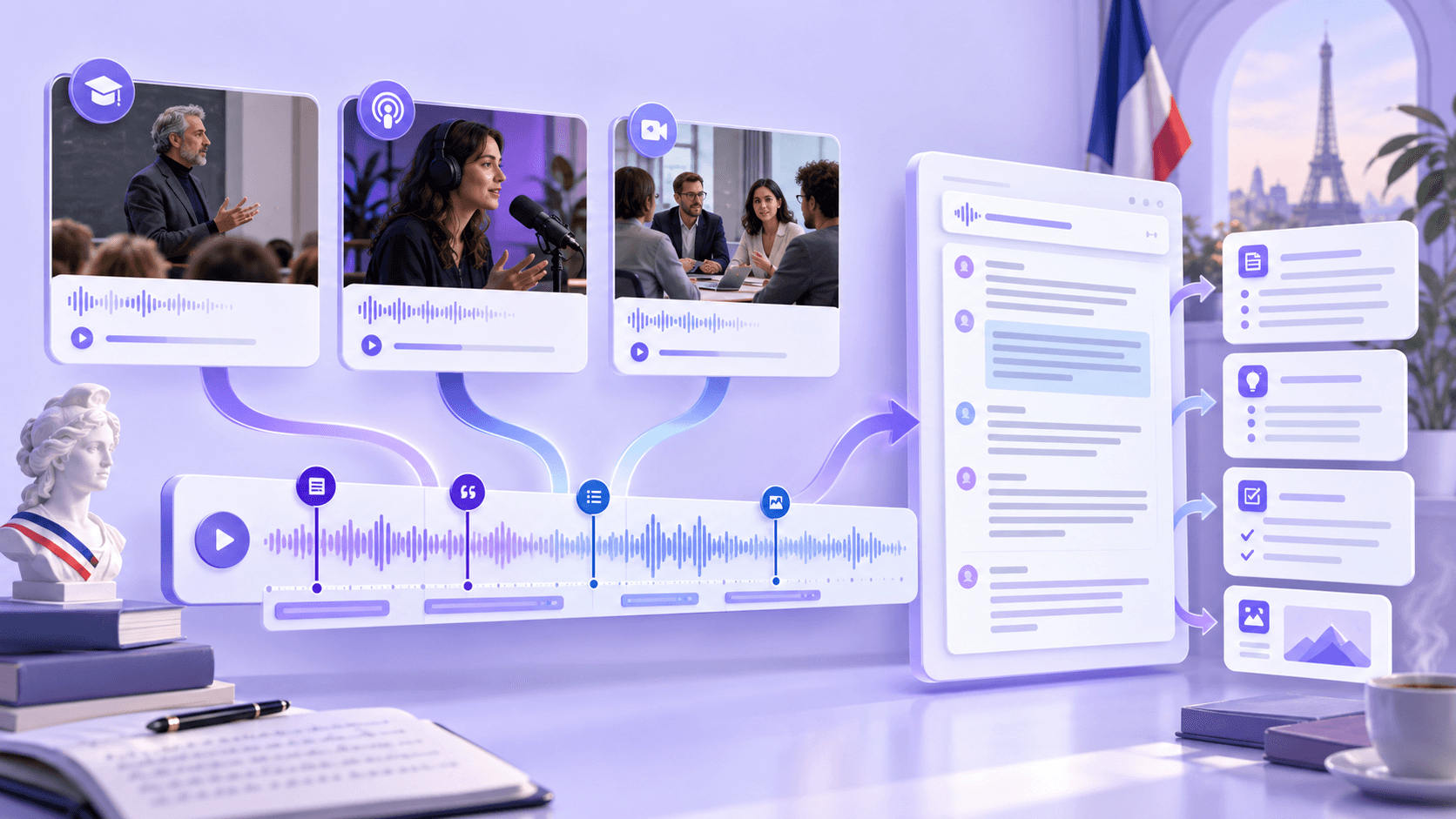
Upload French lectures, interviews, podcasts, meetings, or voice notes in formats such as MP3, WAV, M4A, MP4, and MOV. Lynote converts the spoken content into an editable transcript without requiring a separate file conversion step.
Review French Speech With Clear AI Transcription
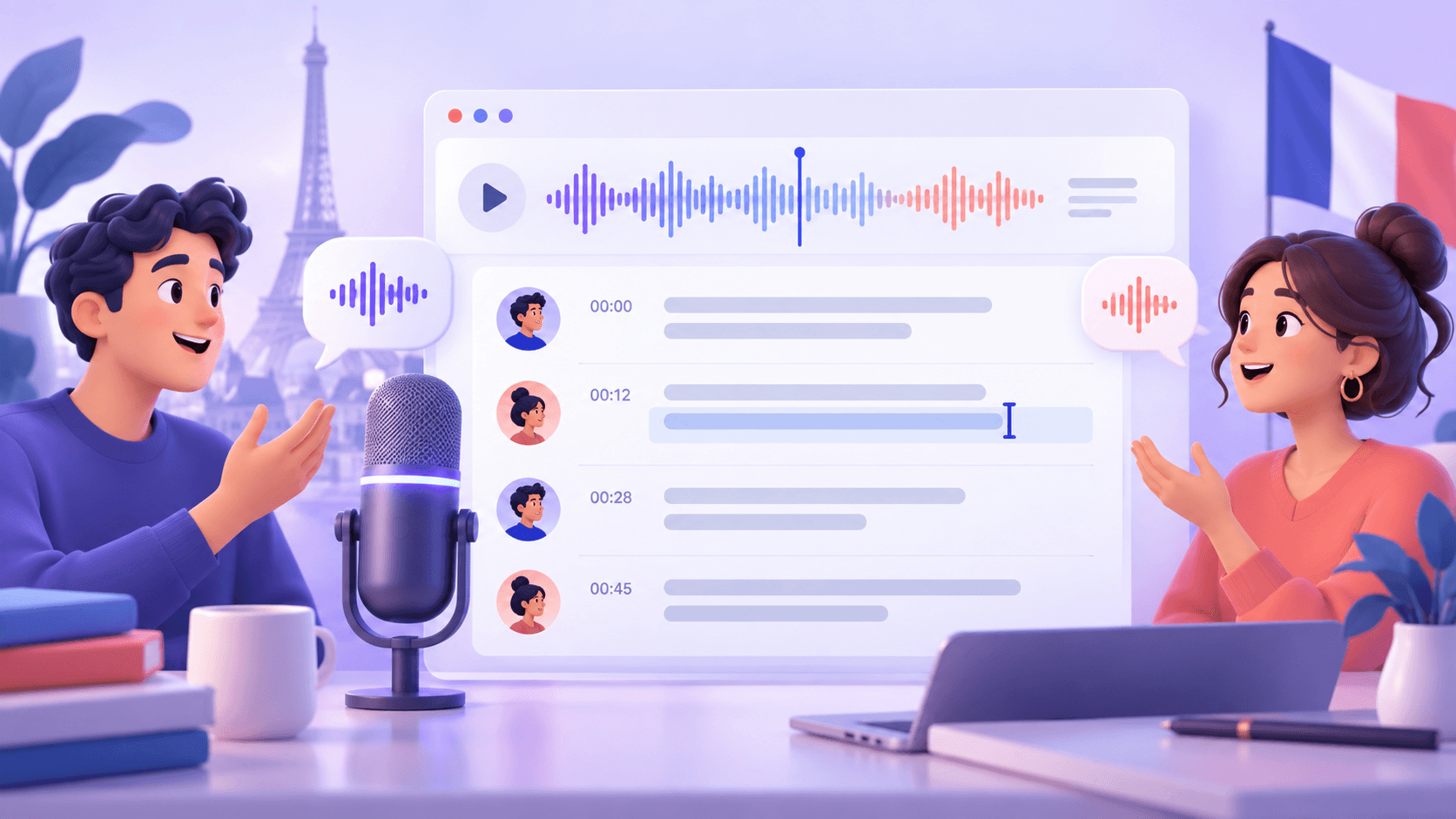
Generate readable French text with speaker context for interviews, meetings, discussions, and podcasts. Review and edit names, terminology, punctuation, or wording before using the transcript.
Ask Questions About Your French Recording
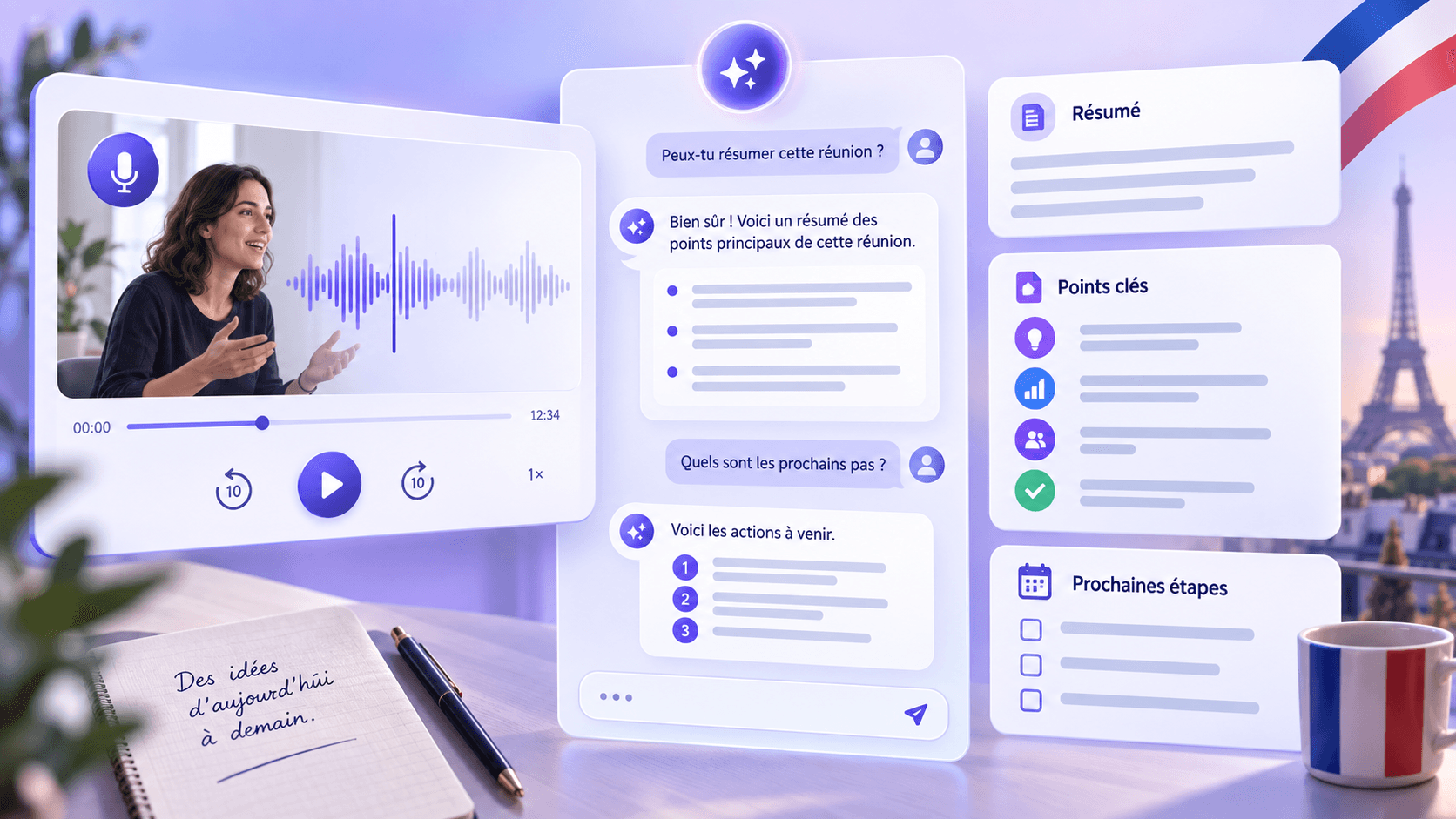
Go beyond basic transcription by asking questions about your French recording. Generate summaries, clarify ideas, and identify useful details without replaying the complete audio.
Handle Long French Lectures, Interviews, and Podcasts
Process long French recordings and continue from transcript to structured notes, translation, sharing, or content reuse. This workflow is useful for study, research, journalism, and professional documentation.
How to Convert French Audio to Text Online
Step 1. Upload Your French Audio
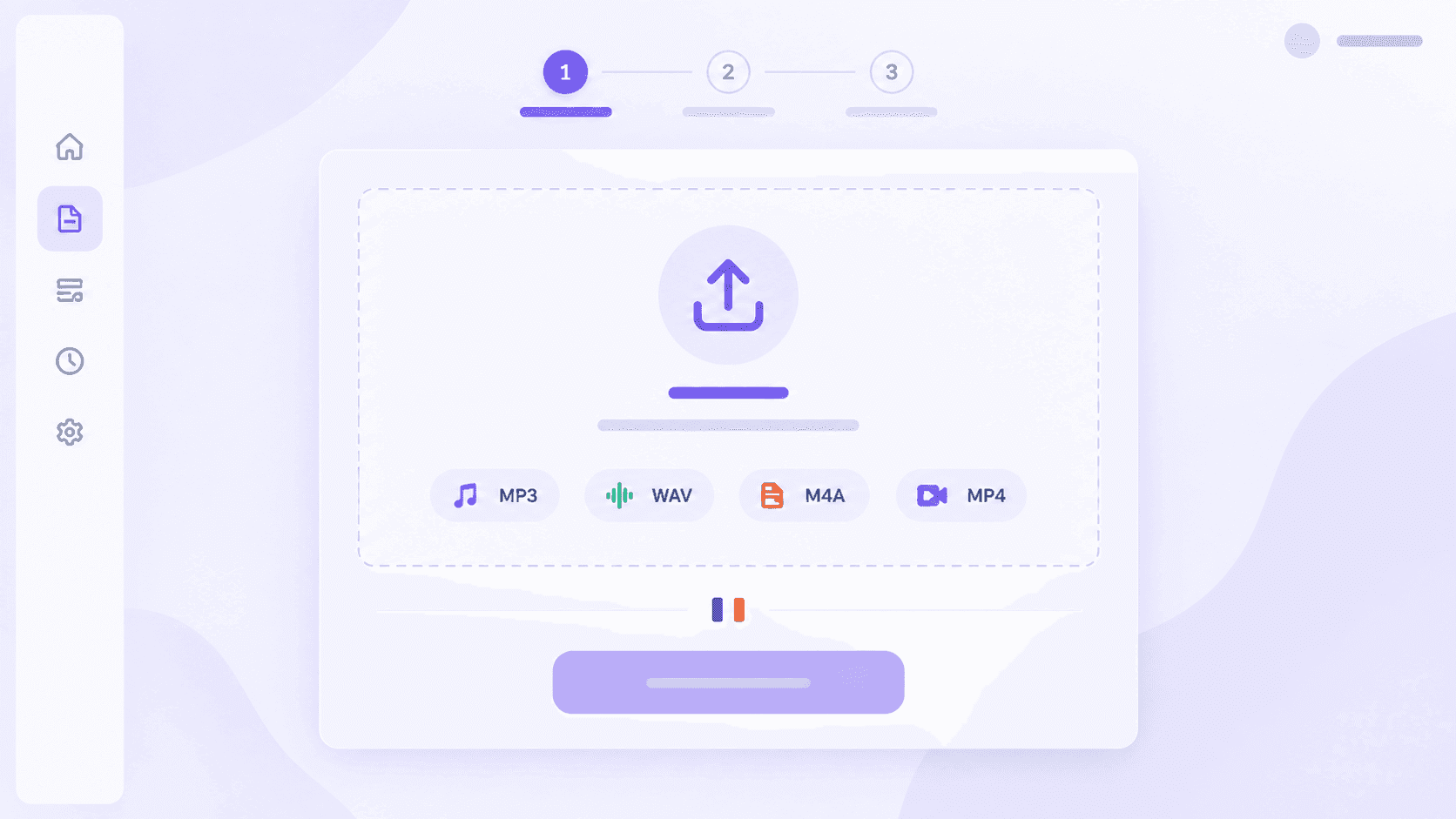
Choose an MP3, WAV, M4A, MP4, MOV, or another supported file. You can also paste a YouTube link when the French speech comes from online content.
Step 2. Generate the French Transcript
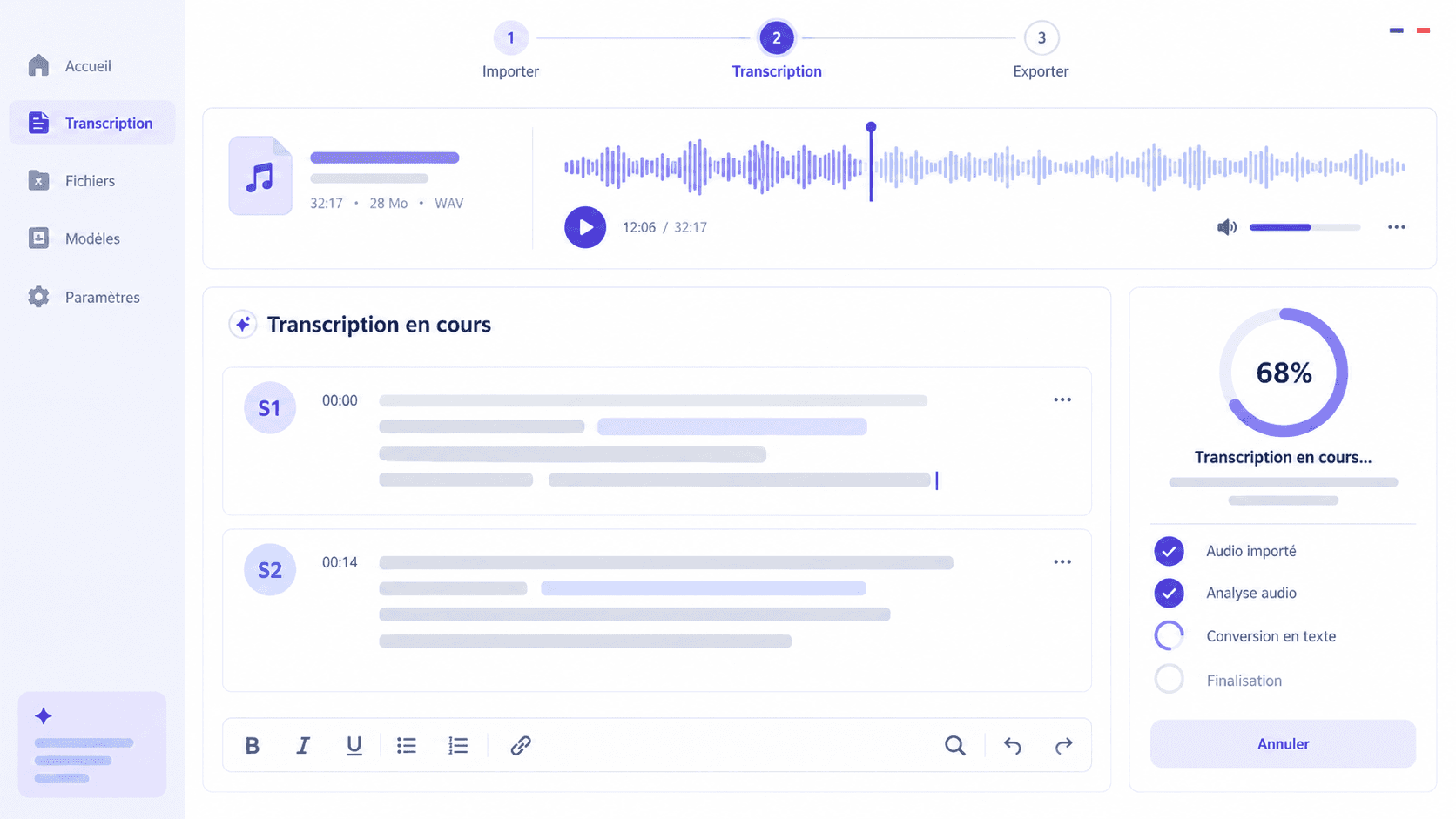
Start the conversion and let Lynote organize the spoken French into readable text with speaker context for multi-person recordings.
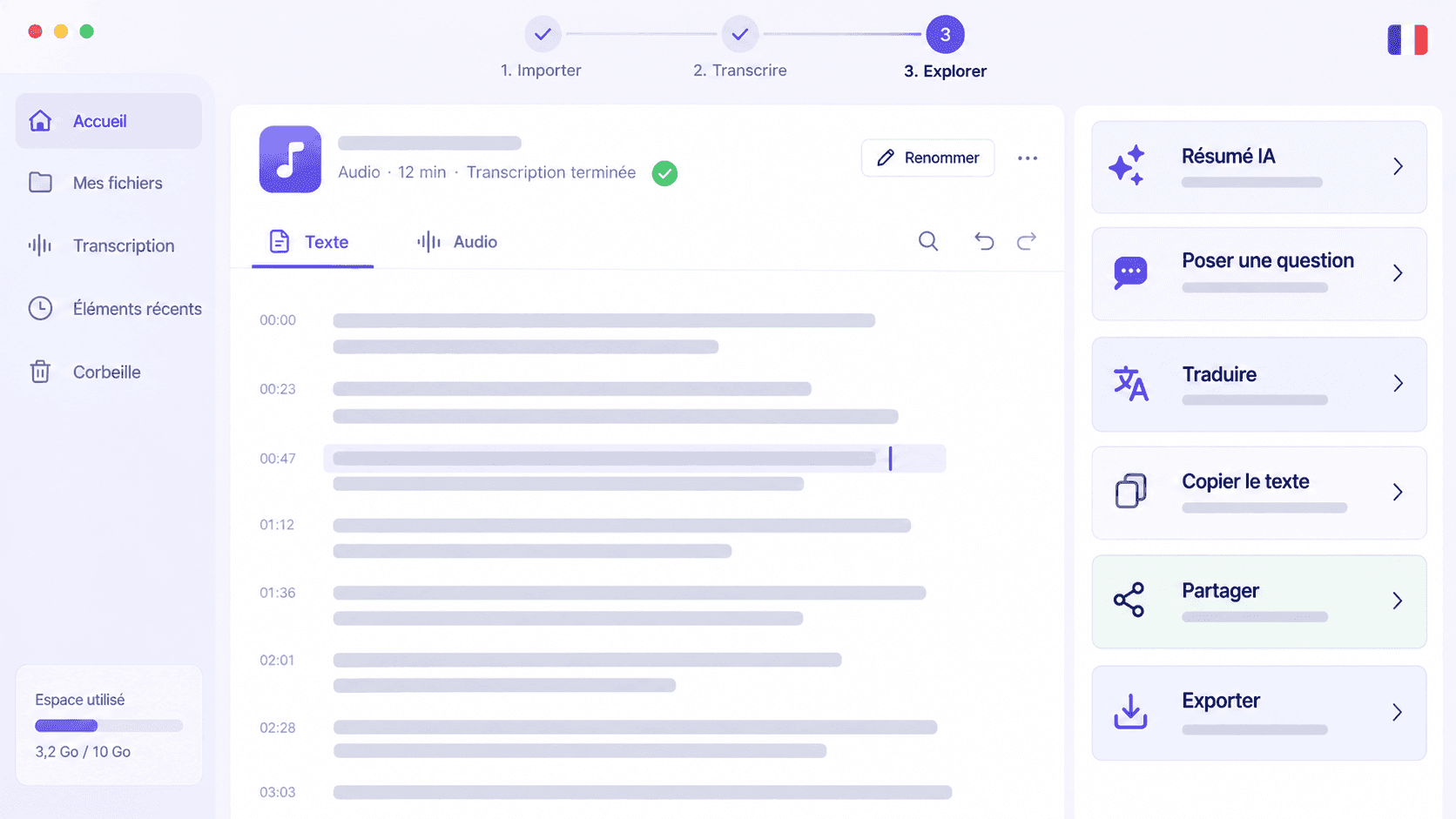
Step 3. Review, Ask, Translate, or Export
Review and edit the transcript, then ask questions, create a summary, translate the text, copy it, share it, or organize it into notes.
Who Can Use a French Audio to Text Converter?

Students
Convert French lectures, recorded lessons, and study materials into editable text, summaries, and structured notes for review.

Journalists
Transcribe French interviews, press recordings, and voice notes, then review statements and verify quotations against the source.

Content Creators
Turn French videos, commentary, and recorded ideas into transcripts for articles, descriptions, social posts, and content planning.

Researchers
Convert French interviews, oral histories, and recorded discussions into text that is easier to review and organize.

Professionals
Document French meetings, calls, webinars, training sessions, and voice notes without manual transcription.

Podcasters
Create editable text from French podcast episodes and reuse the transcript for summaries, show notes, and written content.
How People Use Lynote for French Audio Transcription

Podcast Producer

“I use Lynote to transcribe podcast episodes and interviews every week. The transcripts are clean, accurate, and much faster than doing it manually.”

University Student
“I upload recorded lectures and convert them into text for review. It saves a huge amount of time before exams.”

Journalist
“Transcribing interviews used to take hours. Now I can quickly search the transcript and pull important quotes almost instantly.”

Marketing Manager
“We use it to transcribe meetings and webinars for internal notes and content planning. The transcripts are easy to edit and share.”

Research Assistant
“I work with long interview recordings, and Lynote makes them much easier to review. Being able to search the transcript is incredibly useful.”

Content Creator
“I turn video and audio recordings into text for captions, blogs, and summaries. It helps me repurpose content much faster.”
French Audio to Text Converter FAQs
Find clear answers about French audio transcription, file formats, translation, editing, privacy, and free online access.
Upload a supported French audio or video file to Lynote, then start the transcription process. Once the text is ready, you can review, edit, summarize, translate, copy, share, or export it.
Yes. You can start with Lynote online and transcribe French audio to text free within the available free usage. Exact usage may depend on your account and current plan.
Lynote supports popular audio formats including MP3, WAV, and M4A, as well as video formats such as MP4 and MOV. You can also paste a YouTube link for supported online content.
Lynote can first generate an editable French transcript and then help translate the text. This lets you review the original content before relying on the translated version.
Yes. You can review and edit the generated transcript to correct names, terminology, punctuation, or other details before copying, sharing, translating, or exporting it.
Yes. Lynote is designed to handle long-form content such as lectures, podcasts, meetings, interviews, and webinars. Processing time can vary depending on the recording and file size.
Lynote provides speaker-aware transcription to make multi-person recordings easier to follow. Results can depend on recording quality, background noise, and overlapping speech.
Use a clear recording, place the microphone close to the speakers, reduce background noise and echo, and avoid overlapping speech. Review names, technical terms, punctuation, and French accents afterward.
No traditional desktop installation is required. Open Lynote in a supported browser, upload your source, and continue working with the transcript in the same online workspace.
Your files are processed securely and are never used to train AI models. Make sure you have permission before uploading recordings that include other speakers or confidential information.
From French Audio to Your Next Finished Task

Learn More From Every French Recording
Explore practical guides for cleaner recordings, stronger transcripts, language learning, AI summaries, and turning spoken French into useful notes.