Preparing for a midterm?
Use the AI Study Guide Maker to organize your notes around the topics on the exam outline. For each topic, pick one question you could reasonably be asked to answer without notes.


Turn your notes and slides into a step-by-step plan so you know what to study first and what comes next.
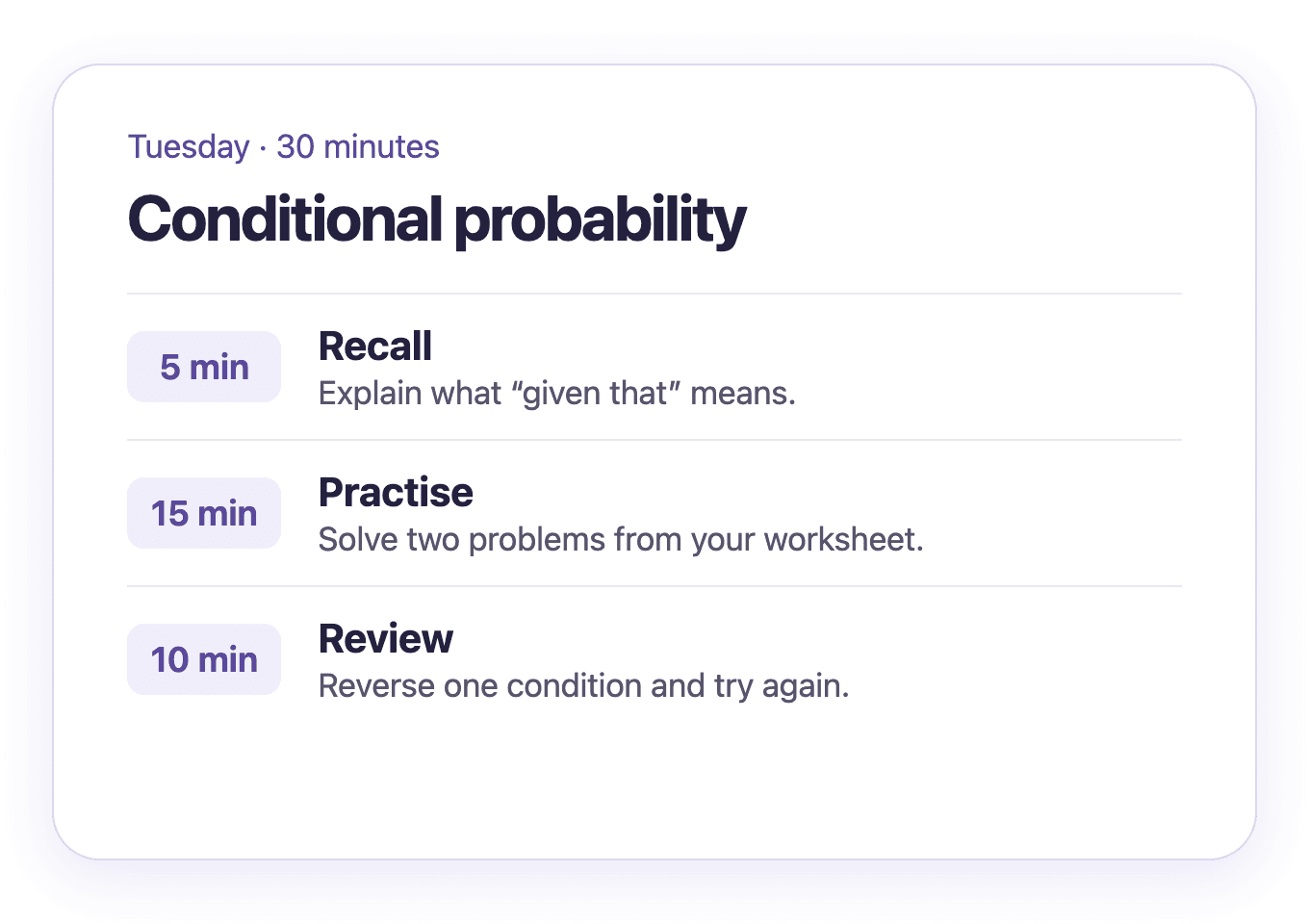
A study plan lays out what to learn, when to practise, and how to check your progress. Start with one goal you can finish in a single session.
For a statistics midterm, that might mean spending half an hour on conditional probability: recall the rule, solve two problems, then revisit the one that gave you trouble.
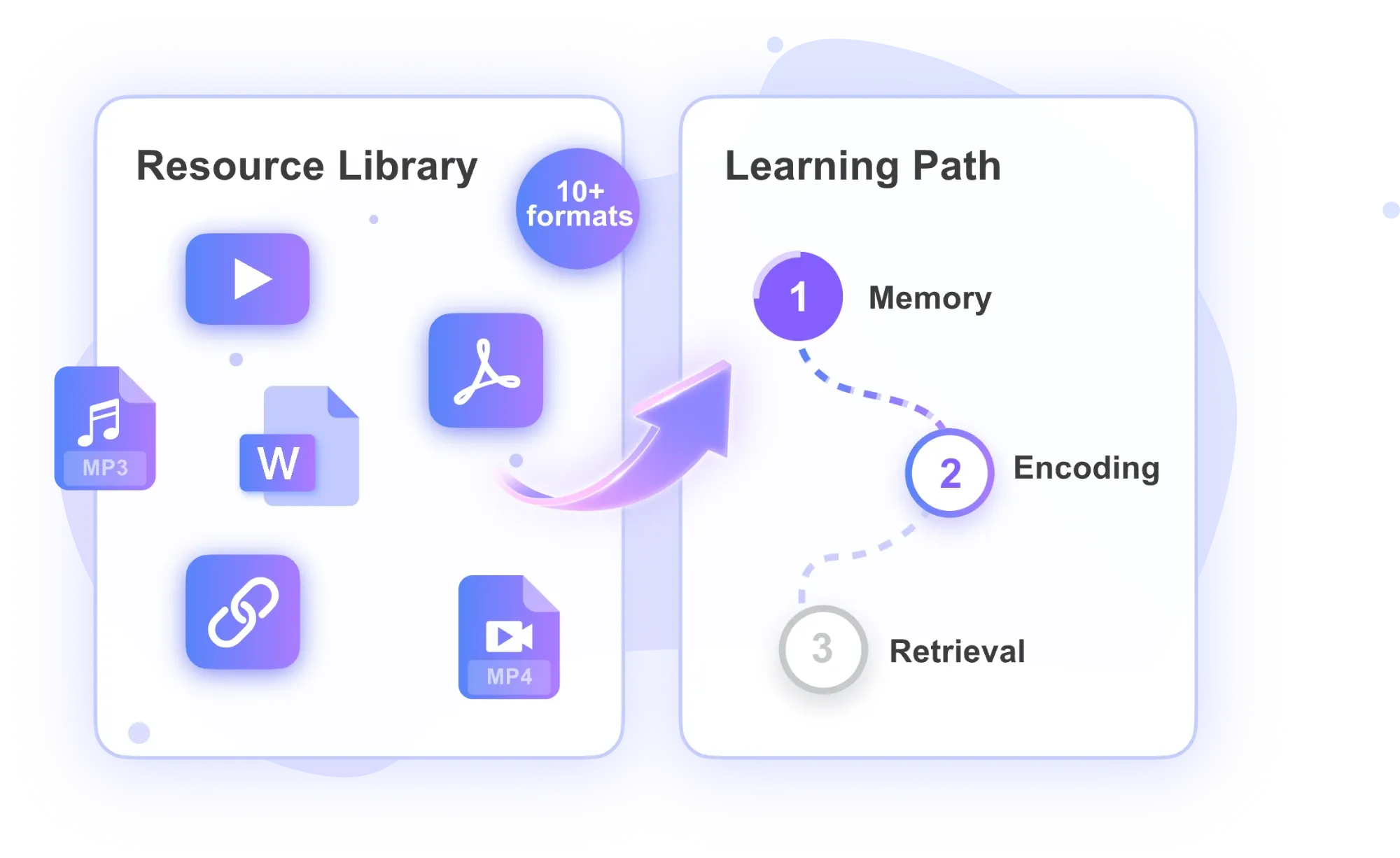
Add the slides, notes, and readings for one course. When your sources are ready, click Generate Learning Path to start building your study plan. Sign in if prompted.
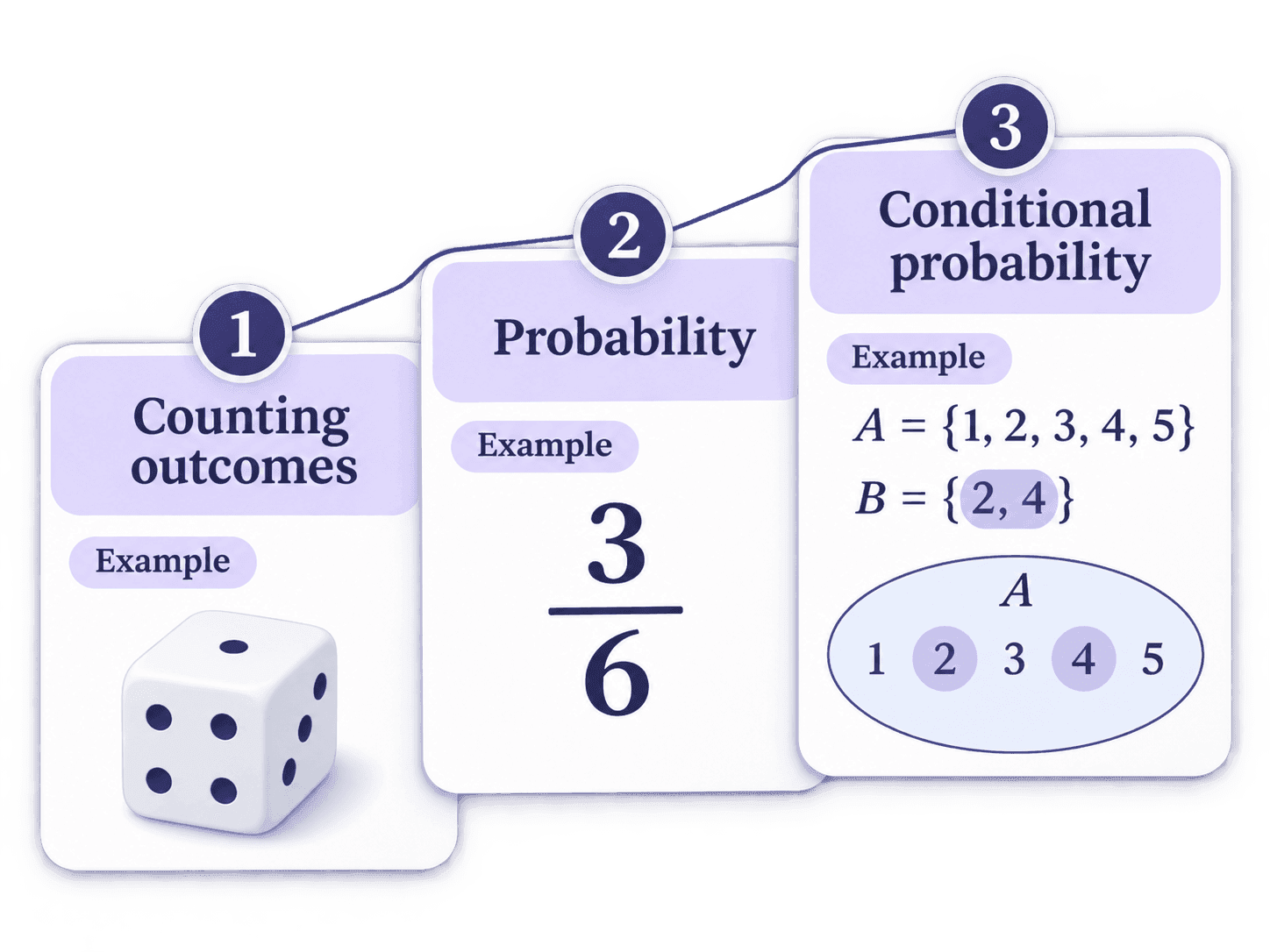
The topics in your course give your study plan its shape. In a probability unit, you might start by counting outcomes, use those counts to calculate probabilities, then narrow the group you count when you learn conditional probability. Explore the AI Learning Path Generator to see how course materials fit into a chapter-by-chapter learning path.
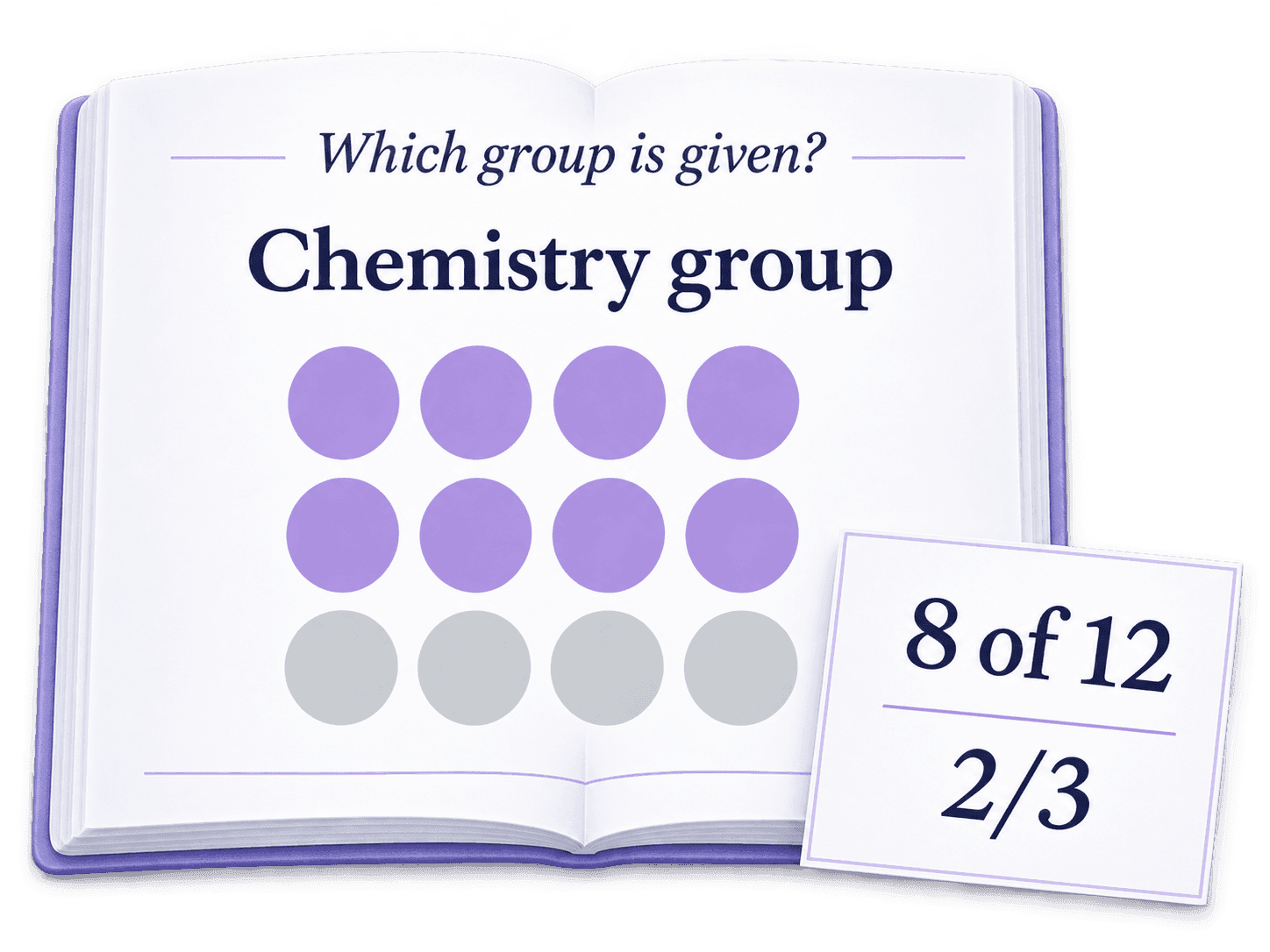
End today’s session with a question about the topic you just studied. If 12 students take chemistry and 8 of those students also take biology, what fraction of the chemistry students take biology? Try it before checking: 8 out of 12, or two-thirds. If you chose a different denominator, start tomorrow by identifying the group after “given that.” For more questions on this topic, use the AI Quiz Generator with your lecture notes.
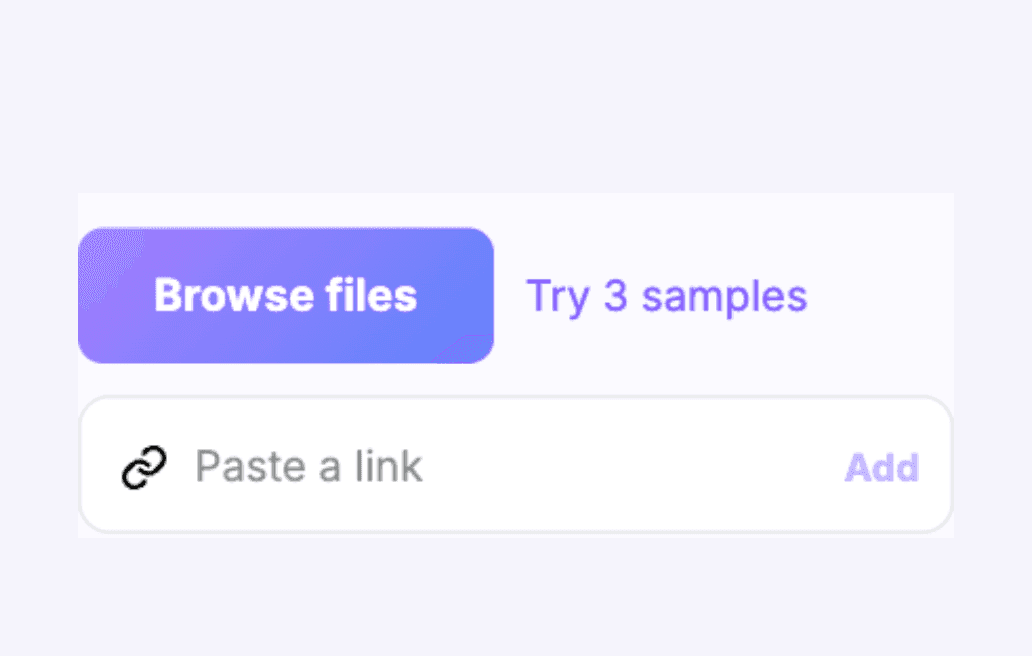
In the Resource Library, choose Browse files to add course notes or slides. To include a lecture or reading from the web, choose Paste a link , enter the URL, and select Add .
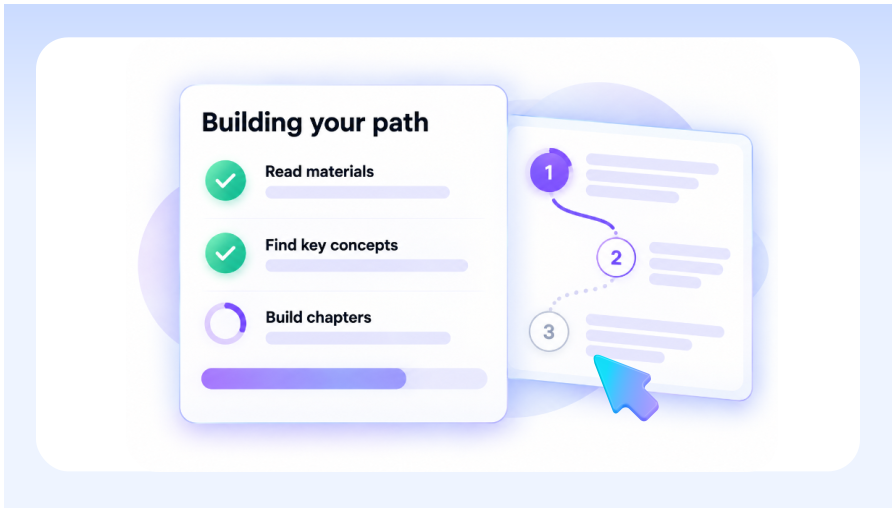
When your sources are ready, select Generate Learning Path . If you’re signed out, sign in when prompted.
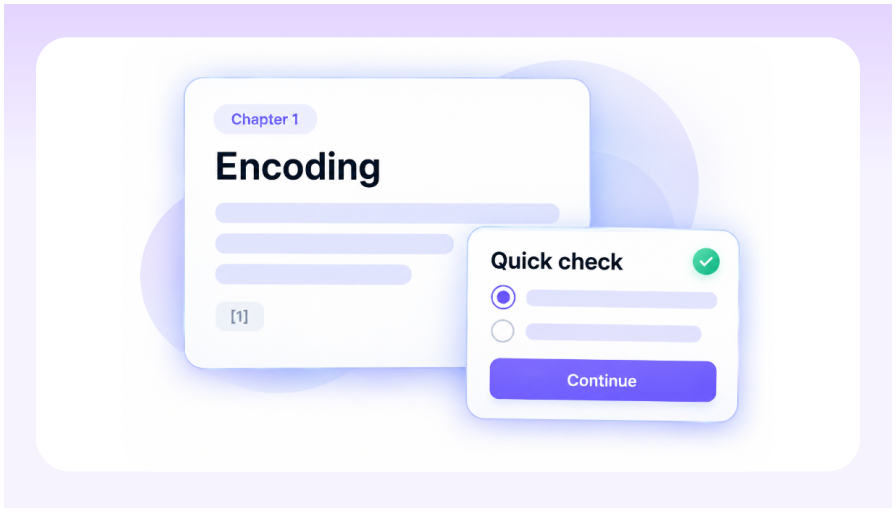
Once your plan is ready, open the first chapter. Review its key concepts, then try the chapter quiz to see which ideas you want to revisit.
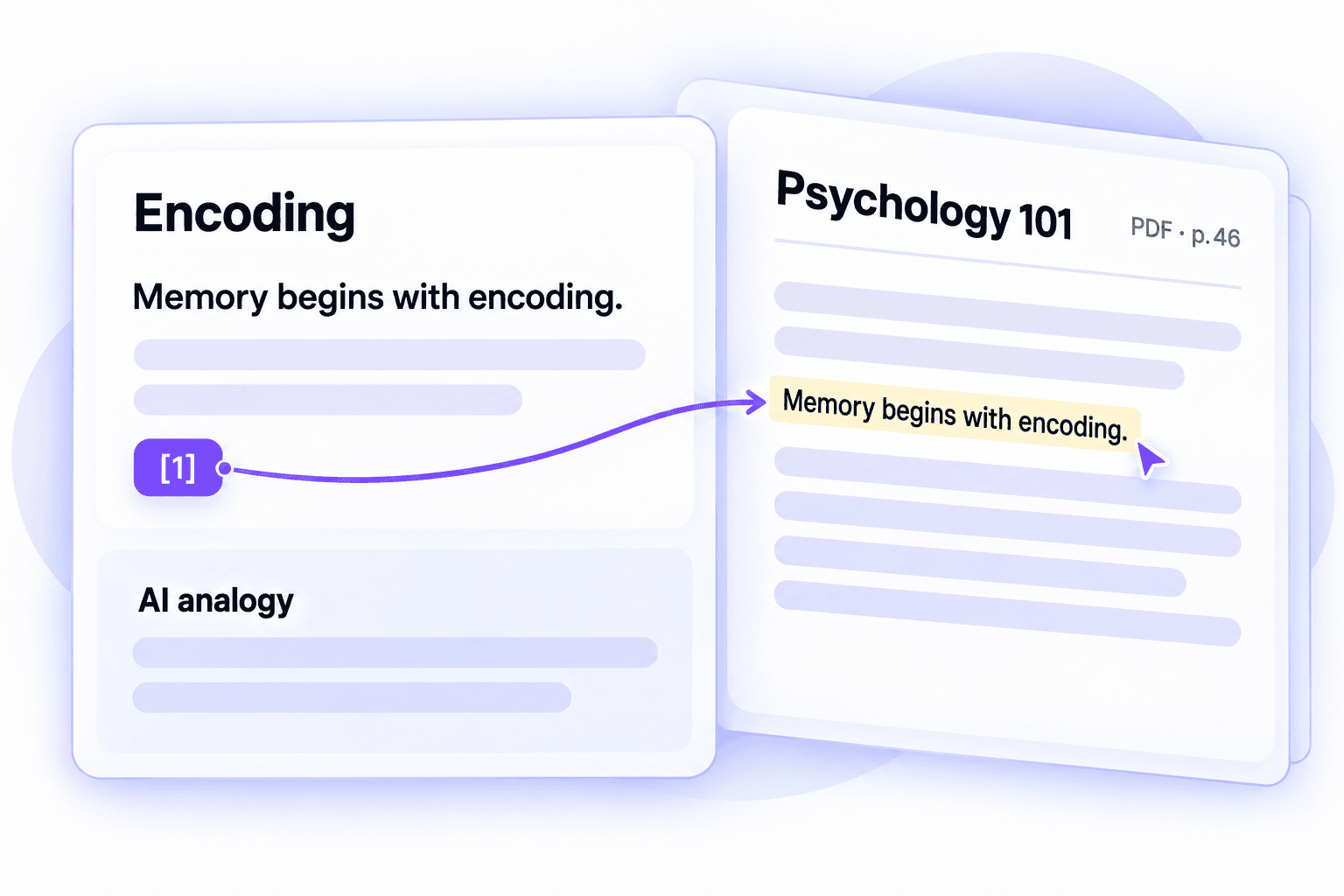
Your exam covers the examples, terms, and methods your instructor taught. Start with the topics on your syllabus, then use your lecture notes to see how each concept was explained in class.
Preparing for a midterm? Use the AI Study Guide Maker to bring those key ideas together for review.
Use the AI Study Guide Maker to organize your notes around the topics on the exam outline. For each topic, pick one question you could reasonably be asked to answer without notes.
Pair the lecture slides with the assigned reading. Start with the concept you need for the next assignment.
Pick a task you want to finish, such as interpreting a chart. Work backward to the concepts you’ll need and choose a source for each one.
Choose materials that belong to the same course unit or learning goal. A set of lecture slides, the corresponding reading, and a worksheet give you a useful starting point.
Yes. Choose the sample option in the Resource Library to see three example sources and their readiness status. Starting generation can prompt you to sign in.
A study guide collects the ideas you need to review. A study plan tells you in what order to tackle them and gives each study session a purpose. You can use the same guide across several sessions.
Work backward from the exam. Count the sessions you actually have, reserve one for review, then give the remaining sessions to topics you still need to learn. Add those sessions to your calendar.
Write down the specific step where you got stuck. Start your next session there with a new example, then revisit the topics that depend on it.