
Zero Width Space Copy & Paste (U+200B)
Copy U+200B for invisible word breaks, compare similar characters, and find the HTML code.
Copy Zero Width Space (U+200B)
Use Copy on the first row to get U+200B. Compare the other characters if you need a different kind of break or spacing.

Copy a Zero Width Space in One Click
Copy a zero width space (U+200B) with a click, ready to paste into your text. Skip the tricky selection of invisible text and avoid copying unwanted brackets or extra spaces.
For a blank character with visible width, compare our Hangul Filler tool.
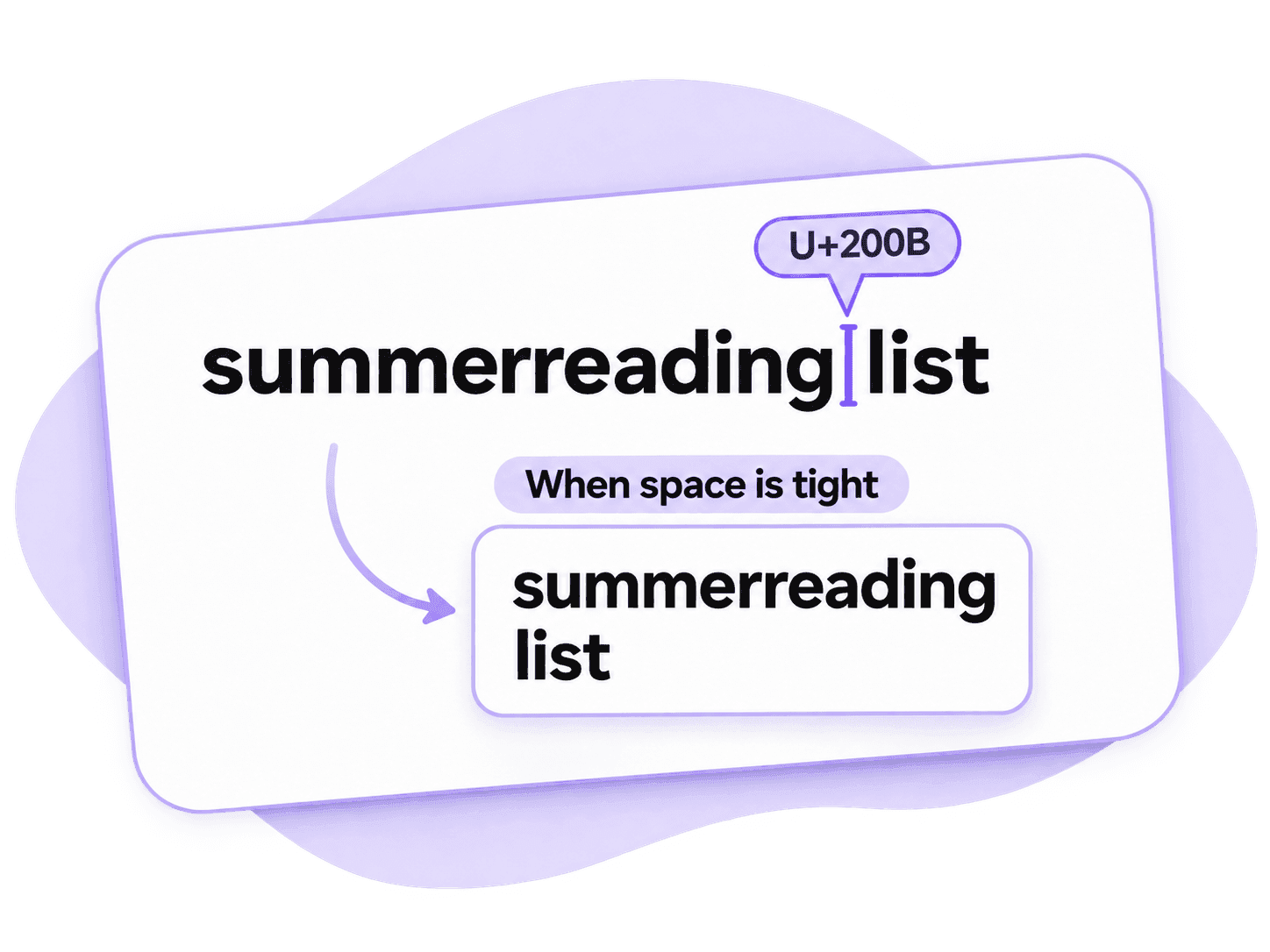
Help Long Text Wrap Without Adding Spaces
Give long labels or run-together words a better place to wrap in supported editors. A zero width space can keep your text readable on a narrow screen without adding a visible gap or hyphen.
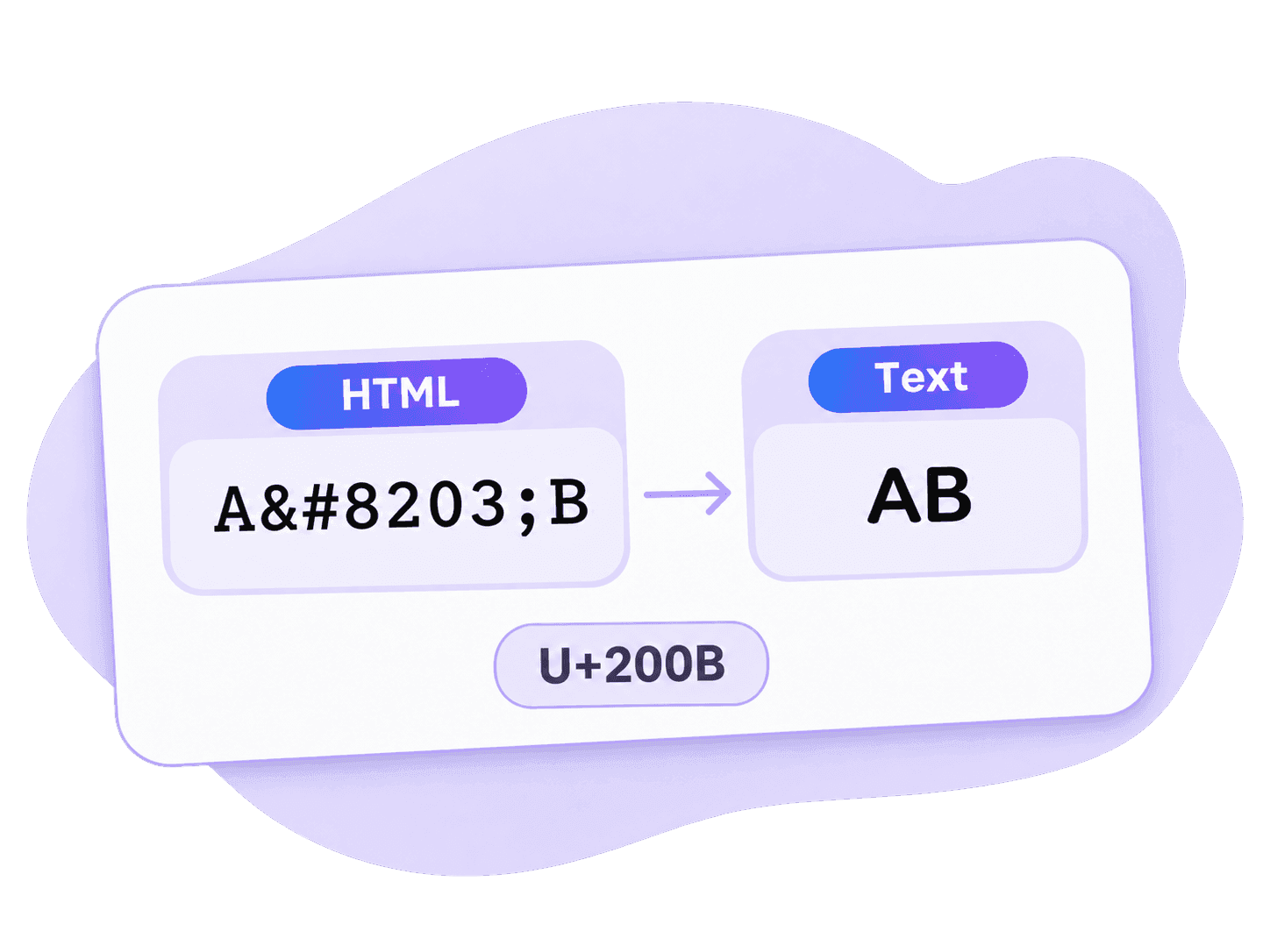
Use the Right Zero Width Space HTML Code
Add a zero width space in HTML with ​ or ​. Both represent U+200B.
Use the actual character in ordinary text fields so the reader sees your text, rather than a string of code.
How to Copy and Paste a Zero Width Space
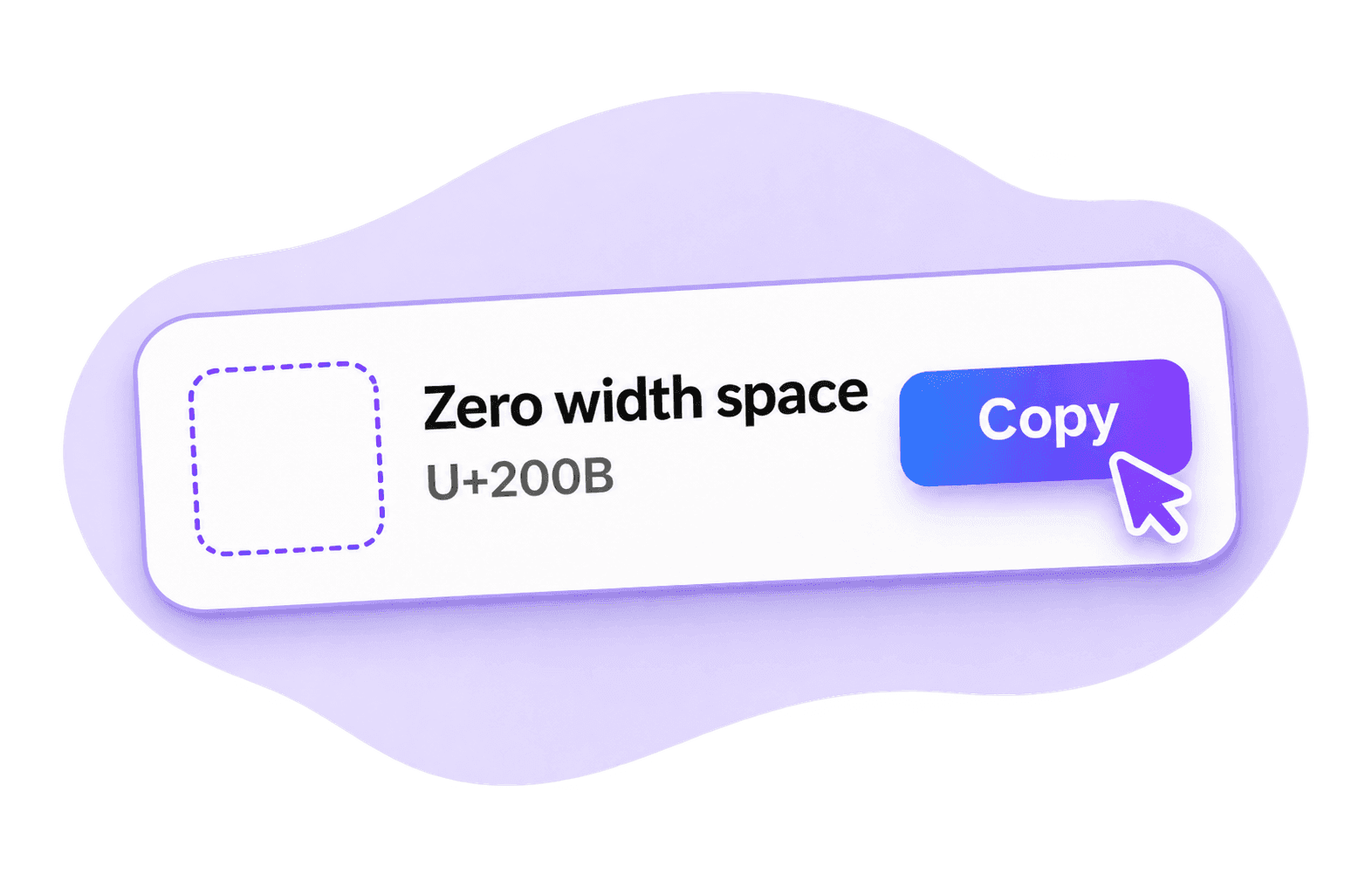
Step 1. Copy U+200B
Click Copy beside Zero width space (U+200B) in the first row.
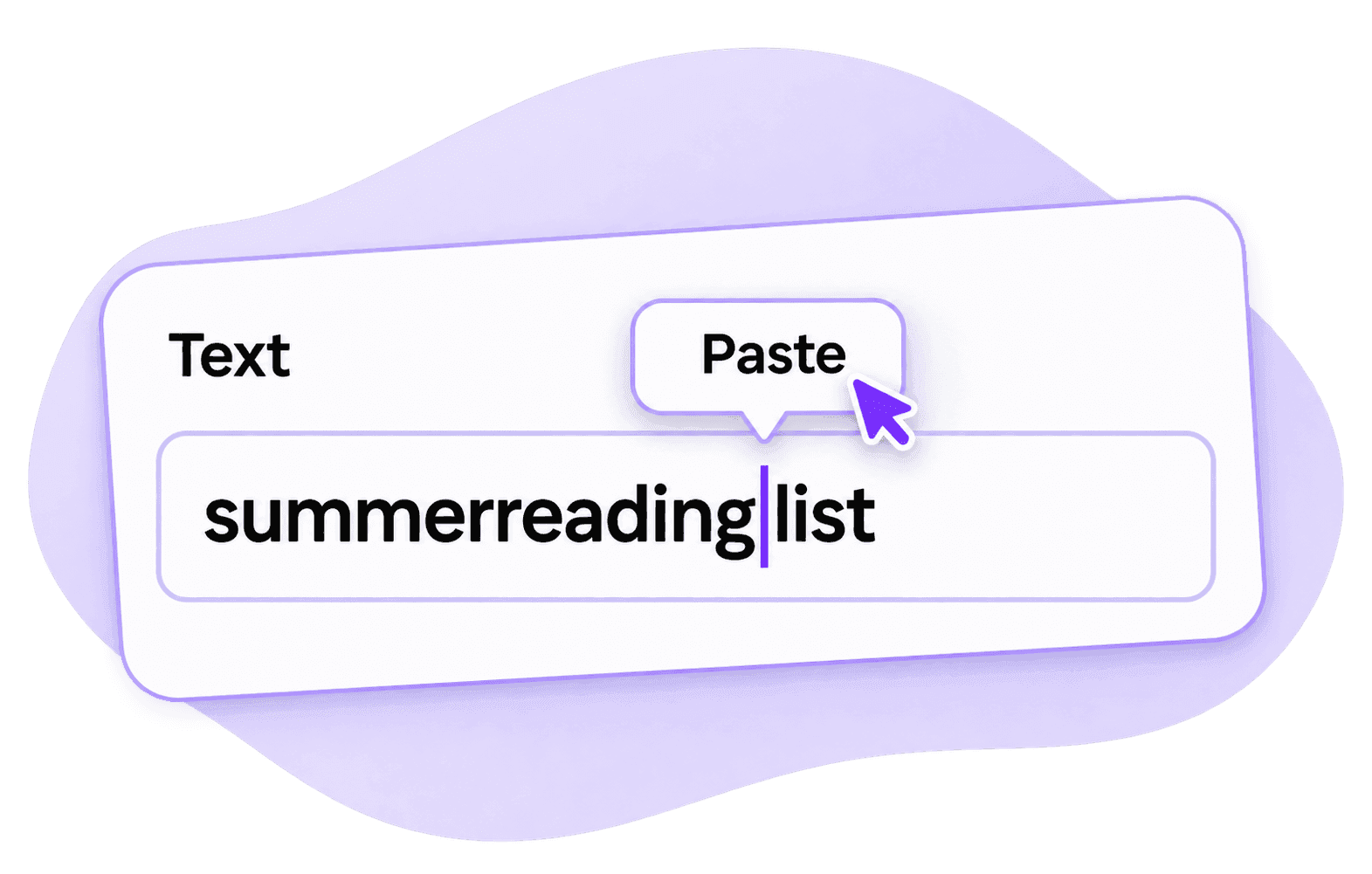
Step 2. Paste Into Your Text
Place the cursor where you want to allow a line break, then paste.
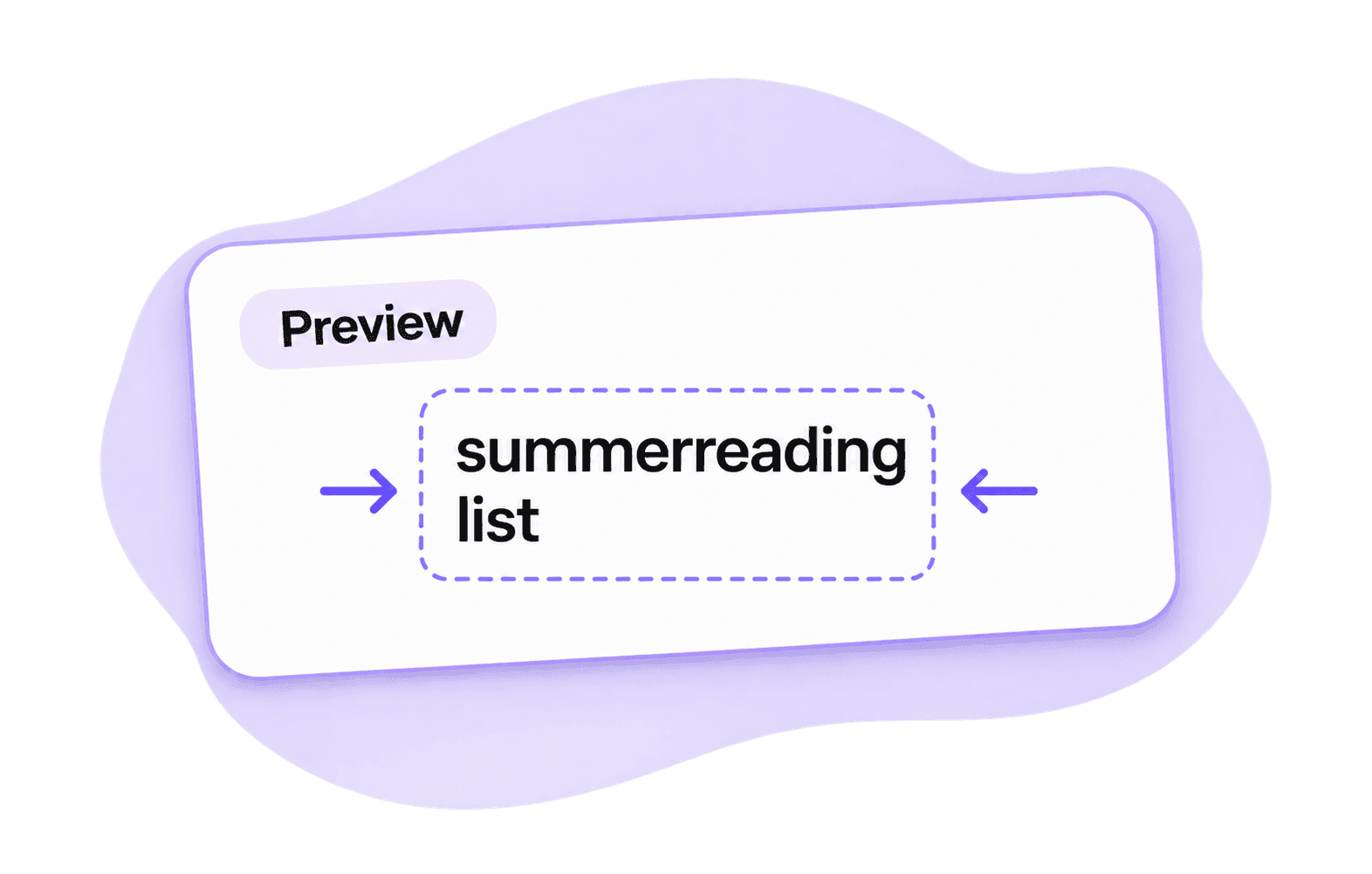
Step 3. Preview the Layout
Preview your text at a narrower width. Make sure the line wraps where you intended before saving or publishing.
Zero Width Space FAQ
A zero width space, or ZWSP, is the character U+200B. It marks a place where text may wrap without adding a visible gap. You may also see the code written as U200B.
The character has no visible mark, so the text can look unchanged. Place it where you need a possible line break, then check the layout in your editor. If copying fails, follow any browser or sign-in prompt and try again.
No. It allows a line break when needed and supported by the app. Press Enter when you want a new line every time.
No. U+200B allows a possible line break. A zero width joiner, U+200D, helps join characters in some writing systems and emoji sequences. A word joiner, U+2060, prevents a line break. Choose the character for the job you need.
Some apps remove zero-width characters or reject blank names. A character intended for invisible word breaks may not work as a blank label. Check the saved name in the app you use.
Use Undo if you just inserted it. Otherwise, select and retype the affected word, or use your editor's find-and-replace feature. Avoid inserting hidden characters into passwords or the actual destination of a link.