Mandarin Interviews
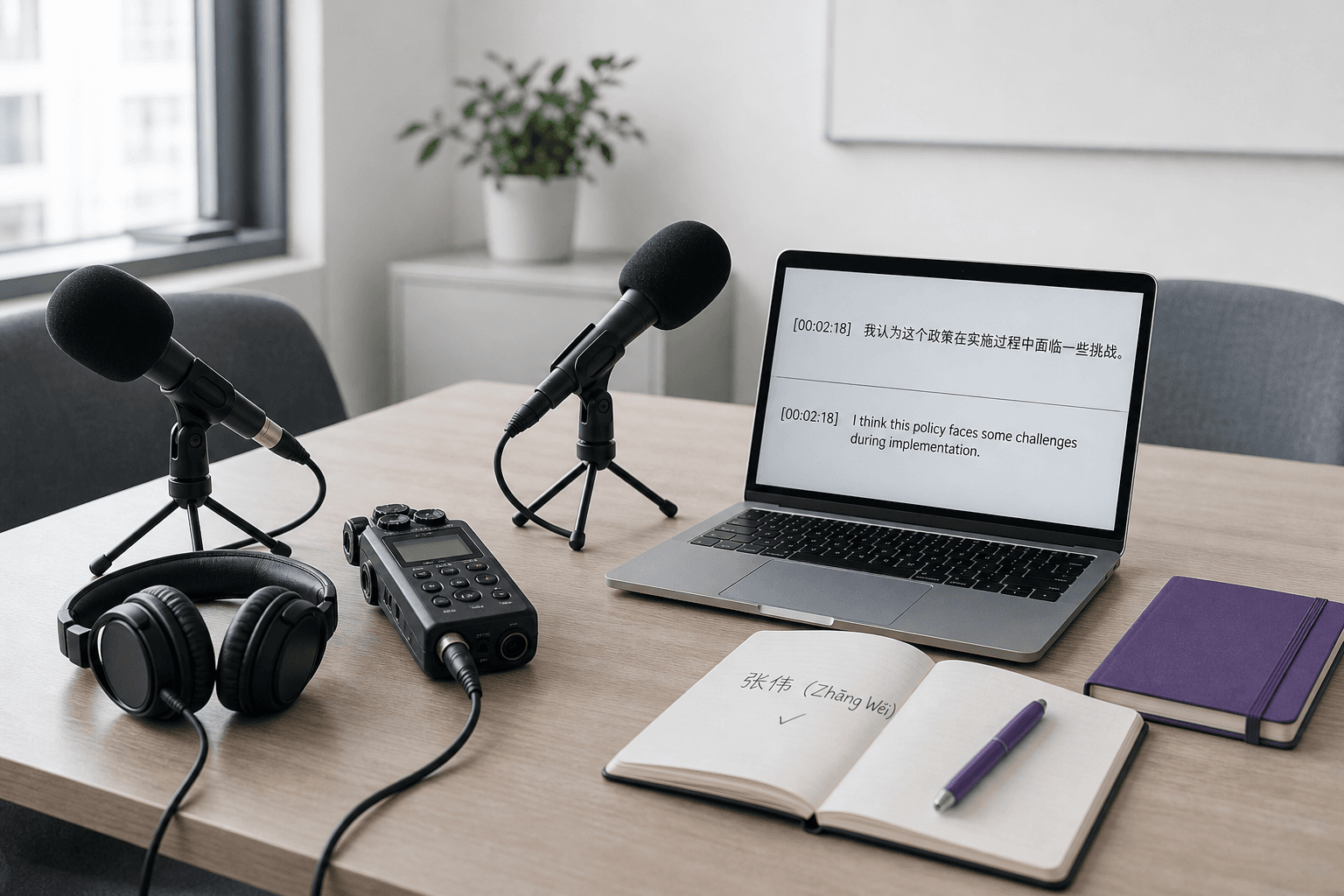
Create an English working transcript from a recorded Mandarin interview, then return to the source when names or exact quotations matter.



Drop files or browse

Add study materials to enable the AI to extract and structure content.



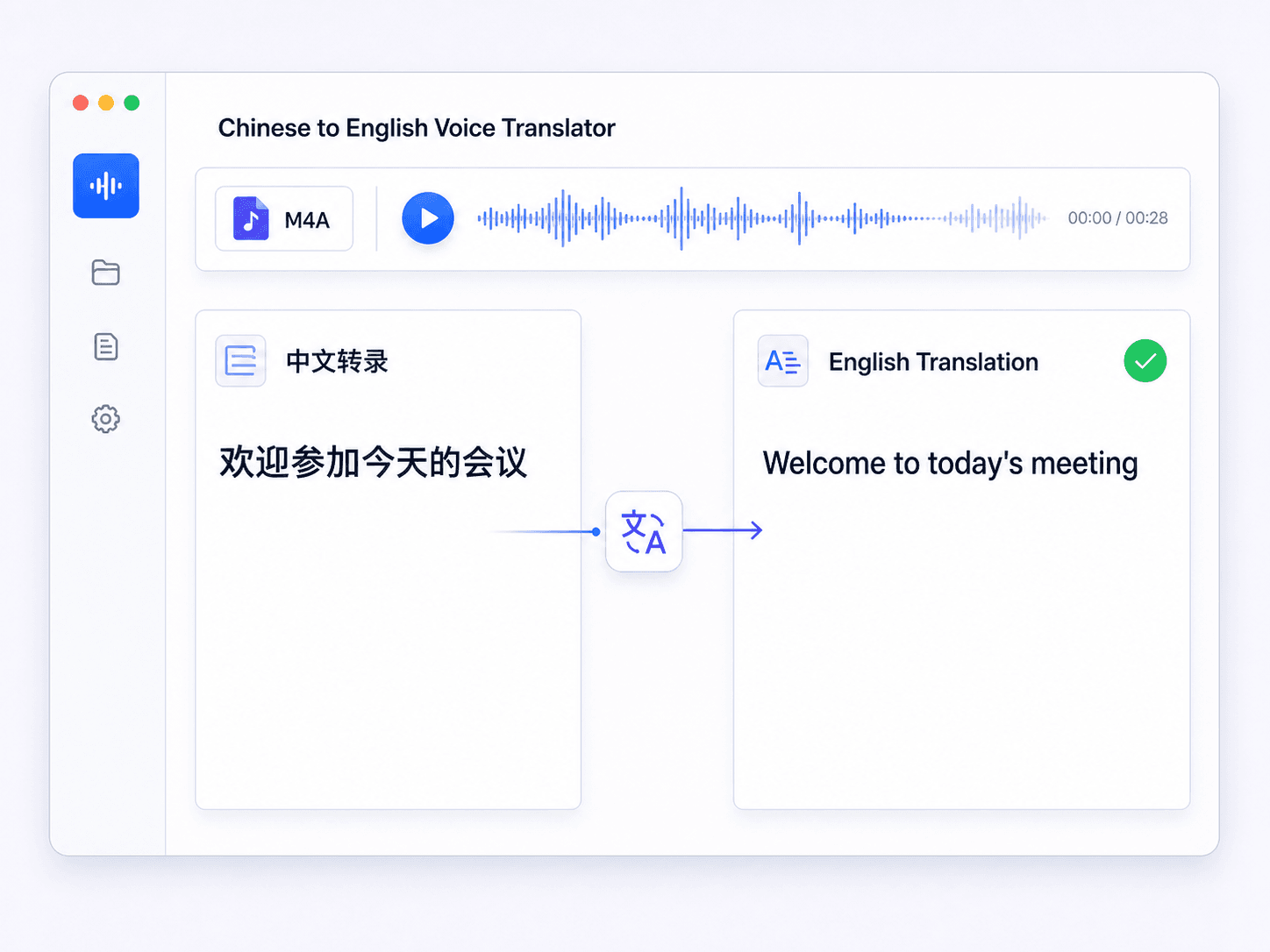
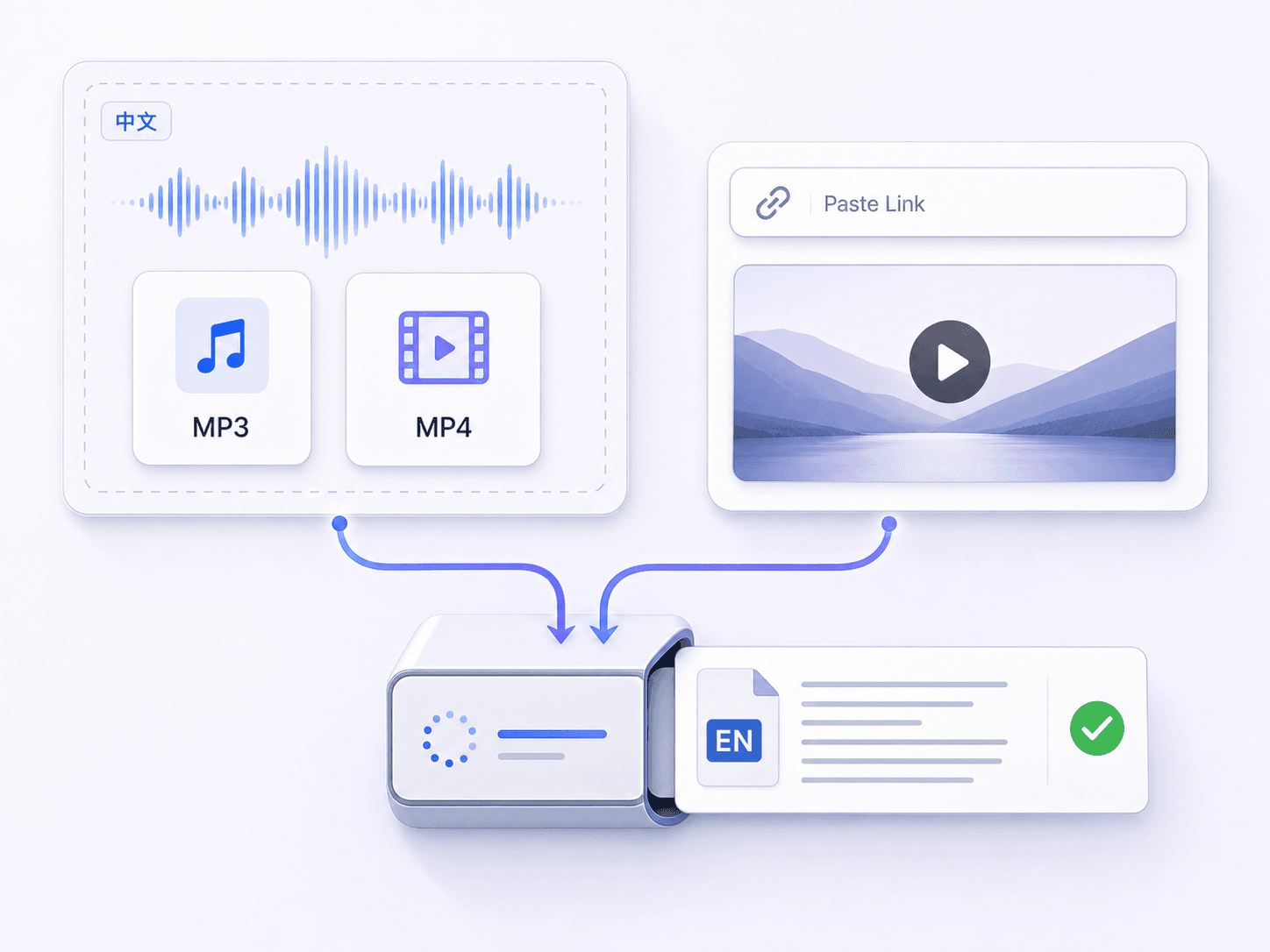
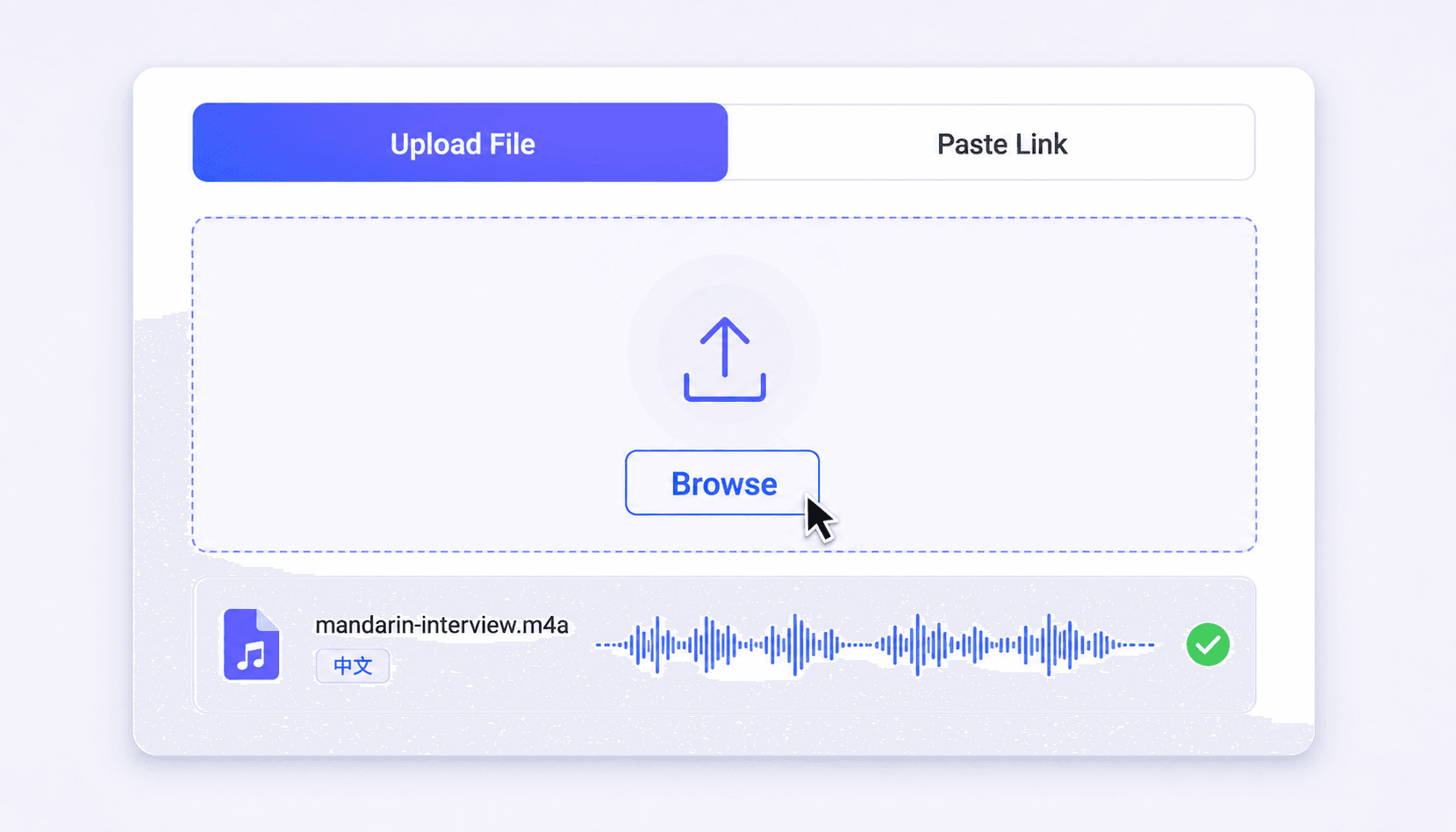
Start by adding the Chinese recording you want to translate. Upload an audio or video file from your device, or paste a supported link if the voice is in an online video. This creates a single place to turn Chinese speech into text you can translate.
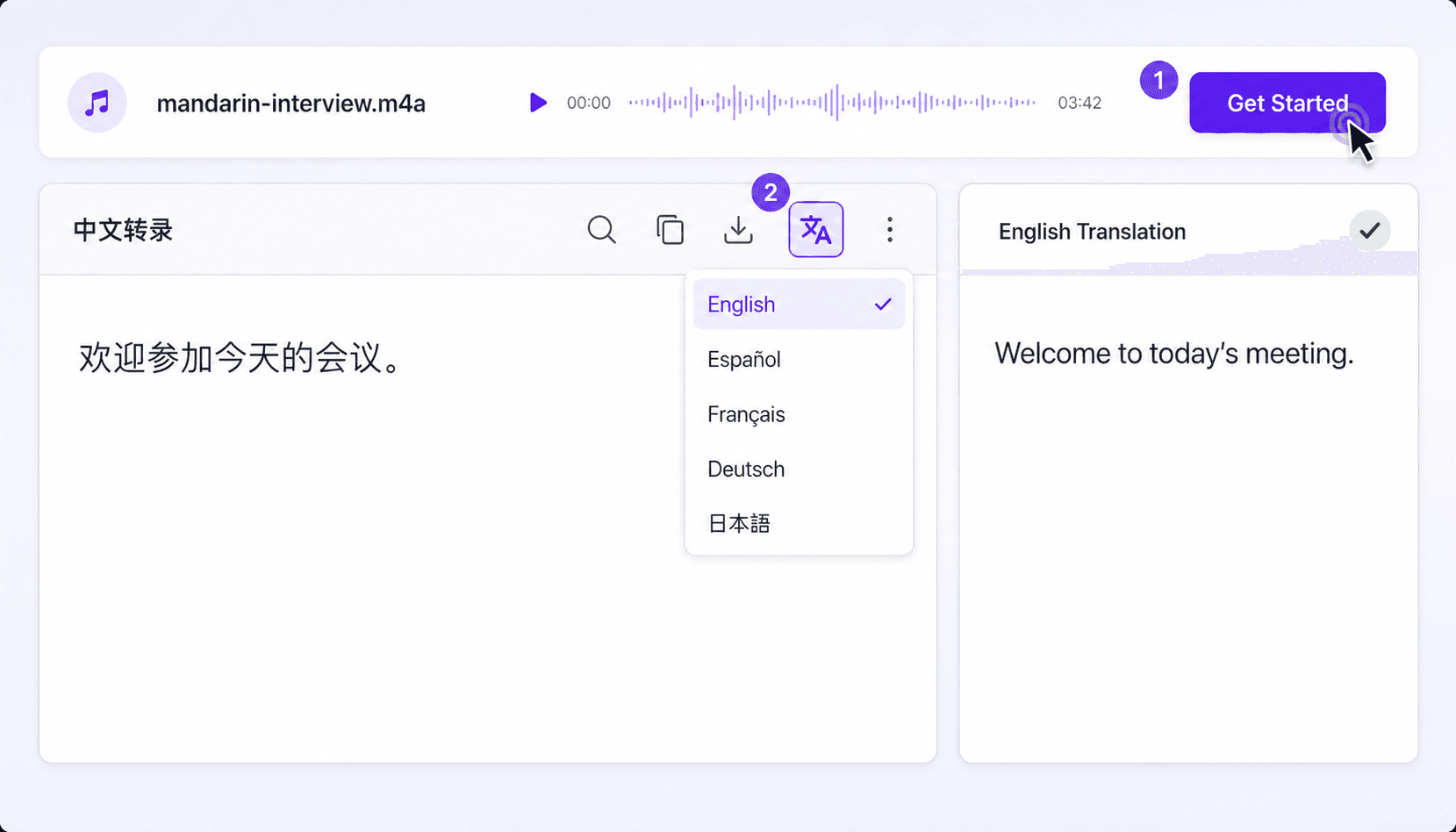
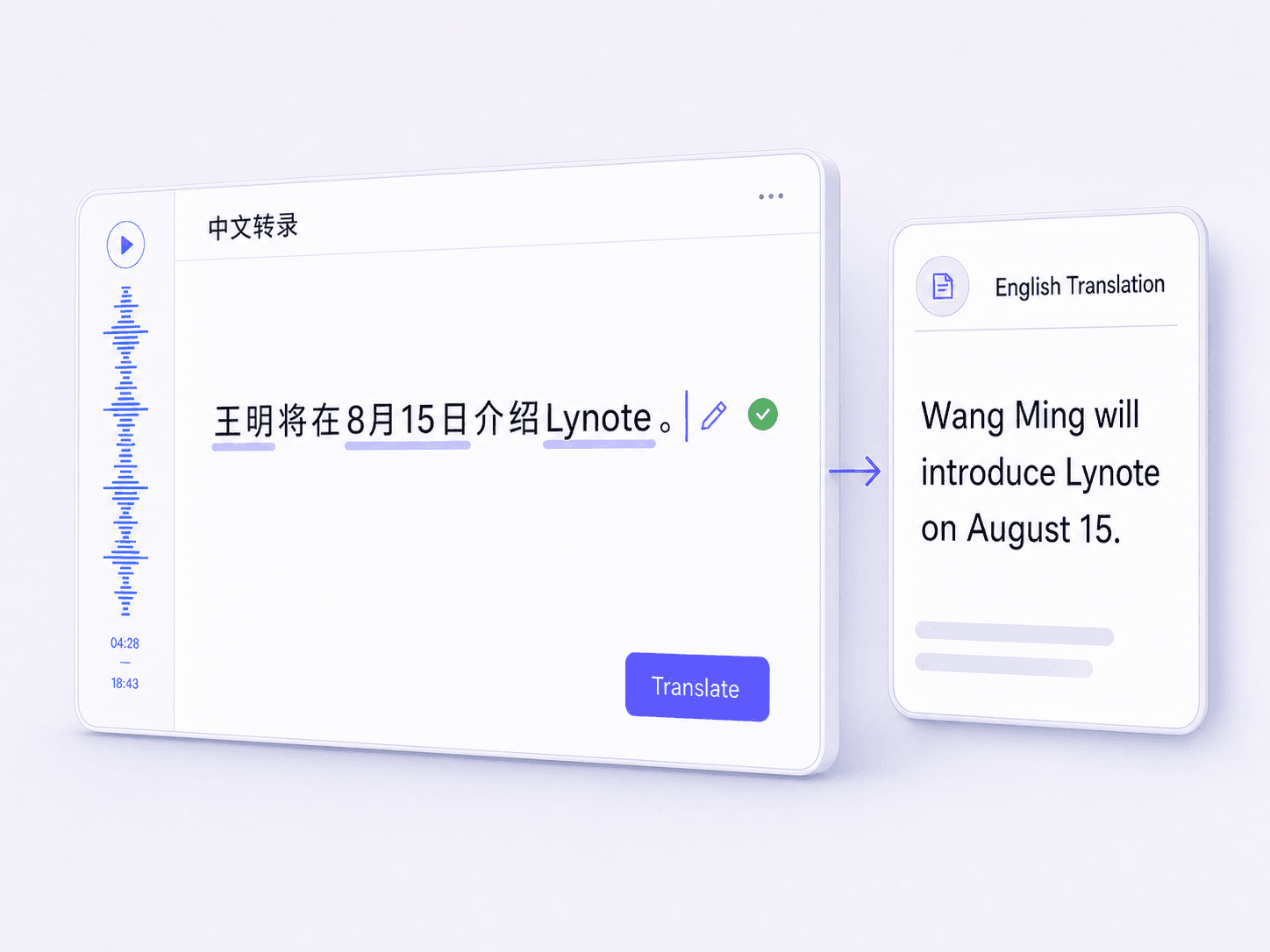
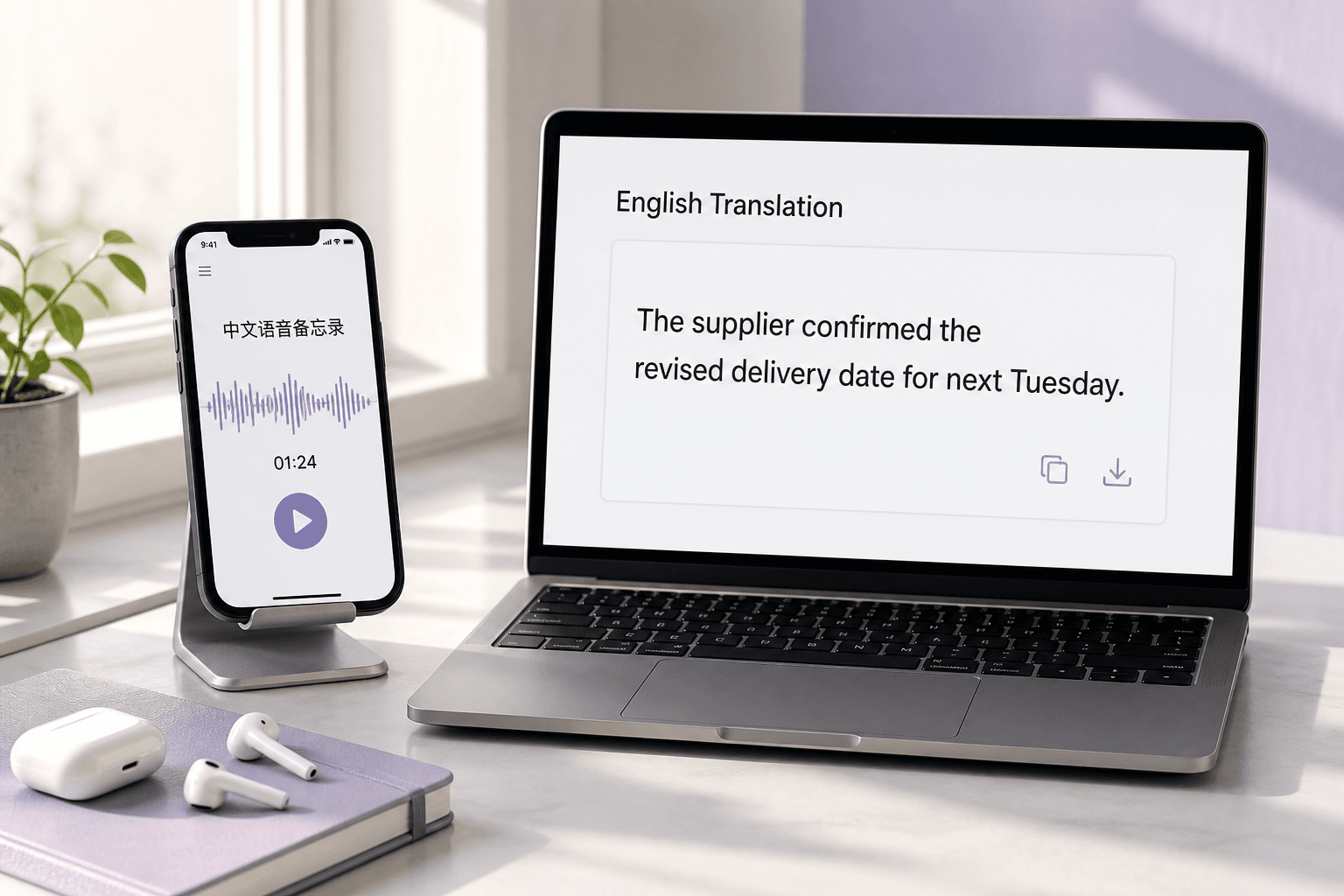
Click “Get Started” to generate the Chinese transcript from the recording. When the transcript is ready, click the translate icon, select English as the target language, and generate the translation. You’ll see the English text based on the transcript, ready for review.
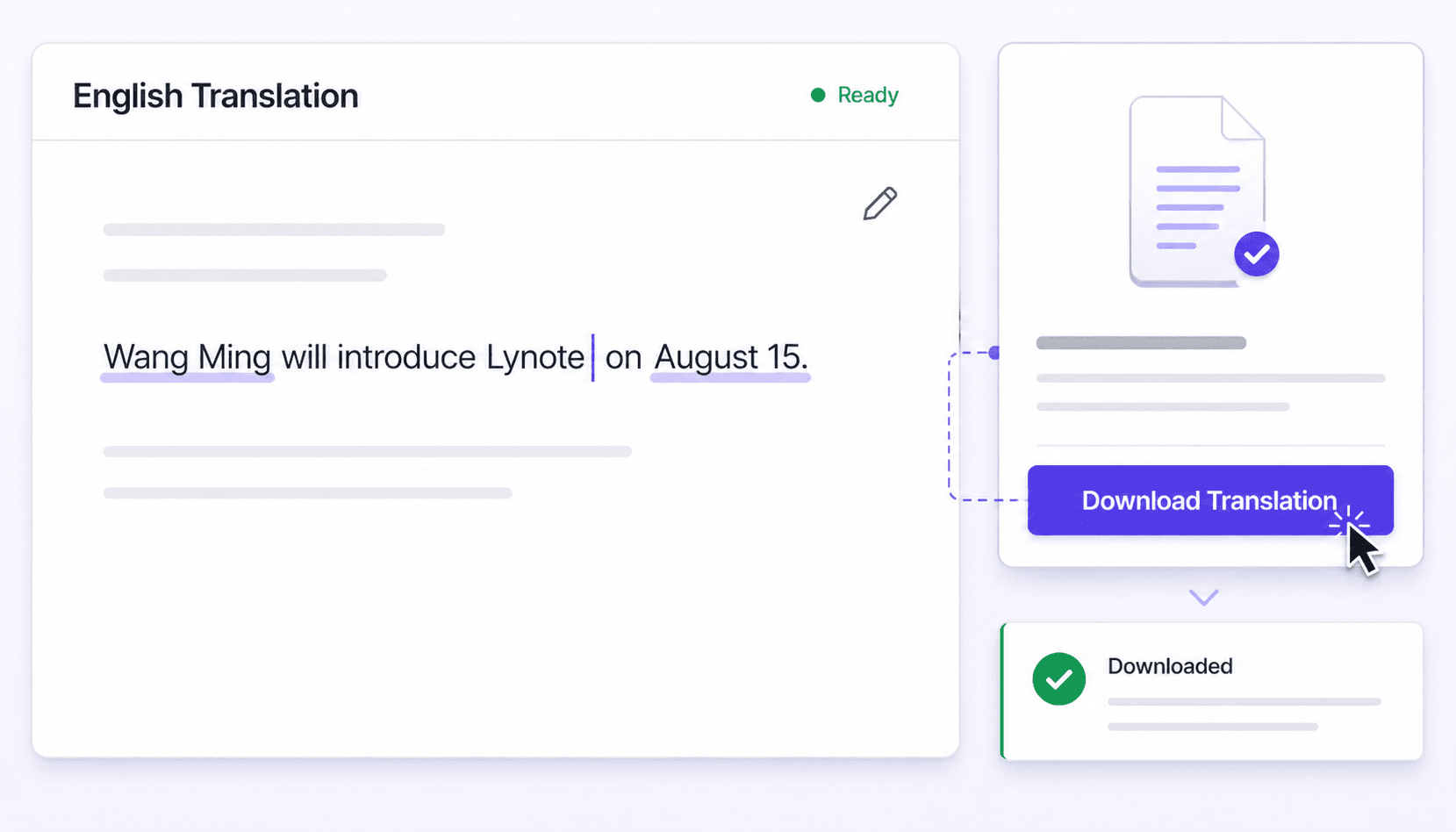
Read through the English translation and correct anything that looks off, especially names and numbers. Make small edits if needed so the text matches the recording’s meaning. Then download or export the translated English transcript for your notes, docs, or captions.
Turn recorded Chinese speech into English text for interviews, classes, meetings, media, and everyday voice messages.
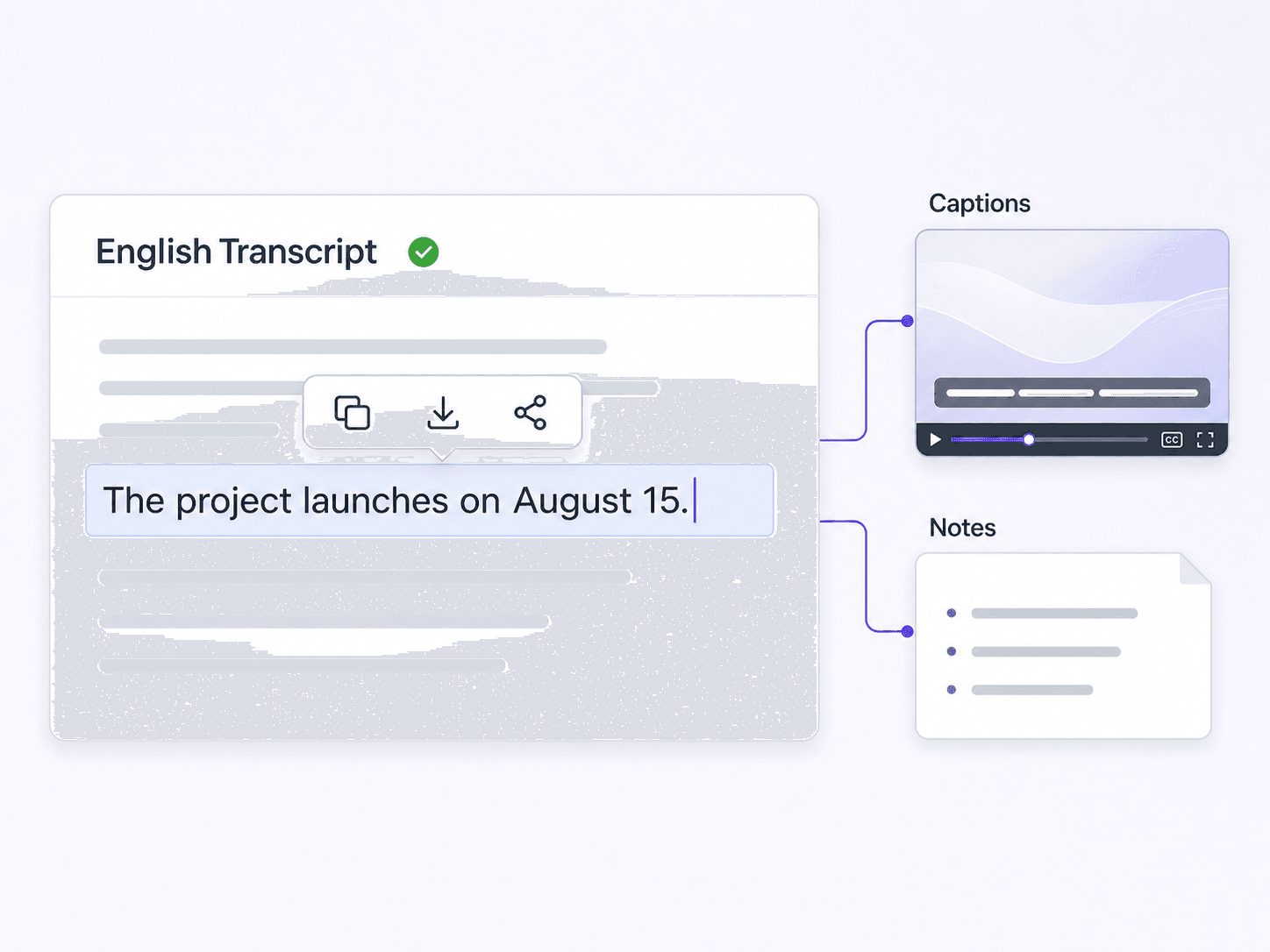
Create an English working transcript from a recorded Mandarin interview, then return to the source when names or exact quotations matter.
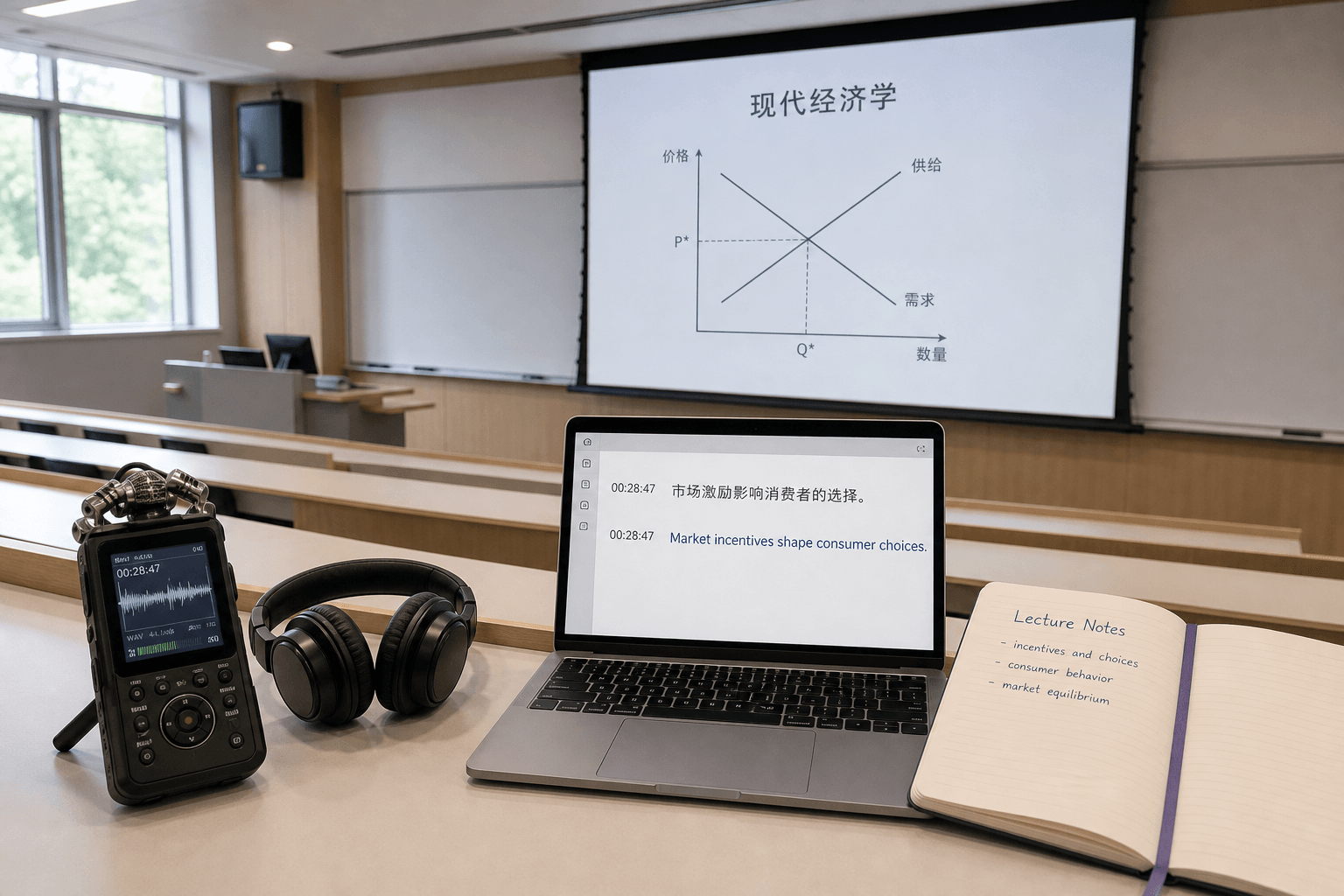
Translate recorded Chinese classes into English text that is easier to search, annotate, and review alongside the original lesson.
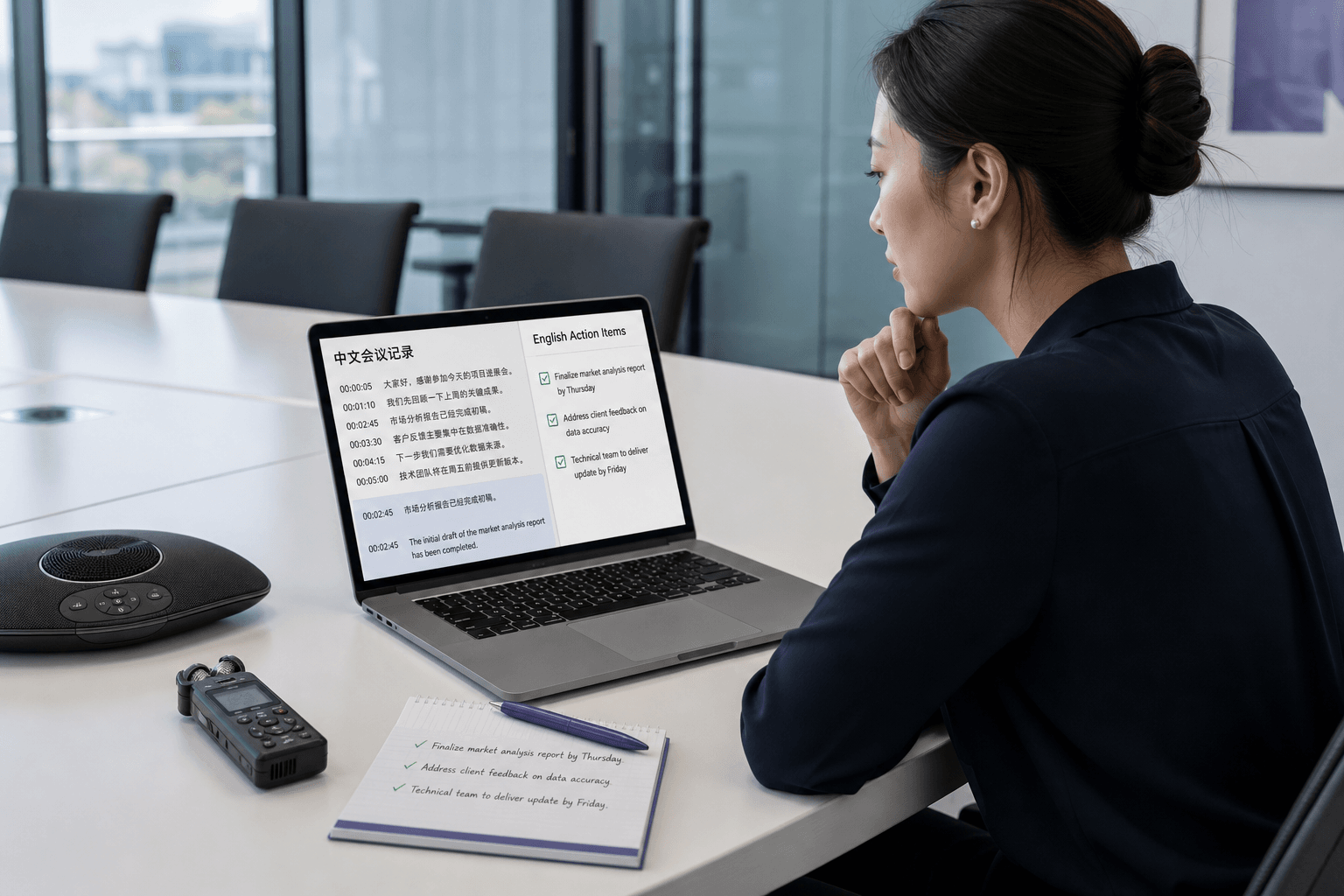
Turn a recorded Chinese meeting or voice update into an English reference for decisions, handoffs, and follow-up across global teams.
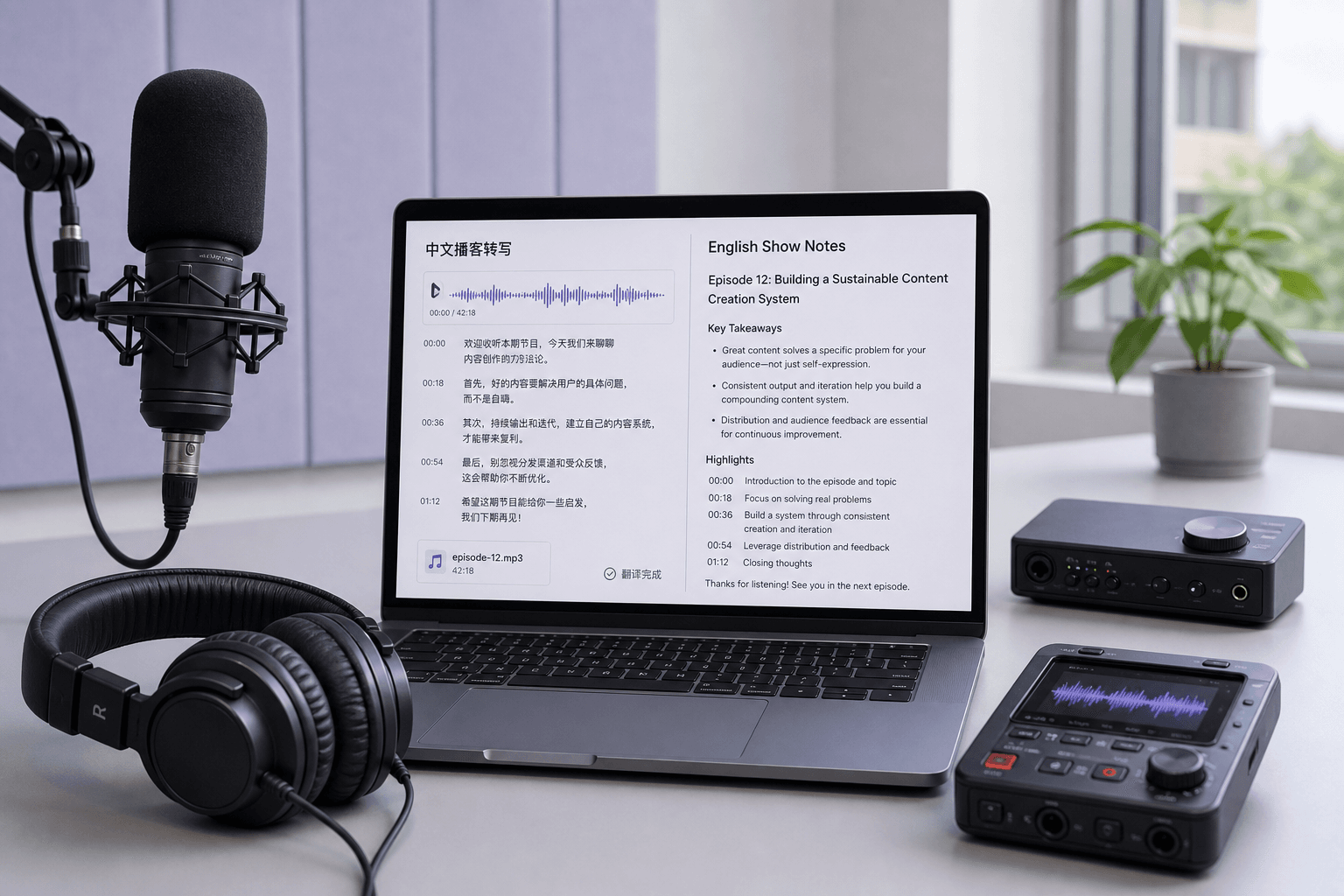
Translate Mandarin podcast episodes and recorded conversations into English text for show notes, research, and caption planning.
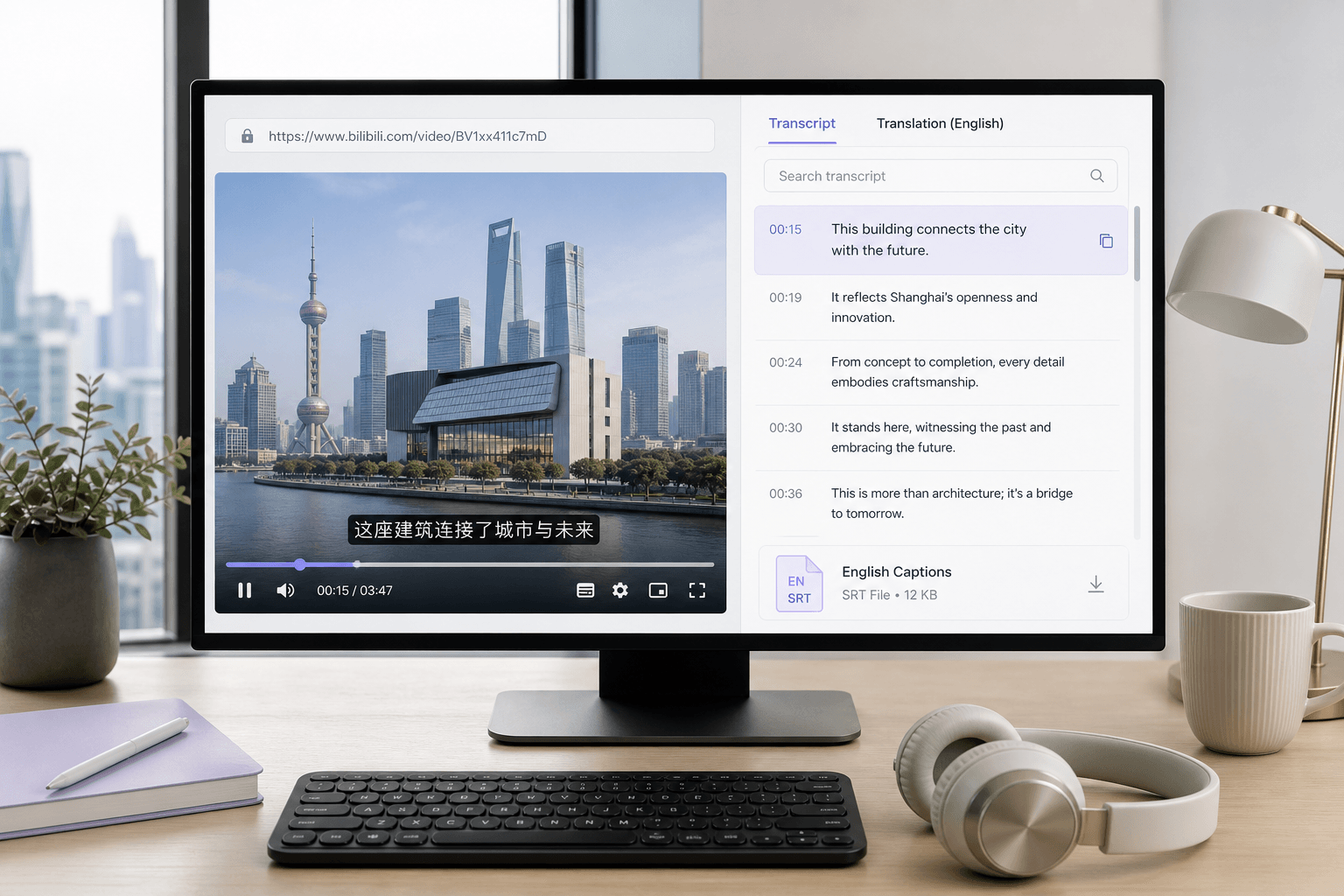
Paste a supported Chinese video link and create an English transcript without downloading and manually typing the spoken content first.
Convert a Mandarin voice message into English text for customer requests, research notes, project updates, or personal reference.

Students use a Mandarin voice translator to turn lecture recordings into English text they can search, highlight, and review before exams.

Researchers turn Chinese interviews and field recordings into English working transcripts for qualitative coding, analysis, and carefully checked citations.

Journalists use a Chinese to English voice translator to review Mandarin interviews, then confirm names and quotations against the Chinese transcript.

Global teams turn Chinese meeting recordings and voice updates into English handoff notes that colleagues can review across time zones.

Content creators translate Chinese podcasts and videos into English text for caption drafts, show notes, and clip planning.

Customer support teams use a Chinese voice translator to understand recorded Mandarin customer messages and write clear English ticket handoffs.

Skip manual transcription and stop typing what you hear. Generate the Chinese transcript first, then translate it into editable English text.

Spend less time replaying the entire recording. Scan the English text to locate the section you need, then return to the Chinese audio for exact wording or tone.

Run the full workflow in your browser: upload a recording, generate the transcript, translate it to English, then export the text to your notes or docs.

For lectures and interviews, reading a structured transcript beats replaying minutes at a time. Very large batch jobs can take longer to process.

Noise, accents, and mixed Chinese/English can affect results. Check names, numbers, and key terms, then make quick fixes before sharing the English text.

Private file handling keeps uploaded recordings and generated transcripts inside your Lynote workspace instead of publishing the content for others to access.

University Student

"I uploaded a 58-minute M4A Mandarin lecture and got a transcript I could translate to English. I didn’t have to replay and type every sentence just to study."

Field Researcher
"For a WAV interview, I checked Chinese names and dates in the transcript first, then generated the English version. It helped me catch a couple of numbers before I shared notes."

Investigative Reporter
"I used the English working transcript to locate a quote in a 42-minute MP4 interview. Then I went back to the Chinese audio to confirm the exact wording."

Project Manager
"A 90-minute Mandarin meeting recording is hard to revisit by listening. The structured transcript made it practical to review decisions and action items without replaying the whole file."

Video Producer
"I pasted a YouTube link to a Mandarin talk and pulled out English text for caption drafting. It’s a solid Chinese to English voice translator flow for link-based videos."

Support Specialist
"I translated a Mandarin voice note and exported the English transcript for a support ticket. I also corrected a couple of product names before sending it."
Questions about turning Chinese or Mandarin voice into English text, supported inputs, accuracy factors, and previewing or exporting results? Start here.
A Chinese to English voice translator converts recorded Chinese speech into English text. Lynote creates the Chinese transcript first and then translates it into readable English for review and download. It is designed for recordings, not live interpreting or speech-to-speech output.
Upload your audio/video or paste a supported link, click Get Started to generate the Chinese transcript, then use the translate icon to choose English and create the translation.
Yes. Use Lynote as a Mandarin to English voice translator by transcribing the recording first, then translating the transcript into English text.
It creates an English text translation from your recording, not an English voice track or dubbed audio.
Yes—upload a recording or paste a supported link, then generate a transcript and translate it to English.
Accuracy depends on recording quality, background noise, speaker clarity, accents, and domain terms. Clear audio and careful transcript review help catch names, numbers, and specialized vocabulary before you rely on the English result.
Yes, mixed-language audio can work, but results vary when speakers switch languages mid-sentence or overlap. Review the source transcript and adjust any misheard words before translating to English.
Yes. Preview the English text, make edits if needed, then download or export the translated transcript for reuse.