

“My professor sent a 30-page handout and I only needed pages 4 and 5 for our group chat. Picked those two, downloaded the JPGs, done.”
Free Online PDF to JPG Converter
Convert PDF to JPG online with Lynote. Choose one PDF, convert all or selected pages, then download your images individually or together. Free to start, no sign-up needed.
Drop your PDF here, or click to select
PDF
PDF files must be smaller than 50 MB.
- Easy to Use
- Free to Start
- No Sign-Up to Start
- No Installation
Files are converted locally in your browser. No files are uploaded.
Convert PDF Pages to JPG
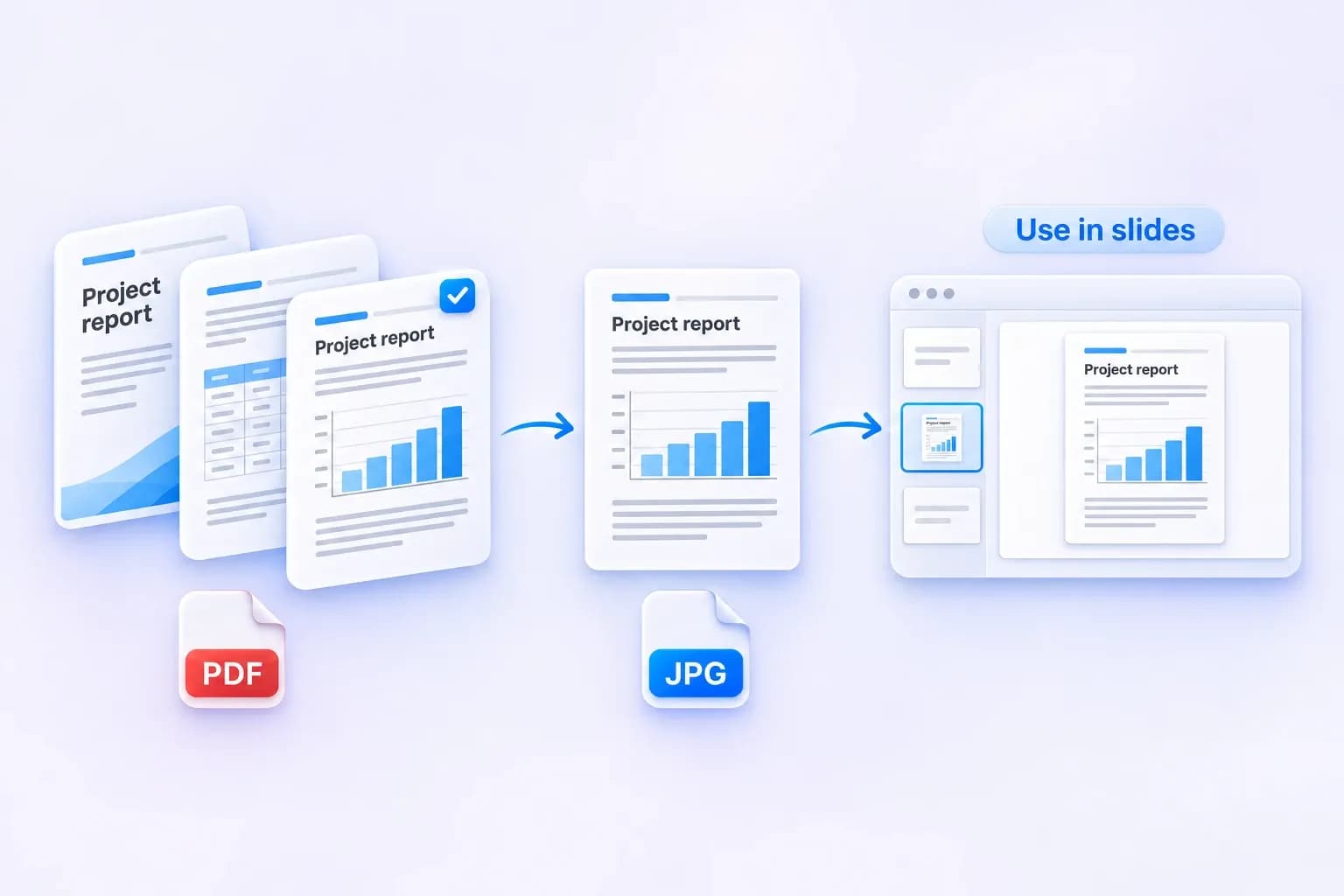
Choose one PDF and save all its pages as JPGs, or select just the pages you need.
Take a page from a report and use it as an image in your next presentation, without converting the rest.
High-Quality PDF to JPG Conversion
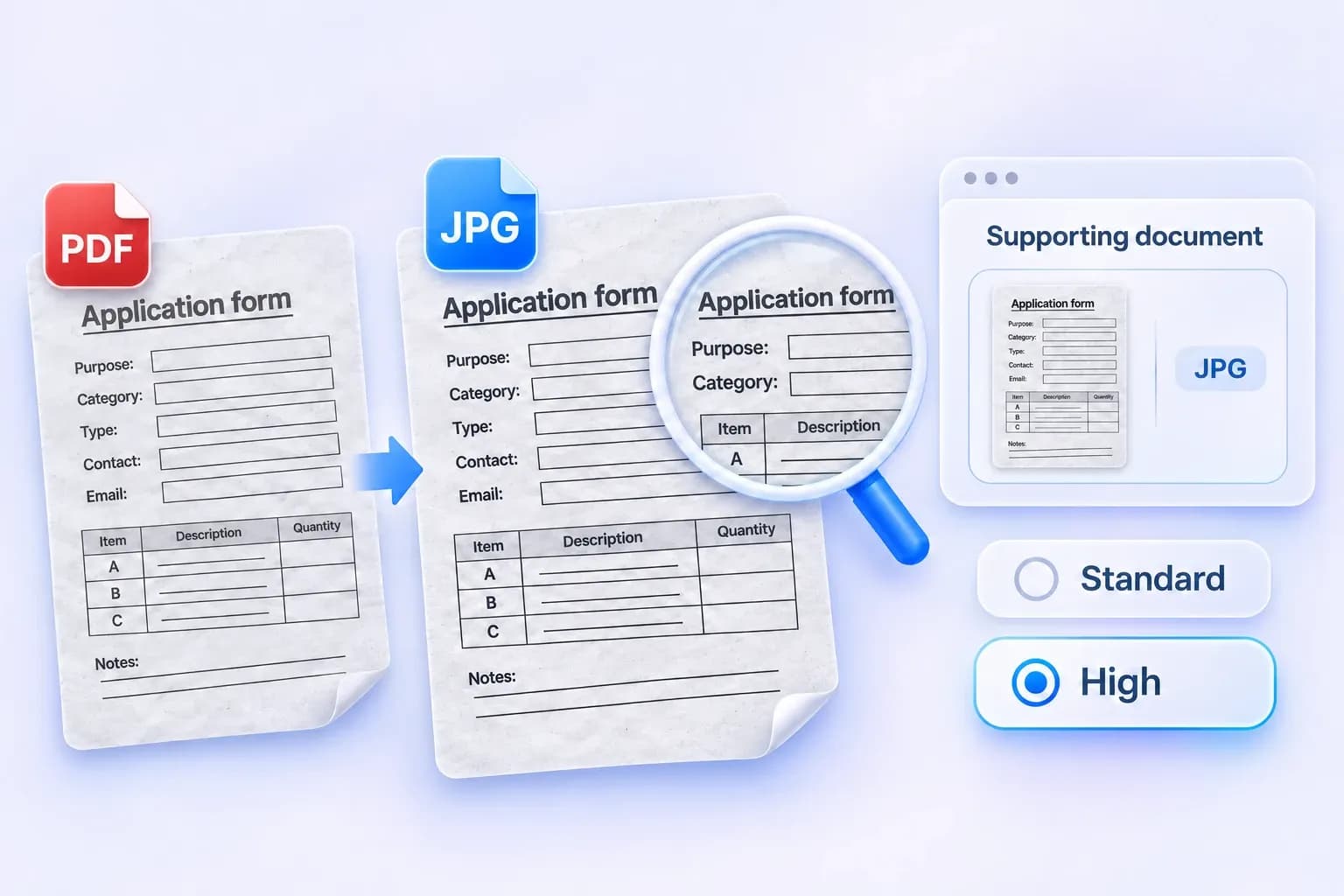
Use Standard for everyday sharing, or choose High when you want more detail.
Choose a setting for text-heavy pages such as scanned forms or receipts. High can create larger files; the result also depends on your original scan.
Save PDF as JPG — Download Images or a ZIP
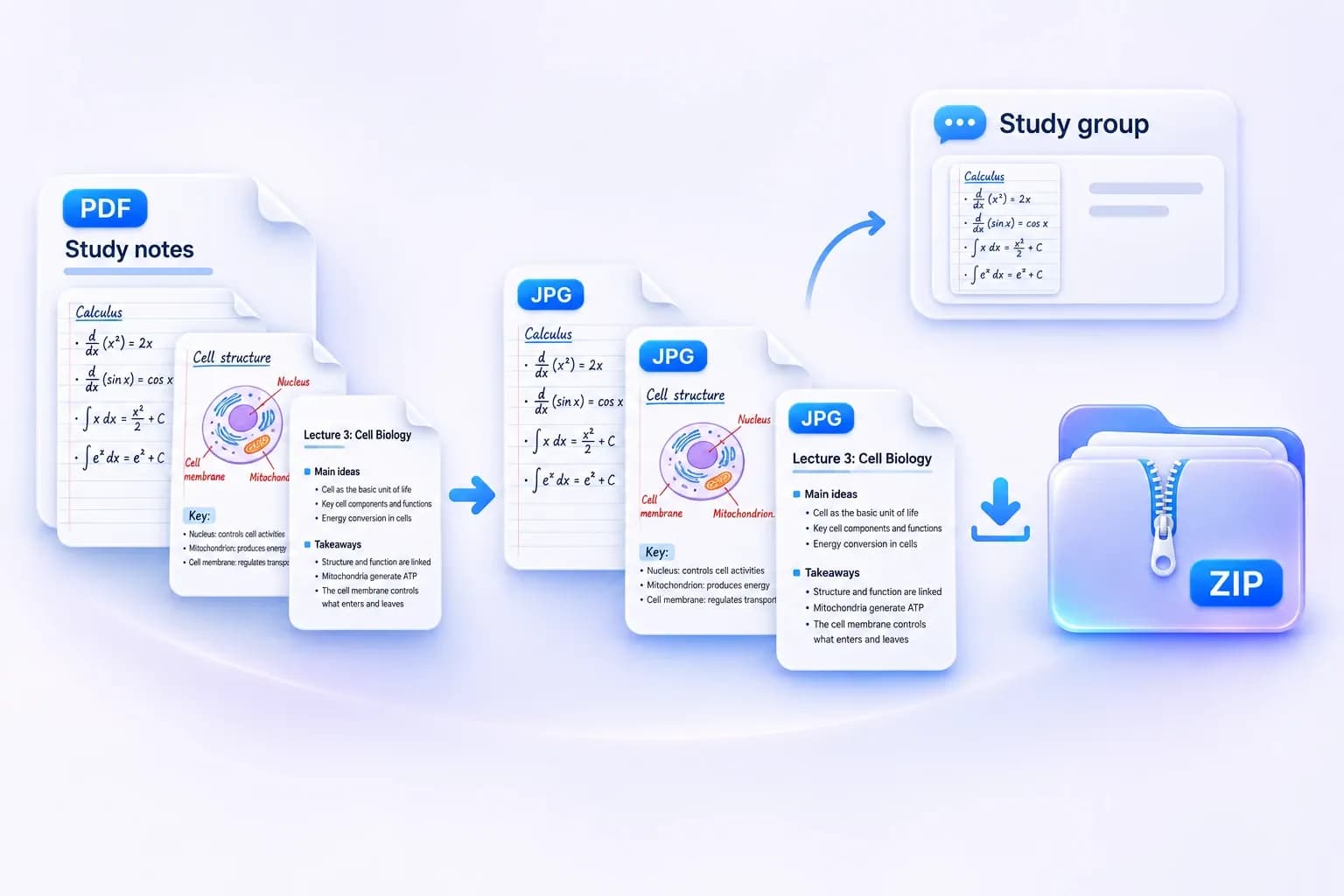
Download a single page when that is all you need, or get every converted page together in a ZIP.
Turn scanned class notes or handouts into separate JPGs for your study group. Save one page or keep the whole set together.
How to convert a PDF to JPG
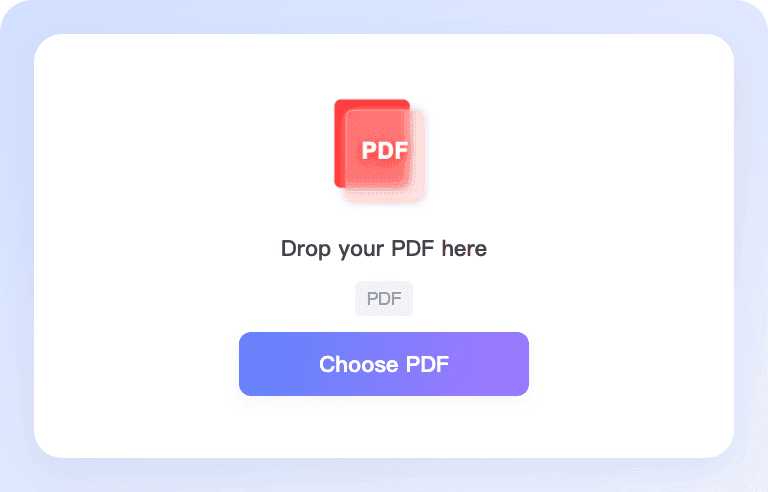
Step 1. Upload Your PDF
Click Choose PDF or drag your document into the upload area. Select one PDF smaller than 50 MB.
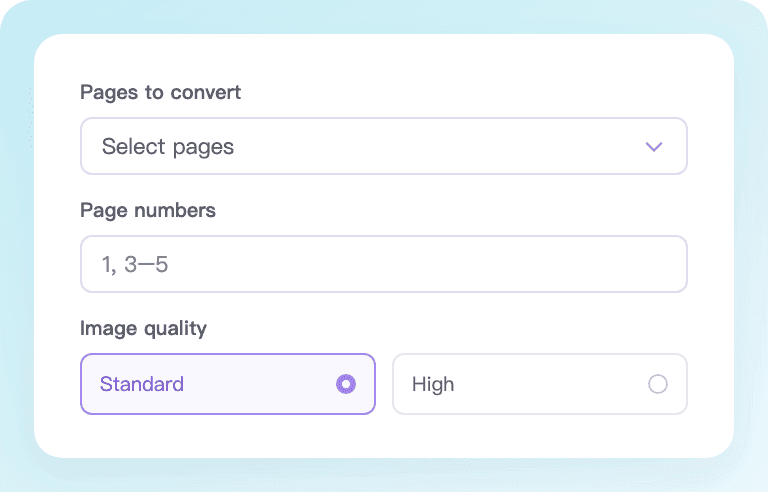
Step 2: Choose Pages and Quality
Convert all pages or select the ones you need. Choose Standard for everyday use or High for more detail.
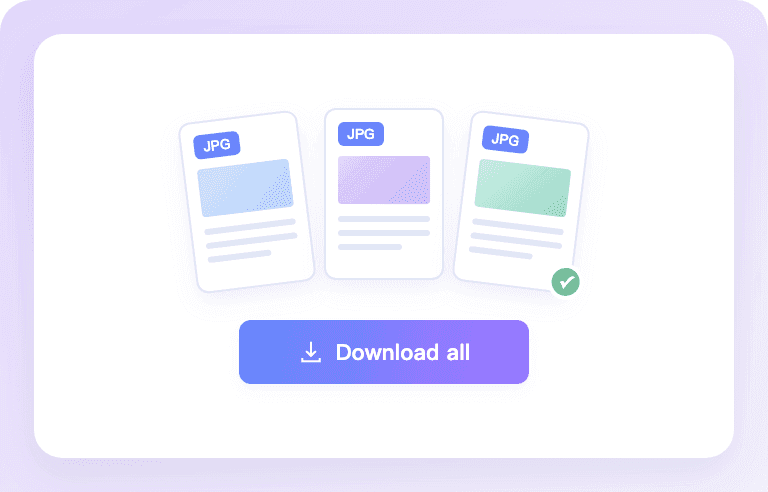
Step 3: Convert and Download
Click Convert to create your JPGs. Once all selected pages are ready, download individual images or save them together in a ZIP.
Convert PDF to JPG for All Your Needs
From scanned forms to study notes, turn PDF pages into images for the way you work and share.
Online Applications
Turn scanned forms or supporting PDF pages into JPGs for application portals that accept images. Select only the pages requested, then check the portal’s file requirements.

Reports & Presentations
Bring a chart, summary, or report page into your next presentation. Save it as a JPG and insert it into your slides without converting the rest of the document.
Class Notes & Handouts
Share a page of scanned notes, a worksheet, or a lecture handout with your study group. Convert selected pages into individual images for easy reference.

Receipts & Expense Claims
Save PDF receipts or invoices as images for an expense report. Keep each page separate so you can attach the right record to the right claim.

Everyday Document Sharing
Send a PDF page as an image in a message or email when a quick visual reference is all you need. Share one page or download the full set together.
Catalogs & Product Sheets
Reuse a product sheet, menu, or catalog page as a JPG for a customer message or listing that accepts images. Keep the complete page layout in one image.
What Users Say About Lynote
Design preview · Sample reviews for layout only, not verified customer feedback.
“Needed one chart page from a report for a slide deck. This saved me taking a screenshot and trying to crop it neatly.”
“Just needed page 2 as a JPG for an upload. Got exactly that. Didn’t have to scan anything again.”
Why Choose Lynote’s PDF to JPG Converter?
Easy to start, simple to use, and ready whenever you need an image from a PDF.

Easy to Use
Choose your PDF, select your pages, and convert. A clear workflow keeps the settings you need in one place.

Quick to Convert
Go from PDF pages to downloadable JPGs in a few steps. Processing time depends on your document and device.

Free to Start
Start with 50 free conversions as a guest. Each successfully converted PDF page uses one conversion.

No Sign-Up to Start
Try the converter with the guest allowance before creating an account. Upload your PDF and get started right away.
No Installation
Convert PDF to JPG in your browser. There is no separate app, extension, or desktop converter to install.

Desktop & Mobile
Work with your files on a computer, phone, or tablet. The layout adapts to the screen you are using.
Convenient Downloads
Save the JPG you need individually, or download all converted pages in a ZIP to keep the set together.
PDF to JPG converter FAQs
Yes. Lynote’s free PDF to JPG converter lets guests start without an account, with a one-time allowance of 50 free conversions. Each successfully converted PDF page uses one conversion. Signed-in users follow Lynote’s one-time 100-conversion allowance; signing in does not add 100 on top of the guest allowance. Further use follows your account’s available balance and plan.
Yes. Choose Select pages, then check the pages you need or enter page numbers and ranges, such as 1,3-5. Each selected page becomes a separate JPG, in its original document order.
JPG and JPEG refer to the same image format. Lynote saves your converted PDF pages with the .jpg extension, so you do not need a separate PDF to JPEG tool.
Yes. Choose Standard for everyday use or High for more detail. High can create larger files. Results also depend on the quality of the content in your original PDF.
Lynote currently processes one PDF at a time. You can convert all pages or selected pages within that file, then replace it with another document when you are ready.
This converter saves complete PDF pages as JPG images. It does not extract individual photos or illustrations from inside a page.
Choose your PDF, select the pages and image quality, then click Convert. Once all selected pages are ready, save an individual JPG or use Download all to get a ZIP containing the separate images. Each page is saved as its own .jpg file.
Yes. The converter runs in a web browser, with a layout for computers and phones. There is no separate converter to install. Large or complex files may need more memory, especially on a phone.
Choose one PDF smaller than 50 MB. If the file is too large, reduce its size before trying again.
Password-protected or permission-restricted PDFs are not supported in the current converter. Use a supported, unlocked copy that you are authorized to convert.
More Tools for Images and Documents
Convert, compress, extract text, and do more with your files using Lynote.


