

Extract Text from Images with AI

Drop files or browse

Add study materials to enable the AI to extract and structure content.



Why Choose Our Image to Text Extractor?

High Accuracy
Reliably extract text from image files with advanced recognition. Our tool captures details perfectly, ensuring your digital copy matches the original source.

Batch Processing
Run batch processing on multiple files at once. Upload large volumes of visual content simultaneously to save valuable working hours.

Free to Use
You can extract text from image online free of charge. Access essential recognition tools without needing a paid subscription or credit card.

Supports Handwriting
Our image to text converter supports handwriting recognition. Turn messy handwritten letters, everyday cursive, and print into clean digital text accurately.

Easy Copy & Export
Instantly copy your generated text to the clipboard. Edit the results directly or export them to your favorite downstream applications.

Fast Text Extraction
Skip the manual typing entirely. Our image to text converter delivers fast results, turning visual data into usable text instantly.

Cross-Device Access
Access the tool directly from your mobile or desktop browser. Perform on-the-go extractions whenever you need to digitize physical documents.

Secure Processing
Your files are processed securely over encrypted connections. Uploaded visual content is never stored permanently or used for AI training models.
Extract Text from Any Image

Extract Handwritten Text from Images
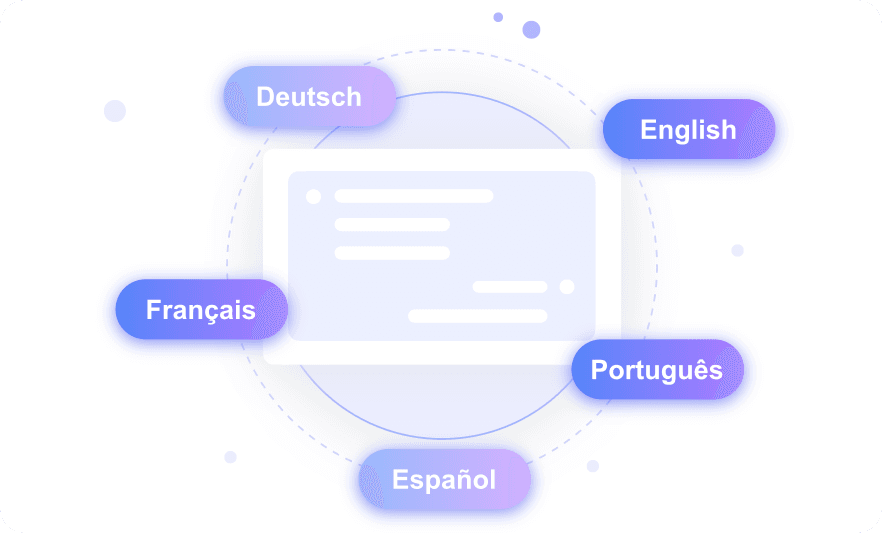
Perform Multi-Language Image Text Extraction Globally
How to Extract Text from an Image in 3 Steps
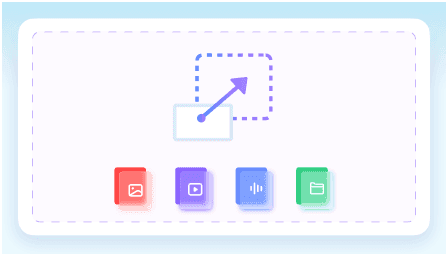
Step 1. Upload Your Image
Start by uploading your image file directly to the platform. You can drag and drop a JPG/PNG/WEBP or simply paste a screenshot.
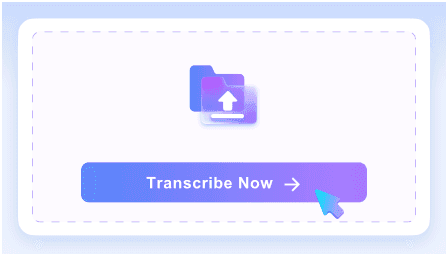
Step 2. Extract the Text
Click the start button to initiate the process. Our AI will analyze your uploaded image and generate editable text accurately within seconds.
Step 3. Review and Export
Check the generated output against your original file. You can edit, copy, or translate the final text easily.
Who Should Use This Image to Text Converter?

Students
Extract text from image files, lecture slides, and whiteboard photos to create instant study guides for your classes without retyping notes manually.

Researchers
Extract text from historical archive photos and museum images, converting old physical records into searchable data for your thesis or research.

Data Entry Clerks
Convert photos of invoices, receipts, and financial statements into editable text, eliminating the need to type numbers manually during data entry.

Translators
Extract foreign language text from product images or software screenshots before translating them into localized versions for your clients.

Developers & Designers
Grab copy directly from UI screenshots and digital mockups to paste straight into your code or design files.

Office Workers
Convert printed memos and PDF scans into editable documents to update old company policies without starting from scratch in the office.
What Our Users Say

Data Entry Clerk

"I processed 50 receipt photos at once with this image to text extractor. Being able to run multiple images simultaneously in a single batch saved me hours of manual typing."

University Student
"It accurately digitizes handwritten notes and whiteboards. I turned messy whiteboard photos from my chemistry lecture into clean study notes instantly."

Translator
"This tool recognizes and extracts text in over 100 languages perfectly. I successfully extracted Japanese text from a manga screenshot to begin my translation work."

Web Developer
"I love that it supports JPG, PNG, HEIC, and WEBP formats perfectly. I grabbed text from WEBP UI mockups instantly to build out a new landing page."

Genealogist
"The extractor maintains the original document layout, paragraphs, and lists. It kept the exact paragraph structure of an 1800s census scan, which is crucial for my historical records."

Office Manager
"I feel safe knowing files are processed securely and never used for AI training. I safely extracted text from confidential HR meeting photos without worrying about data privacy."
Frequently Asked Questions
Still wondering how to extract text from image files? Here are the answers.
An image to text extractor is an online tool that uses Optical Character Recognition (OCR) technology to identify and pull written characters out of digital pictures. You can extract text from image online free, converting photos into editable text formats you can copy and modify.
Yes, the AI can recognize and transcribe handwritten notes, whiteboard scribbles, and printed text from photos with high accuracy.
Our image to text converter supports dozens of languages. You can easily extract text from images in English, Spanish, Japanese, German, and many others accurately.
Yes, our OCR text extraction from image tool preserves your original formatting. Paragraphs, lists, and spacing stay intact when you copy the text.
No, you can extract text from images as often as you need. Massive batch jobs might just experience slightly longer processing times.
Our image to text converter uses advanced AI to recognize characters in blurry or low-light photos. While it handles challenging conditions well, extreme noise might slightly lower the accuracy of the final document.
No, your files are completely secure. We do not store your uploaded media permanently or use your private data to train our AI models.


