Live results
Type or Paste Your Text
Add your essay, article or other text to the box. Keep the paragraph breaks from your original text.


Our free paragraph counter counts paragraphs as you type. See words, sentences, and characters for each paragraph.
Count paragraphs in three simple steps.
Add your essay, article or other text to the box. Keep the paragraph breaks from your original text.
See your paragraph count right away. The total updates each time you add, remove or edit text.
Check the words, sentences and characters in each paragraph. Sort by length to find the longest and shortest paragraphs.
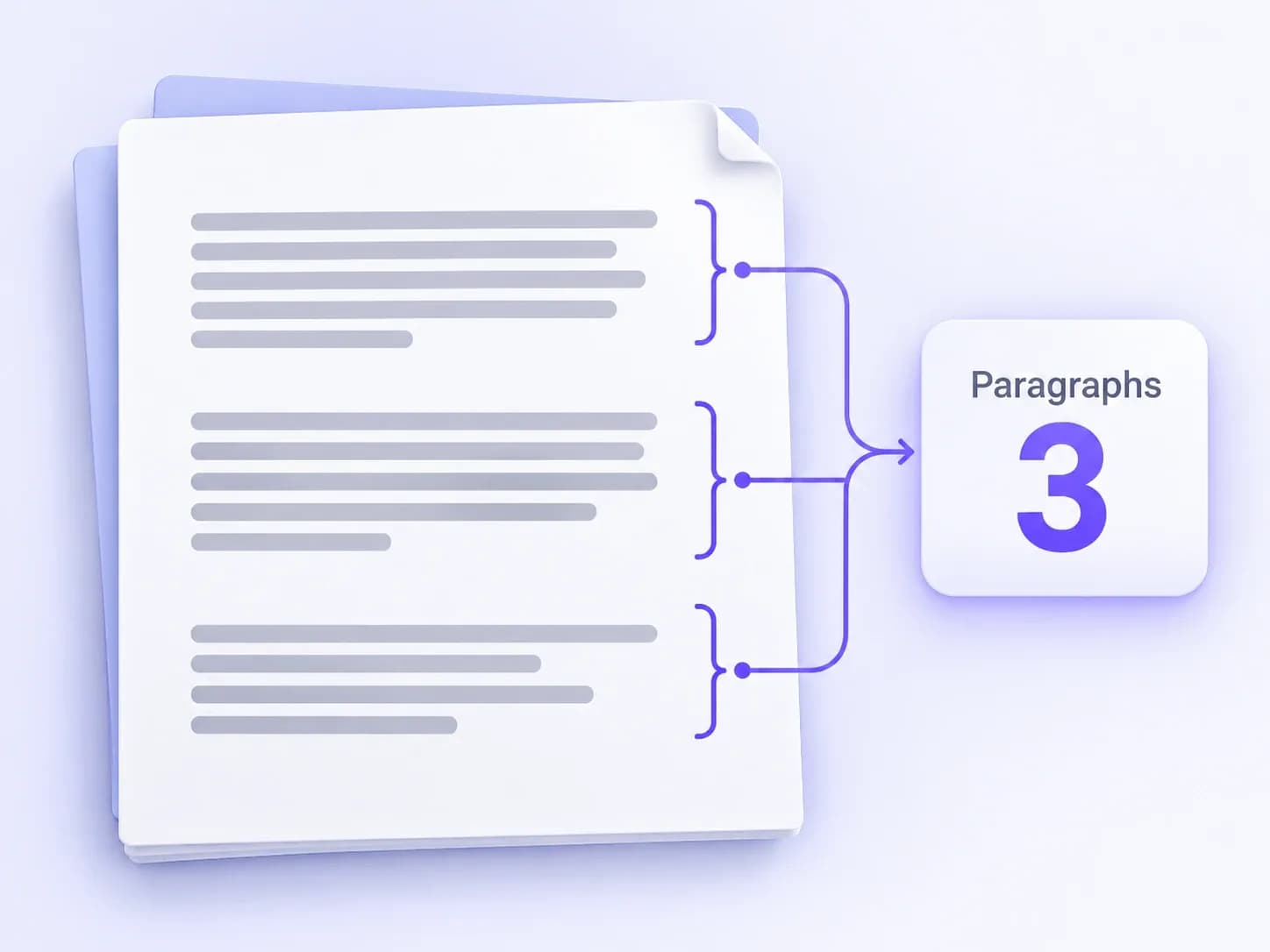
A paragraph counter counts the paragraphs in your text. It helps you check an essay, article, email or other draft without counting by hand.
Paste your text to see how many paragraphs it has. Check whether it meets your assignment’s paragraph limit. You can also count one section of a longer document. Paste only the text you need to check.
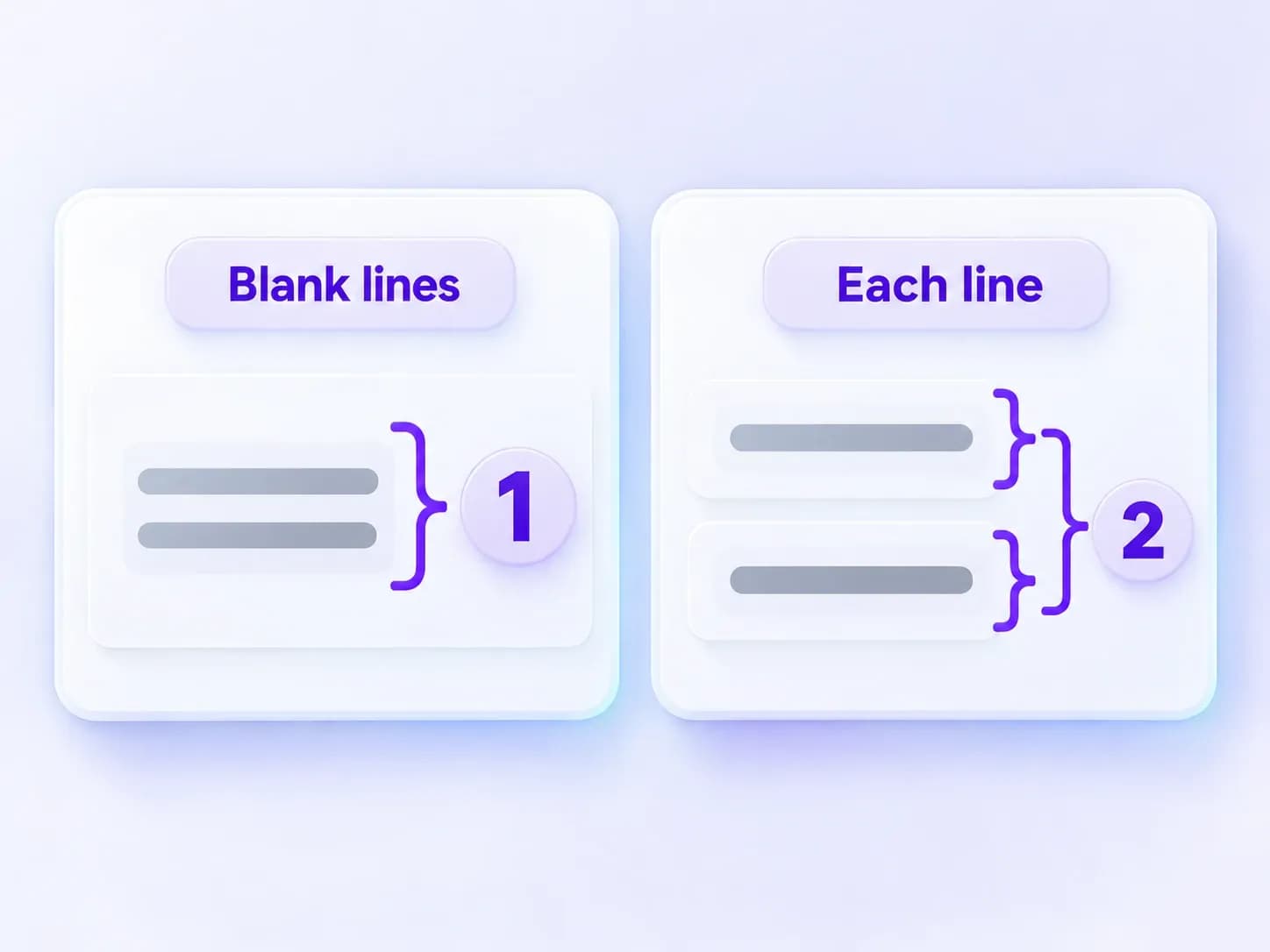
This tool uses line breaks to find paragraphs. You can choose how those breaks are counted. Blank lines is the default setting.
A long paragraph may wrap onto several lines on your screen. Those extra lines do not create new paragraphs. Empty lines are not counted as paragraphs either.
Headings, bullet points and captions follow the same counting rule as other text. If you only need body paragraphs, leave those parts out.
Example: Two lines with no empty line between them count as one paragraph in Blank lines mode. Every non-empty line counts two. Add an empty line between them, and both modes count two paragraphs.
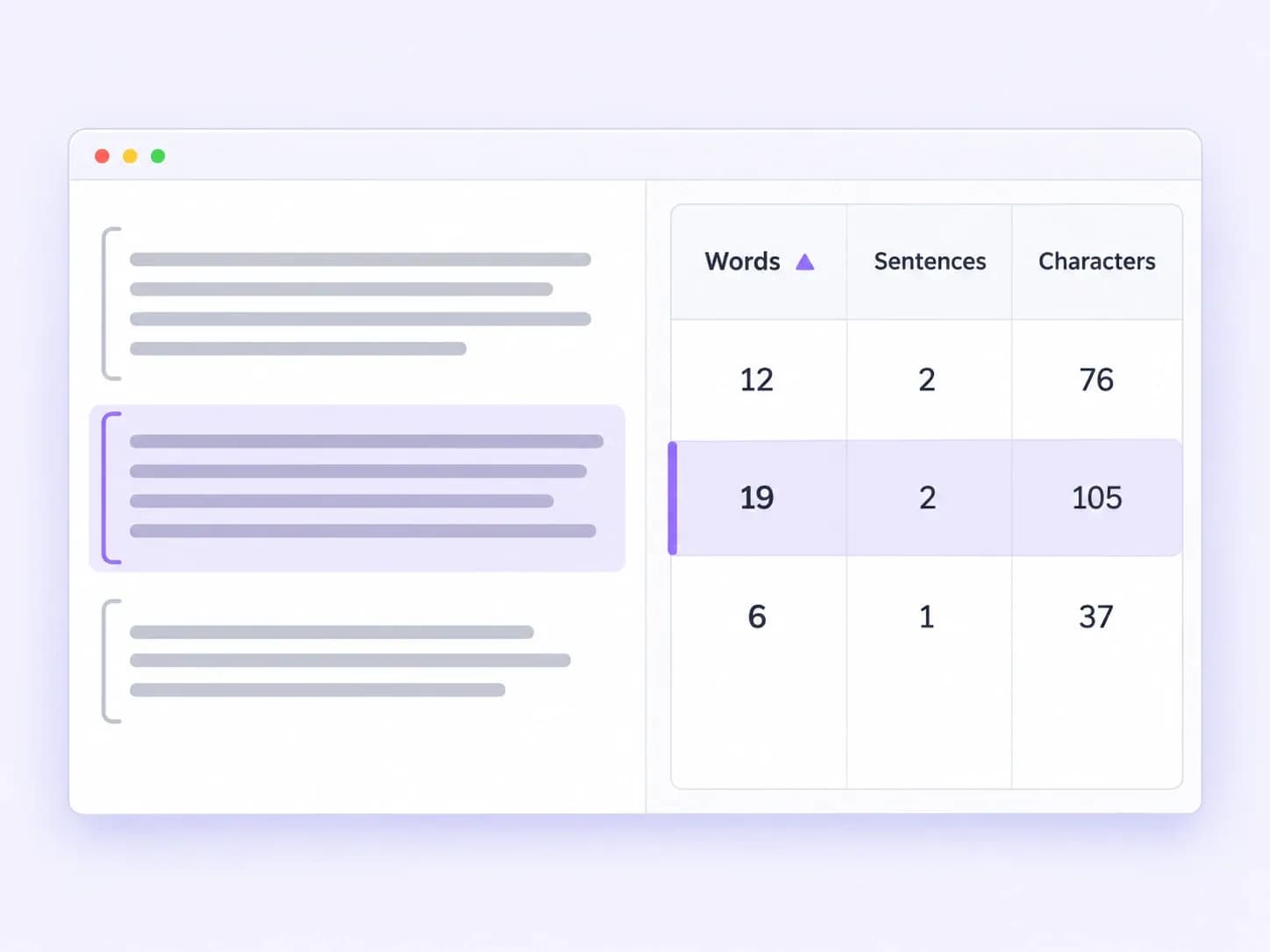
See word, sentence, and character counts for every paragraph as you type. Compare paragraph lengths and quickly find the longest and shortest blocks.
Each row in Paragraph Details shows a paragraph number and a text preview. Keep the original order or sort by length. Click a row to find that paragraph in your text.
You can also see the average words and sentences per paragraph. These numbers help you compare paragraph lengths. Read a paragraph before deciding whether to split it.
There is no fixed length for a paragraph. Use one paragraph for one main point. Shorter paragraphs are often easier to scan on a phone. An academic paragraph may need more space for evidence and explanation. Start a new paragraph when the topic changes. Follow your assignment’s rules if it gives a length limit.
A paragraph can have one sentence or several. A short paragraph can add emphasis. A longer one can explain a point in more detail. Check that the sentences belong together. The average sentence count can help you compare paragraphs, but it does not measure how well you explain an idea.
One paragraph can fill several lines on your screen. The width of the page affects how many lines you see. The tool’s line counts use actual line breaks instead. Total lines includes empty lines. Non-blank lines have text. Blank lines are empty or contain only spaces or tabs. Resizing the box does not change these counts.
A sentence expresses a thought. A paragraph groups sentences about the same point. Three sentences written together can form one paragraph. One sentence can also be a whole paragraph. The tool uses punctuation to count sentences. Abbreviations and unusual punctuation may affect that count.
Find the paragraph in Paragraph Details. The Words, Sentences and Characters columns show its counts. Characters includes spaces and line breaks inside the paragraph. It leaves out blank lines between paragraphs. Some emoji may count as more than one character. Character count cannot tell you the exact word count because word lengths vary.
A 1,000-word essay does not have a fixed paragraph count. At an average of 100 words per paragraph, it would have 10 paragraphs. At 200 words per paragraph, it would have five. These are examples, not rules. Use the number of paragraphs your ideas need, and follow the assignment’s instructions.
Use this table to estimate how many paragraphs a draft might have. Each column uses a different average paragraph length. Divide the total words by that average and round up. These averages are examples, not writing rules.
| Total Words | 100 Words per Paragraph | 150 Words per Paragraph | 200 Words per Paragraph |
|---|---|---|---|
| 500 | 5 | 4 | 3 |
| 1,000 | 10 | 7 | 5 |
| 1,500 | 15 | 10 | 8 |
| 2,000 | 20 | 14 | 10 |
Your actual paragraph count depends on where you break the text. Paragraphs do not all need to be the same length. A five-paragraph essay is one way to plan your writing. It has an introduction, three body paragraphs and a conclusion. It does not require a set word count. Check your assignment before using this format.
Use paragraph counts to check the writing you work with.

Essays, assignments and research
Check paragraph limits in essays and research papers. Count the whole draft or one section. Then read it to check how each paragraph supports your main point.

Articles for screens
Check the length of paragraphs in a blog post. Find long sections and decide where a break would make the post easier to read.

Drafts and revisions
Sort paragraphs by length to find parts that need a closer look. Check for abrupt changes, repeated points or long passages that could be split.

Feedback on writing structure
Use the counts to discuss paragraph structure with students. Show where one idea ends and another begins. The numbers can support your feedback on a draft.

Original text and translations
Count the original text and translation separately to compare their paragraph totals. For work priced by paragraph, use the counting rule agreed with your client.

Applications and business writing
Check paragraph limits in cover letters, application answers and reports. Make sure each paragraph has a clear purpose, such as a request or supporting detail.
Get the numbers you need to check and edit your paragraphs.

Paste your text and start counting right away. There is no app to install. Your results update as you type.

The counting rule stays visible beside your text. Choose the rule that matches your paragraph breaks, so you know what the total includes.

Use the paragraph previews to find the text behind each count. Read the paragraph and the lines around it before you edit.

Set an exact paragraph count or a maximum. See how many paragraphs you need to add, or how far you are over the limit.

Use the counter on a computer, tablet or phone. The layout fits your screen, so you can read your text and check the results.

The tool counts text in your browser. It does not upload or save your writing. Copy any text you want to keep before you leave.
Find help with pasted text, counting rules and results.
Yes. The paragraph counter is free and needs no account. It counts your text in your browser. This tool does not upload or save your writing. Copy anything you want to keep before you close or refresh the page.
Different tools may use different paragraph rules. Some count every new line. Others need a blank line between paragraphs. Pasting text can also change its line breaks. Compare your pasted text with the original. If paragraph breaks are missing, add them back before you check the count.
Blank lines do not count as paragraphs. Headings and list items depend on the rule you choose. Blank lines mode may count a list as one paragraph if it has no empty lines. Every non-empty line counts each list line separately. Captions and signatures follow the same rule. Paste only the body text if that is all you need to count.
Yes. Copy the text from your PDF or Word file and paste it into the box. Check the line breaks before using the count. Text copied from a PDF may have a break after every printed line. Remove those extra breaks if they split a paragraph that should stay together.
Yes. The tool counts paragraphs from line breaks, so you do not need to choose a language. Word counts work differently. In Chinese, Japanese and Korean text, the Words total counts each character. It does not split the text into words. Other languages without spaces may also need a word counter made for that language.
Yes. Choose Exact count for a set number of paragraphs. Choose Maximum for a paragraph limit. Copy text copies your writing. Copy stats copies the rule, totals and details for every paragraph. The report includes all paragraphs, even if you have not expanded every row on screen.