

Minimize Picture Size

Drop images here, or click to select
Max 50 MB per file



Why Choose Our Picture Size Minimizer?
Make photos lighter for upload limits, web pages, email, and daily sharing without installing extra software.

Upload-Limit Ready
Minimize picture size by choosing the file size you actually need. Pick common KB or MB targets for forms, portals, emails, websites, and social platforms.

JPG Photo Friendly
Use Lynote as a photo minimizer for JPEG and JPG files when camera photos are too large. Reduce photo size online without opening heavy editing software.

KB and MB Control
Need to minimize image KB or minimize photo MB? Choose a smaller target and let Lynote prepare a lighter file that is easier to upload, attach, or share.

Preview Before Download
Check the minimized picture before saving it. Compare the original and optimized result so you can balance smaller file size with clear visual quality.

Batch Photo Minimizing
Minimize multiple images together instead of repeating the same task one by one. It is useful for product photos, website images, event pictures, and social media assets.

Works Online Anywhere
Use the image size minimizer online from your browser. Minimize picture online from desktop, tablet, or mobile without installing extra apps.

Web-Friendly Output
Minimize images for web pages, blogs, listings, and landing pages. Smaller images can help pages load faster while keeping visuals clean enough for visitors.

Secure and Private
Your uploaded pictures are processed securely and are not permanently stored. Use the online photo minimizer for everyday images with more peace of mind.
Minimize Picture Size to a Practical KB or MB Target

Preview the Smaller Picture Before You Save
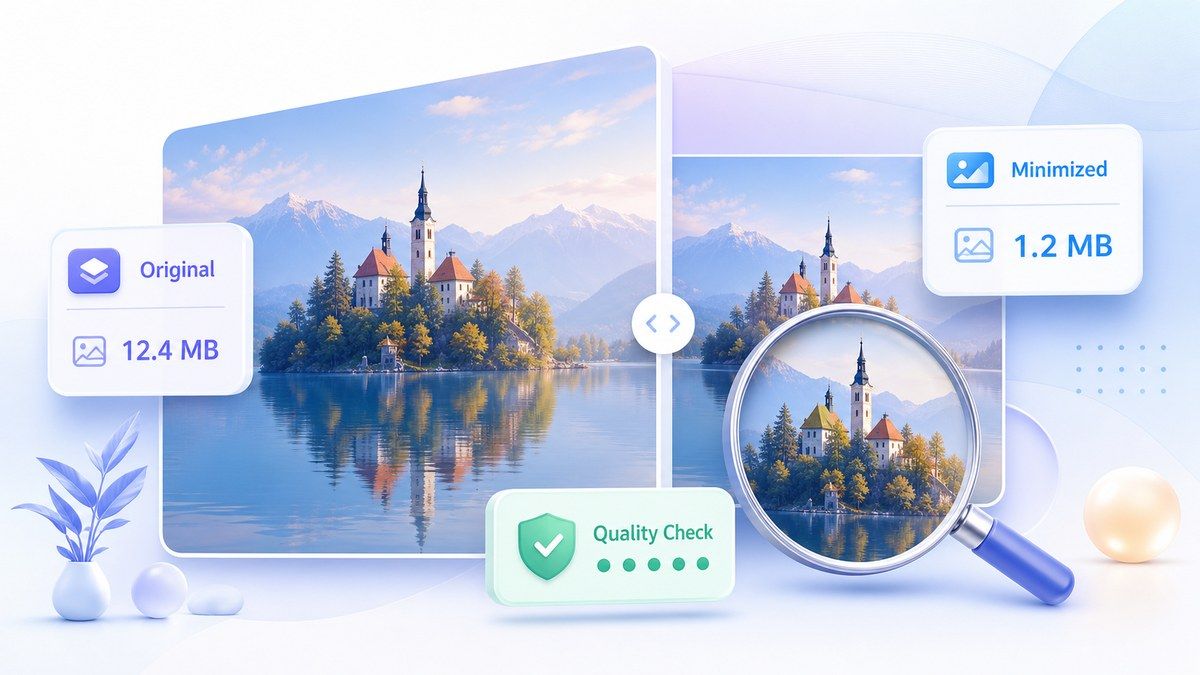
Minimize Photos, Pictures, and Web Images in Batches

How to Minimize Picture Size Online
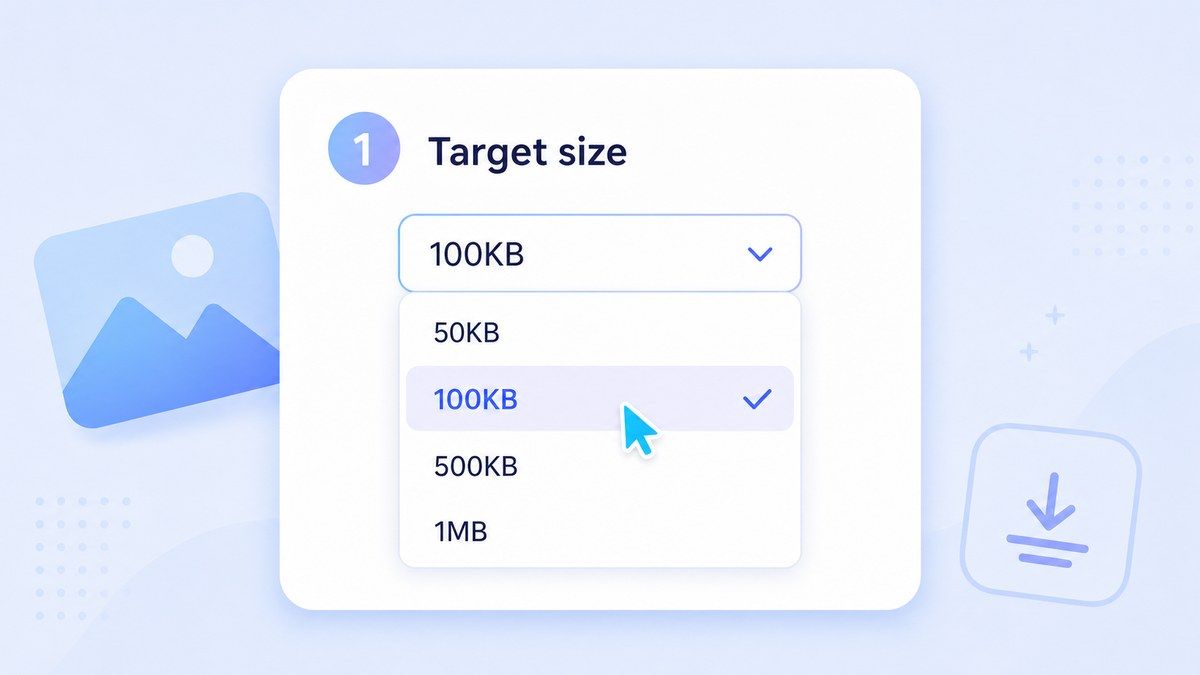
Step 1. Choose a Target Size
Select the KB or MB size you want, such as a smaller KB target for forms or a larger MB target for web and email. This helps Lynote minimize the picture toward your actual upload requirement.
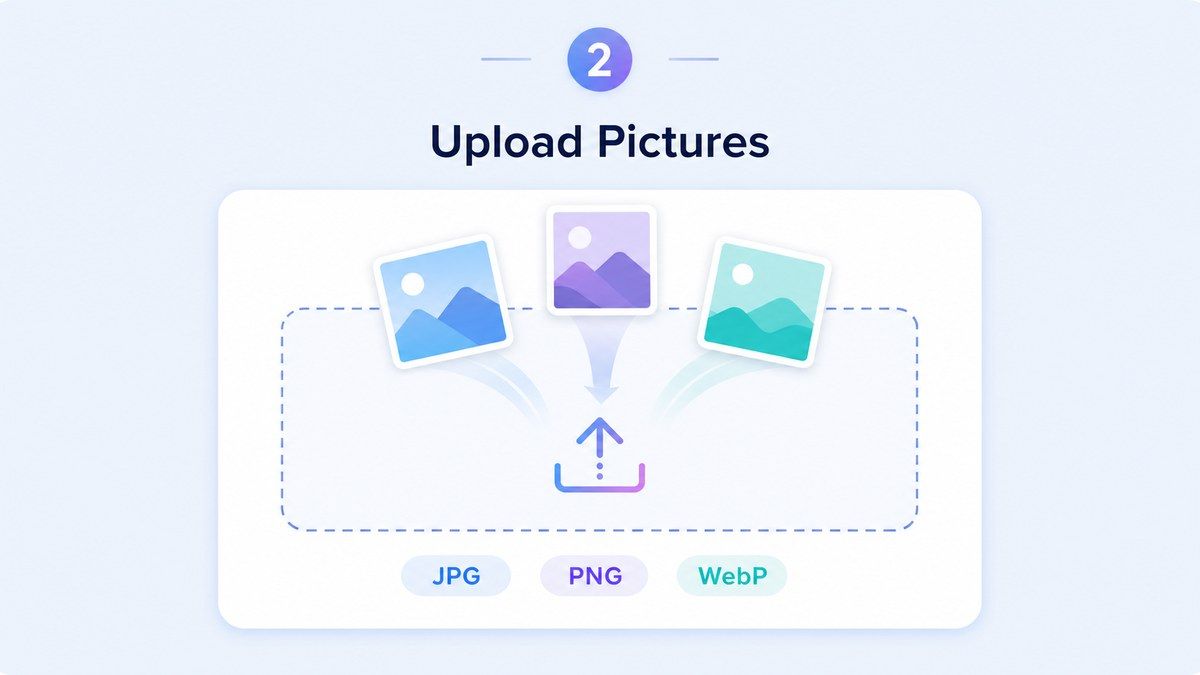
Step 2. Upload Your Pictures
Drag and drop your images or click to select files from your device. Lynote supports common formats such as JPEG/JPG, PNG, and WebP, with a 50 MB per-file upload limit.
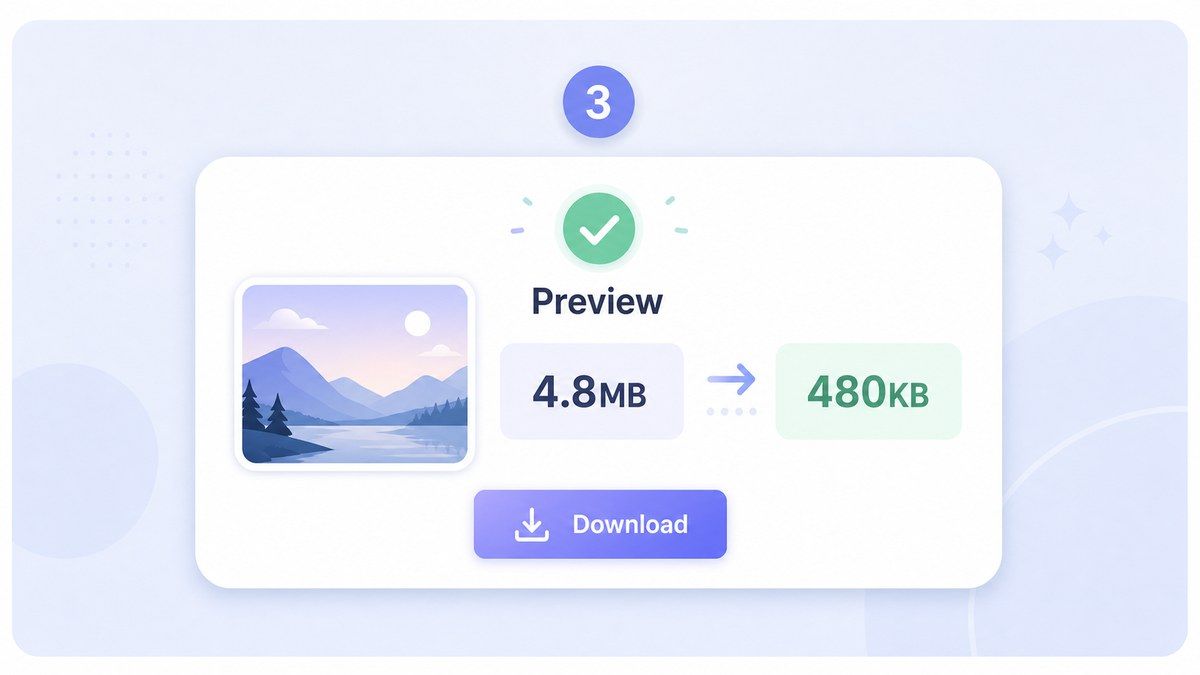
Step 3. Preview and Download
After processing, preview the minimized picture and compare the result. Download the optimized file when the size and visual quality look right.
Who Is This Picture Minimizer For?

Students and Applicants
Minimize a photo size for application portals, ID forms, assignments, and school systems with strict upload limits.

Website Owners
Minimize image size online before publishing pages, blog posts, banners, and gallery images that need to load faster.

E-commerce Sellers
Use the photo size minimizer for product photos that must fit marketplace limits without looking messy or over-compressed.

Social Media Managers
Minimize pic size online before scheduling posts, uploading campaigns, or preparing lighter visual assets for multiple platforms.

Office and Admin Teams
Minimize picture file size for email attachments, reports, internal forms, HR documents, and shared folders.

Everyday Photo Users
Minimize a picture from your phone, camera, or computer so it is easier to send, store, upload, or organize.
What Users Say About Lynote Picture Minimizer

Online Store Owner

I use Lynote to minimize jpg photo size before uploading product photos. The files are lighter, and the images still look clean on my store.

Web Designer
The preview is the best part. I can minimize images for web pages and check the result before downloading anything.

Graduate Student
My university form rejected my photo because the file was too large. Lynote helped me minimize photo size in KB and submit it quickly.

Marketing Coordinator
I batch minimize campaign pictures before sending them to the team. It saves time and keeps our shared folders easier to manage.

Social Media Manager
I use this photo minimizer online free whenever phone photos are too big for scheduling tools. It is simple and fast.

Freelance Developer
For client websites, I often need to minimize the size of image files without making the page look cheap. This tool makes that workflow easier.
Frequently Asked Questions
Answers about minimizing picture size, photo KB and MB targets, JPG support, batch uploads, quality, and privacy.
Choose a target file size, upload your picture, preview the optimized result, and download the smaller image. Lynote works directly in your browser.
Yes. You can use Lynote as an image minimizer in KB and choose smaller targets for forms, profiles, applications, and upload portals.
Yes. If your picture is several MB, you can minimize picture MB or minimize photo MB to make the file easier to email, upload, or store.
Lynote supports common image formats including JPEG/JPG, PNG, and WebP. You can minimize photo online without converting files first.
You can reduce image size while keeping the result visually clear for most everyday uses. Stronger compression can reduce detail, so preview the result before downloading.
Yes. Lynote supports batch minimizing, so you can upload and minimize several images together instead of processing each picture separately.
Yes, you can minimize photo size free online for common image compression tasks. It works in your browser with no software installation required.


