

Invisible Character for Discord – Copy & Paste
Copy a blank character in one click and try it in your Discord display name or server nickname.
Copy Invisible Characters for Discord Names
Choose a blank character to try as your Discord display name, or copy a space to put between your clan tag and nickname.
How to Try a Blank Discord Display Name
Step 1. Copy a Blank Character
Click Copy beside the blank character you want to use.
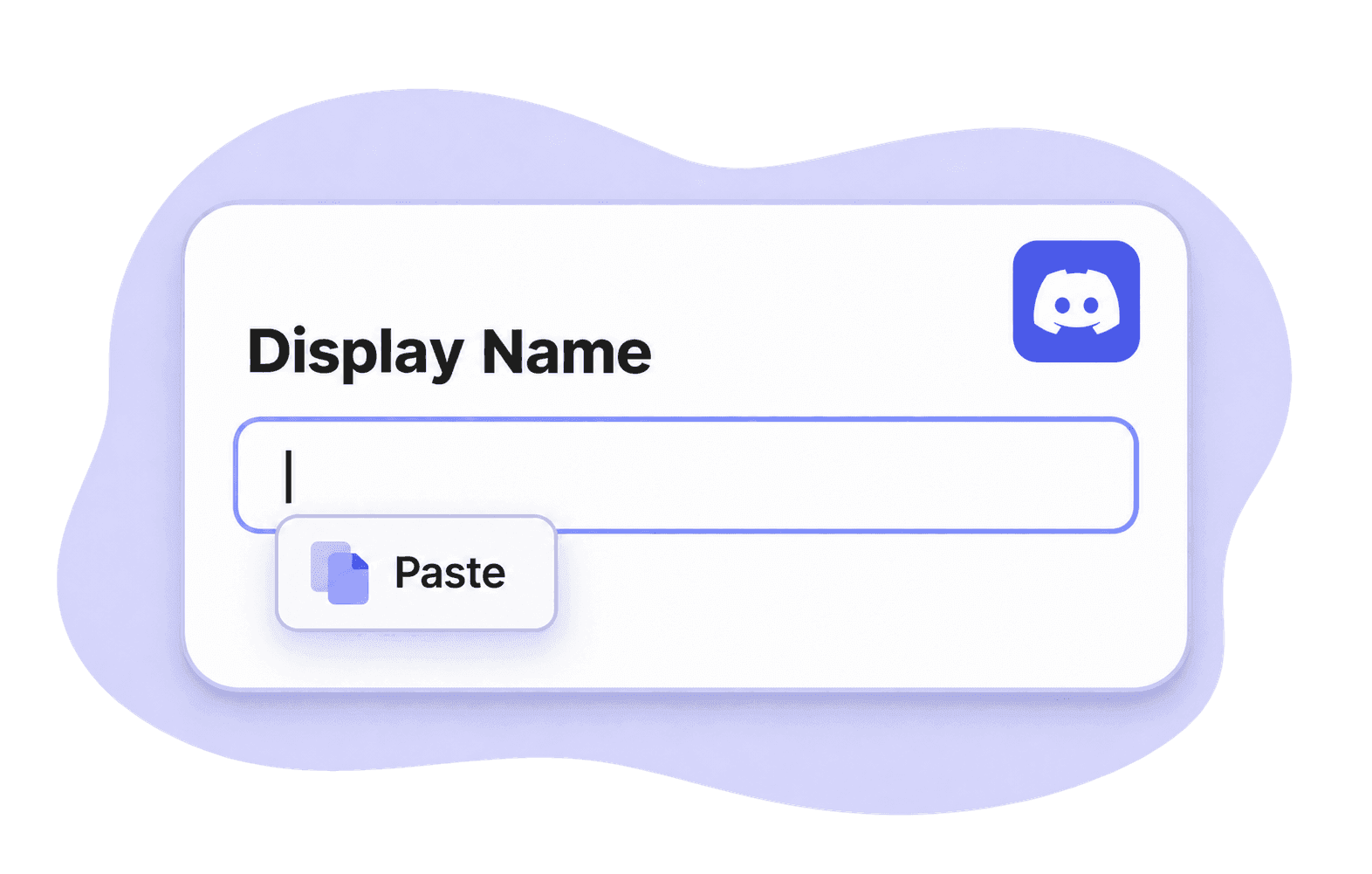
Step 2. Paste It Into Your Display Name
On desktop, open User Settings and select Profiles. On mobile, tap your avatar and choose Edit Profile. Paste the character into Display Name.
Step 3. Save and View Your Profile
Save your changes and open your Discord profile to see how your name looks beside your avatar.
Copy an Invisible Character for Discord in One Click
Skip selecting invisible text by hand. Click Copy beside any blank character, such as Hangul Filler, then paste it into your Discord display name.
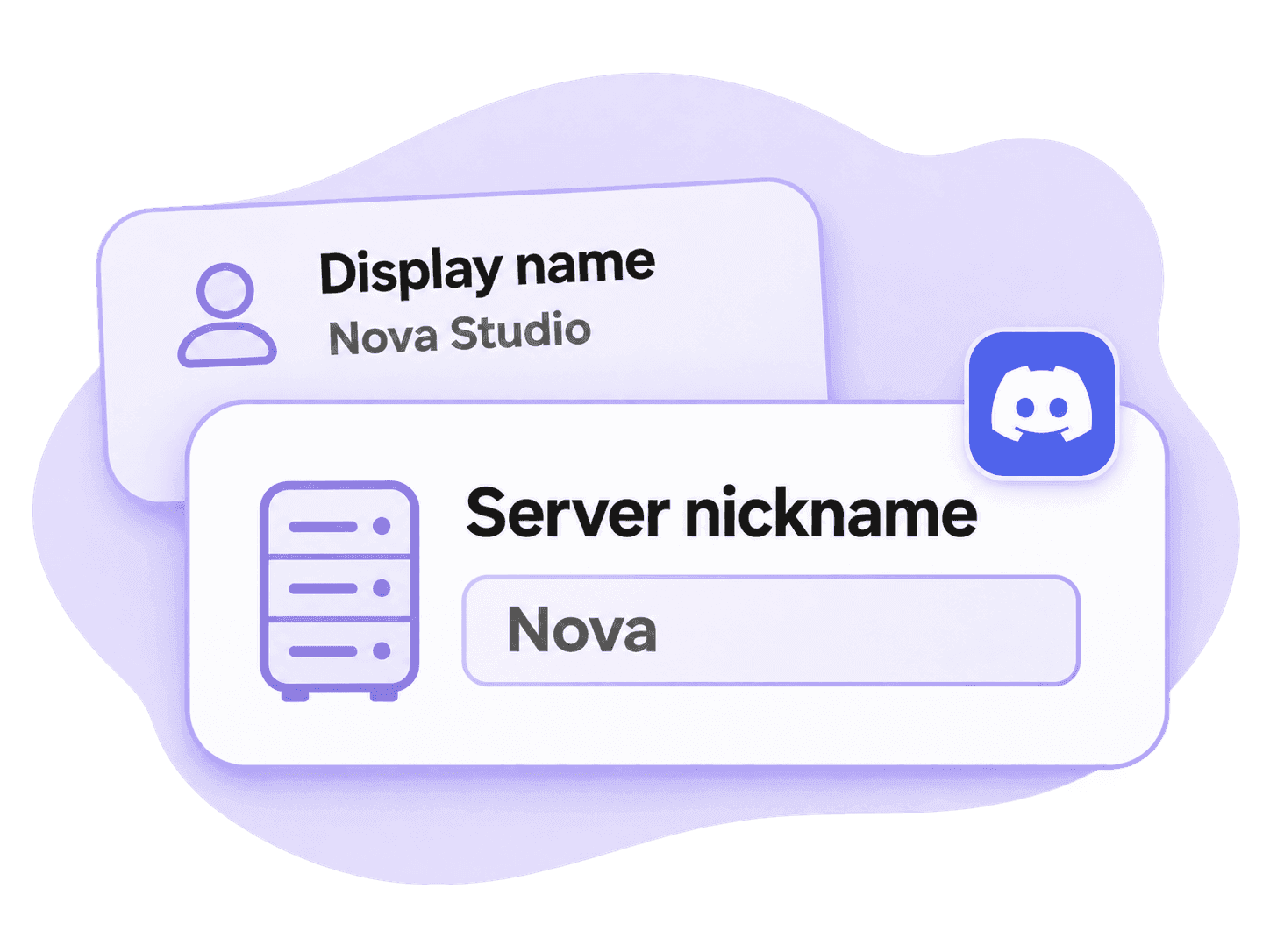
Want a Blank Nickname in Just One Discord Server?
To try a blank nickname in one server, open Edit Per-server Profile and paste the character into Server Nickname. Your friends will still see your usual name in DMs.
Questions About Invisible Discord Names
No. Discord only accepts letters a–z, numbers, underscores and periods in an @username. To try a blank name, edit Display Name on your profile.
If your old name comes back, Discord may have treated the new one as empty. Try a different blank character from the table. If that also fails, choose a short name or an emoji.
A square can appear when a font can’t display the character. Open your profile on your phone and computer to see how each one displays it.
That server may have a nickname set for you. Clear Server Nickname in your server profile and save to use your display name there again.
Your server role may need the Change Nickname permission. Ask a moderator if members can edit their own nicknames.
Open Edit Profile, enter your old name in Display Name, and save your changes.