





logo
menu

DeepSeek AI Detector

See whether DeepSeek wrote the text. Get an AI percentage for drafts or submissions.
Content
Paste Text
Upload Document
Try Example
ChatGPT
Claude
Human
Human + AI
0 / 600 words
Result
AI-generated
?%
Mix-generated
?%
Human-written
?%
Add text and click "Detect AI" to see the results.
Highlighted AI-Generated/Paraphrased Sentences
List sentences likely AI-generated here
350K+
Scans Performed Monthly
99%
Proven Accuracy Rate
4.9
Average User Rating

Why Choose Our AI Detector for DeepSeek?

Clear AI Scores

Clear AI Scores

Clear AI scores show the AI percentage in your own draft before submission, so you do not have to guess.

DeepSeek Text Detection

DeepSeek Text Detection

Review submitted essays, articles, or reports to judge whether DeepSeek likely shaped the writing.

Flagged AI Lines

Flagged AI Lines

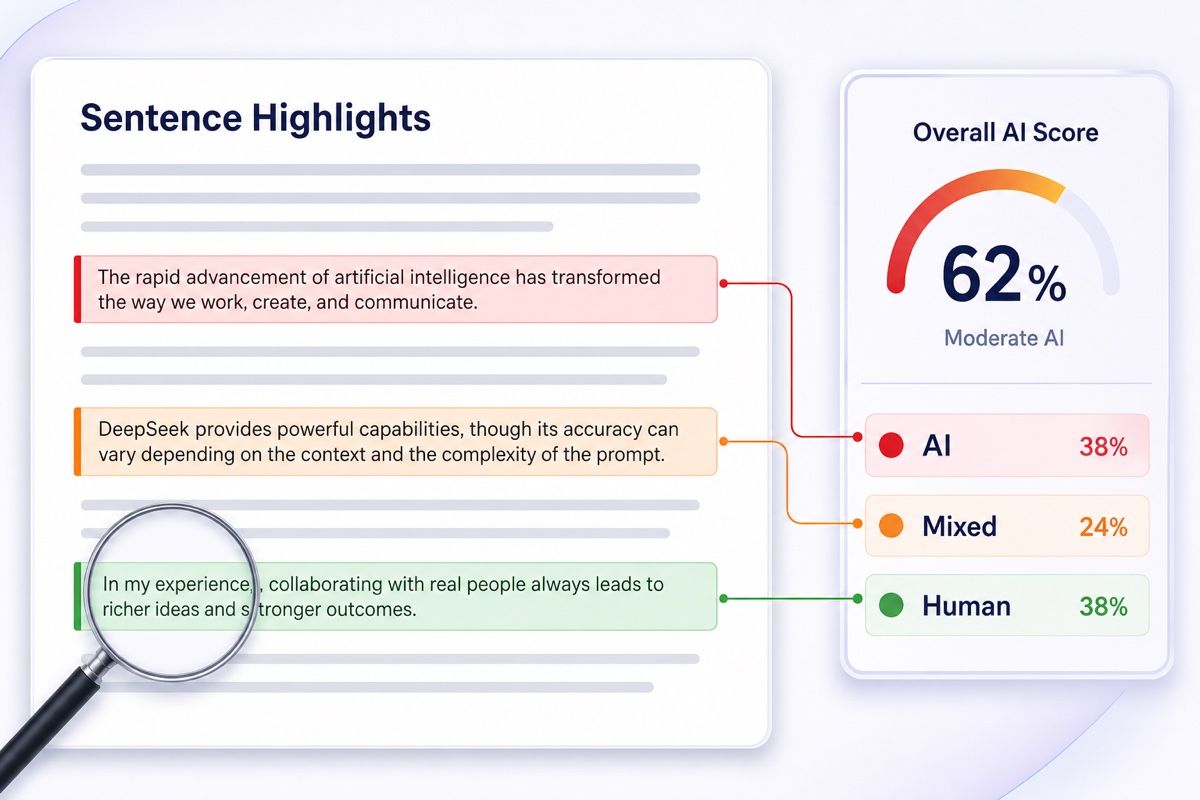
See sentence-level highlights that explain which lines raise the AI score.

Edited Draft Signals

Edited Draft Signals

Edited draft signals show text that may have started in DeepSeek and then been lightly rewritten.

Academic File Checks

Academic File Checks

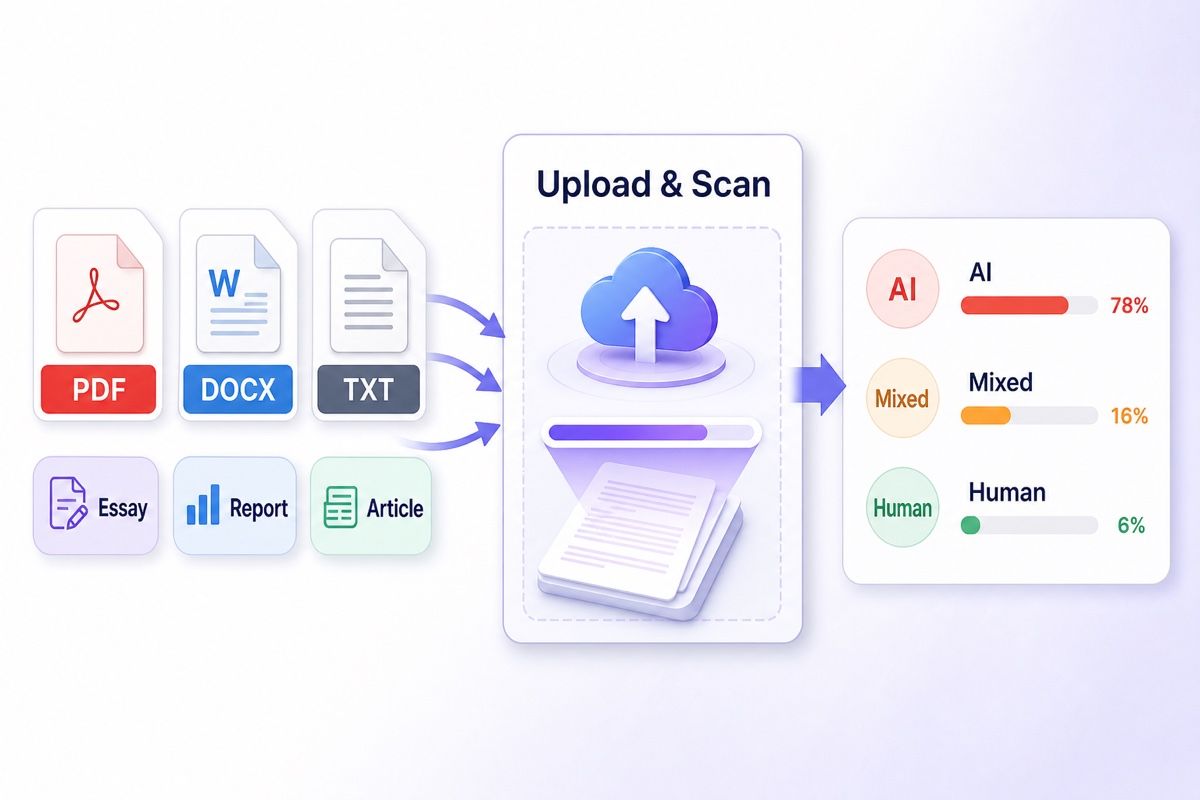
Academic file checks let you upload papers, assignments, and reports when copy-paste review is too messy.

Private Paper Review

Private Paper Review

Review student essays or private drafts with no-training handling and privacy-minded processing.

Check If DeepSeek Wrote It

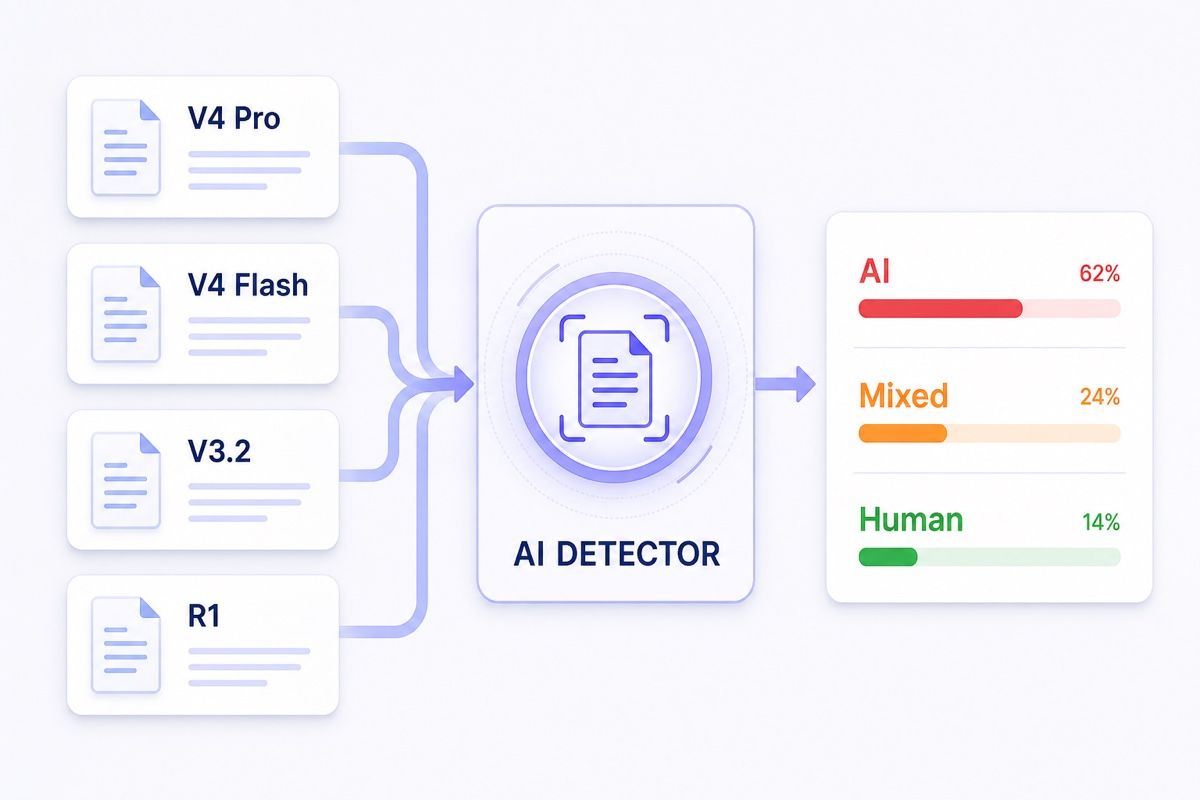
DeepSeek can produce polished essays, reports, and marketing copy that look clean at first glance. Lynote checks the writing and returns AI, Mixed, and Human probabilities so you can review your own draft or someone else's submission with clearer evidence. It helps you decide whether the text may be AI-generated, lightly edited, or mostly human-written.

Find DeepSeek-Flagged Lines

DeepSeek detection works best when you can see the exact sentences behind the score. Lynote highlights lines that look AI-written or heavily edited. You can review the parts that raised the AI percentage before making a decision.

Upload Essays, Reports, and Drafts

For long assignments or client documents, copy-paste review can lose context and formatting. Upload .docx, .pdf, or .txt files directly and scan the extracted text. It keeps longer writing easier to review while you check for DeepSeek-generated content.

How to Use the DeepSeek AI Detector

Step 1. Paste Text or Upload Document

Step 1. Paste Text or Upload Document

Paste your own draft, a student's essay, a client article, or any submitted writing you want to check. This prepares the text for a focused DeepSeek AI detection scan.

arrow
Step 2. Click Detect AI

Step 2. Click Detect AI

Click the "Detect AI" button to scan the writing for machine-generated text. Lynote returns a clear report with AI, Mixed, and Human percentages.

arrow
Step 3. Review the Report

Step 3. Review the Report

Read the AI percentage first, then review Mixed and Human scores with the flagged lines. Use the report to decide whether the text needs rewriting, clarification, or further review.

Who Should Use This DeepSeek AI Detector?

Educators

Educators

Check student essays to see whether DeepSeek may have been used and how much of the text appears AI-generated.

Academic Reviewers

Academic Reviewers

Review submitted research papers directly from document uploads and estimate their AI percentage before making a decision.

Writing Tutors

Writing Tutors

Help writers understand whether their essays, summaries, or long-form drafts may be flagged as DeepSeek-generated.

Admissions Officers

Admissions Officers

Screen incoming application essays quickly to see if the personal statements contain heavy machine assistance.

Students

Students

Check your own assignments before turning them in to see the AI percentage and reduce avoidable flags.

Content Managers

Content Managers

Use this AI detector for DeepSeek to screen long-form articles, highlighting specific sentences that read like machine output.

What Our Users Say

Marcus Thorne

Marcus Thorne

High School Teacher

starstarstarstarstar

"I pasted a student's essay into this DeepSeek AI detector and saw the AI percentage before grading. It helped me review the submission without jumping to a conclusion."

Julian Alvarez

Julian Alvarez

Academic Editor

starstarstarstarstar

"DeepSeek often writes overly polished long-form drafts. This tool helped me catch unedited machine text in a DOCX research summary."

David Chen

David Chen

University Professor

starstarstarstarstar

"I uploaded a 15-page PDF directly into the scanner. It kept the academic formatting readable while checking the text for AI generation."

Omar Tariq

Omar Tariq

Admissions Officer

starstarstarstarstar

"We checked sensitive TXT application essays knowing this tool uses GDPR-minded processing and a no-training policy for submitted data."

Elena Rostova

Elena Rostova

Graduate Student

starstarstarstarstar

"The AI percentage is helpful before submission. I pasted my own draft and saw which parts looked too AI-assisted."

Samantha Hayes

Samantha Hayes

Managing Editor

starstarstarstarstar

"It highlights sentences showing formulaic academic tone or repeated transition patterns in our articles. I can see which parts need human rewriting."

Frequently Asked Questions

Still got questions about our DeepSeek AI detector? Here are the answers.

It estimates whether writing looks DeepSeek-generated by comparing phrasing, sentence flow, and AI/Human probabilities. Use the AI percentage as a review signal, not a final verdict.

Detection provides a probability signal, not a final judgment. False positives can occur, especially with formal academic writing. Use the results as a review guide.

Yes. You can upload .pdf, .docx, or .txt files directly into the scanner. The tool extracts the text automatically so you avoid pasting long passages.

No, your text is not stored or used to train models. We process your document for detection and delete it immediately.

The free detector supports up to 600 words in the text box. Pro users can check up to 3000 words per request. For longer reviews, upload a full .docx, .pdf, or .txt file instead.

DeepSeek text can sound polished, cautious, and well organized, especially in essays or reports. Our AI detector for DeepSeek checks sentence-level clues to estimate whether the writing looks machine-generated or human-written.

No, you do not need an account. You can paste text or upload documents directly to start analyzing your content right away.

Yes, but heavily edited content often returns a mixed result. If a human significantly rewrites a machine-generated draft, the report highlights sentences that still retain AI-style wording while marking stronger manual edits as human-written.