Misleading Speech Clips
A short excerpt claims a public figure supported a policy. Find the full speech before sharing the claim.


Check a video for face-swap signals, read the AI result, and verify the original before you share it.
TRY ONE OF OUR SAMPLE VIDEOS
Some clips are generated from scratch. Others start with real footage and alter only the face. The two clips below show a whole-scene AI edit. The face-swap examples further down show what to check when a real person appears to say something unexpected.
Whole-scene AI edit demonstration. Compare the footage, then look at the face-swap example below.
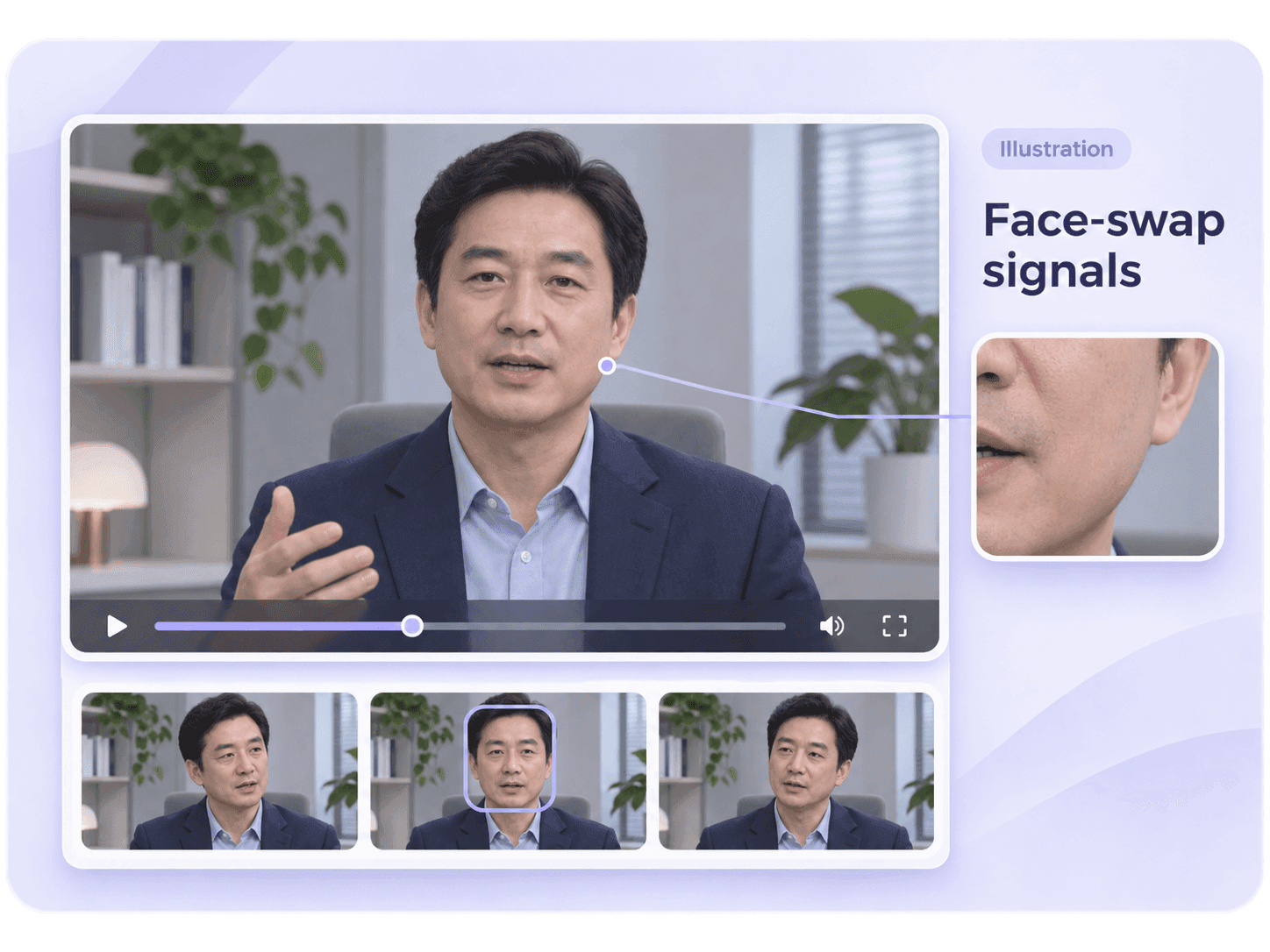
A convincing investment clip can use real footage and replace the speaker’s face. Use the deepfake video detector to review the face-swap signal. Then check whether the person made the same endorsement on an official channel.

The face-swap result addresses possible changes to a face. The overall AI result describes signs of generation across the clip. Read both when the background looks natural but the speaker’s identity is in doubt. Use the results to decide what to verify.
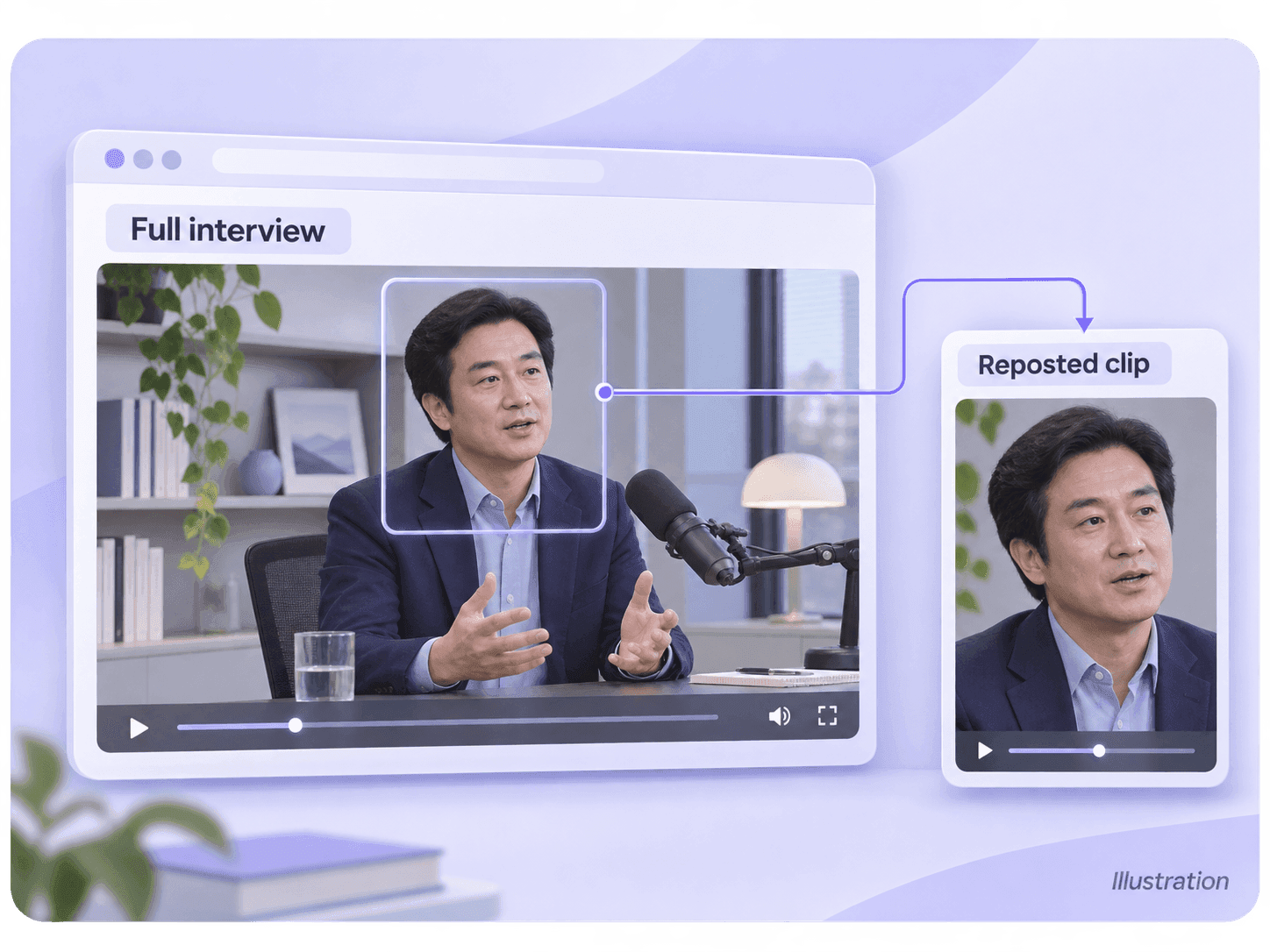
Look for the full interview before trusting a short repost. Match the speaker, setting, and words to the original recording. If the file contains Content Credentials, compare them with what the publisher says about how the video was made.
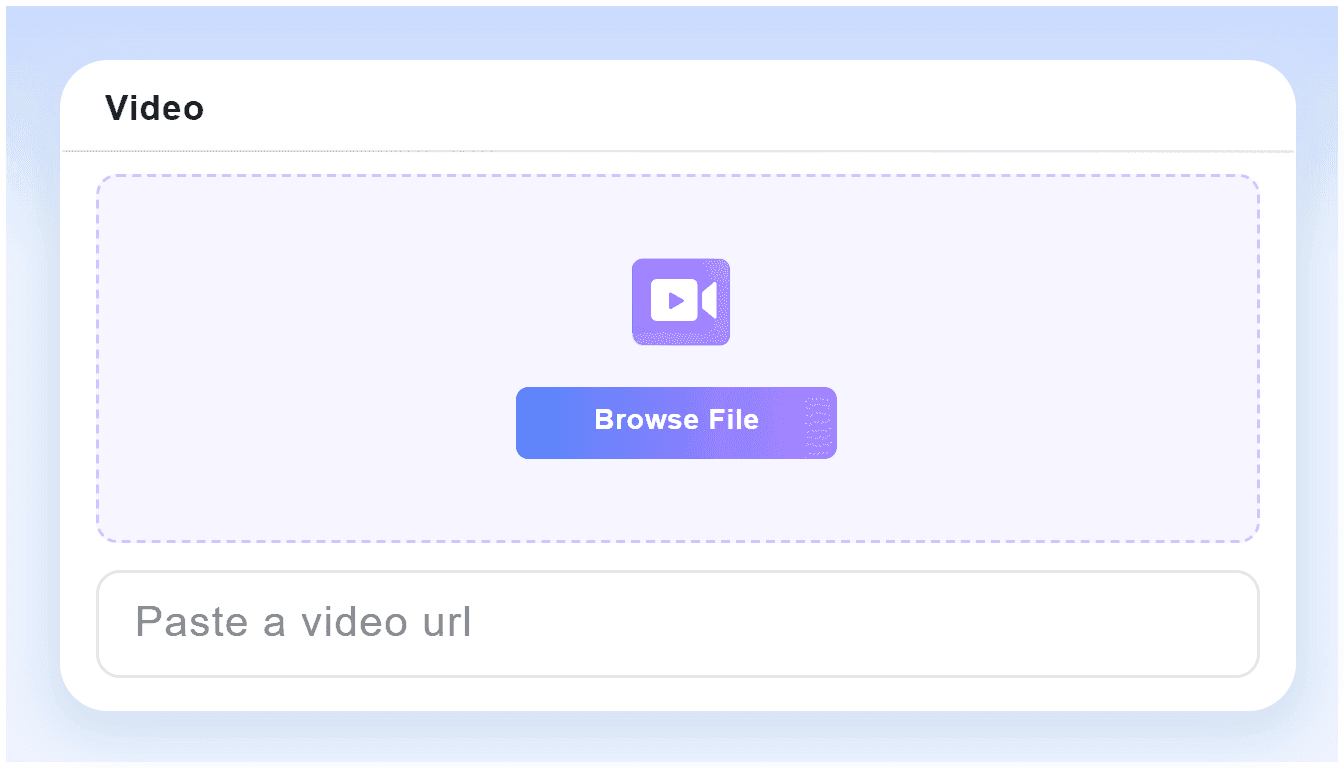
Choose Browse File to add the video. Prefer the full clip from the original publisher when you have it.

Select Detect Video once the right clip is in the preview.
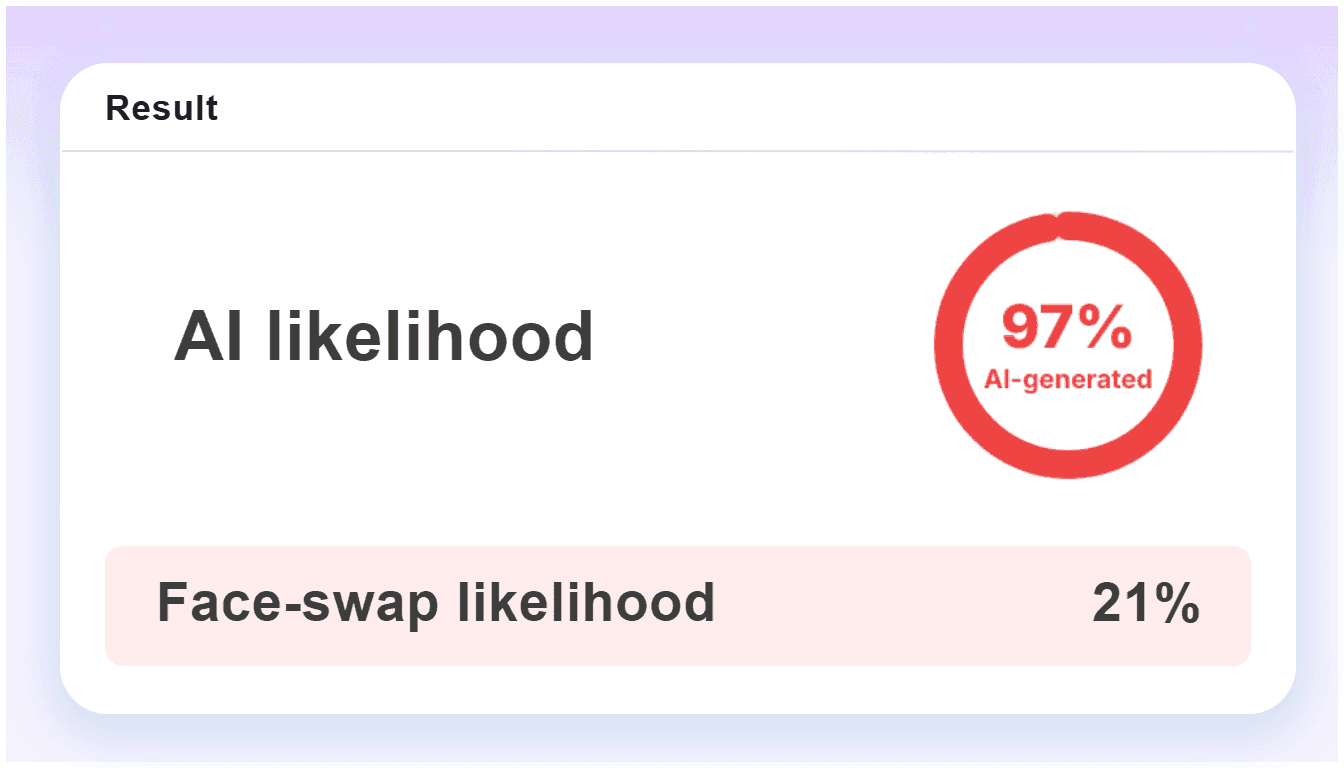
Compare the two signals. If an endorsement still looks suspicious, look for the full video on the speaker’s official channel.
Check a clip before you publish a quote, accept a video as evidence, or act on what a familiar face says.
A forwarded excerpt shows a spokesperson making a surprising claim. Find the full recording and confirm who first published it.
Look at what changes across the clip and what the file records about its source.

Watch the edges of the face as the person turns. Soft edges may come from compression, so use them as a reason to inspect further.

Compare several moments in the clip. Look for changes in reflections, lighting, or features as the head moves.

A face-swap result can flag possible facial replacement even if the surrounding scene appears natural.

When available, credentials can add context about a file’s creation or editing history.
Pause when a clip asks you to pay, share a claim, or trust someone’s identity.
A short excerpt claims a public figure supported a policy. Find the full speech before sharing the claim.
A familiar face promises an unusually high return. Check the endorsement through the person’s official channels.
A host asks for a deposit using a prerecorded tour. Confirm the listing and ask for a live walkthrough before paying.
A new match sends a polished introduction and asks for money. Verify their identity independently.
A seller sends a clip as proof that an item works. Ask for a current demonstration showing a detail you choose.
A selfie clip is offered as proof of identity. Follow your usual identity verification process before accepting it.
Six examples of what to check after reviewing a clip.
Find the complete interview and check whether the quote appears in context.
Ask the seller to show the same item and its controls in a live call.
Compare the earliest upload with a second recording of the same event.

Use the facial signal as a lead when a familiar identity looks suspicious.

Compare any reported source information with the creator’s disclosure.

Review moving footage to put suspicious still frames in context.

See what a detection report can contain using the page’s examples.

Choose a clip saved on your device. An original copy is preferable.

Use embedded source records where present to guide your checks.

Record what the result flagged and ask another reviewer to check the original.
Start with one of the sample videos to explore the detector. Check the tool for current access and limits when analyzing your own video.
The upload panel lists MP4, WEBM, MOV, and AVI. If a clip will not preview, try an MP4 copy. Keep your original for source checks.
The tool displays a link field. Site support can vary. If a link cannot be opened, ask the uploader for the original file.
The face-swap result looks for signs of facial replacement. Compare the clip with a trusted recording before drawing conclusions about the person or their statement.
A low score means the detector found fewer signs of AI manipulation. The clip may still be edited, taken out of context, or falsely attributed.
Yes. Reposts and screen recordings can lose detail or metadata. Use the highest-quality original you can obtain.
Use this page to review video signals. If you suspect voice cloning, verify the recording with the speaker through a trusted channel.
Use Lynote’s image Deepfake Detector to review that single frame. Find the full video to check what happens before and after it.
Find the full original recording, confirm the publisher, and look for the same event or statement from an independent source.


