

Compress JPEG to 20MB

Drop images here, or click to select
Max 50 MB per file



Why Choose Our JPEG to 20MB Compressor?
Reduce oversized JPEG and JPG photos for upload limits while keeping large-photo detail practical.

JPEG-Specific Upload Fix
Compress JPEG to 20MB when your photo is too large for a form, portal, email, or shared folder. Lynote helps reduce oversized JPEG files without forcing them into tiny KB outputs.

Below 20MB Target Control
Need to compress JPEG below 20MB for a strict upload rule? Choose a practical target near 20MB or slightly below it, then download a file that is easier to submit.

Quality-Aware JPEG Compression
JPEG photos often contain faces, product details, landscapes, or document text. Lynote helps reduce file size while keeping the final image visually useful for real upload situations.

Preview Before Download
Do not download blindly. Preview the compressed JPEG, check important details, and confirm the file looks clear enough before saving the smaller version.

Batch JPEG Processing
Have several large JPEG photos above the limit? Upload them together and prepare multiple files for the same 20MB requirement in one workflow.

Works for JPG and JPEG
Whether your file ends in .jpg or .jpeg, Lynote supports the common photo formats people actually upload. You can also use PNG or WebP when needed.

No Design Software Needed
You do not need Photoshop, Preview export settings, or desktop compression tools. Open Lynote in your browser, upload the image, and get a smaller JPEG.

Secure Online Processing
Your images are processed securely and are not permanently stored. Use it for work photos, application images, product pictures, and personal files with confidence.
Compress JPEG to 20MB for High-Resolution Photo Uploads
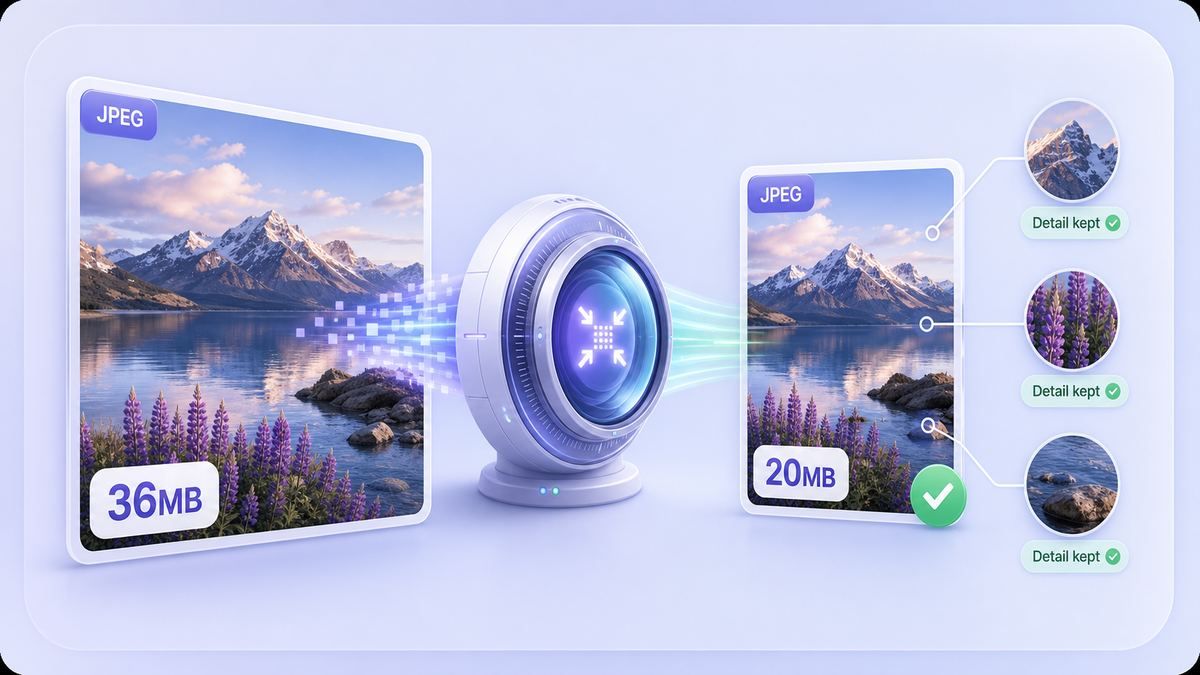
Keep JPEG Files Below 20MB Without Guesswork
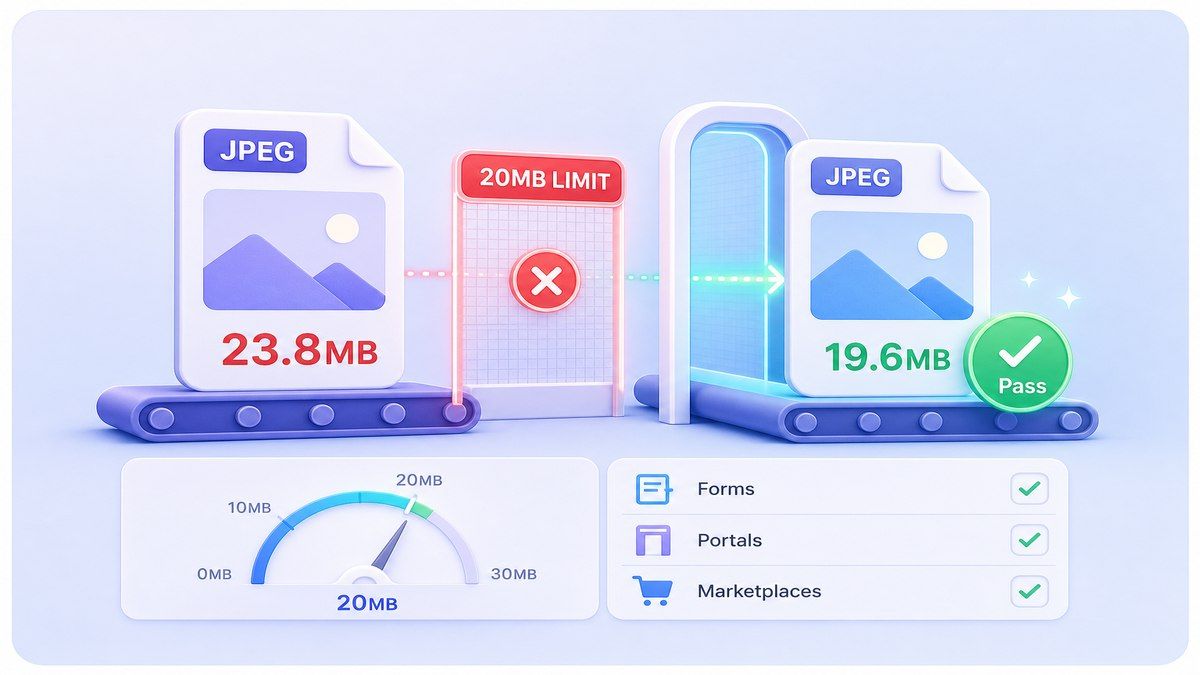
Convert JPEG to 20MB as a Practical Size Target
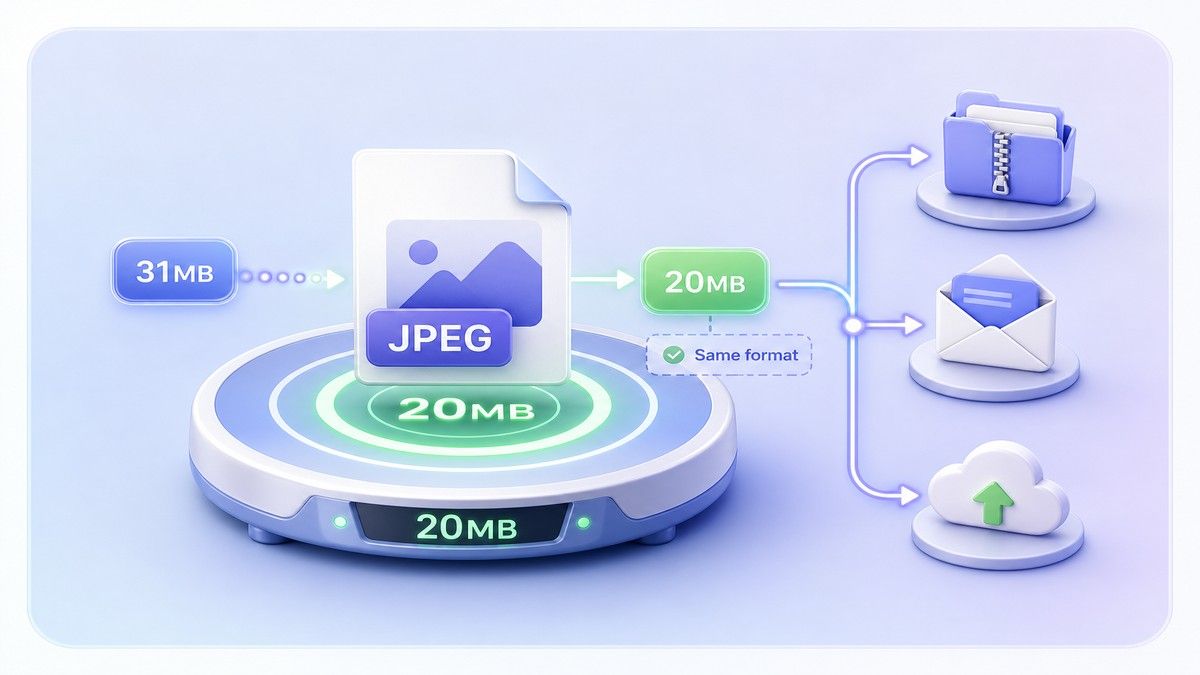
How to Compress JPEG to 20MB Online
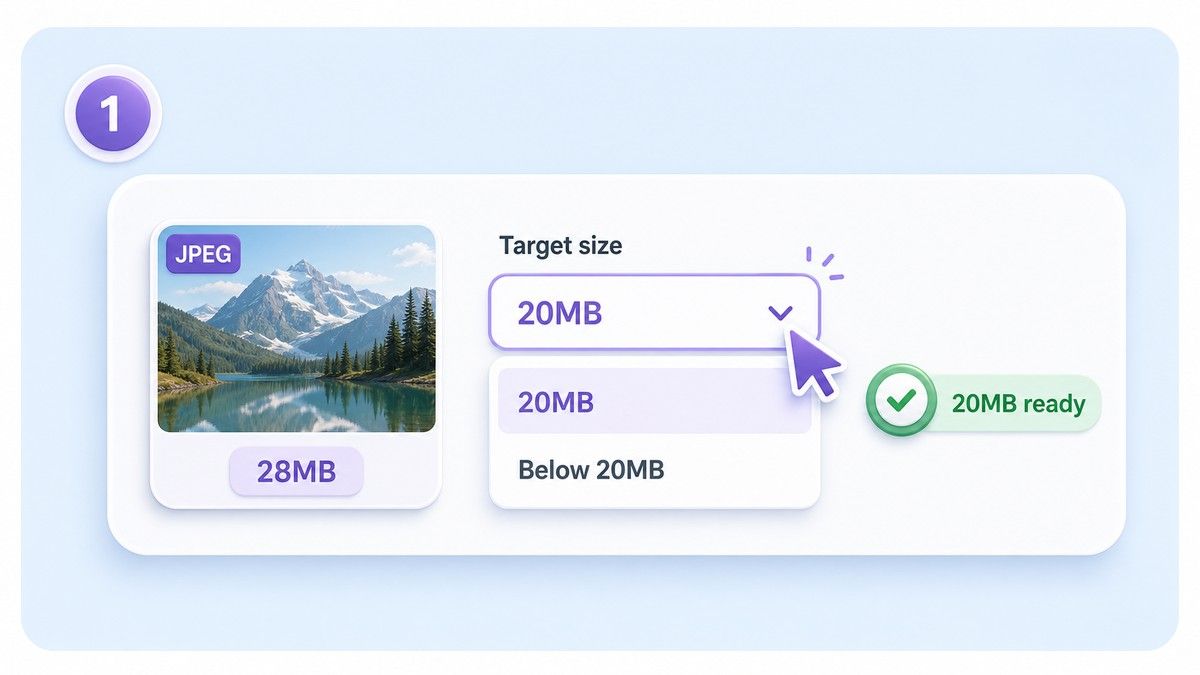
Step 1. Choose the 20MB Target
Select a target around 20MB or slightly below it if your upload system requires files under 20MB. This helps avoid failed uploads caused by small size differences.
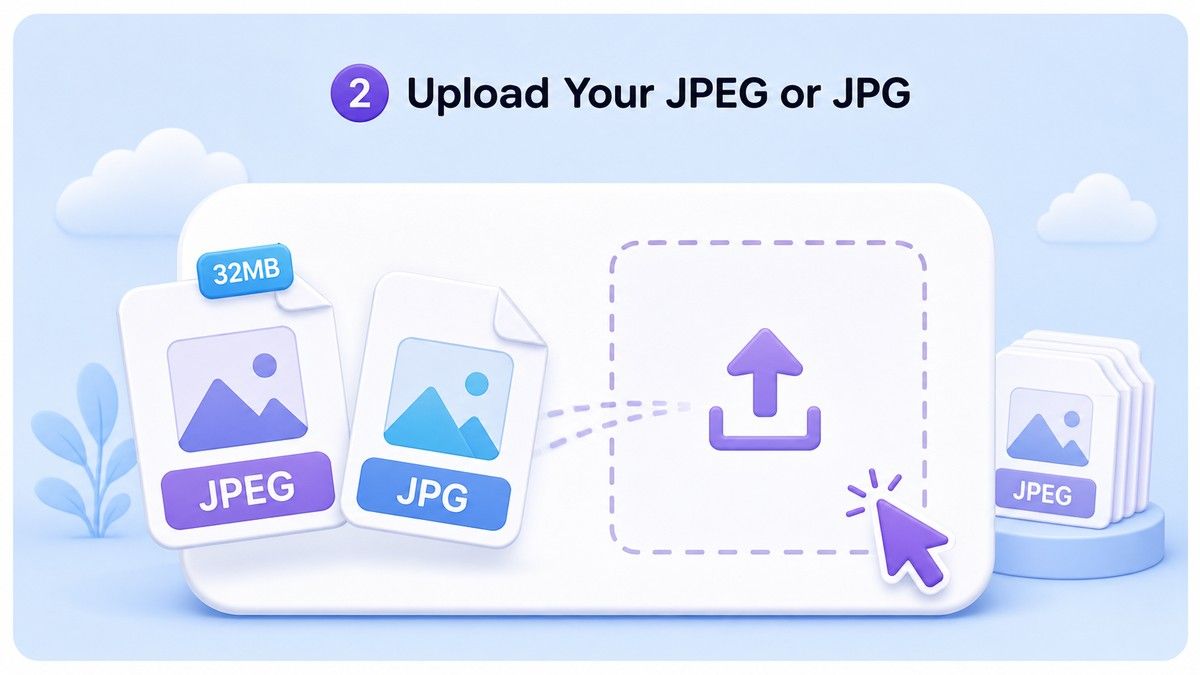
Step 2. Upload Your JPEG or JPG
Drag and drop your large JPEG/JPG image into Lynote. You can upload one photo or process several large JPEG files together when a batch needs the same size limit.
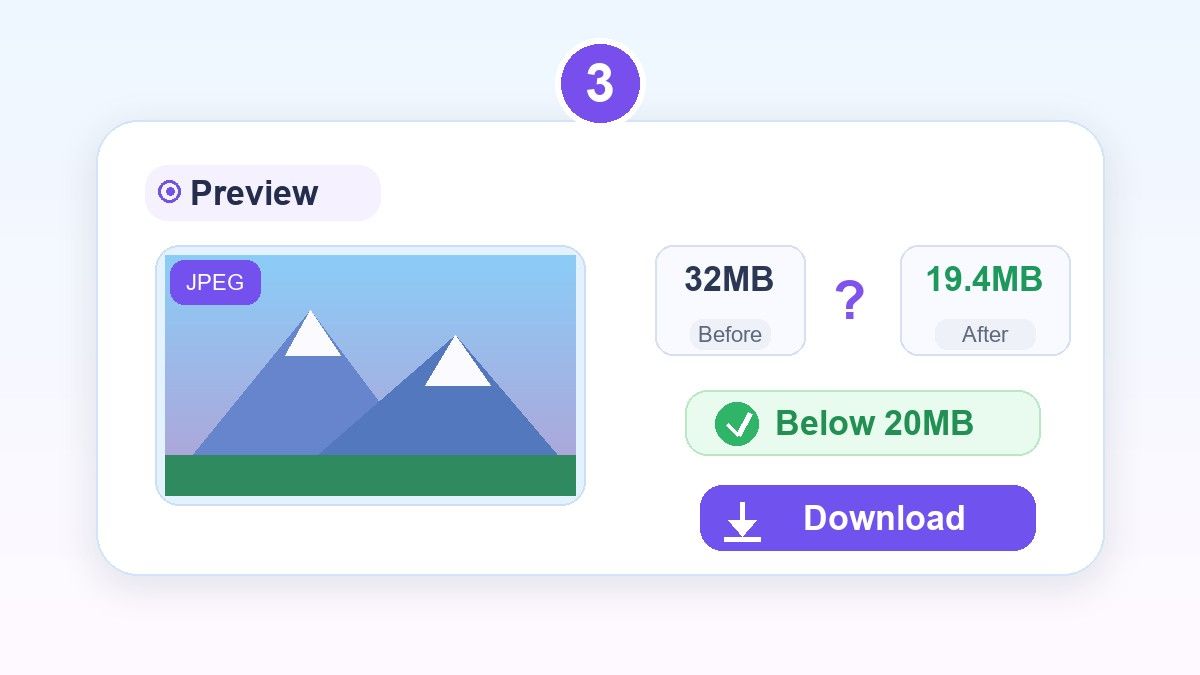
Step 3. Preview and Download
Review the compressed JPEG before saving it. If the image still looks clear and the file is below the limit, download it and upload the smaller version where you need it.
Who Is This JPEG 20MB Compressor For?

Photographers and Creators
Reduce exported JPEG previews while keeping enough visual detail for client review, portfolio sharing, or content approval.

Application and Portal Uploads
Prepare JPEG photos for application systems, visa portals, school forms, business portals, and other upload pages with file-size limits.

E-commerce Sellers
Compress product JPEGs below 20MB before uploading to marketplaces, catalogs, product listings, or supplier systems.

Real Estate and Property Teams
Make high-resolution property photos easier to submit, share, and organize without turning them into tiny low-detail files.

Marketing and Content Teams
Prepare campaign photos, website visuals, blog graphics, and social assets for systems that reject oversized JPEG files.

Everyday Phone Users
Make large phone photos easier to email, store, upload, and share when the original JPEG is too heavy.
What Users Say About the JPEG 20MB Compressor

Marketplace Seller

My product photos were just over the upload limit. Lynote helped me compress JPEG below 20MB and keep the details clear enough for my listings.

Photographer
I often need large previews, not tiny files. Compressing JPEGs to around 20MB gives me a good balance for client delivery.

Admissions Assistant
Applicants send huge phone photos all the time. Lynote makes it easy to reduce JPEG files before uploading them to our portal.

Real Estate Coordinator
Our property images are high resolution and often too large. Batch compression helps us prepare files faster without losing the overall look.

Content Manager
I use Lynote before adding JPEGs to our CMS. The preview step helps me avoid uploading photos that look overly compressed.

Office Administrator
We needed a simple way to convert JPEG to 20MB as a file-size target. This tool is easier than explaining export settings to everyone.
Frequently Asked Questions
Answers about compressing JPEG files to 20MB, below-20MB targets, JPG support, quality, and batch processing.
Upload your JPEG or JPG file to Lynote, choose a target around 20MB, preview the result, and download the compressed image. If your platform requires under 20MB, choose a slightly lower target.
Yes. Lynote helps reduce large JPEG files below 20MB depending on the original file size, dimensions, and image detail.
Usually no. In this context, convert JPEG to 20MB means reducing or compressing the JPEG file so its file size is close to 20MB while keeping it as an image file.
Any JPEG compression can affect detail if pushed too far. Lynote gives you a preview so you can check whether the compressed image still looks good before downloading.
Yes. JPG and JPEG are commonly used names for the same photo format family. Lynote supports both .jpg and .jpeg files.
Yes. You can upload multiple large JPEG images and compress them together, which is useful when several files need to meet the same 20MB rule.
Yes, you can compress JPEG files online with Lynote without installing desktop software. Upload, preview, and download the smaller image directly in your browser.


