

Compress Image Without Losing Quality

Drop images here, or click to select
Max 50 MB per file



Why Choose Our Quality-Aware Image Compressor?
Make images smaller for websites, uploads, email, and sharing while keeping the result clean enough to use.

100% Free
Compress images online without paying for basic file-size fixes. Make photos smaller for forms, websites, email, social media, and everyday sharing.

No Sign Up Required
Start instantly in your browser. Upload an image, choose your size goal, preview the result, and download without creating an account.

Quality-Aware Compression
Reduce file size while keeping the image visually clear. Lynote helps you compress image without losing quality in the way most users actually need: smaller files that still look clean.

Target KB or MB Control
Choose a practical target size before compressing. This is helpful when you need to compress image size without losing quality for upload limits, applications, storefronts, or web pages.

Preview Before Download
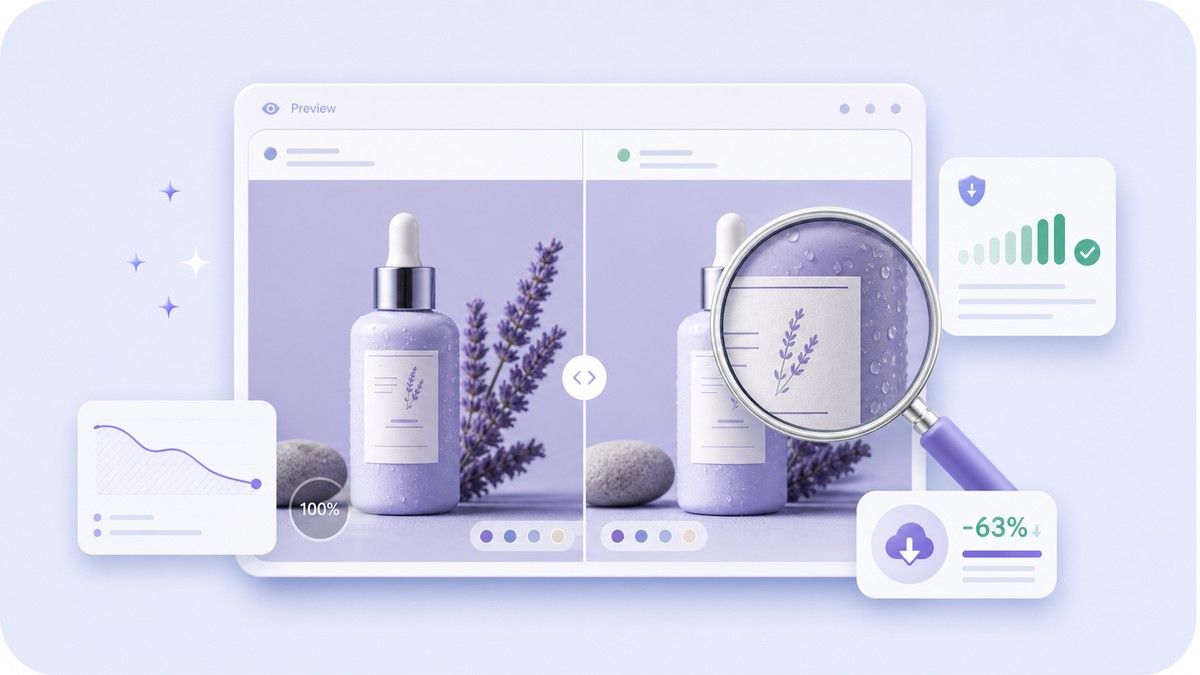
Check the compressed image before saving it. Compare file size, dimensions, format, quality level, and saved percentage so you know the result is still usable.

Batch Image Compression
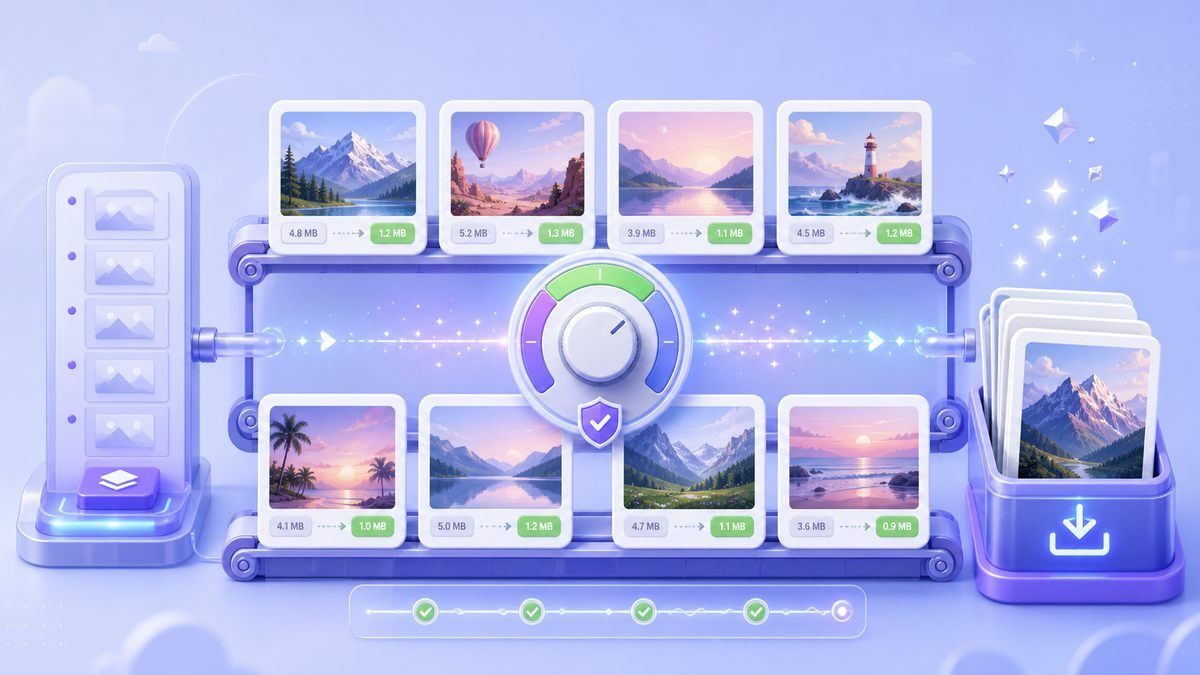
Upload several JPG, PNG, or WebP files together. Compress images without losing quality concerns one by one by reviewing the results before you download.

Works on Any Device
Use Lynote from desktop, tablet, or mobile browser. There is no software installation, no plugin, and no complicated export setting to learn.

Private Online Processing
Your images are processed securely and are not permanently stored. It is a simple workflow for personal photos, product images, school files, and work assets.
Compress Image Size Without Losing Quality in a Practical Sense

Preview Details Before You Save
Compress Images Without Losing Quality Worries in Batch
How to Compress Images Without Losing Quality
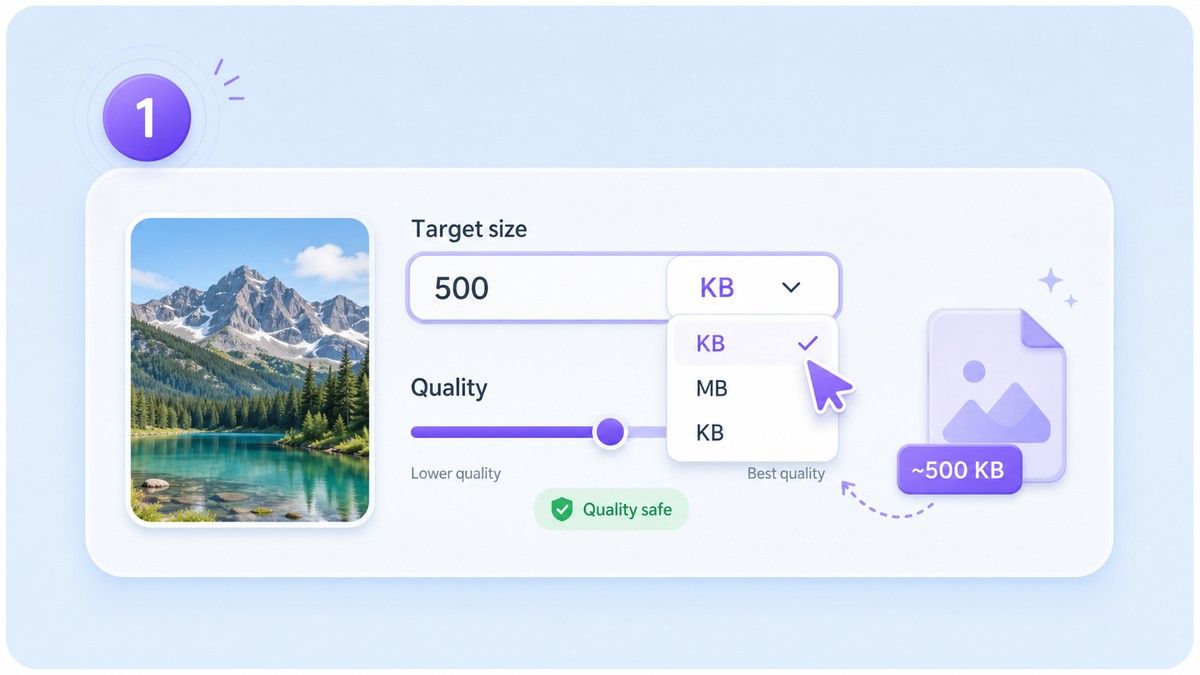
Step 1. Choose a Sensible Target Size
Select a KB or MB target based on where the image will be uploaded. Choose a smaller size for forms or email, and a larger size when visual detail matters more.
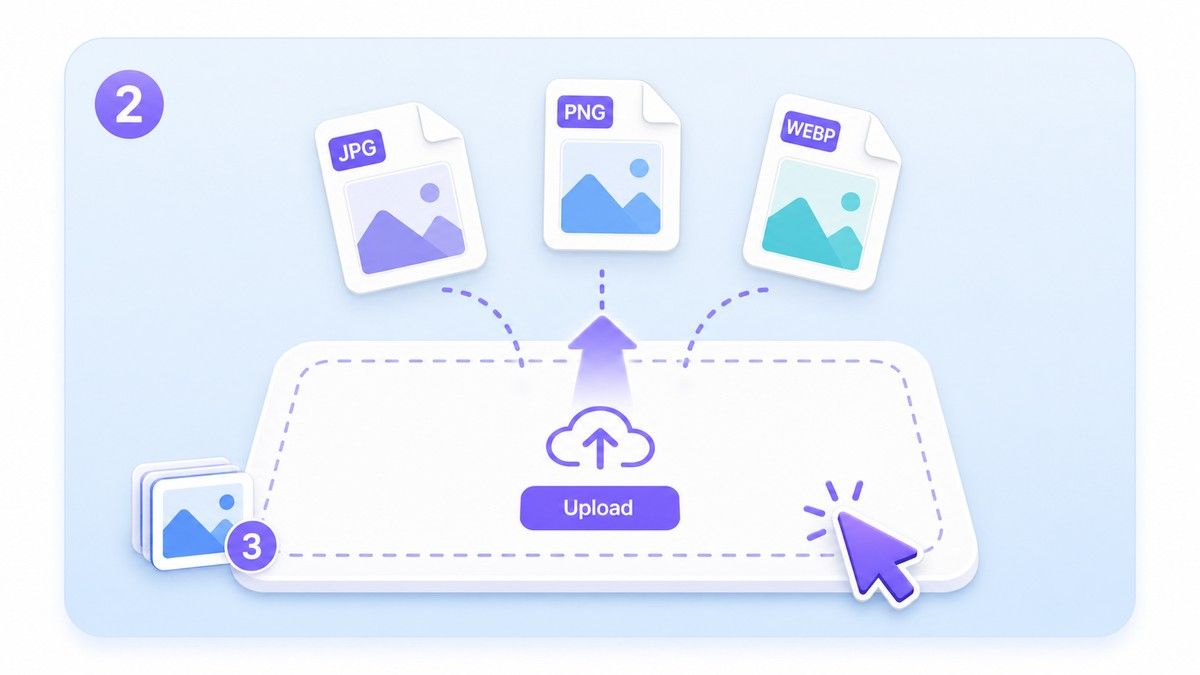
Step 2. Upload JPG, PNG, or WebP Images
Drag and drop your images or click to choose files from your device. Lynote supports common formats and can handle single images or batches.
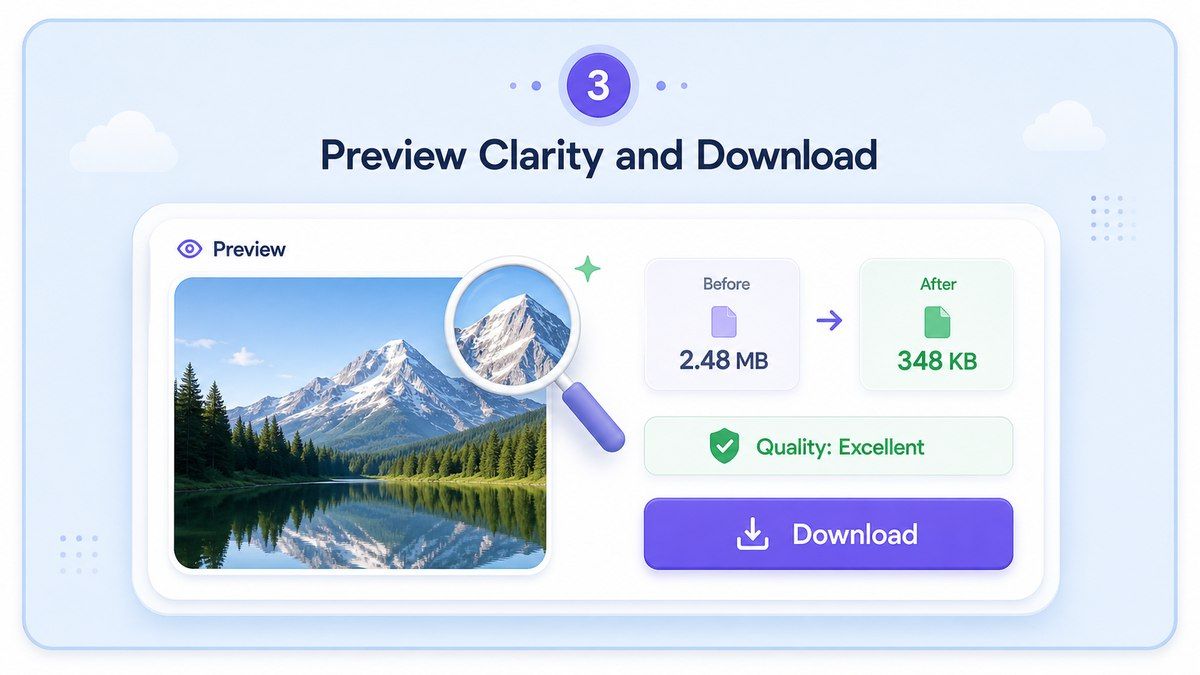
Step 3. Preview Clarity and Download
Review the compressed image before saving it. If the result looks clean, download the smaller file and use it for uploads, websites, messages, or storage.
Who Needs Quality-Aware Image Compression?

Photographers and Creators
Compress portfolio previews, client samples, and social posts while keeping the image polished enough to represent your work.

Website Owners
Make pages lighter with smaller images that still look clear on desktop and mobile screens.

E-commerce Sellers
Reduce product photo size before uploading to stores, catalogs, marketplaces, or ads without making products look cheap or blurry.

Students and Applicants
Prepare ID photos, project images, screenshots, and application files for strict upload limits.

Marketing Teams
Shrink campaign graphics, banners, newsletter visuals, and ad creatives before sharing or publishing.

Everyday Phone Users
Make large phone photos easier to send, store, upload, and organize without opening heavy editing software.
What Users Say About Quality-Aware Compression

Online Store Owner

I use Lynote before uploading product photos. The files become much smaller, but the details still look clean enough for my store.

Website Publisher
I needed a simple way to compress image without losing quality for blog images. The preview helps me avoid blurry results.

Student
My application portal had a strict file limit. Lynote helped me reduce the photo size and still keep it clear.

Marketing Designer
The target-size option is the reason I use it. I can prepare campaign images for different channels without guessing.

Social Media Manager
I batch compress images before scheduling posts. It saves time and keeps the visuals looking consistent.

Freelance Developer
For websites, smaller images matter. Lynote gives me a fast way to reduce file size while checking quality before launch.
Frequently Asked Questions
Answers about image quality, target size, supported formats, batch compression, and privacy.
You can reduce image size while keeping the result visually clear. Image compression is not always mathematically lossless, especially at very small target sizes, so Lynote lets you preview quality before downloading.
Upload your image, choose a sensible target size, preview the compressed result, and download it if the image still looks sharp. This workflow helps you balance file size and visual quality.
Yes. Lynote lets you compress image size without losing quality online free for common image tasks. For best results, avoid choosing an extremely tiny target size when the image contains faces, text, or fine detail.
Lynote supports popular image formats such as JPG, PNG, and WebP. You can use it for photos, screenshots, web graphics, product images, and everyday pictures.
Yes. You can select a target size before uploading, such as smaller KB targets for forms or larger MB targets for web and email use.
Yes. You can upload multiple images and compress them together. Preview the results before downloading so you can keep only the versions that look right.
Your images are processed securely and are not permanently stored. Lynote is designed for quick online compression without complicated setup.


