

Compress Image to 5MB Online

Drop images here, or click to select
Max 50 MB per file



Why Choose This 5MB Image Compressor?

Free Online
Compress large images to 5MB online for free when you need lighter files for sharing, publishing, or storage.

No Account Needed
Use the browser-based compressor with no account needed, no setup flow, and no extra software.

Bulk Compression
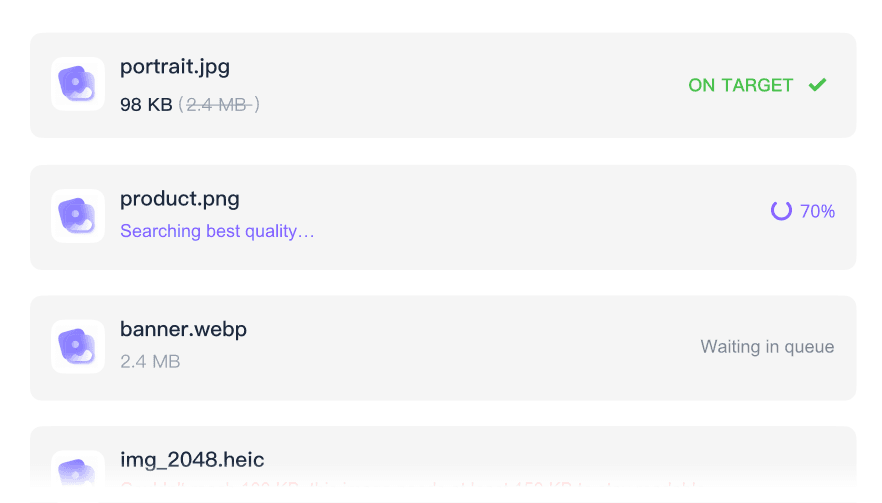
Bulk compression helps you process image sets toward 5MB for galleries, product photos, campaign folders, or client proofs.

Quality Preview
Use the quality preview to check texture, color, text, and sharp edges before downloading large photo files.

Large Photo Friendly
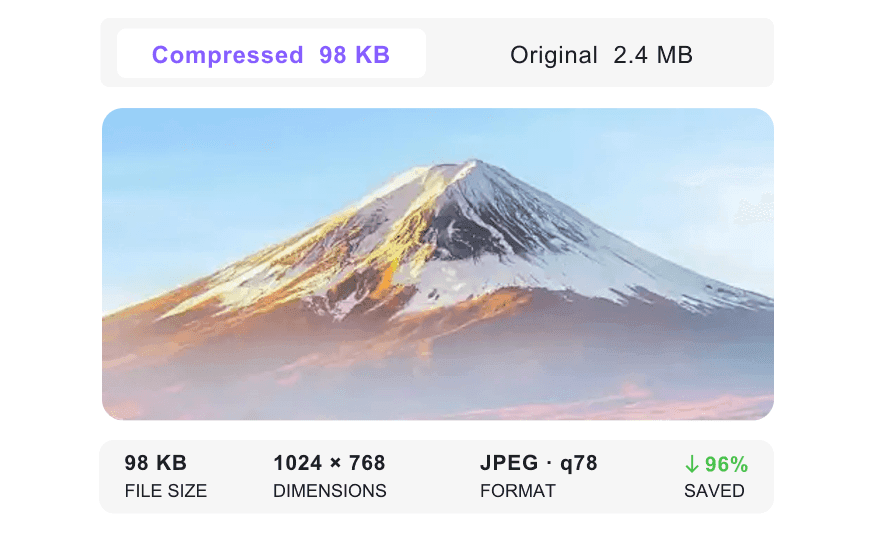
Make large photos easier to handle while keeping more visible detail than tiny KB compression targets.

5MB Target Control
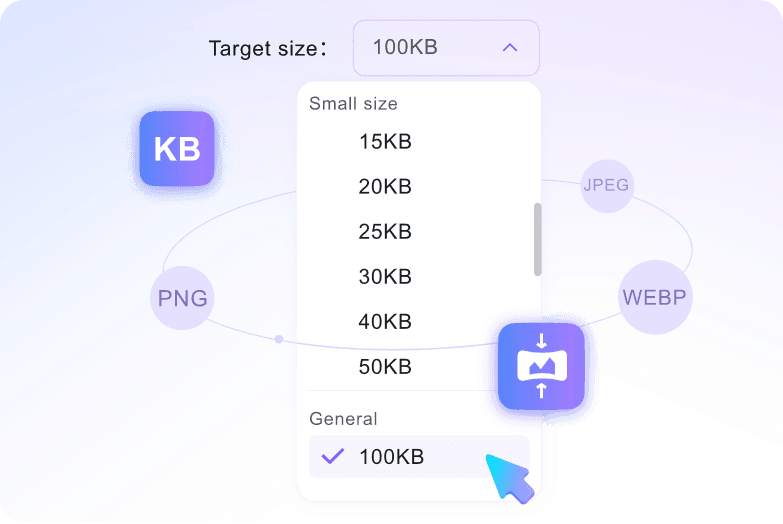
Use a 5MB target when you need a clear file-size goal, not a vague compression percentage or repeated export attempts.

JPEG PNG WebP
Upload common JPEG/JPG, PNG, and WebP files, with a 50 MB per-file upload limit for large originals.

Secure & Private
Uploaded files are processed securely and are not permanently stored on our servers after compression.
Reduce Image Size to 5MB for Large Photos
Keep More Visual Detail
Compress 5MB Image Sets
How to Compress Image to 5MB Online

Step 1. Confirm the 5MB Target
Open the 5MB target page or confirm the target size before adding images. Compression starts after upload, so the size goal should be ready first.
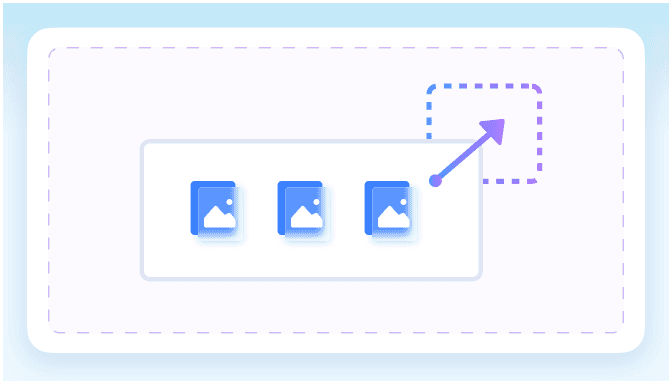
Step 2. Upload Your Image
Drag and drop your image or click Choose Image to upload one or more JPEG/JPG, PNG, or WebP files from your device.

Step 3. Preview and Download
Inspect the preview, check whether the file still looks sharp enough, and download the 5MB version for sharing, publishing, or storage.
Who Needs to Compress Images to 5MB?

Photographers
Reduce high-resolution photo exports to 5MB before sending client proofs or lightweight gallery files.

Web Publishers
Prepare large blog graphics, banners, and CMS images at 5MB before publishing or handing files to developers.

Online Sellers
Compress product galleries to 5MB so uploads finish faster while color, texture, and item angles remain visible.

Marketing Teams
Prepare campaign visuals, event photos, and presentation images at 5MB for easier approvals and team sharing.

Designers
Batch resize client proofs and review images to 5MB when a polished but lighter delivery folder is needed.

Everyday Users
Shrink smartphone photos to 5MB before emailing albums, saving cloud space, or uploading to personal sites.
What Users Say About Compressing Images to 5MB

Photographer

"I needed smaller preview files from a client shoot without making them look muddy. The 5MB target kept the gallery easy to send."

Web Producer
"Our CMS was slow with huge banner exports. Compressing them to 5MB made uploads easier while the page visuals still looked sharp."

Ecommerce Manager
"I compressed a full product photo set before sending it to our listing team. The color and fabric detail were still easy to review."

Marketing Lead
"Campaign folders get heavy fast. Batch compression helped us send lighter image packs for approval without rebuilding every asset."

Graphic Designer
"The preview step helped me catch one image that became too soft. I adjusted the source and downloaded a cleaner 5MB version."

Travel Blogger
"Phone photos from a trip were huge. Compressing them to 5MB made the album easier to upload while keeping the scenery crisp."
Compress Image to 5MB FAQ
Find quick answers about 5MB compression, large image quality, batch uploads, formats, and privacy.
It means reducing a large image toward a 5MB target so it is easier to upload, send, or store while retaining useful detail.
Confirm the 5MB target, upload your image, preview the compressed version, and download the file when the size and quality look right.
Often, yes. Because 5MB is a larger target, detailed photos usually keep more texture than they would with small KB limits.
You can upload JPEG/JPG, PNG, and WebP images, with up to 50 MB allowed per file before compression.
Yes. You can upload multiple images in one workflow, which is useful for galleries, product shoots, campaign folders, and photo sets.
No. The compressor runs online in your browser, so you can resize image to 5MB from desktop or mobile without extra software.
No. Uploaded files are processed securely and are not permanently stored on our servers after compression is complete.


