

Compress Image to 50KB

Drop images here, or click to select
Max 50 MB per file



Why Choose Our 50KB Image Compressor?

Strict 50KB Uploads
Strict upload forms may not accept an image over 50KB. Choose the 50KB limit first, upload your photo, and prepare a smaller file for job portals, exam forms, or ID submissions.

Simple Browser Tool
The browser tool keeps the task simple. You do not need Photoshop, a phone app, or confusing export settings when you only need to reduce image file size to 50KB.

Choose Size First
Choose the size before you upload. Since compression starts after the image is added, selecting 50KB first helps the tool aim for the upload limit right away.

Fast Compression
Fast compression is useful when a deadline is close and a portal keeps rejecting your photo. Upload the file, wait a few seconds, then check whether the new image is ready to submit.

Preview Results
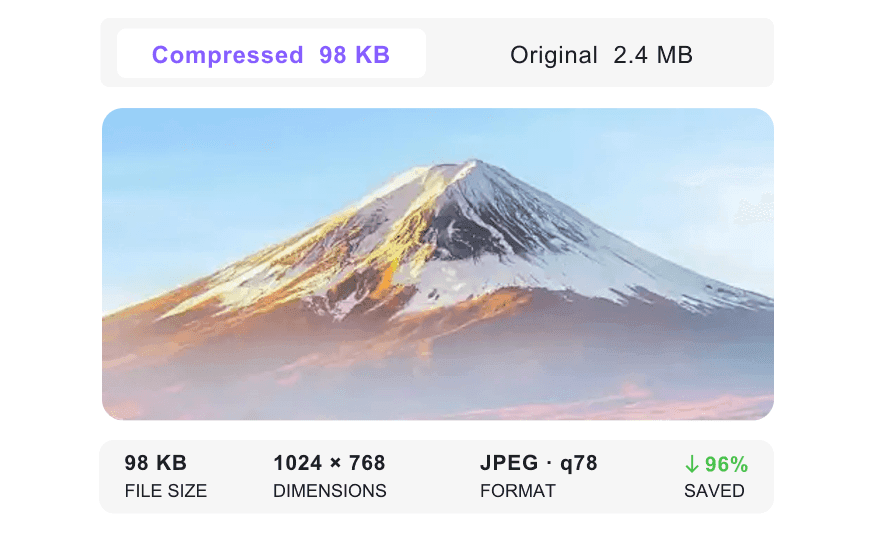
Preview results before downloading. A 50KB image can lose detail, so check faces, signatures, stamps, or short text before using the file on an official form.

Common Image Formats
JPG, JPEG, PNG, and WebP files are supported. You can convert image to 50KB from common formats without switching to another converter first.

Phone and Desktop
Use it on a phone, tablet, or desktop browser. This helps when you need to resize image to 50KB while filling out a form away from your main computer.

Private and Secure
Private and secure handling matters for IDs, certificates, and personal photos. Uploaded images are processed securely and are not kept permanently on our servers.
Compress Image to 50KB Before Uploading
Preview Image Compressor to 50KB Results
Batch Compress Images to 50KB
How to Compress Image to 50KB Online

Step 1. Choose Target Size
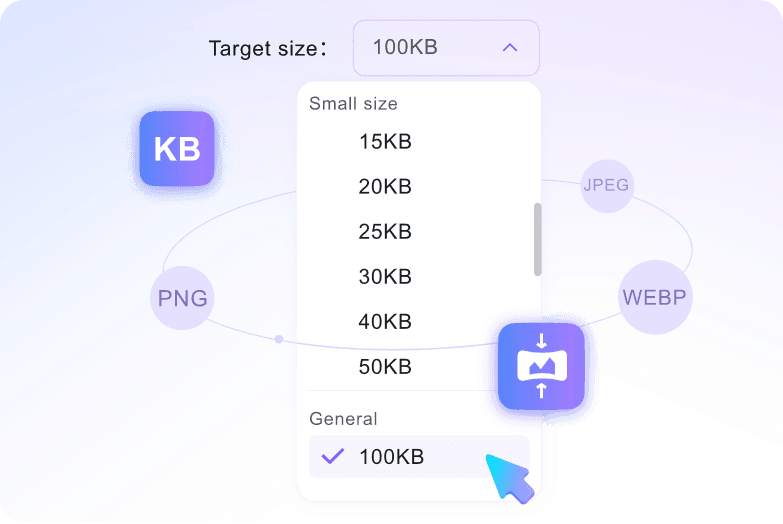
Open the target size menu and select 50KB. Do this before uploading, because the image starts compressing after the file is added.
Step 2. Upload Images
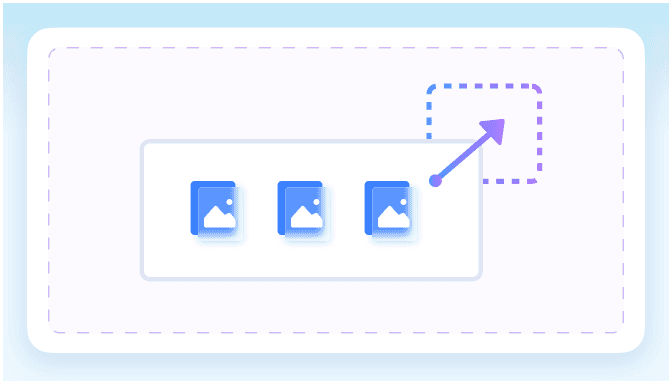
Drop your image into the upload area, or click to choose it from your device. The image compressor to 50KB supports JPEG, JPG, PNG, and WebP files up to 50MB each.
Step 3. Preview and Download
Check the preview and file information. If the 50KB image looks suitable for your form or portal, download it and use it for your upload.
Who Needs a 50KB Image Compressor?

Job Portal Applicants
Job portals often ask for a small profile photo, ID scan, or proof image. Compress it to 50KB before submitting so the upload form is less likely to reject it.

Students Submitting Exam Forms
Exam forms and admission portals may ask for a photo under 50KB. Students can resize image to 50KB online, preview the result, and then upload it to the school system.

Passport and Visa Applicants
Passport, visa, and government websites can be strict about image size. Reduce image size to 50KB and check the face preview before submitting the file.

HR Teams
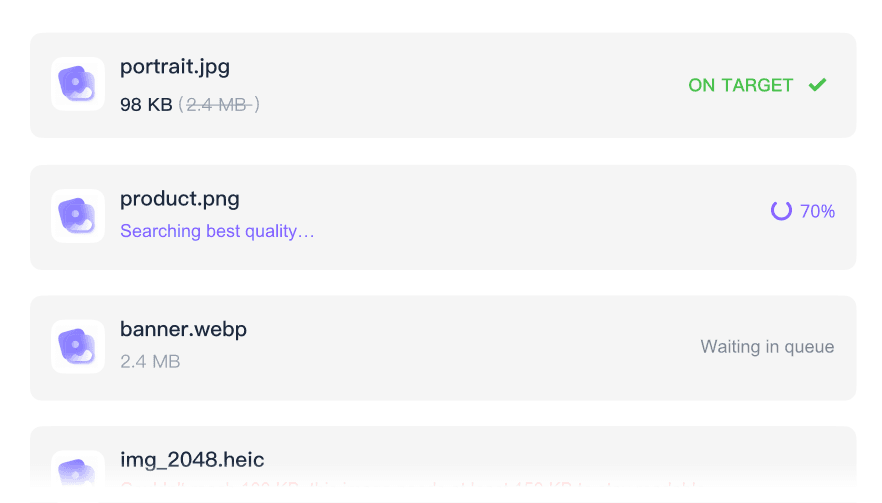
HR teams can prepare small employee photos for onboarding forms, profile records, and internal systems. Batch upload the images when several files need the same 50KB limit.

Website Owners
Website owners can shrink image size to 50KB for small thumbnails, badges, icons, or low-bandwidth pages where a large photo would be unnecessary.

Event Registration Teams
Event teams often collect attendee photos for badges or registration records. Decrease image size to 50KB before importing the files into an event system.
What Users Say About 50KB Image Compression

Job Applicant

"My job portal kept rejecting my headshot because the file was too large. I chose 50KB, uploaded the photo, checked the preview, and used the downloaded image on the same form."

Student
"I needed to compress image to 50KB before an exam registration deadline. I did it from my phone browser and avoided installing another photo editing app."

Visa Applicant
"For my visa form, the image had to be tiny but still recognizable. The preview made it easier to check the 50KB version before downloading."

HR Manager
"Our onboarding system needed small employee photos. I uploaded the batch, reduced image file size to 50KB, and downloaded the set for our records."

Website Owner
"I use it for tiny website thumbnails where a large file is unnecessary. It handles PNG and WebP uploads, so I can convert image to 50KB directly."

Teacher
"Some parents sent registration photos that were much too large. This photo compressor to 50KB helped me prepare the images before uploading them to the school system."
Frequently Asked Questions
Need a smaller image for a strict upload form? These answers cover the 50KB basics.
Choose 50KB from the target size menu, then upload your image. The compression starts after upload. Preview the smaller file, check the result, and download it when ready.
You can upload files up to 50MB each. Large originals can be reduced, but 50KB is a very small target, so preview the result before using it for an official upload.
It may lose some detail, especially if the original is large or highly detailed. Use the preview to check faces, signatures, stamps, or small text before download.
Yes, 50KB is often requested for ID photos, exam forms, and government portals. Because it is a small size, preview the final image before submitting it.
Yes. Passport photos, ID scans, and other personal images are processed securely and are not stored permanently on our servers.
Yes. WebP is supported alongside JPEG, JPG, and PNG. Upload the file after choosing 50KB, then preview the result before downloading.
Most images finish in a few seconds after upload. Larger files may take a little longer, but the tool is designed for quick 50KB form preparation.


