

Compress Image to 500KB Online

Drop images here, or click to select
Max 50 MB per file



Why Choose Our 500KB Image Compressor?

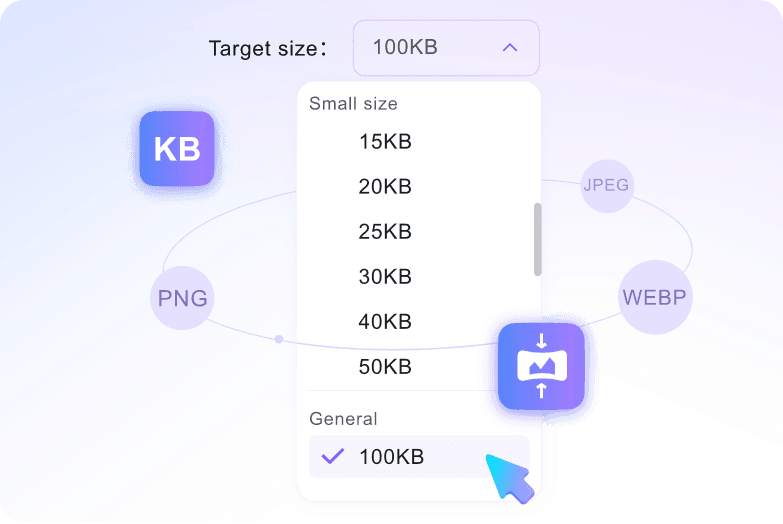
500KB Target Size
500KB is a useful target size when a photo is too large but you still want more detail than a tiny 50KB or 100KB file. Use it for product pages, forms, and shared images.

Clearer Small Files
Clearer small files are the main reason to choose 500KB. It reduces file weight while leaving more room for product details, faces, colors, and simple document images.

Common Image Formats
Common image formats are supported, including JPG, JPEG, PNG, and WebP. You can convert image to 500KB without changing the file in another app first.

Easier Email Sharing
Easier email sharing starts with a lighter attachment. Decrease image size to 500KB when the original photo is too heavy for quick sending.

No Software Needed
No software is needed for a simple resize task. Open the browser tool, choose 500KB, upload your image, then preview the result before download.

Preview Image Quality
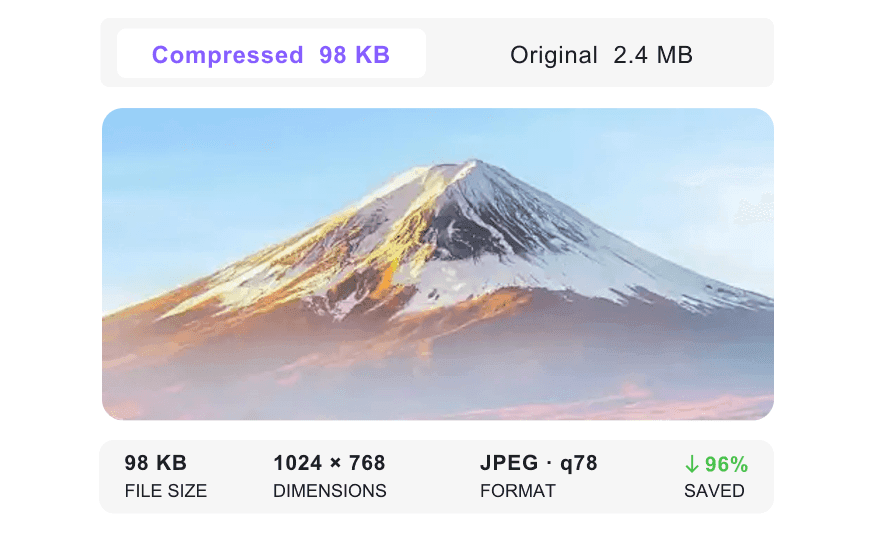
Preview image quality before saving the file. A 500KB target is usually friendlier to visual detail than very small KB limits, but checking the result is still important.

Batch Photo Resizing
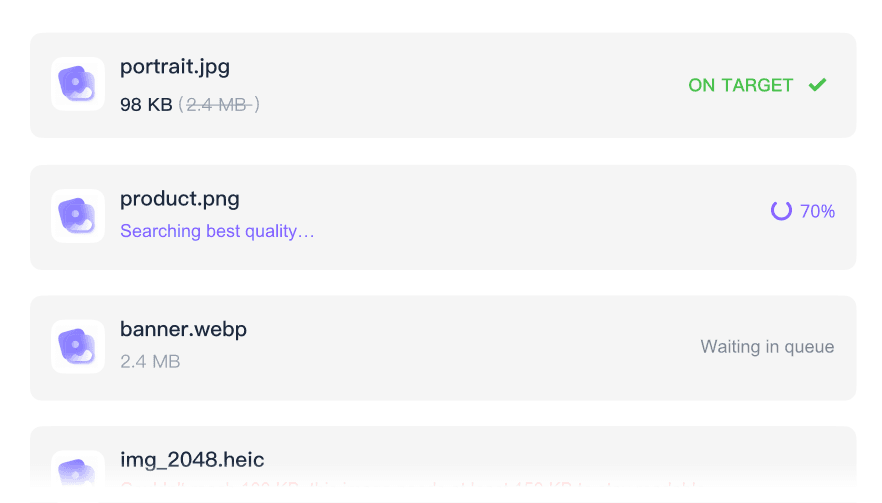
Batch photo resizing helps when product shots, gallery images, or event photos all need the same 500KB limit. Upload multiple images and prepare them together.

Private and Secure
Private and secure processing helps protect personal photos, product drafts, and work images. Uploaded files are not stored permanently on our servers.
Compress Image to 500KB with Size Control
Preview 500KB Image Quality Before Download
Batch Resize Photos to 500KB
How to Convert Image to 500KB Online

Step 1. Choose Target Size
Select 500KB from the target size menu before uploading. The tool starts compressing after you add the file, so the target size comes first.
Step 2. Upload Images
Drag your image into the upload area, or click to choose it from your device. JPG, JPEG, PNG, and WebP images are supported.
Step 3. Preview and Download
Preview the 500KB result. If the photo still looks right for your product page, email, form, or website, download the compressed image.
Who Needs a 500KB Image Compressor?

E-Commerce Sellers
E-commerce sellers can compress image to 500KB for product photos that need to load faster while still showing useful details to buyers.

Website Owners
Website owners can resize image to 500KB for banners, blog images, and page graphics that are too heavy in their original form.

Job Applicants
Job applicants can shrink profile photos, resume headshots, or portfolio images when an application portal asks for files under 500KB.

Email Marketers
Email marketers can resize newsletter graphics to 500KB so campaign images are lighter and easier to attach, test, and send.

Content Creators
Content creators can convert image to 500KB for blog posts, media kits, thumbnails, and download pages that do not need full-size originals.

Students
Students can decrease image size to 500KB for assignment photos, class notes, admission forms, and project images that need to upload smoothly to school portals.
What Users Say About 500KB Image Compression

E-commerce Seller

"My product photos were too heavy for quick listing updates. I used the image compressor to 500KB on a batch of files and downloaded a lighter set for my shop."

Job Applicant
"The application portal asked for a smaller headshot, but I did not want to crush it too much. I used it to shrink image size to 500KB and got a usable upload."

Website Owner
"I often convert image to 500KB before sending website graphics to clients. The files are lighter, and I can still review the preview before downloading."

Digital Marketer
"I resized a WebP banner to 500KB and checked the preview before using it in a campaign. That extra look helped me avoid downloading a version that felt too compressed."

Photographer
"I needed to send sample photos without sharing the full-size originals. This photo compressor to 500KB gave me smaller files that were still useful for review."

Content Creator
"For blog images, I usually do not need the original file size. I select 500KB first, upload the image, and use the preview to decide whether it is ready for publishing."
Frequently Asked Questions
Need a 500KB image for a website, email, or upload form? These answers cover the basics.
Choose the 500KB target size, then upload your photo. The tool helps reduce image file size to 500KB after upload, and you can preview the compressed image before downloading.
Yes. You can upload JPG, JPEG, PNG, and WebP files and reduce them to 500KB using the same tool.
Yes, you can upload source images up to 50MB per file. The tool will then decrease image size to 500KB after you choose the target.
A 500KB target usually keeps more detail than very small KB limits, but compression can still change the image. Preview the result before using it for a product page, form, or email.
Yes. Uploaded images are processed securely and are not stored permanently on our servers.
Yes. You can upload several JPG, PNG, or WebP files and compress images to 500KB in one run.
No account is required. You can decrease image size to 500KB online without registering or logging in.


