

Compress Image to 400KB Online

Drop images here, or click to select
Max 50 MB per file



Why Choose This 400KB Image Compressor?

100% Free
Compress images to 400KB for free when a form, portal, or listing page rejects files that are too large.

No Sign Up
Start compressing right away with no sign up, no account setup, and no desktop editor needed.

Batch Compress
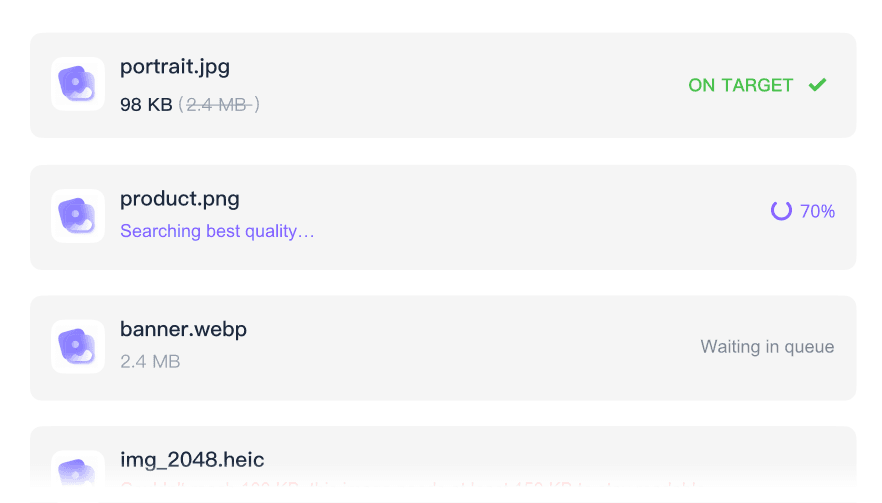
Batch compress several images toward 400KB in one workflow for applications, listings, galleries, or document sets.

High Quality
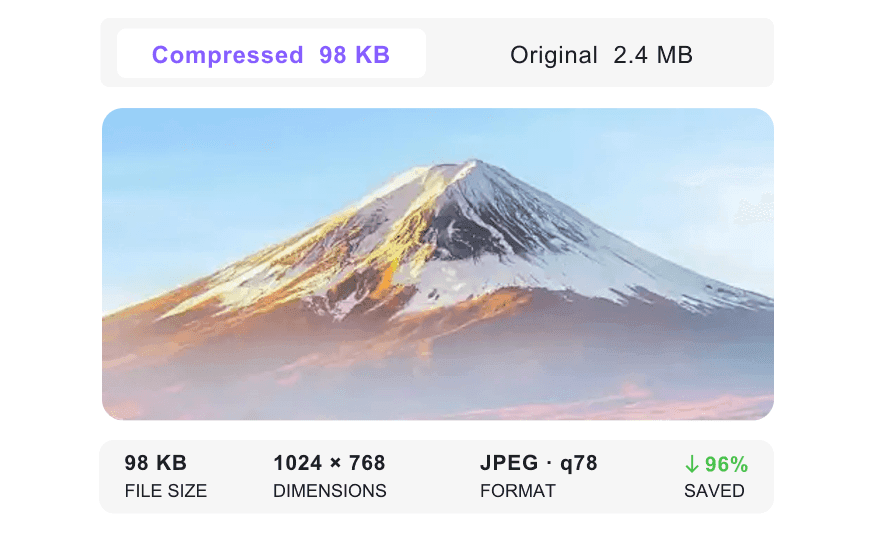
Keep high quality where it matters by previewing faces, text, labels, and product details before downloading.

400KB Upload Fit
Prepare images for portals that reject oversized uploads but still need readable faces, labels, document edges, or product details.

Clear Target Control
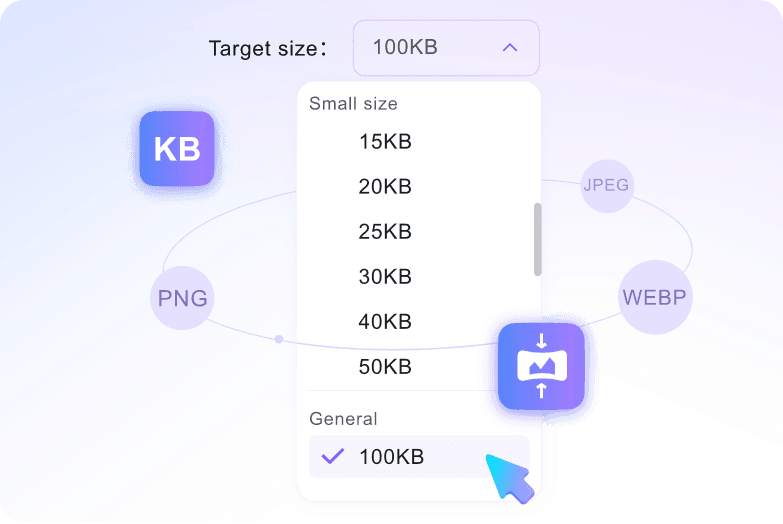
Use a clear 400KB target instead of dragging a random quality slider. The output goal stays visible before you download.

JPEG PNG WebP
Work with common JPEG/JPG, PNG, and WebP uploads, so everyday screenshots, photos, and graphics are covered.

Secure & Private
Uploaded files are processed securely and are not permanently stored on our servers, which matters for IDs, certificates, and private form images.
Reduce Image Size to 400KB for Upload Forms
Check Details Before Download
Process Several 400KB Uploads
How to Compress Image to 400KB Online

Step 1. Confirm the 400KB Target
Open the 400KB target page or confirm the target size before adding files. Compression starts after upload, so the size goal should be set first.
Step 2. Upload Your Image
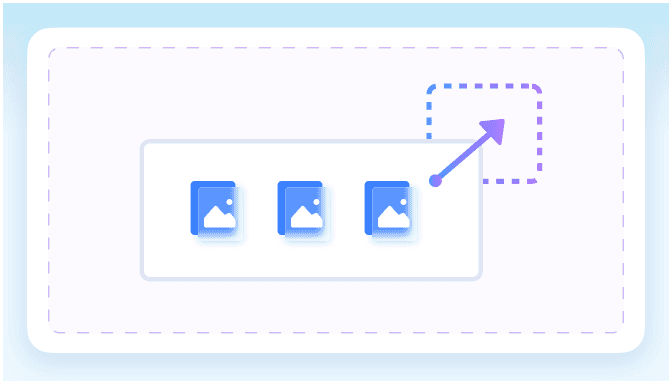
Drag and drop your image or click Choose Image to select one or more JPEG/JPG, PNG, or WebP files from your device.
Step 3. Preview and Download
Review the preview, compare the compressed size and quality, then download the 400KB image when it looks ready for the upload page.
Who Needs to Compress Images to 400KB?

Job Applicants
Prepare headshots, scanned IDs, and certificate photos for job portals that need compact but recognizable files.

Students
Resize assignment screenshots, project visuals, and school document images before a campus portal rejects the upload.

Visa Applicants
Compress passport photos, ID scans, and travel form images toward 400KB for agency pages with strict file caps.

Web Publishers
Reduce blog graphics and website screenshots to a lighter 400KB target before adding them to a CMS.

Online Sellers
Compress product photos to 400KB while keeping labels, fabric texture, packaging, and item edges easy to inspect.

Freelancers
Batch prepare client proofs and review images when several files must fit the same upload rule.
What Users Say About Compressing Images to 400KB

HR Coordinator

"Our hiring portal kept rejecting candidate ID images. The 400KB page gave us smaller files while the names and document edges stayed readable."

Graduate Student
"I had to upload a certificate scan and a project screenshot on the same deadline. Batch compression saved me from resizing each file manually."

Marketplace Seller
"I used it for product photos that were just over the store limit. The preview made it easy to check labels before I downloaded."

Visa Applicant
"The embassy form needed a small file, but the passport photo still had to look clean. Compressing toward 400KB hit the balance I needed."

Content Manager
"Our CMS accepts lighter graphics faster. I used the 400KB target for screenshots and kept the interface text readable."

Admin Assistant
"I had several form attachments to prepare for a client. One workflow handled the images, and the final files were ready to upload."
Compress Image to 400KB FAQ
Find quick answers about 400KB compression, upload limits, image quality, batch processing, and privacy.
It means reducing the image file toward a 400KB target so it can meet stricter upload limits while staying usable for review.
Confirm the 400KB target, upload your image, preview the compressed result, and download the file when the size and quality look right.
Usually, yes, if the original image is not extremely large or detailed. Preview the result and use a larger target if key details become hard to read.
You can upload JPEG/JPG, PNG, and WebP images, with up to 50 MB allowed per file before compression.
Yes. You can upload multiple images in the same workflow, which is useful for applications, listings, galleries, or document sets.
No. The compressor runs online in your browser, so you can resize image to 400KB from desktop or mobile without extra apps.
No. Uploaded files are processed securely and are not permanently stored on our servers after compression is complete.


