

Compress Image to 300KB Online

Drop images here, or click to select
Max 50 MB per file



Why Choose Our 300KB Image Compressor?

Upload-Ready 300KB
Upload-ready 300KB images are useful when your original photo is too large but 50KB or 100KB feels too harsh. Use this target for forms, portals, and web uploads that need a lighter file.

Balanced File Size
300KB is a balanced file size for many common tasks. It can make photos easier to upload and share while still leaving enough room for faces, product details, and simple document images.

Common Image Formats
Common image formats are supported, including JPG, JPEG, PNG, and WebP. You can convert image to 300KB without changing tools just because the original file format is different.

Email-Friendly Files
Email-friendly files are easier to attach and send. If a photo is too heavy for an inbox, decrease image size to 300KB and try a lighter version before sending again.

Works in Browser
Works in your browser on desktop or mobile. You can resize image to 300KB without opening a design app or changing export settings in a photo editor.

Preview Before Saving
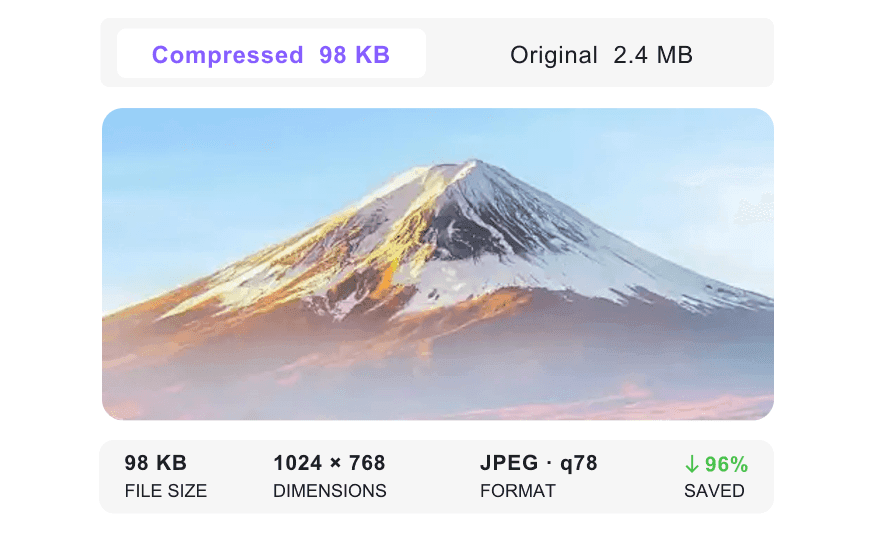
Preview before saving so you can judge the 300KB result first. Check whether the image still looks right for your blog, form, product page, or email attachment.

Batch Image Prep
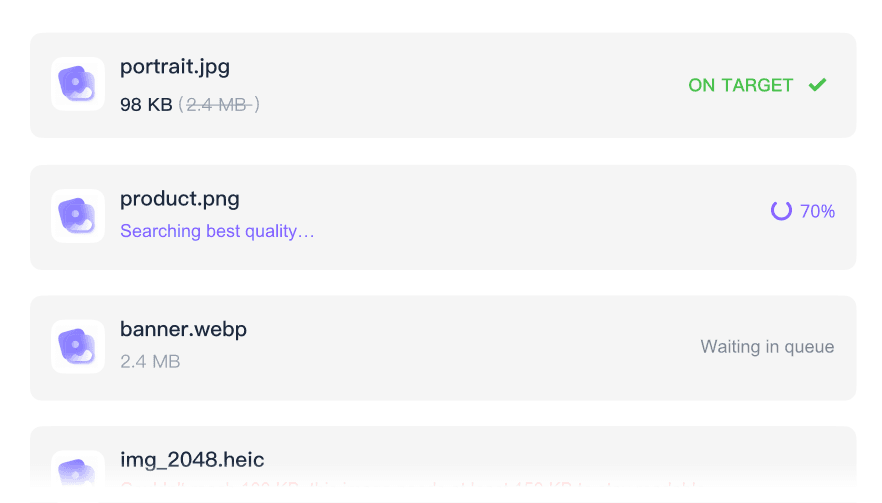
Batch image prep helps when several photos need the same 300KB limit. Upload a group of files and get them ready without repeating the same steps one by one.

Secure and Private
Secure and private handling matters for personal photos, school documents, and work images. Uploaded files are processed securely and are not stored permanently on our servers.
Reduce Image Size to 300KB First
Preview the 300KB Image Before Download
Compress Images to 300KB in Batches
How to Reduce Image File Size to 300KB

Step 1. Choose Target Size
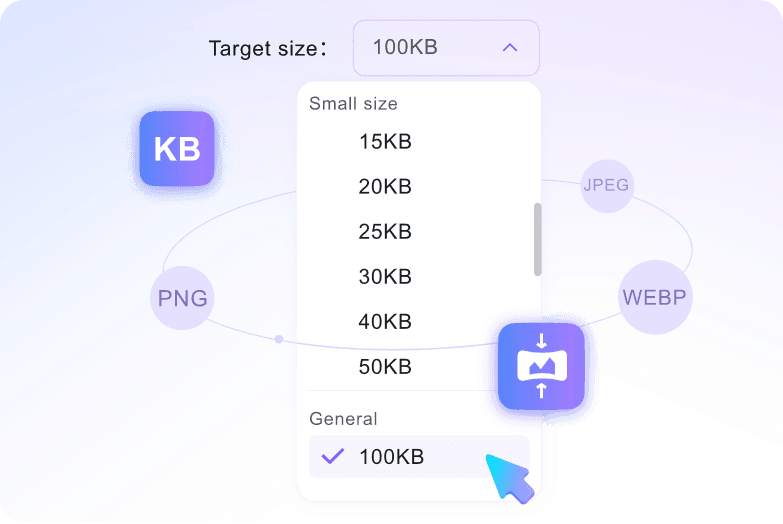
Select 300KB from the target size menu before uploading. The tool starts working after the image is added, so this choice comes first.
Step 2. Upload Images
Drag your image into the upload area, or click to choose it from your device. JPG, JPEG, PNG, and WebP files are supported.
Step 3. Preview and Download
Preview the 300KB result, then download it if it looks right for your upload, email, or webpage.
Who Needs a 300KB Image Compressor?

Job Applicants
Job applicants can compress image to 300KB for headshots, scanned IDs, or portfolio screenshots that need to fit an employer portal.

College Students
College students can reduce image size to 300KB for admission photos, scanned transcripts, scholarship forms, or other school portal uploads.

Government Form Filers
Government form filers can shrink image size to 300KB for passport photos, ID scans, address proof, or other documents with upload limits.

Bloggers & Web Admins
Bloggers and web admins can use 300KB images for article graphics, banners, and inline screenshots that should load faster than full-size originals.

Office Professionals
Office professionals can resize image to 300KB for report diagrams, presentation screenshots, and email attachments that should stay easy to send.

E-Commerce Sellers
E-commerce sellers can use a photo compressor to 300KB for product images that need to be lighter while still showing useful details.
What Users Say About 300KB Image Compression

Job Applicant

"The job portal accepted 300KB images, but my portfolio screenshots were much larger. I picked 300KB first, uploaded the files, and downloaded versions that were easier to submit."

E-commerce Seller
"I had a folder of product photos that needed to be smaller for my store. Batch compression helped me prepare them without opening each photo in an editor."

College Student
"My scanned transcript was too large for the admission form. Reducing it to 300KB gave me a lighter upload, and the preview helped me check the text before saving."

Photographer
"I had a large JPEG exported from a camera file. The browser tool handled it, and the 300KB result was small enough for sharing with my client."

Web Admin
"I use 300KB for blog graphics when the original image is heavier than I need. The preview makes it easy to see whether the image still works on the page."

Graphic Designer
"I needed WebP graphics for a landing page and wanted each file around 300KB. Uploading the format directly saved me from converting the images first."
Frequently Asked Questions
Need a 300KB image for a form, email, or webpage? These answers cover the basics.
Compress image to 300KB when your original file is too large for a form, email, or webpage, but you still want a practical amount of visual detail. It is a useful middle size for everyday uploads.
Choose 300KB from the target size menu, then upload your image. The image compressor to 300KB reduces the file after upload and lets you preview the result before downloading.
You can upload files up to 50MB each. Very large originals may take longer to process, but they can still be prepared with the photo compressor to 300KB.
You can compress JPG, JPEG, PNG, and WebP images to 300KB. Choose the target size first, then upload the file in one of these supported formats.
Yes. Uploaded photos are processed securely and are not stored permanently on our servers.
300KB is usually more forgiving than very small targets, but image quality still depends on the original file. Preview the result before downloading if faces, text, or product details matter.
Yes, you can upload several files and batch compress images to 300KB in one run. Keep each individual JPG, PNG, or WebP image within the upload limit.


