

Compress Image to 20KB Online for Free

Drop images here, or click to select
Max 50 MB per file



Why Choose Our 20KB Image Compressor?

100% Free Online
Use this 100% free online tool to prepare 20KB photos or signatures for admission and job portals with no hidden fees.

No Account Needed
Compress images to 20KB with no account needed. Skip the sign-up process and get instant access during urgent form filling.

Bulk Compression
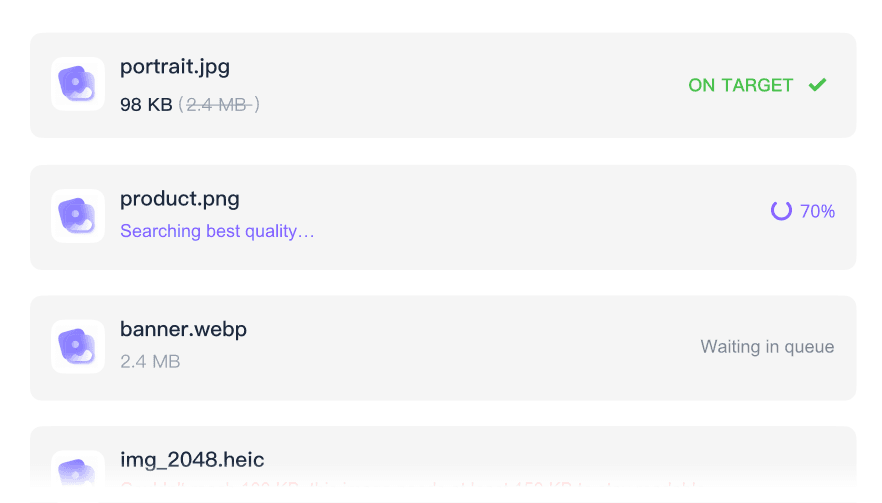
Speed up your submission workflow with bulk compression, allowing you to process multiple application documents simultaneously.

Supports Key Formats
Upload common formats like JPEG, JPG, PNG, and WebP when preparing small 20KB portal attachments.

Works on Any Device
This tool works on any device, letting you use a mobile or desktop browser for quick photo uploads without installing apps.

Maintains Visual Quality
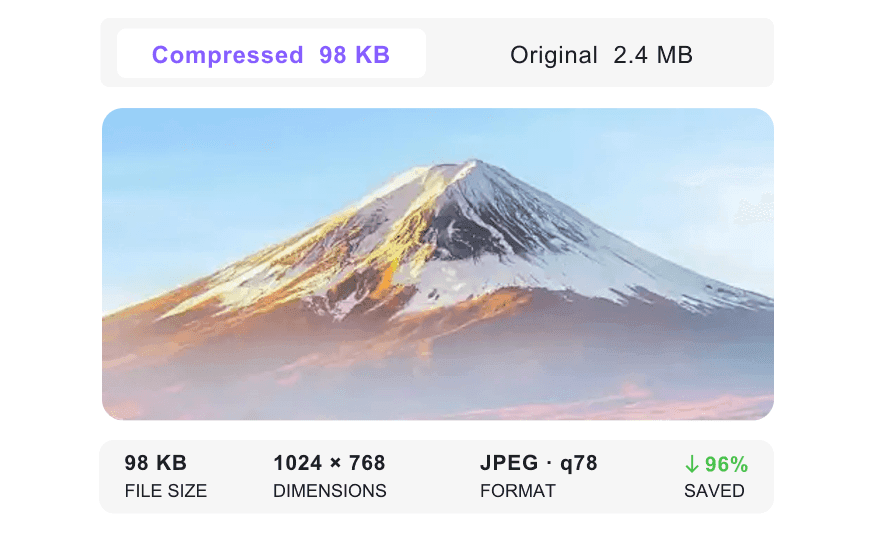
Maintain visual quality by using the preview to check passport photos and scanned signatures at 20KB before downloading.

Works Toward Strict Limits
Work toward strict 20KB attachment limits and review the result before trying another portal upload.

Privacy Protected
Process sensitive ID cards and personal signatures securely, knowing your files are not permanently stored on our servers.
Compress Images to a 20KB Target Size
Compare Images Before and After 20KB Compression
Batch Compress Images to 20KB
How to Compress Images to 20KB Online

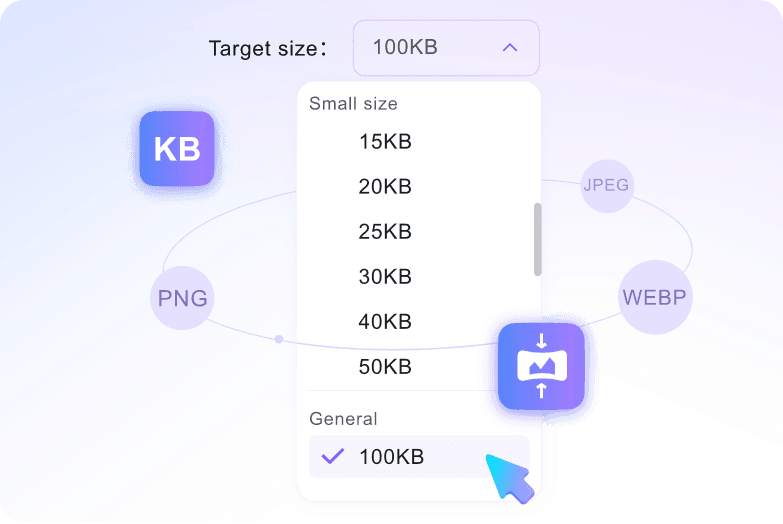
Step 1. Choose 20KB Target Size
Start by selecting the 20KB option from the target size dropdown menu. You must choose this setting before adding files, as uploading triggers the process immediately.
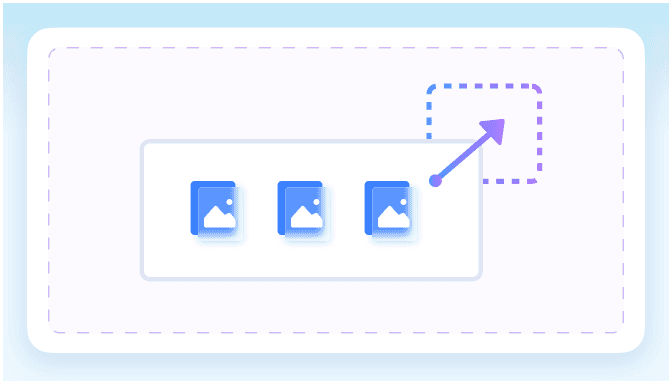
Step 2. Upload Your Images
Drag and drop your photos directly into the workspace. You can select multiple documents at once, and the system will automatically begin reducing them.

Step 3. Preview and Download
Review the finished result on your screen to verify that your signature or photo is still clear. Once satisfied, download the optimized image to your device.
Who Needs a 20KB Image Compressor?

Job Seekers
Convert an image to 20KB for government portals. Compress resumes and passport photos quickly while checking readability in the preview.

College Applicants
Shrink admission documents, scanned certificates, and ID photos down to the 20KB target for university application uploads.

Exam Candidates
Reduce digital signatures, thumbprint scans, and test registration photos to 20KB while keeping details sharp.

HR Administrators
Batch process employee ID photos and onboarding documents down to 20KB for internal database storage.

Visa Applicants
Compress travel documents, financial statements, and passport scans securely to meet embassy website upload restrictions.

Online Form Submitters
Resize an image to 20KB for online forms, personal receipts, or profile-picture upload fields.
What Our Users Say

Job Seeker

"I selected the 20KB target size before uploading, bypassing all the trial and error. It hit the required limit for a government job portal well."

Exam Candidate
"The side-by-side preview is a lifesaver. It ensured my digital signature and ID scan remained legible before I downloaded the final file."

HR Administrator
"Bulk compression saves me hours during onboarding. I compressed 15 employee IDs to 20KB at once while checking visual quality in the preview."

College Student
"It is so easy to compress an image to 20KB free. The platform worked well for my university admission uploads with no hidden fees."

Visa Applicant
"I felt totally safe uploading my passport scan. It provides secure processing with no permanent storage for sensitive ID cards."

Government Form Applicant
"I had to submit a tiny thumbprint image under 20KB. The preview helped me check the file before I uploaded it to the government form."
Frequently Asked Questions
Still got questions about how to compress an image to 20KB online? Here are the answers.
Choose the 20KB size option first, then upload your file. The tool automatically shrinks your picture during the upload process.
You can upload most standard photo and graphic files. The tool processes them efficiently while keeping the visual details clear.
Yes, you can upload files up to 50 MB per image before shrinking them down to your target size.
Yes. We process files securely in your browser and do not store your uploaded documents permanently.
It depends on the original dimensions and visual complexity. While our tool helps retain essential details, reducing very large photos to a tight 20KB target may lower visible clarity. Always check the built-in quality preview before downloading to see whether it meets your needs.
No, you do not need an account. You can compress your image to 20KB free online without signing up or providing any personal information.
The process takes only a few seconds. Because the compression happens entirely within your web browser, you get your optimized 20KB file almost quickly.


