

Compress Image to 15MB

Drop images here, or click to select
Max 50 MB per file



Why Choose Our 15MB Image Compressor?
Make oversized photos easier to upload, share, and submit without shrinking them more than needed.

15MB Target Made Simple
Compress image to 15MB without guessing slider settings. Choose a practical size target and turn oversized photos into files that are easier to upload, email, or store.

Less Than 15MB Output Goal
Need to compress image to less than 15MB for a form, portal, application, or shared folder? Lynote helps reduce large image files toward a safer upload size.

Preview Before You Save
A smaller file should still look usable. Preview the compressed image before downloading so you can check faces, text, colors, product details, and important visual areas.

JPG, PNG, and WebP Support
Upload common image formats directly from your device. Lynote supports JPEG/JPG, PNG, and WebP, so you can fix most oversized image uploads in one browser workflow.

Batch Large Image Compression
If several photos are above the limit, upload them together. Batch compression helps you prepare multiple large images for the same 15MB requirement without repeating every step.

Useful for AVI Image Upload Needs
If a portal asks you to compress image to less than 15MB for AVI image submission or a similar upload field, Lynote gives you a quick way to make the image file smaller before trying again.

No App Installation
Compress images online from your browser. There is no desktop software to install, no complicated export menu, and no design tool required.

Secure Processing
Your images are processed securely and are not permanently stored. Use Lynote for personal photos, documents, product pictures, and work images with more confidence.
Compress Image to 15MB Without Over-Shrinking
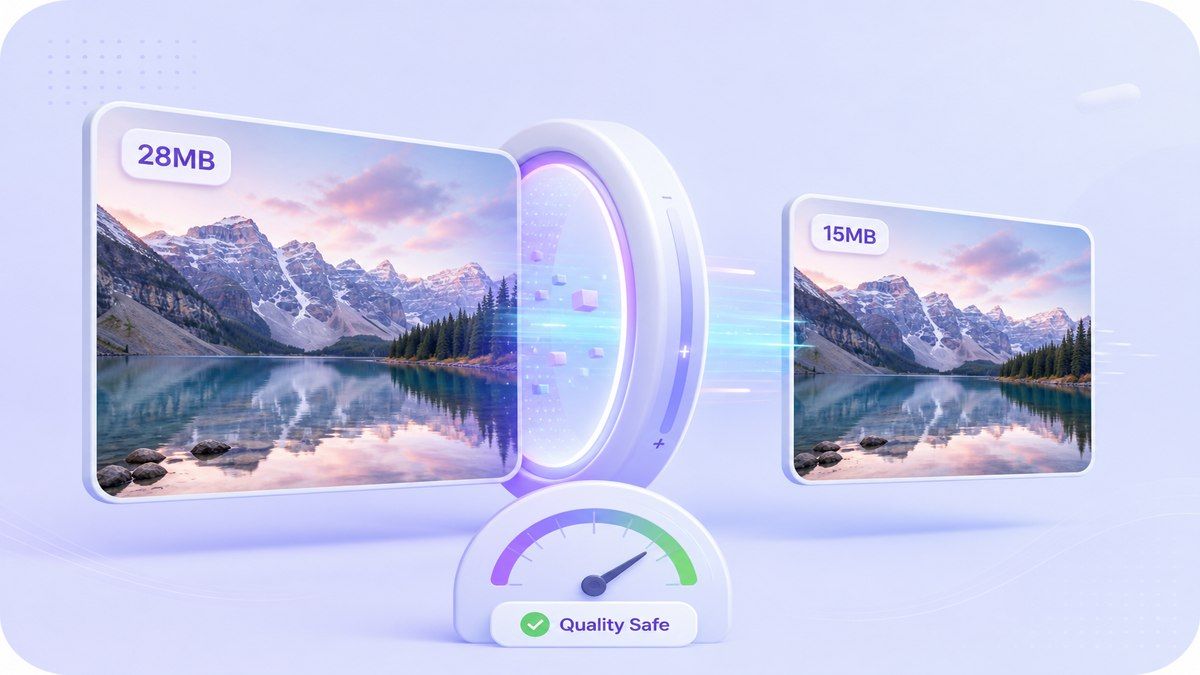
Make Large Photos Less Than 15MB for Uploads
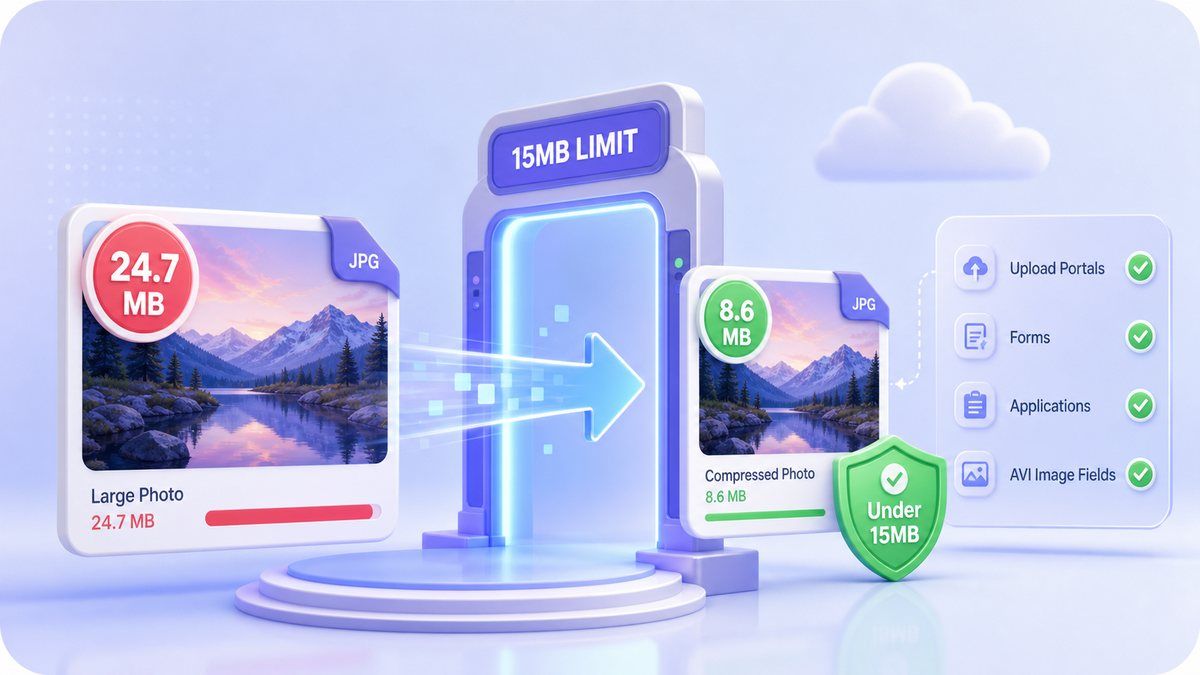
Preview Quality Before Downloading the 15MB Version
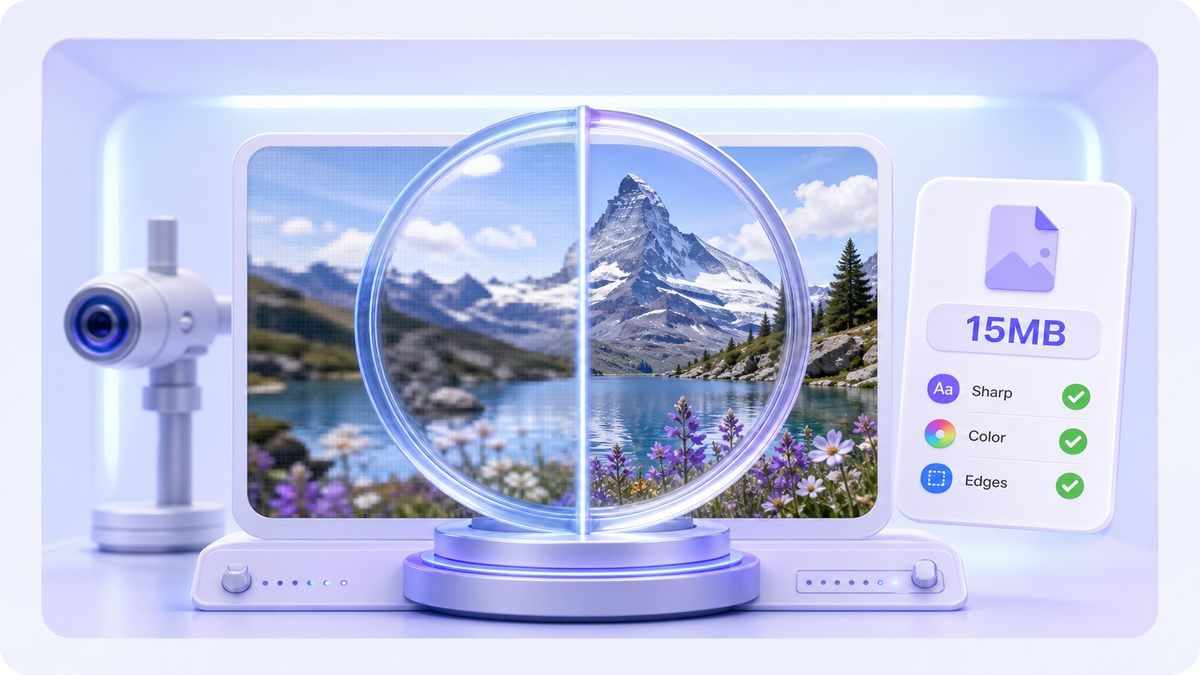
How to Compress Image to 15MB Online
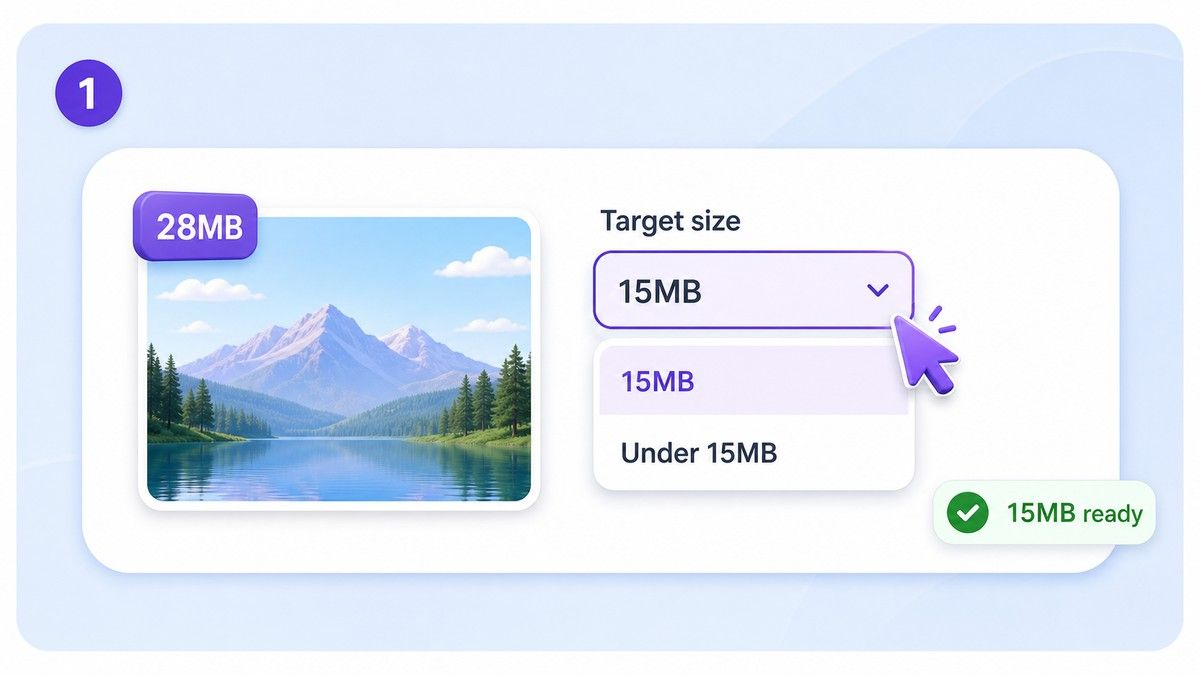
Step 1. Choose the 15MB Target
Select a target around 15MB or below, depending on the upload requirement. If the portal says less than 15MB, choose a slightly smaller target to avoid rejection.
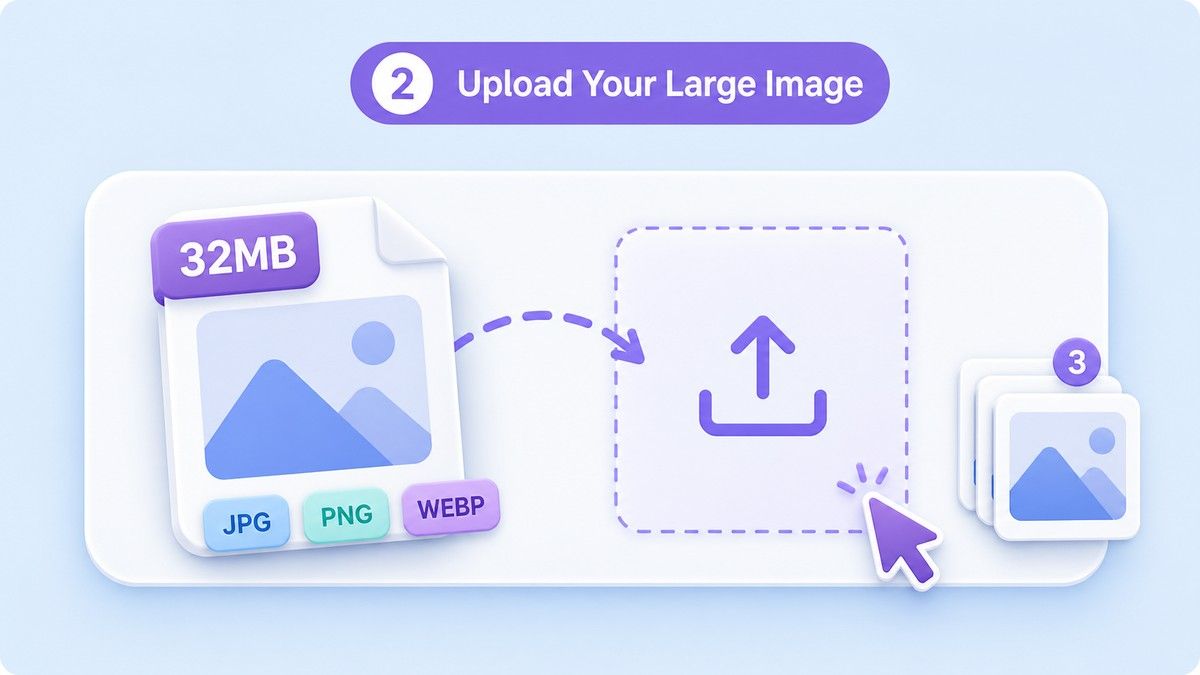
Step 2. Upload Your Large Image
Drag and drop your JPG, PNG, or WebP image into Lynote. You can upload a single large picture or process several images together when multiple files need the same size limit.
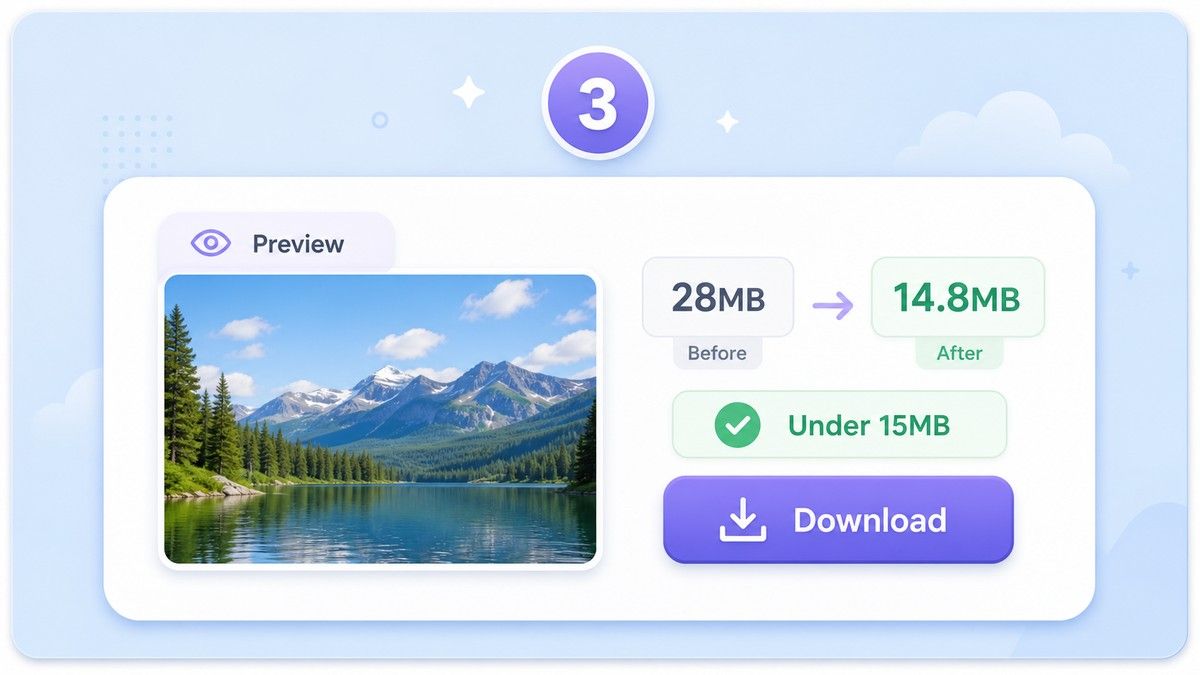
Step 3. Preview and Download
Review the compressed result before saving it. If the image looks clear and the file is under the limit, download it and upload the smaller version where you need it.
Who Is This 15MB Image Compressor For?

Application and Visa Uploads
Prepare photos, document scans, and required images when a form or portal rejects files above 15MB.

Photographers and Creators
Reduce large exported images without making them unnecessarily tiny. Keep more visual detail while meeting a practical upload limit.

E-commerce Sellers
Compress product photos to less than 15MB before uploading to stores, catalogs, marketplaces, or supplier portals.

Real Estate and Property Teams
Make high-resolution room photos, building images, and inspection pictures easier to upload and share.

Students and Researchers
Reduce images for assignments, reports, portfolios, academic submissions, and online application systems.

Office and Admin Teams
Compress large images for email attachments, HR forms, internal records, shared folders, and document workflows.
What Users Say About the 15MB Image Compressor

Application Coordinator

Our portal rejects images above 15MB. Lynote makes it easy to compress the image first, preview it, and submit without another failed upload.

Product Photographer
I do not always want tiny files. For client previews, compressing to 15MB is a better balance between size and image quality.

E-commerce Seller
Some product photos from my camera are huge. Lynote helps me get them under the upload limit while keeping the product details clear.

Real Estate Assistant
We upload a lot of property photos. Batch compression saves time when several images need to be less than 15MB.

Graduate Student
I used it for a research submission that had strict image limits. The preview helped me make sure text in the image was still readable.

Office Manager
Large phone photos used to slow down our internal forms. Now we compress them online before attaching them.
Frequently Asked Questions
Answers about compressing images to 15MB, upload limits, AVI image fields, quality, formats, and batch processing.
Upload your image to Lynote, choose a target around 15MB, preview the result, and download the smaller file. If your upload system requires less than 15MB, choose a slightly lower target.
Yes. Lynote helps reduce large JPG, PNG, and WebP files toward a less than 15MB output, depending on the original image size, dimensions, and visual detail.
Yes, if your upload field or submission rule mentions an AVI image requirement and rejects files above 15MB, you can use Lynote to reduce the image file before uploading again. AVI itself is usually a video format, so always follow the exact format requested by your portal.
Any compression can affect detail if the target is too small. Lynote focuses on quality-aware compression and gives you a preview so you can check whether the 15MB version still looks clear.
Lynote supports common formats such as JPG, PNG, and WebP. This covers most phone photos, screenshots, web images, and exported graphics.
Yes. You can batch upload multiple images and compress them together. This is helpful when several files must meet the same 15MB upload rule.
Yes, you can use Lynote online without installing extra software. Upload your image, compress it, preview the result, and download the smaller file.


