

Compress Image to 15KB Instantly

Drop images here, or click to select
Max 50 MB per file



Why Choose Our 15KB Image Compressor?

100% Free Online
Use this 100% free online tool to compress tiny 15KB passport photos or digital signatures with zero hidden fees attached.

No Sign Up Required
No sign up is required to compress your image to 15kb. You can skip account creation, email registration, and login steps when rushing to submit online forms.

Bulk Image Compression
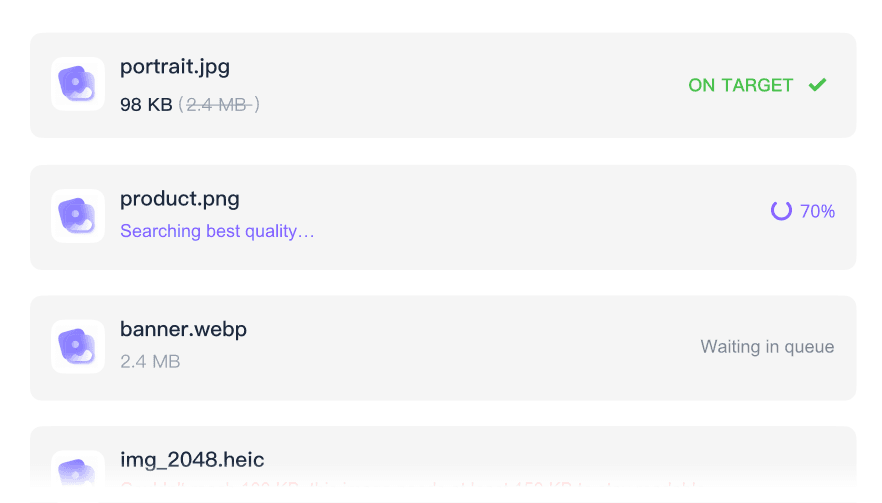
Reduce multiple photos toward the 15KB target in one batch. Process a folder of images together to save effort.

Fast Browser Processing
Work toward the strict 15KB target directly in your browser without downloading heavy photo editing software.

Works on Any Device
Reduce your photos to 15KB directly from any smartphone, tablet, or desktop computer. Access the tool through any mobile browser while on the go.

Supports Popular Formats
Popular formats supported include common JPEG, PNG, and WebP images when your application portal asks for a tiny 15KB file.

Maintains Visual Clarity
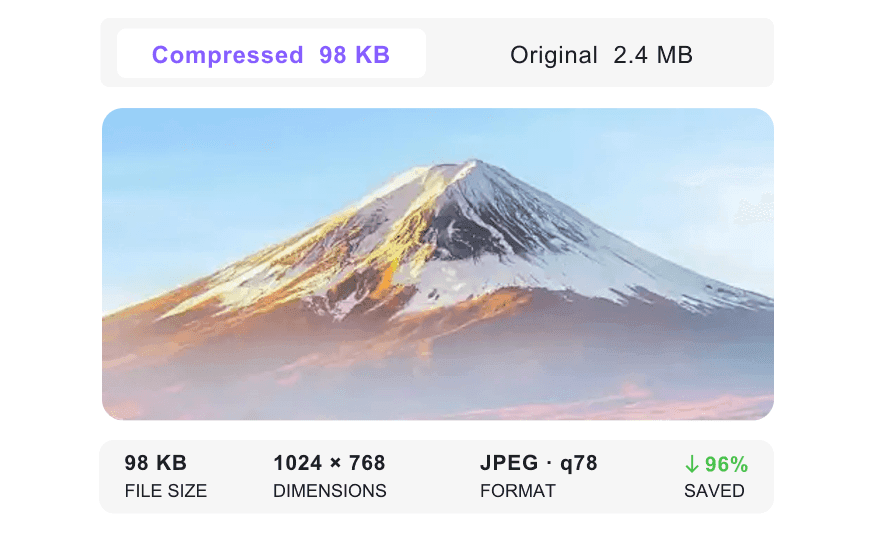
Preview the visual clarity of your photos during compression. At a tiny 15KB size, simple images and signatures are easier to keep readable than detailed photos.

Secure & Private
Process sensitive personal documents like passports securely. We never store your uploaded files permanently on our servers.
Compress Images to a 15KB Target Size
Compare 15KB Results Before Downloading
Batch Compress Images to 15KB
How to Compress Images to 15KB Online

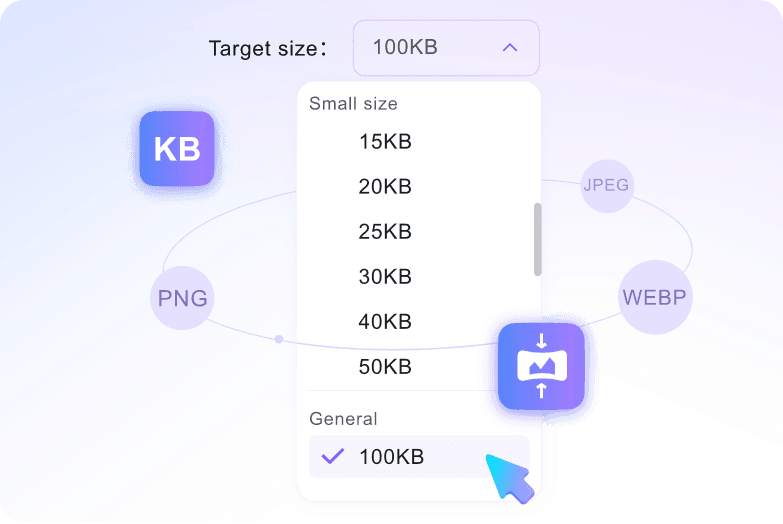
Step 1. Select 15KB Target Size
Open the compressor and select the 15KB target size from the dropdown menu. You must choose this target before uploading any files.
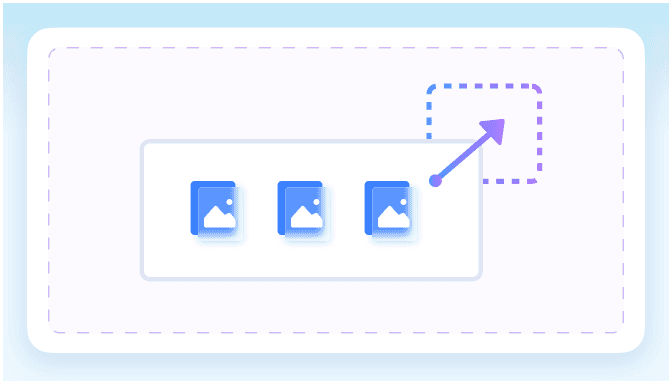
Step 2. Upload Your Images
Upload your JPEG, PNG, or WebP files directly from your device. Each file can be up to 50MB in size.
Step 3. Preview and Download
Check the visual clarity of your compressed result in the preview window. Once satisfied, download your optimized 15KB image.
Who Needs a 15KB Image Compressor?

University Applicants
Compress profile photos and simple assignment images for strict 15KB university portal limits, then preview the result for visual clarity.

Job Seekers
Shrink resume headshots to 15KB so you can submit applications on hiring portals that restrict large file uploads.

Office Document Managers
Reduce scanned signatures and official company stamps to 15KB before adding them to digital document signing workflows.

Visa Applicants
Resize image to 15KB to help passport-style photos meet strict file-size checks on government immigration forms.

Web Developers
Convert image to 15KB to optimize tiny web graphics and UI elements, keeping your website fast and responsive.

Online Registration Applicants
Reduce image to 15KB for online registration forms that reject standard smartphone photos.
What Our Users Say

Job Seeker

"I love that I can just select the 15KB target before uploading my resume headshot. It eliminates all the guesswork of adjusting sliders."

University Student
"I needed to compress image to 15kb free for my student ID portal. This tool did it quickly without asking for a credit card or account."

Visa Applicant
"Uploading my passport photo made me nervous, but knowing the compressor does not permanently store files gave me peace of mind while applying."

Web Developer
"The before-and-after preview is fantastic. I can compress image to 15kb online and verify my UI icons still look sharp before downloading."

Administrative Assistant
"I regularly upload large camera portraits, and this tool handles the large source file while letting me preview the compressed 15KB-target result."

Freelance Writer
"Working with confidential employee headshots, I appreciate that this tool processes files securely and does not permanently store uploads after I reduce image to 15KB."
Frequently Asked Questions
Still got questions about compressing images to 15KB? Here are the answers.
Simply select the 15KB target size option before uploading your file. Once you select your picture, the compression starts automatically to hit your target.
Very small file targets can reduce visible quality, especially for large, detailed photographs. However, simple graphics, headshots, and scanned documents usually remain clear enough for web forms and portal uploads.
No. You just choose your desired target size from the preset menu. The tool calculates the optimal compression level automatically to reach that size without manual adjustments.
You can upload files up to 50MB each. The tool will process these large files and shrink them down to your selected 15KB target.
Yes. Your files are processed securely, and we never permanently store your personal documents, signatures, or passport photos on our servers.
You can compress JPEG, JPG, PNG, and WebP files. Just upload your supported image, and the tool will automatically reduce its size toward your target while keeping the format intact.
No account is required. You can compress your images to 15KB free of charge directly in your browser without any sign-up process.


