

Compress Image to 100KB Free Online

Drop images here, or click to select
Max 50 MB per file



Why Choose Our 100KB Image Compressor?

100% Free Online
Shrink application photos toward 100KB for free, with no hidden fees or subscriptions.

No Sign Up Required
Compress your images quickly without needing to sign up, create a user profile, or verify an email address.

Batch Compress Files
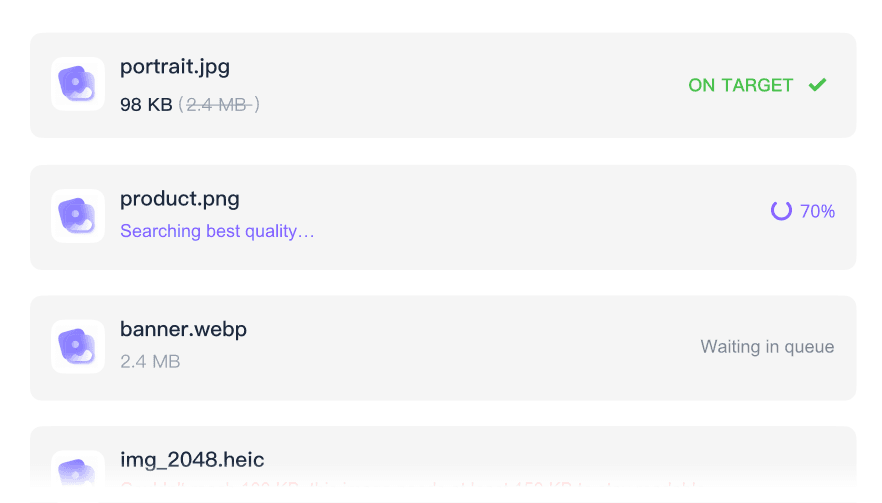
Batch compress multiple files at once to reach your 100KB target without processing them one by one.

Clear Document Quality
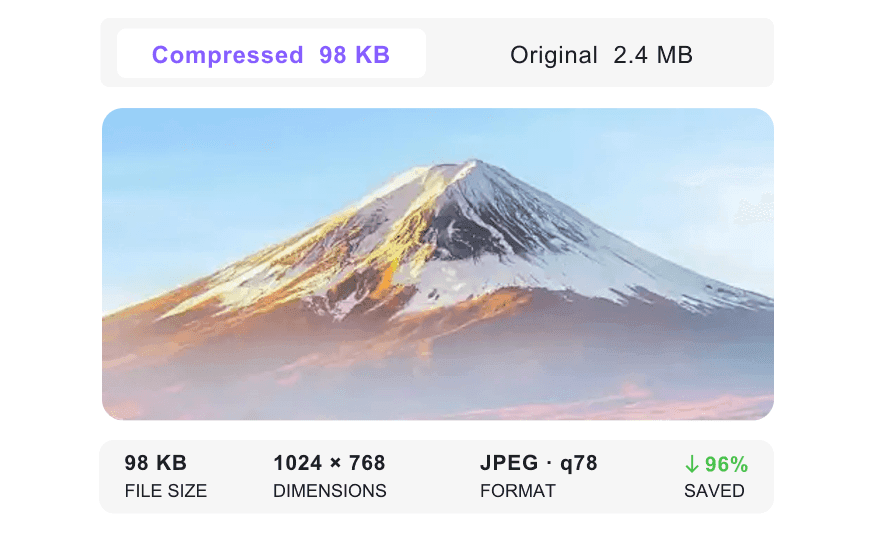
Clear document quality is easier to judge with the preview, so you can check scanned text and ID photos around the 100KB target.

Fast Browser Processing
Work entirely in your browser without downloading any software, perfect for quick application tasks.

Supports Popular Formats
Handle standard application image formats natively, including standard JPG, PNG, and WebP files.

Easy Drag and Drop
Drag in your original photos, choose the 100KB target, and review the compressed version in the same browser flow.

Secure & Private
Process sensitive uploads like passports and IDs securely without permanently storing them on our servers.
Compress Images to a 100KB Target Size
Compare Images Before and After Compression
Batch Compress Images to 100KB
How to Compress Images to 100KB Online

Step 1. Choose 100KB Target Size
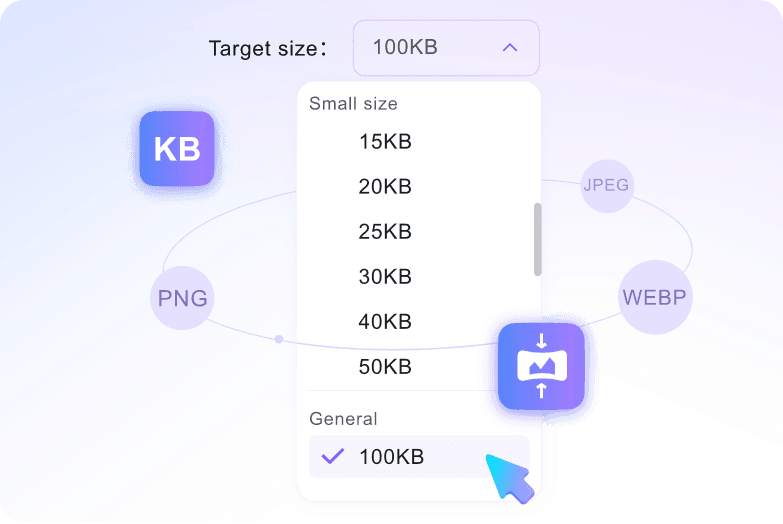
Select the 100KB target size from the General targets list before uploading. This step tells the tool which target size to work toward.
Step 2. Upload Your Images
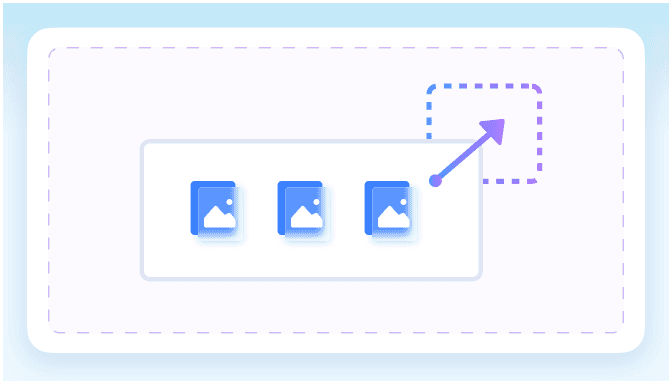
Select your photos from your computer or mobile device to add them to the workspace. Uploading your pictures triggers the automatic reduction process quickly to hit your target.
Step 3. Preview and Download
Preview the compressed result and verify it meets the 100KB size requirement. Once confirmed, download the optimized image to your computer or phone.
Who Needs to Compress Images to 100KB?

Job Seekers
Reduce professional headshots and training certificates to the 100KB target so they upload quickly to strict government job portals.

University Applicants
Compress passport-style photos toward 100KB limits for university admission websites while checking that facial details remain usable.

Visa Applicants
Shrink scanned passports and ID documents to fit strict embassy upload rules while keeping personal information clear and readable.

Exam Candidates
Reduce scanned digital signatures and registration photos to under 100KB for smooth submission on standardized testing forms.

HR Administrators
Batch process incoming employee onboarding documents and IDs. You can compress an image to 100KB free to save internal database storage space.

Webmasters
Optimize heavy PNG and WebP website assets. You can compress an image to 100KB online to improve page loading speeds and core web vitals.
What Our Users Say

Job Seeker

"I needed to upload my headshot to a strict government job portal, and this tool automatically shrank my JPEG to meet the 100KB limit well."

University Applicant
"Being able to select the target before uploading made it easy to resize an image to 100KB for my admission form photo."

HR Administrator
"I batch compressed 15 employee ID scans for our internal system at once. It saved me hours of manual resizing work."

Visa Applicant
"I felt completely safe uploading my passport scan because the secure processor does not permanently store sensitive documents."

Exam Candidate
"My digital signature remained readable in the preview after I used this tool to reduce an image to 100KB for my testing registration."

Webmaster
"This natively handles the formats I use most. I quickly reduced heavy WebP website images to 100KB for faster page loading."
Frequently Asked Questions
Still got questions about compressing images to 100KB? Here are the answers.
Select the 100KB target size from the menu, then upload your JPEG, PNG, or WebP file. The compression starts automatically, and you can preview the result before downloading.
Most standard passport photos retain clear, recognizable details at 100KB. However, very complex images or massive originals might show slight visual changes to reach the target size.
Yes. You can upload multiple files up to 50MB each and batch compress them to your chosen target size simultaneously.
Yes. Your files are processed securely in your browser session and are not permanently stored on our servers.
You can upload and compress JPEG, JPG, PNG, and WebP files. The tool processes these common formats while maintaining the best possible visual quality for your target size.
The maximum upload limit is 50 MB per file. You can safely upload large, high-resolution photos, and the system will shrink them down to your selected target.
No, you do not need an account. You can compress images to 100KB online quickly without signing up or providing an email address.


