

Compress Image Between 30KB to 100KB Instantly

Drop images here, or click to select
Max 50 MB per file



Why Choose Our 30KB to 100KB Image Compressor?

Free Online Tool
Compress images in the 30KB to 100KB range for free when job, school, or government forms set different upload limits.

No Account Required
Compress application photos quickly without creating an account, signing up, or providing an email address.

Bulk Processing
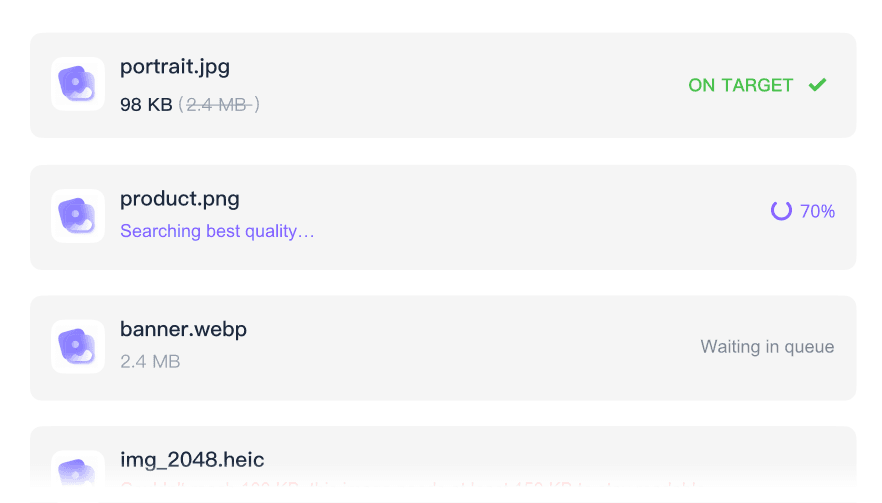
Save time by processing multiple application files at once when one form asks for different 30KB, 50KB, or 100KB uploads.

Clear Visual Quality
Use the preview to check visual quality before downloading, especially for official uploads like passport photos and certificates.

Works on Any Device
Compress images directly from your mobile phone or desktop browser without needing to install any extra applications.

Supported Standard Formats
Supported standard formats include JPEG, JPG, PNG, and WebP files commonly requested by government and academic portals.

Fast Processing
Experience a quick browser workflow that allows instant upload and compression for fast form submission.

Secure and Private
Process sensitive documents like personal IDs and signatures securely, knowing there is no permanent file storage on our servers.
Compress Images Between 30KB and 100KB
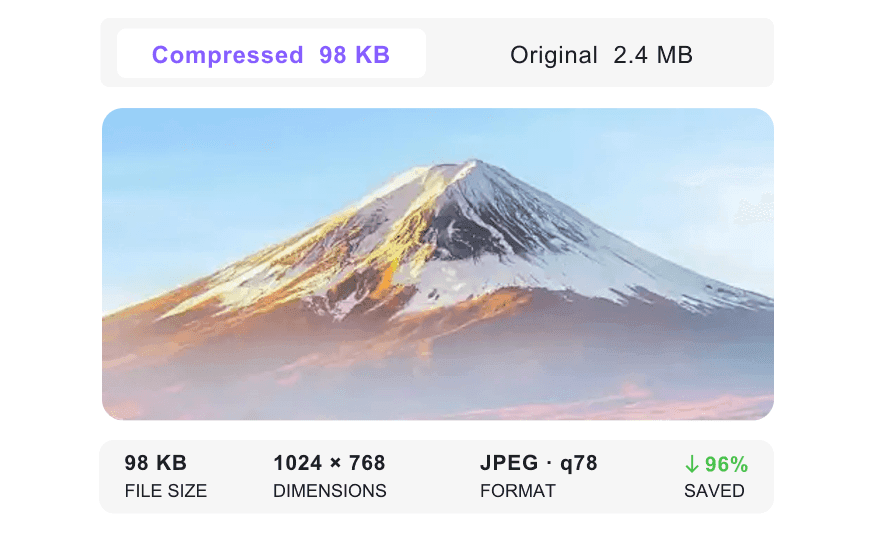
Compare Image Quality Across Target Sizes
Batch Compress Images From 30KB to 100KB
How to Compress Image Between 30KB to 100KB Online

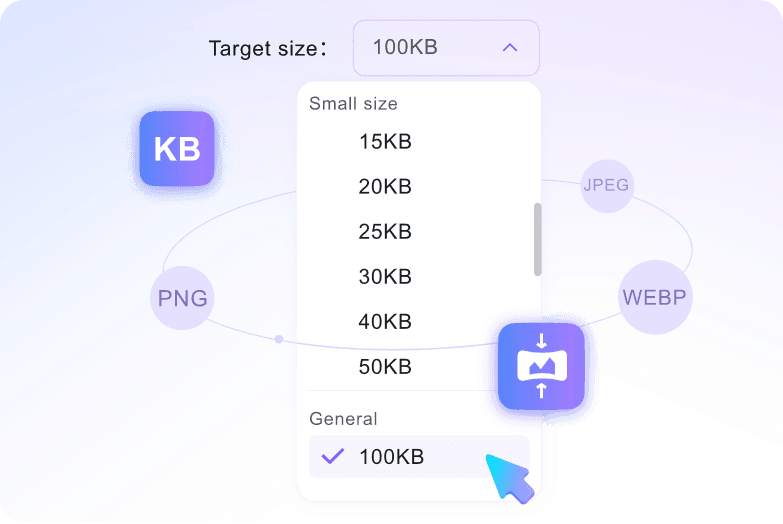
Step 1. Choose Target Size
Select your specific target size, such as 30KB, 40KB, 50KB, or 100KB, from the dropdown menu before uploading.
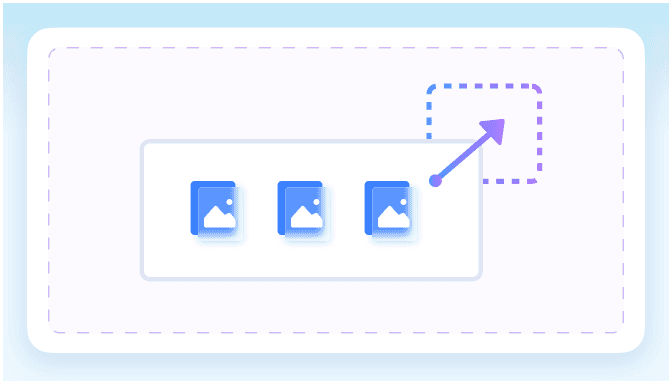
Step 2. Upload Images
Add the images you want to reduce into the upload area. You can process several files in one batch, with each source file up to 50MB.
Step 3. Preview and Download
The compression process starts automatically upon upload. Preview the result to check document legibility, then download the optimized image.
Who Needs to Compress Image 30KB to 100KB?

Job Seekers
Compress resumes and ID photos for government job portals. Easily compress image between 30kb to 100kb to meet strict application requirements.

University Applicants
Reduce scanned certificates for academic admission forms. Use preset targets and preview the result before uploading important document images.

Visa Applicants
Shrink passport-style photos toward strict portal limits. Preview your travel documents and headshots before submitting them.

Freelancers
Compress scanned signatures for online contract submissions. Keep your digital paperwork light and professional while maintaining crisp signature lines.

Exam Candidates
Upload registration form photos at the selected KB target. Avoid application rejection by sizing your headshots correctly before submission.

HR Professionals
Batch compress employee ID scans for internal records. Optimize your database storage while keeping important identification documents readable.
What Our Users Say

Job Applicant

"I needed a 50KB target for a government job portal upload. Choosing specific target sizes like 30KB, 40KB, or 50KB before uploading my resume headshot made this image compressor 30kb to 100kb incredibly simple to use."

University Student
"As a student on a budget submitting multiple admission forms, finding a way to compress image between 30kb to 100kb free was a lifesaver. This completely free online tool processed my JPEG ID photos with zero hidden fees."

Visa Consultant
"I frequently process several high-res client passport photos at once for travel applications. The ability to batch compress dozens of WebP headshots simultaneously saves me hours every week."

Freelance Designer
"I needed to quickly reduce image size between 30kb and 100kb for a PNG website banner. Doing this with no sign-up, account, or email required kept my workflow moving."

Legal Assistant
"When you compress image 30kb to 100kb, the side-by-side quality preview before downloading is useful. I can check whether my digital signature PNGs remain clear enough before I save them."

HR Manager
"Uploading sensitive employee ID scans to internal databases safely requires strict privacy. The secure processing with no permanent file storage gives me peace of mind when handling these JPEG records."
Frequently Asked Questions
Still got questions about compressing images to strict portal limits? Here are the answers.
Select your desired target size from the menu before uploading. Once you upload your JPEG or PNG file, the tool automatically compresses it to hit your chosen limit.
Yes, the tool optimizes the file while preserving essential details. You can also use the built-in preview feature to check the clarity of your signature before downloading the final version.
Yes, you can upload and process multiple images simultaneously. Just select your target size, upload your batch of files, and download the compressed results together.
Yes. Your files are processed securely, and we do not store your personal documents permanently.
You can upload images up to 50 MB per file. This allows you to shrink large, high-resolution photos toward your selected target size.
No, you do not need an account. You can compress an image between 30KB to 100KB online completely free without registering or logging in.
Yes. The compressor supports JPEG, JPG, PNG, and WebP image files, so you can use the same target-size workflow for common web and portal formats.


