

Compress Image 10KB to 20KB Instantly

Drop images here, or click to select
Max 50 MB per file



Why Choose Our 10KB to 20KB Image Compressor?

100% Free Online
Compress tiny 10KB to 20KB images for free when a school, job, or government form has a strict upload field.

No Sign-Up Required
No sign-up is required to start compressing your images. You never need to create an account, log in, or verify an email address.

Batch Compress Images
Process multiple small form images in a single batch instead of preparing every signature or ID photo individually.

Fast Browser Workflow
Compress image 10KB to 20KB online directly in your web browser without downloading or installing heavy editing software.

Any Device Compatible
Compress image 10KB to 20KB directly from any smartphone, tablet, or desktop. Our platform is fully compatible with all major browsers.

Popular Formats Supported
Popular formats supported include standard JPEG, PNG, and WebP images commonly used for portal attachments.

High Quality Results
Use the preview to check visual quality at strict file limits. Passport photos and IDs can still remain usable when the original image is simple enough for a tiny target.

Private and Secure
Your sensitive ID cards and passports are processed securely, with no permanent file storage after processing.
Compress Images Between 10KB and 20KB
For portals that ask for very small images, choose a target in the 10KB to 20KB range before upload. This works for signatures, tiny ID photos, and compact document attachments. Preview the compressed result before submitting it to the form.
Compare Tiny Image Quality Before Downloading
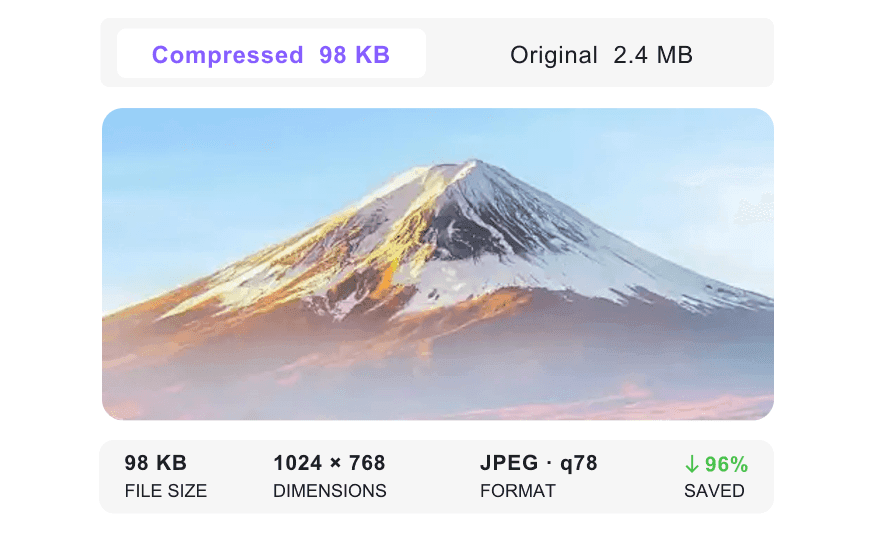
At 10KB to 20KB, small text and facial details can become hard to read. Use the preview to compare the compressed image against the original and decide whether the result is usable for your strict upload.
Batch Compress Images to 10KB, 15KB, or 20KB
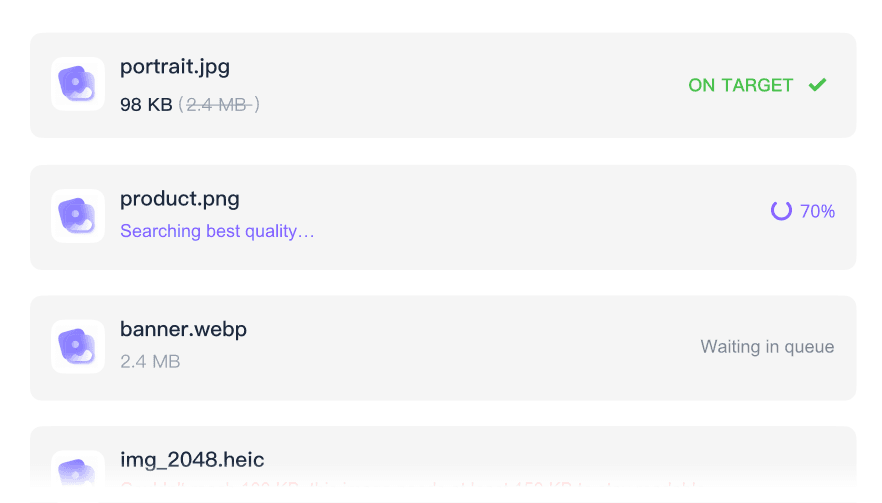
When a portal needs several tiny files, upload them together instead of repeating the process. Add multiple JPEG, PNG, or WebP images up to 50MB each and apply a 10KB, 15KB, or 20KB target. It is useful for signatures, IDs, and small form photos.
How to Compress Images Online

Step 1. Choose Target Size
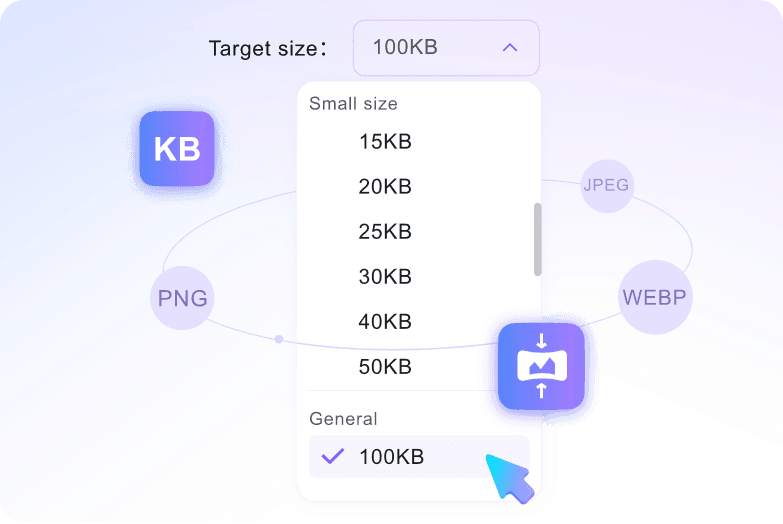
Pick 10KB, 15KB, or 20KB from the dropdown menu first. Set the target before uploading so the tool can work toward that very small file-size range.
Step 2. Upload Images
Add the image or batch you want to compress. Processing starts automatically after upload, so your selected 10KB to 20KB target stays tied to the files.

Step 3. Preview and Download
Review the optimized results on your screen to verify the text and details. Once satisfied, click the download button to save the finalized files to your device.
Who Is This Image Compressor For?

Job Seekers
Compress scanned signatures and resume photos to fit strict application portals using our image compressor 10KB to 20KB.

University Applicants
Reduce ID photos to meet 10KB-20KB limits for academic admission forms while checking face clarity in the preview.

Application Portal Staff
Batch process multiple applicant documents so they fit government portal requirements when you need to reduce image size 10KB to 20KB.

Visa Applicants
Shrink passport-style photos to selected KB targets while checking face clarity in the preview before submitting.

Freelancers
Optimize digital signatures for contracts that require small file attachments to compress image between 10KB and 20KB easily.

KYC Applicants
Resize personal IDs for KYC and online verification forms that use strict 10KB to 20KB size caps.
What Our Users Say

Job Seeker

"I needed to reduce a JPEG headshot for an application portal. Selecting the 15KB target before uploading gave me a clear target and a result I could review immediately."

University Applicant
"I used the side-by-side preview to check my ID legibility after compressing my photo. The result was clear enough for the portal."

Administrative Assistant
"I batch compressed multiple application documents at once. It saved me hours of manually shrinking each JPEG file."

Visa Applicant
"This tool was 100% free with no hidden fees. I was able to compress image 10KB to 20KB free for my visa application."

Freelance Consultant
"I got instant access with no sign-up required. It made optimizing my digital contract signature incredibly fast."

HR Coordinator
"I felt secure uploading sensitive employee IDs due to no permanent file storage. It is the best tool to compress image 10KB to 20KB online safely."
Frequently Asked Questions
Still got questions about how to compress your images? Here are the answers.
To compress image 10KB to 20KB, select your desired target size before uploading your file. Once you select the image, compression starts automatically to hit your chosen limit.
Yes. While reducing file size impacts quality, our tool optimizes JPEG, PNG, and WebP formats to keep text and signatures legible. You can always check the side-by-side preview before downloading.
Yes. You can upload multiple images simultaneously. The tool will process them together, applying your chosen target size to each file up to 50 MB.
Yes, it is completely secure. We process your files directly in your browser and do not store your passport photos or sensitive documents permanently on our servers.
You can upload and reduce the size of JPEG, JPG, PNG, and WebP images. The tool processes these common formats directly in your browser.
No, you do not need an account. You can use this image compressor 10kb to 20kb completely free without registering or logging in.
Yes, the maximum supported upload size is 50 MB per file. This easily handles high-resolution photos from your phone or digital camera.


