















PDF Humanizer
Why Choose Our PDF Humanizer?
Professional Bypass Guarantee
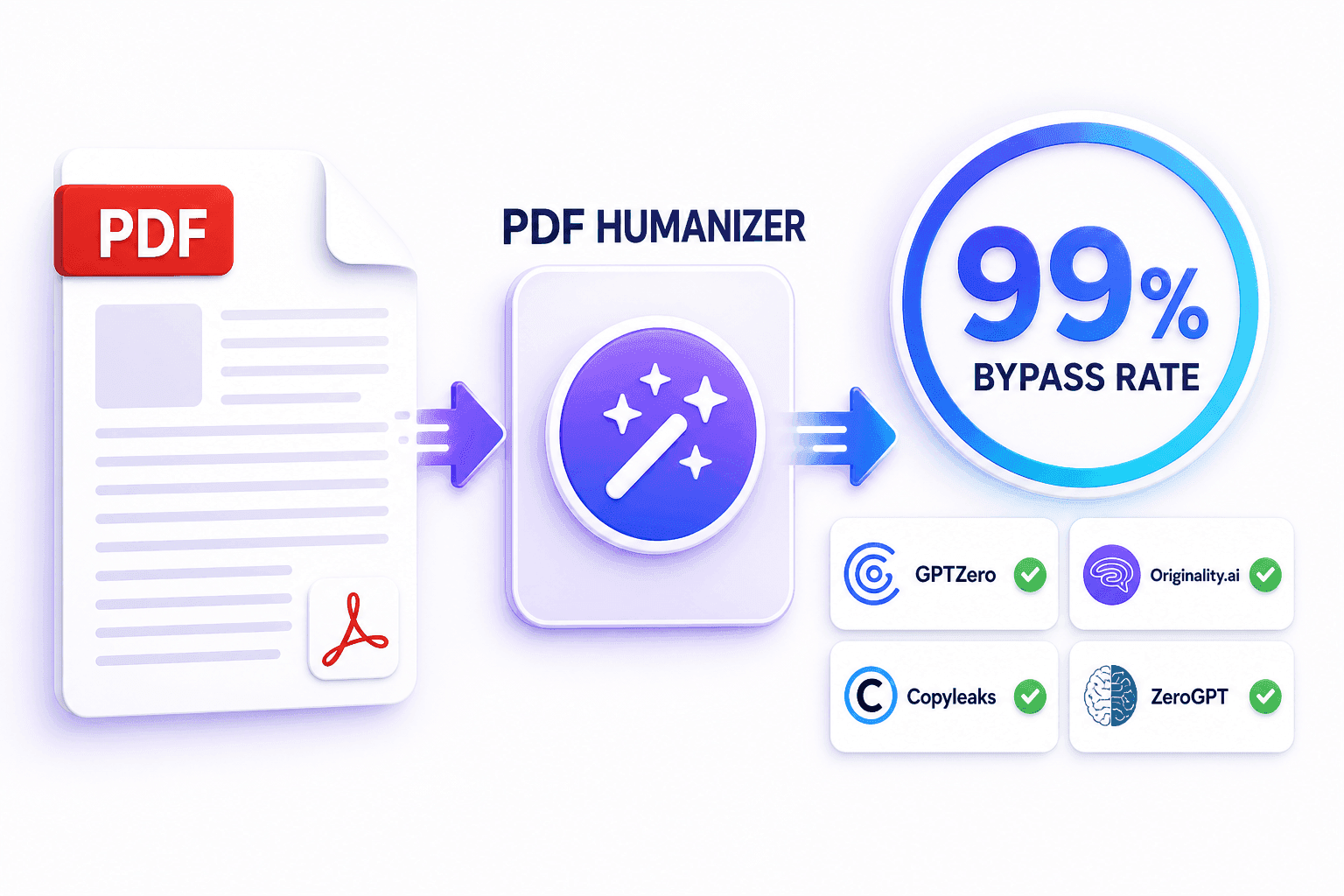
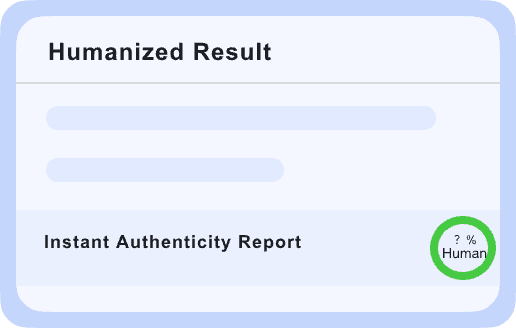
Scrub AI watermarks and linguistic patterns from your PDFs to bypass GPTZero, Turnitin, and Originality.ai. We ensure your documents achieve a “Human-Written” verdict every time.
Layout-Preserving Rewriting
Unlike text-only tools, our PDF Humanizer rewrites your content while keeping your tables, headers, images, and formatting exactly where they belong. No more messy reformatting.
Academic & Corporate Modes
Tailor the output to your specific document type. Choose ‘Academic’ for research papers or ‘Corporate’ for business reports to ensure the tone matches professional expectations.
Zero Plagiarism Reports
Every PDF processed is completely unique. Our engine restructures sentences from the ground up, ensuring your document passes Copyscape and Turnitin plagiarism checks.
Document SEO Integrity
For digital whitepapers and lead magnets, we preserve your target keywords and metadata, ensuring your PDF remains searchable and optimized for Google rankings.
Multi-Lingual PDF Support
Humanize technical PDFs in over 80 languages. We handle the nuances of localized terminology in English, German, French, and more with native-level precision.
Direct PDF Upload
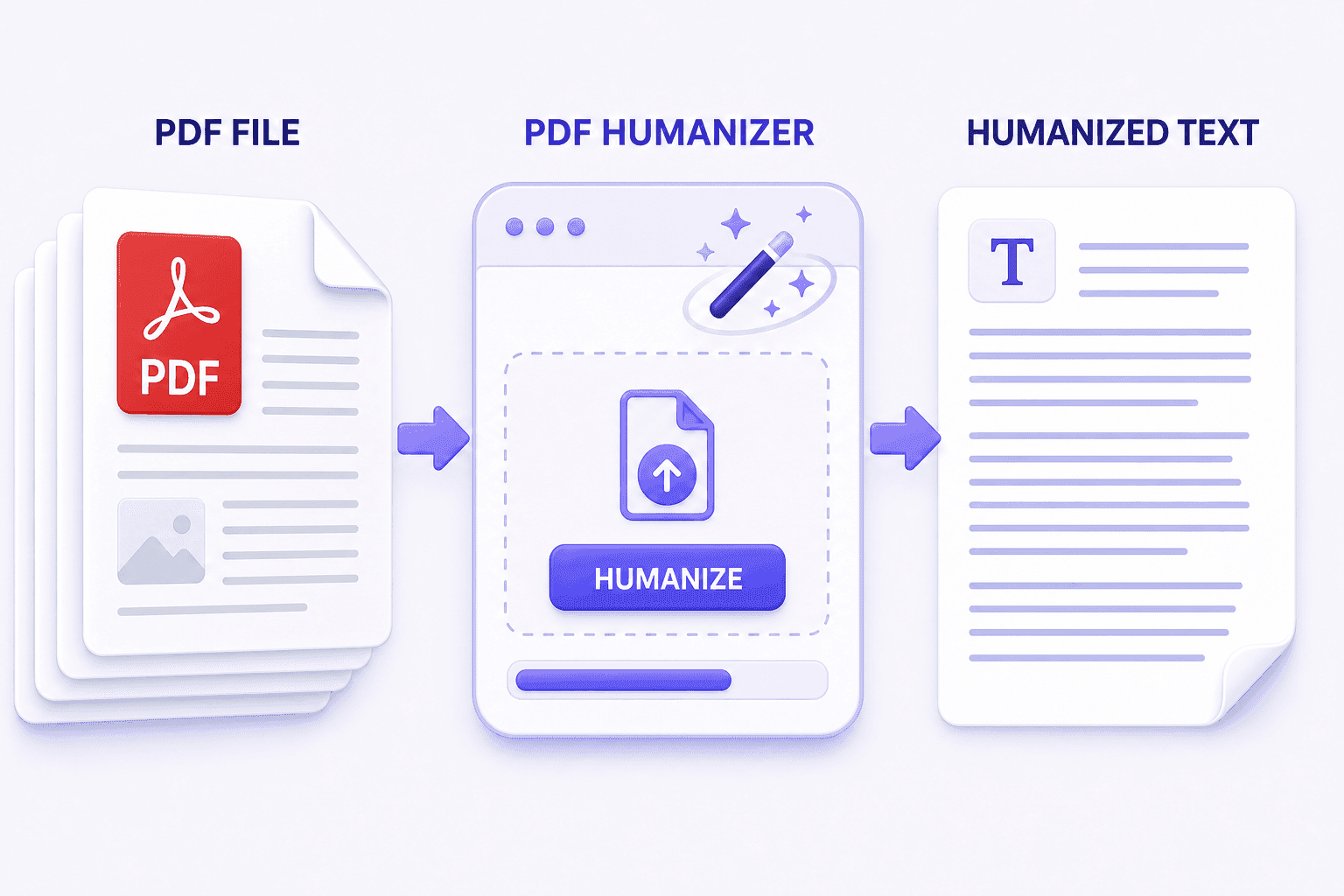
No need to copy-paste thousands of words. Simply drag and drop your PDF file, and our system handles the extraction and humanization automatically.
Enterprise-Grade Privacy
Your sensitive documents are protected. We use end-to-end encryption and never store your PDFs or use your proprietary data to train our AI models.

Eliminate AI Flags in Professional Documents
Don’t let a “Likely AI-Generated” flag ruin your credibility. Our engine is specifically tuned to remove the repetitive structures and predictable word choices that trigger PDF scanners.

Maintain Technical Accuracy & Flow
Technical PDFs require precision. Our context-aware technology understands industry jargon, ensuring that your complex reports remain accurate while sounding naturally authored.

Granular Control Over Humanization
Choose how much you want to alter your document. From light polishing to a complete linguistic overhaul, you control the intensity to match your specific submission needs.

Upload Your PDF File
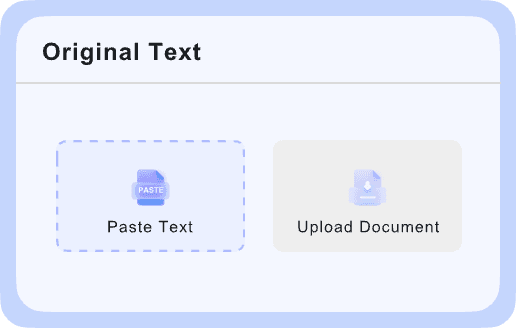
Drag and drop your .pdf file directly into our secure interface. Our system instantly parses the text while locking in your document’s original layout and design.

Select Humanization Level
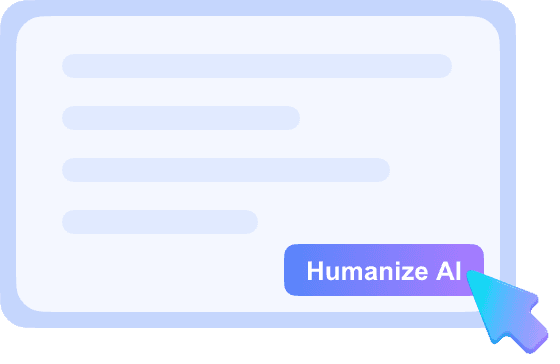
Choose your target tone and bypass intensity. Click “Humanize PDF” and watch our AI rewrite the content to sound indistinguishable from a human expert.

Download Undetectable PDF
Within seconds, your humanized document is ready. Download the final PDF, which is now fully optimized to bypass all major AI detectors and ready for professional use.

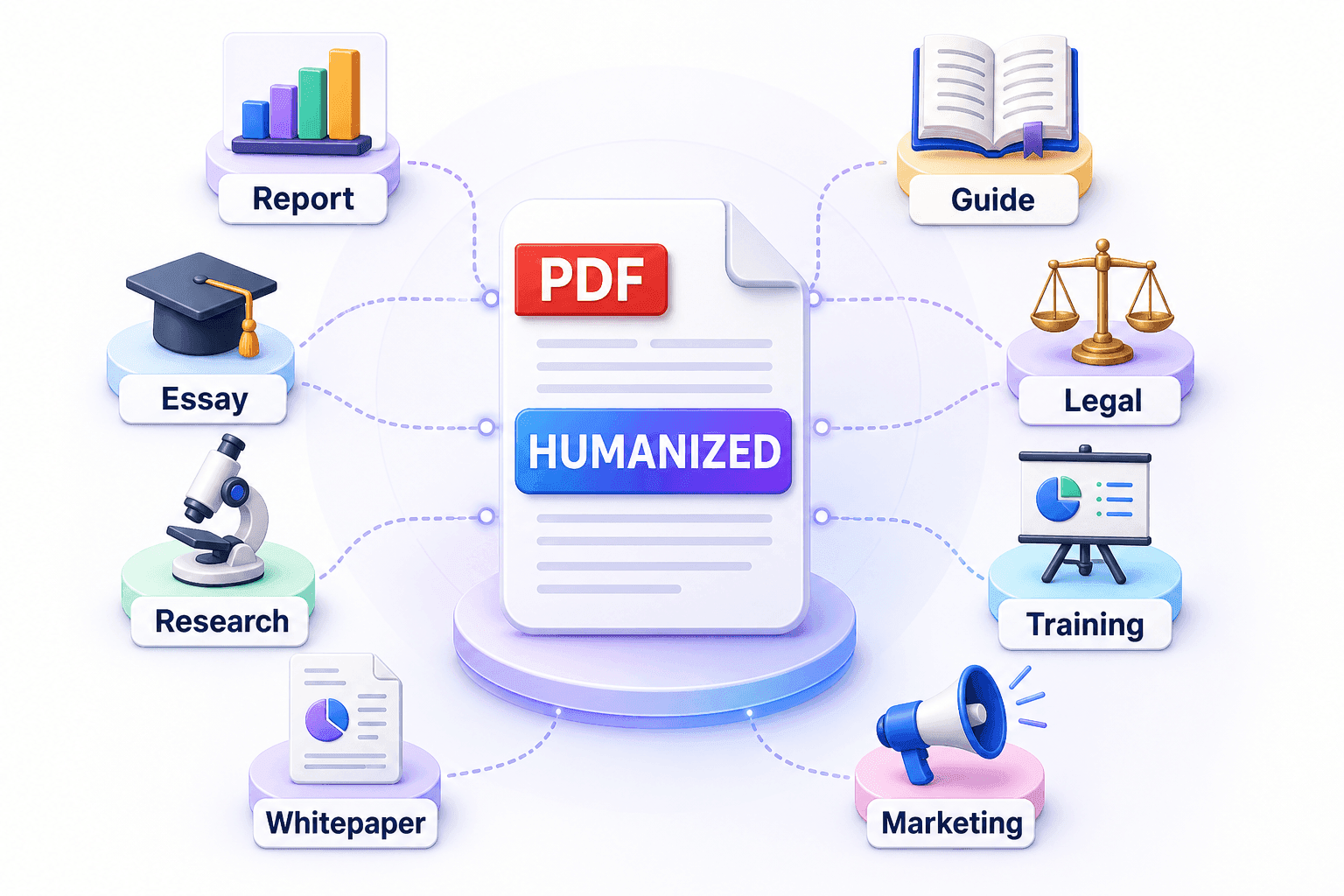
For Business Reports
Ensure your corporate PDFs sound authoritative and human, avoiding the “robotic” feel of AI-generated market analysis.

For Research Papers
Humanize academic PDFs to meet institutional standards and pass through integrity software like Turnitin without flags.

For E-books & Guides
Publish high-quality lead magnets that engage readers with a natural flow, increasing your brand’s perceived expertise.

For Legal & Compliance
Soften the tone of AI-drafted compliance documents to make them more readable and less formulaic for human stakeholders.

Graduate Students
Submit thesis drafts and research PDFs with confidence, knowing they will pass through AI detection and plagiarism scans.

Marketing Agencies
Deliver polished whitepapers and PDF case studies to clients that feel bespoke and professionally written, not AI-spun.

Business Consultants
Use AI to draft long-form PDF reports, then humanize them to maintain a high-end, personalized touch for your clients.

Technical Writers
Convert AI-generated technical documentation into natural-sounding PDFs that are easier for end-users to follow.

SEO Strategists
Optimize downloadable PDF assets for search engines while ensuring they don’t trigger “spammy AI” content filters.

HR Professionals
Humanize internal PDF handbooks and training materials to make them more relatable and engaging for employees.
Everything you need to know about humanizing your PDF documents for total undetectability.
Our tool uses advanced layout-preservation technology. It extracts the text, humanizes it, and re-injects it into the original PDF structure, keeping your fonts, images, and margins exactly as they were.
Yes. We specifically test our PDF output against Turnitin, GPTZero, and Copyleaks to ensure that the rewritten document bypasses the specific structural analysis these tools use for PDFs.
No. Our engine identifies non-text elements like charts, tables, and images. It leaves these untouched while humanizing the surrounding descriptive text to ensure the document remains professional.
Free users can upload PDFs up to a certain word count. Premium users can process large-scale documents, including full-length e-books and comprehensive technical reports, in one go.
Never. We follow a strict “process-and-delete” policy. Once your PDF is humanized and downloaded, it is wiped from our servers to ensure your proprietary information stays private.
Currently, the tool works best on text-based PDFs. If your PDF is a scanned image, we recommend running it through an OCR tool first to convert it to text before using our humanizer.
Yes. You can select from various modes such as ‘Professional,’ ‘Academic,’ or ‘Creative’ to ensure the humanized PDF matches the intended audience of your document.
Absolutely. We support PDF humanization in over 80 languages, ensuring that the grammar and flow are adjusted to native standards for global document distribution.
Yes. Search engines index PDFs. By humanizing the text, you avoid “thin content” or “AI-spam” flags, making your PDF assets more likely to rank in search results.
Humanizing the PDF directly saves you hours of re-formatting. It ensures that the final, submission-ready document is undetectable, professional, and maintains the visual integrity required for official use.