

Word DOCX Translator That Keeps Documents Readable


Upload Document
PDF, DOC, DOCX, PPT, PPTX
< 10M



Why Use Lynote’s Word Document Translator?

Translate the File, Not Just Text
Upload the DOC or DOCX so headings, paragraphs, and tables stay easier to review than a copy-paste translation.

Keep Layout Readable
Word formatting can shift during translation, but starting with the original file helps preserve more structure than pasting chunks manually.

Fast First Draft
Get a translated Word document quickly, then review terminology, names, dates, and important sections before sharing it.

Private Review Workflow
Use the result as a draft for study, business, or internal review. Avoid uploading sensitive documents unless your policy allows it.

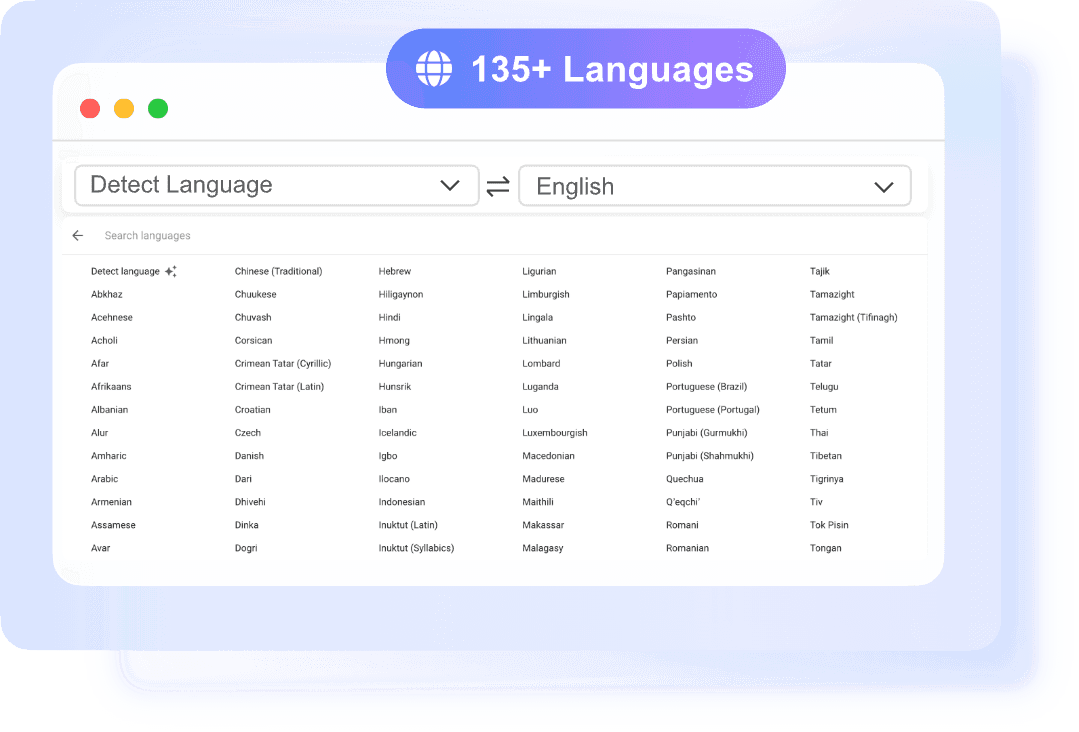
135+ Languages
Translate Word files across common global language pairs with source auto-detection.

No Account Required
Start a quick DOCX translation without creating an account.
Preserve Headings and Tables
Translate Business, School, and Personal Files
Review Before Sending
How to Translate a Word Document
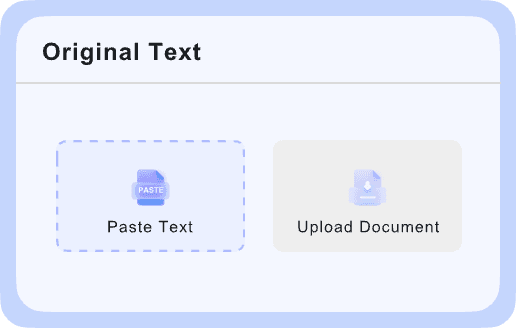
Upload DOC or DOCX
Choose the Word file you want to translate.

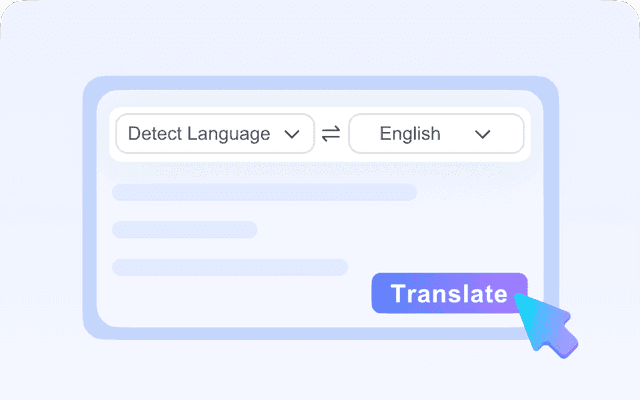
Select Target Language
Pick the language for the translated version.
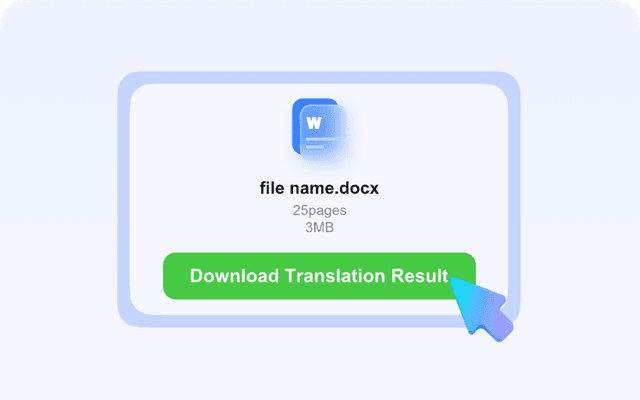
Download and Review
Open the translated file and check formatting, tables, and important terms.
Who Should Use This DOCX Translator?

Students
Translate assignments, study notes, and class handouts.

Business Teams
Translate proposals, reports, and internal docs.

Freelancers
Review client files in another language before editing or quoting.

Educators
Translate classroom materials and parent-facing documents.

Everyday Users
Translate letters, forms, and personal documents for easier reading.
What Our Users Say

PhD Candidate

"I frequently need to translate a Word file for my research, and this tool saves me so much time. The layout stays exactly the same, which is incredible."

Project Manager
"As a project manager, finding a reliable Word translator that doesn't mess up my formatting was a struggle. This tool is fast, accurate, and completely free of hassle."

Freelance Consultant
"I use this DOCX translator every week for client contracts. The auto-detect feature works perfectly, and I love that I don't have to sign up to get a quick translation."

Financial Analyst
"The best doc translator I have used so far. It handles my reports easily and keeps all the charts and tables intact while translating into Japanese."

Expat Teacher
"I had to translate Word document files for my visa application, and the results were instant. It is incredibly user-friendly and supports so many languages."

SEO Writer
"This Word document translator is my go-to. The Google-powered neural translation ensures everything sounds natural."
Frequently Asked Questions
Answers to common questions before using this tool.
Yes. Upload the DOCX file, select the target language, and download the translated version.
The result is designed to keep the document readable, but complex tables, fonts, and page breaks should still be reviewed.
Yes, DOC and DOCX workflows are supported when the file can be processed.
Usually no. If you have the original Word file, translate that first because it is easier to preserve structure.