

Free WebP to JPG Converter — No Sign-Up Required
Convert WebP images to JPG directly in your browser. Adjust the quality, compare the result with the original, and download your JPGs. Conversion and downloads are completely free, with no account or login required.

Drop images here, or click to select
Max 50 MB per file · Up to 10 images
Images converted: 0.
Images are processed locally in your browser. HEIC is not supported yet.
What Is a WebP to JPG Converter?
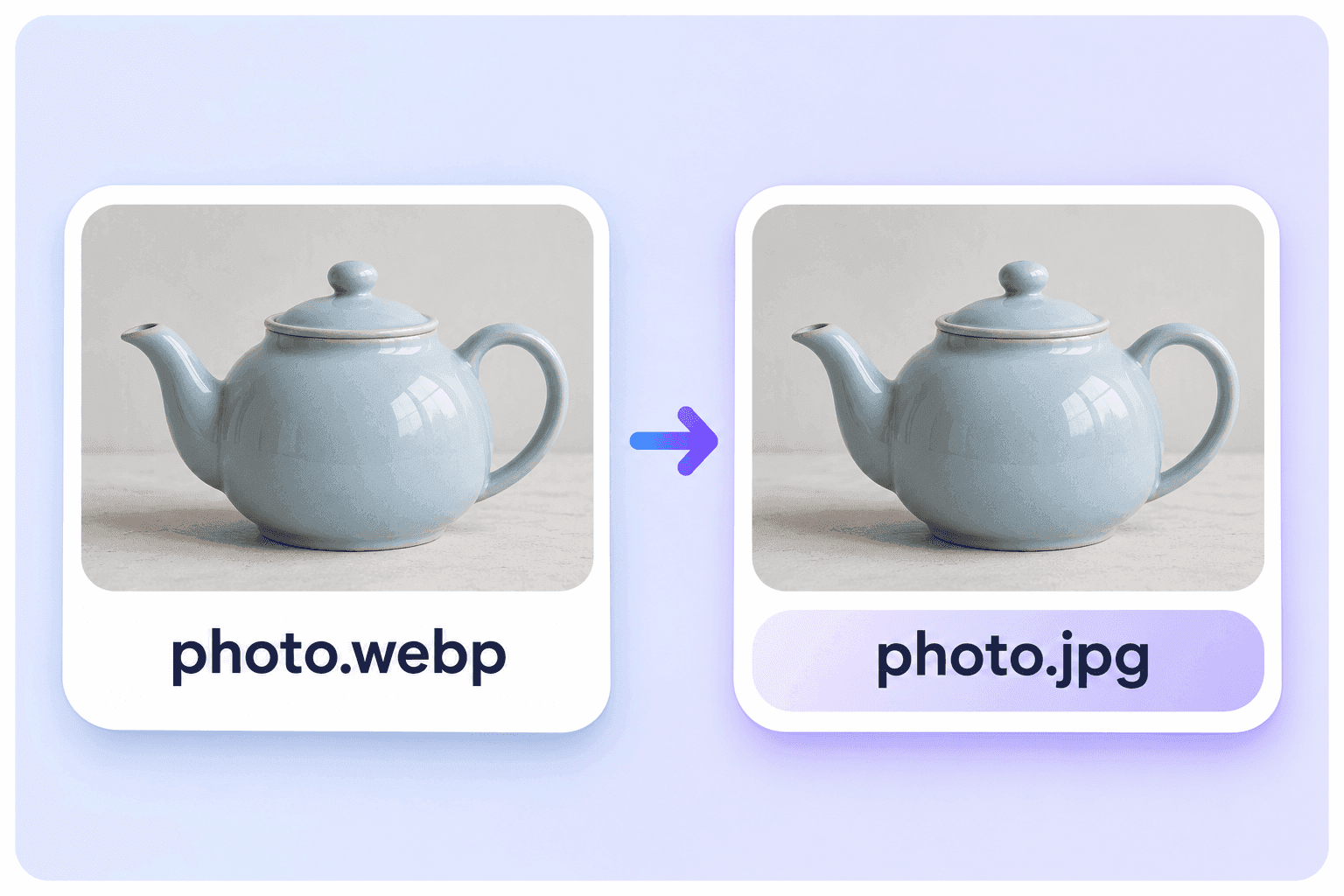
A WebP to JPG converter takes an image in WebP format and saves a copy as a .jpg file. Use it when a form, photo editor, or publishing tool requires a JPG and the image you have is WebP.
JPG and JPEG are two filename extensions for the same image format. Lynote AI saves the converted copy with the .jpg extension, and the original WebP stays available for future use.
How to Convert WebP to JPG?
 Step 1
. Choose Your WebP Images
Click Choose WebP Images or drag your .webp files into the converter. Add one image or select up to 10 at a time, with a maximum of 50 MB per file.

 Step 2
. Set the Quality and Convert
JPG is already selected as the output format. Choose a higher quality setting when details matter, or try a lower setting if you need a smaller file. Click Convert WebP to JPG to create your files.
 Step 3
.Preview and Download
Compare the original WebP with the converted JPG. Check the colors, edges, and any small text before saving. Download an individual JPG or save the converted batch as a ZIP.

Step 1. Choose Your WebP Images
Click Choose WebP Images or drag your .webp files into the converter. Add one image or select up to 10 at a time, with a maximum of 50 MB per file.
Step 2. Set the Quality and Convert
JPG is already selected as the output format. Choose a higher quality setting when details matter, or try a lower setting if you need a smaller file. Click Convert WebP to JPG to create your files.
Step 3.Preview and Download
Compare the original WebP with the converted JPG. Check the colors, edges, and any small text before saving. Download an individual JPG or save the converted batch as a ZIP.
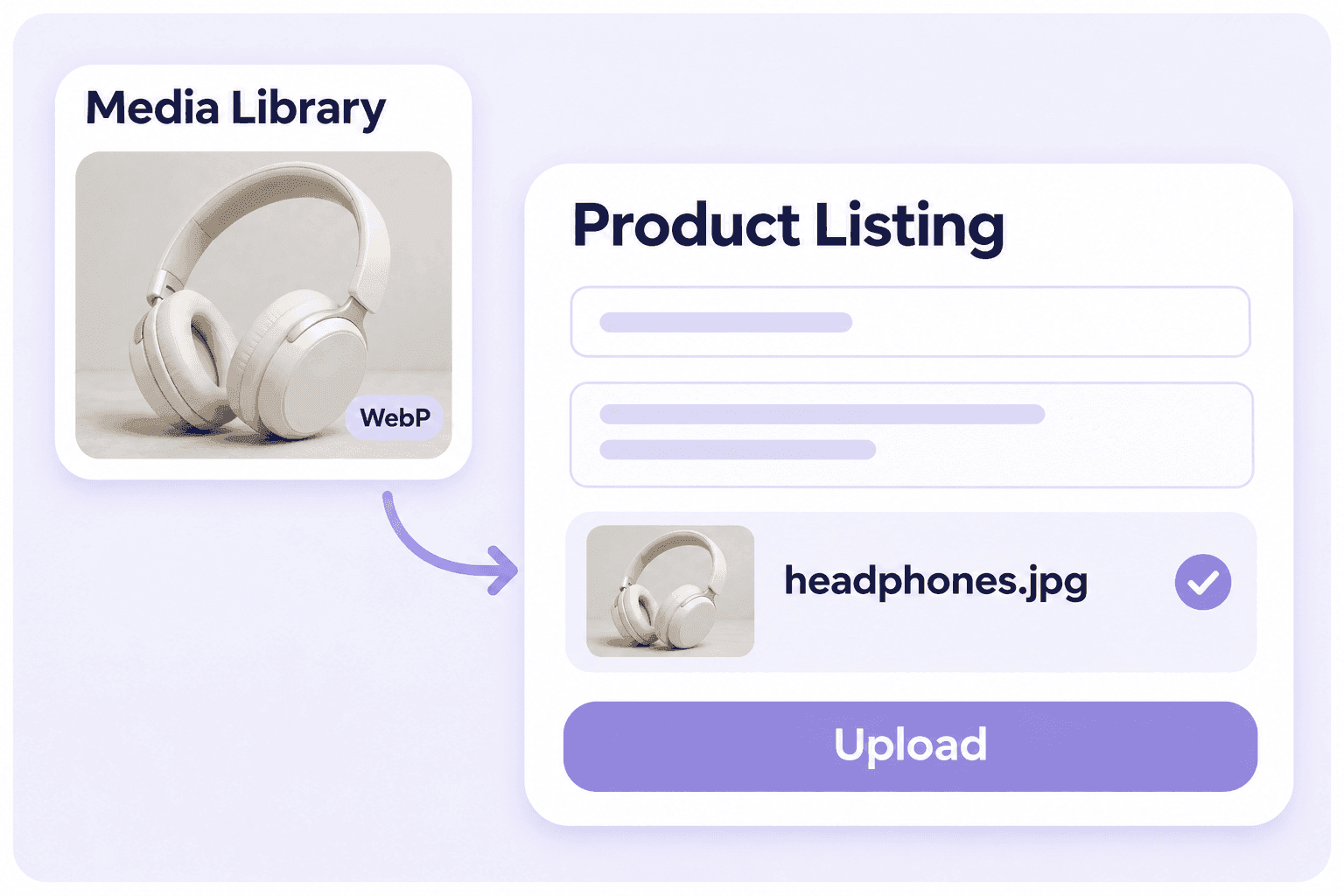
Reuse WebP Images in Tools That Require JPG
You may have a WebP product image from your store’s media library or a graphic from a website you manage. Create a JPG copy for a listing form, slide deck, or editor that requires JPEG. Keep the WebP version for your website and use the JPG wherever it’s requested.
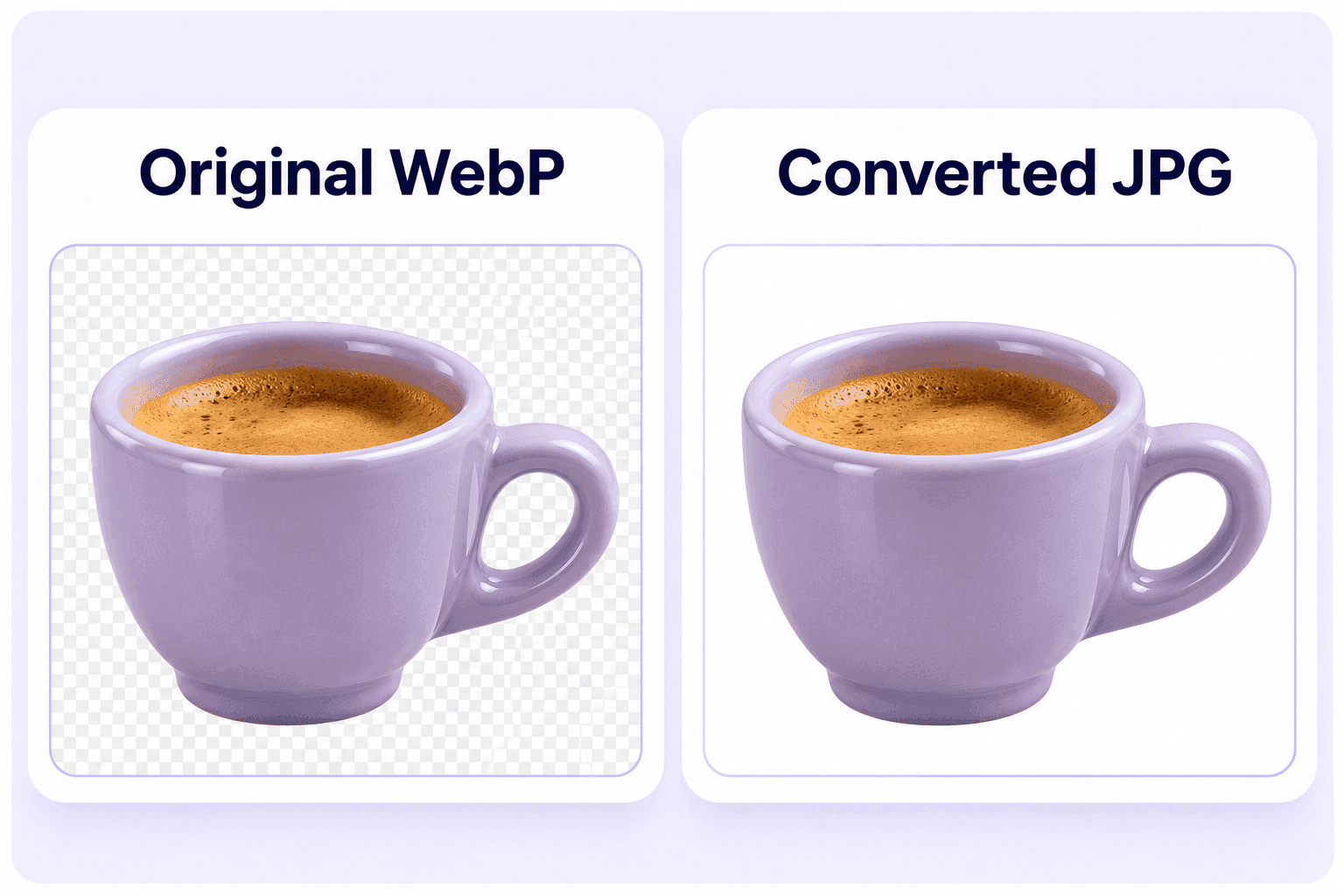
Compare the Original WebP and Converted JPG
Check both versions side by side before you download. Look at the details that matter for your project, such as a logo’s edges, a screenshot’s menu labels, or a product photo’s colors. If the WebP has transparent areas, check how the background appears in the JPG preview.
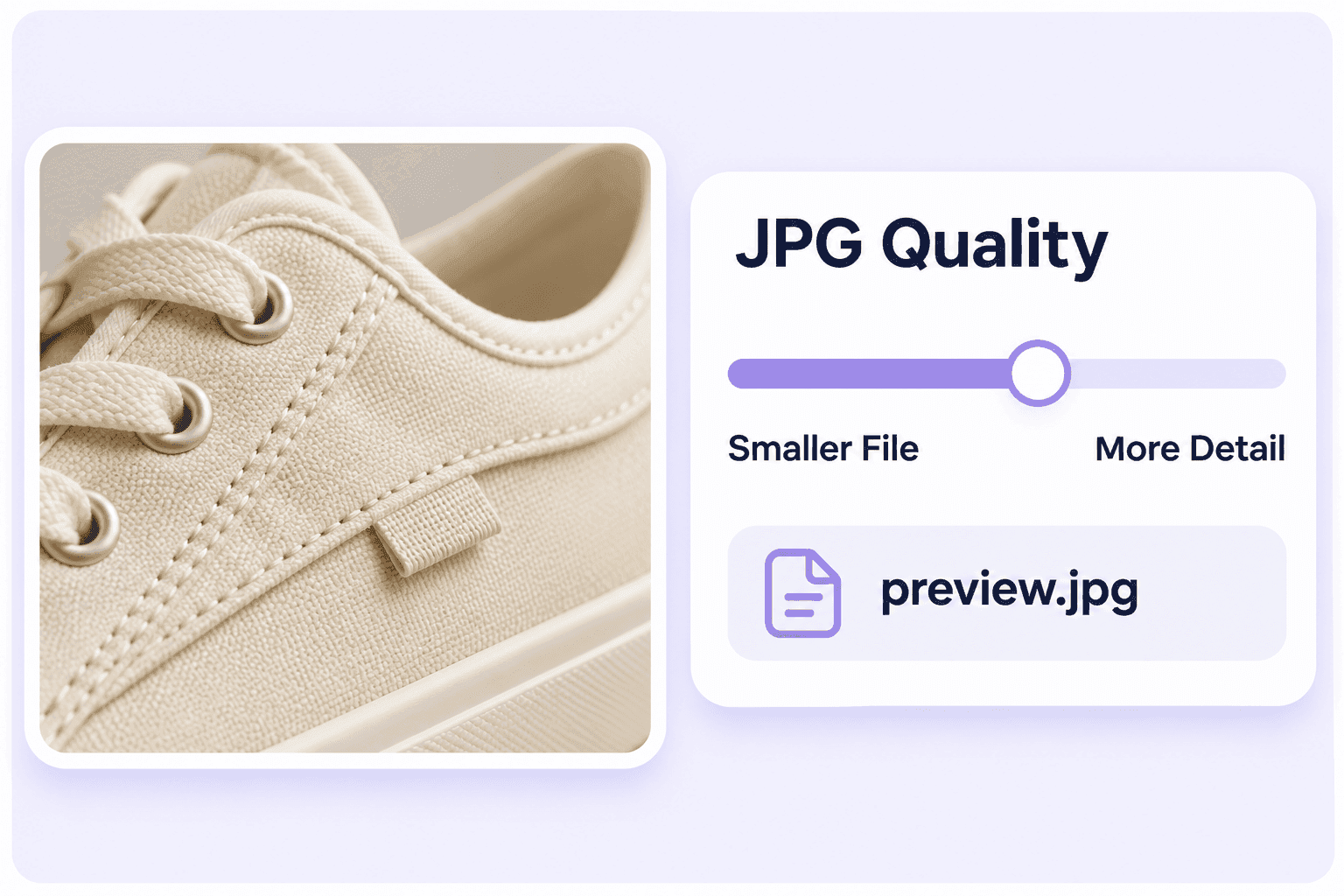
Adjust JPG Quality for Your Next Upload
A product close-up may need enough detail to show stitching or lettering. A small attachment may look fine at a lower quality setting. Choose the setting that suits your use, then check the converted image and its file size before uploading.
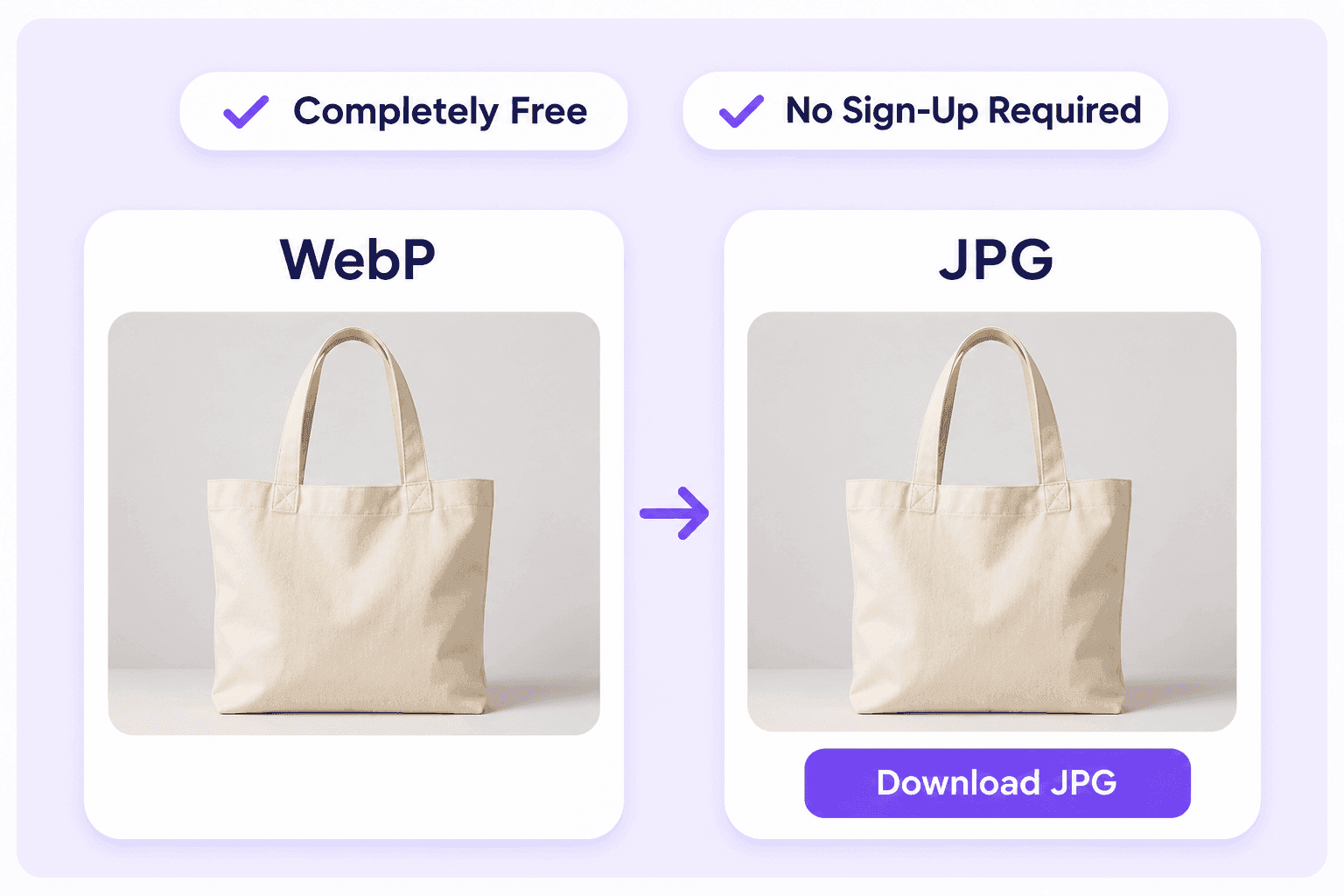
Convert WebP to JPG for Free, No Account Needed
Need a JPG for an online form, a slide deck, or a product listing? Choose your WebP images, preview the converted JPGs, and download the files you need. Whether you convert one image or a batch, the entire process is free, from conversion to download. No sign-up or login is required.
Why Choose Lynote AI’s WebP to JPG Converter?
No Sign-Up Required
Choose your files, convert them, and download the results without creating an account or signing in.
Batch Conversion
Convert up to 10 WebP images at once.
Adjustable JPG Quality
Choose a quality setting based on the detail you need and the file size you can use.
Preview and Compare
Check the original WebP and converted JPG side by side.
Free Credits to Start
Start with free credits. Only successful conversions use credits.
Private Conversion
Your browser converts the images on your device without uploading them to a server.
WebP to JPG Converter Use Cases
Use this converter when a WebP image needs to work in a form, editor, or publishing workflow that asks for JPG.
Online Forms and Applications
Change a WebP image to JPG when a form requires a .jpg attachment. Check the final file against the upload limit before submitting.
Product Listings and Catalogs
Convert WebP images from your store’s media library to JPG for a marketplace listing or catalog template that requires JPEG.
Presentations and Reports
Create JPG copies of WebP photos or screenshots for decks and documents that require JPG images.
Photo Editing
Open a WebP image in an editing workflow that accepts JPEG by first saving a JPG copy.
Client and Team Handoffs
Deliver a consistent set of JPG files when a client or teammate requests a specific format.
Marketing and Publishing
Reuse WebP graphics in a newsletter, media kit, or publishing tool that requires JPG assets.
Who Can Benefit from Lynote AI’s WebP to JPG?
From online stores to personal portfolios, convert images to WebP to help reduce the amount of image data visitors need to download.

Online Store Owners
Convert WebP product photos to JPG for marketplaces that require JPEG images.

Content Creators & Marketers
Reuse WebP images from your website in newsletters, campaign briefs, or publishing tools that accept JPG.

Designers & Freelancers
Deliver JPG copies of WebP assets when a client specifies JPEG for a project handoff.

Photographers
Turn WebP portfolio images into JPG copies for submissions or client review.

Students & Educators
Convert WebP illustrations or diagrams to JPG for slide decks, worksheets, and course portals.

Job & Program Applicants
Save a WebP profile photo as JPG when an application form asks for a .jpg attachment.
WebP to JPG Converter FAQs
Choose a .webp image, adjust the JPG quality if needed, and click Convert WebP to JPG. Preview the result and select Download JPG to save it.
The converter saves images with the .jpg extension. JPG and JPEG refer to the same image format.
Yes. Add up to 10 WebP files, each up to 50 MB. Download the JPGs individually or save all successfully converted files in a ZIP.
No. Open the Lynote AI converter, choose your WebP images, and download the converted JPGs without creating an account or signing in.
JPG uses a solid background where the original WebP was transparent. Open the preview to see how those areas look before downloading.
The JPG can be smaller or larger than the source WebP. The result depends on the image and the quality setting. Check the downloaded file size if you have an upload limit.
JPEG compression can affect fine detail. Use a higher quality setting if the image contains small text, fine lines, or textures you want to keep visible, then compare the result with the original.
Yes. You can convert WebP images to JPG and download the results for free. No payment or conversion credits are required.
Your browser processes the WebP images and generates the JPG files on your device. The conversion runs without sending your images to a server.