

WAV to Text Converter for Studio-Quality Transcripts

Drop files or browse

Add study materials to enable the AI to extract and structure content.



Why Choose Our WAV to Text Converter?

Built for High-Quality Audio
WAV files are often used for clearer, less compressed recordings. Lynote helps turn wav to text when you need accurate, editable transcripts from studio audio, interviews, meetings, and archived recordings.

Convert WAV Files Online
Use Lynote as a wav to text converter directly in your browser. Upload your WAV file, let AI process the speech, then review the transcript without installing extra software.

More Than a Transcript
This is not only a basic wav to text converter free workflow. Lynote can help transform your transcript into notes, summaries, flashcards, translations, and AI Q&A prompts.

Useful for Professional Recordings
WAV files are common in podcasts, research interviews, voice archives, language recordings, and production audio. Lynote helps make those recordings searchable and easier to reuse.

Review and Clean the Text
After transcription, you can review names, terminology, pauses, and important sections. This helps you turn spoken content into cleaner written material.

Works for Technical and Creative Teams
Whether you need to convert wav file to text for research, training, podcast editing, legal notes, or creative production, Lynote gives you a faster path from audio to usable text.
Convert Professional Recordings Into Transcripts
WAV recordings often capture detailed audio, but they are difficult to scan or quote. Lynote helps convert WAV speech into editable text so you can search, copy, summarize, and organize the recording.
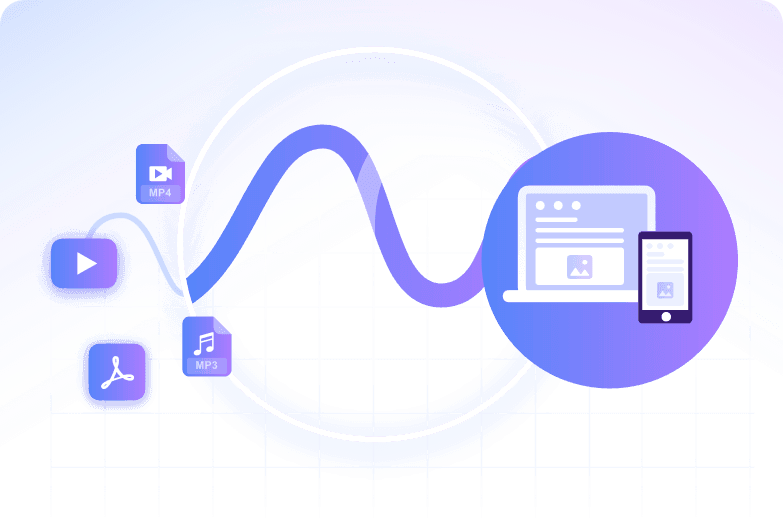
Make Long Audio Easier to Review
Long WAV files can contain key ideas hidden inside hours of speech. Lynote helps turn the transcript into notes and summaries, making review faster than replaying the full recording.
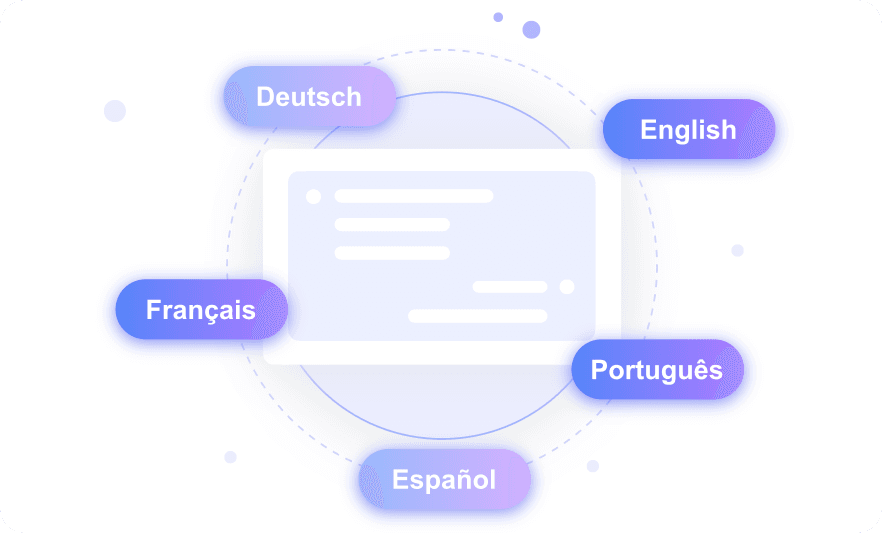
Use Transcripts for Notes and AI Workflows
After you convert wav to text, you can use the transcript for study notes, meeting recaps, research analysis, content drafts, translations, and AI chat.
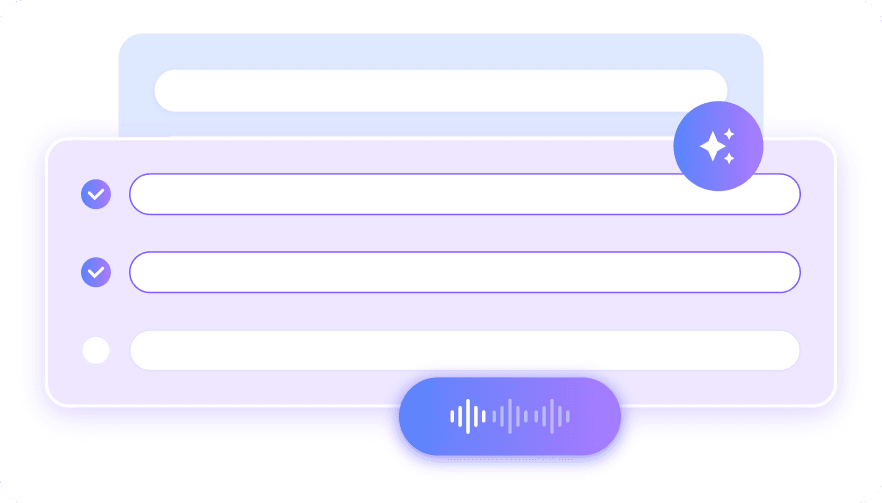
How to Convert WAV File to Text Online
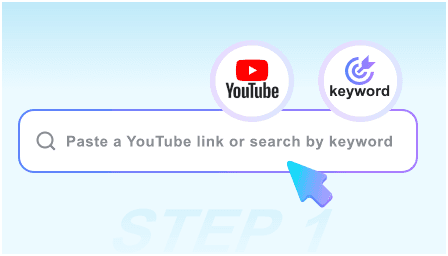
Step 1. Upload Your WAV File
Upload your .wav audio file from your device. You can use interviews, lectures, meetings, podcasts, call recordings, studio sessions, voice samples, or archived audio.
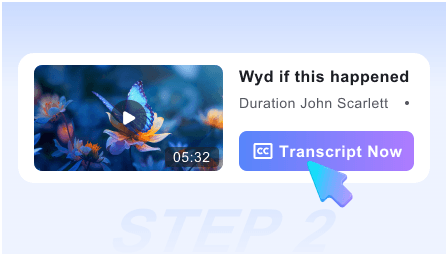
Step 2. Transcribe WAV to Text
Lynote processes the audio and creates an editable transcript. This helps you convert WAV audio without manually replaying and typing every sentence.
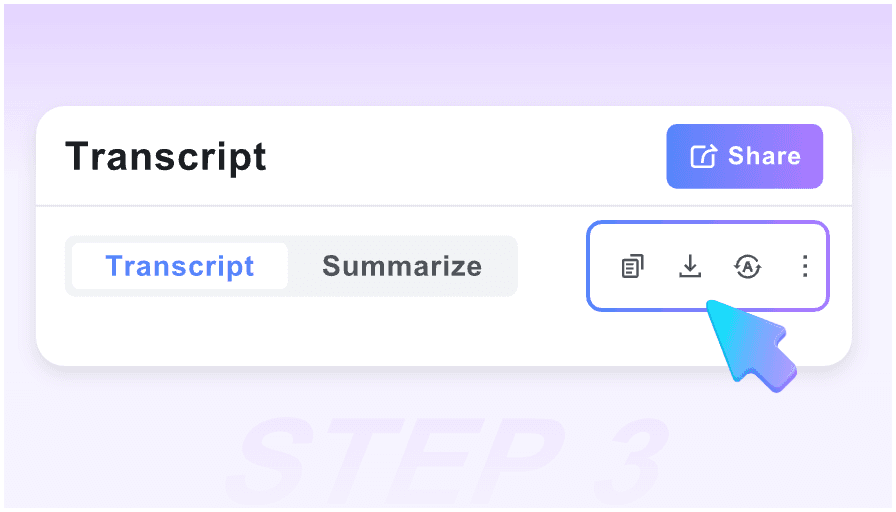
Step 3. Review, Edit, and Create Notes
Check the transcript for names, terms, and important details. Then turn the text into notes, summaries, translations, flashcards, or AI Q&A prompts.
Who Can Benefit From WAV to Text?

Podcasters
Podcasters can turn WAV episode recordings into transcripts, show notes, captions, quotes, and blog drafts for content repurposing.

Researchers
Researchers can convert WAV interviews, focus groups, oral histories, and field recordings into searchable text for coding, citation, and analysis.

Students
Students can transcribe WAV lecture recordings, study discussions, and class audio into notes, summaries, and flashcards.

Business Teams
Teams can use Lynote to convert meetings, training audio, customer interviews, and sales calls into searchable internal knowledge.

Audio Producers
Producers can turn studio dialogue, voiceover takes, and editing notes into transcripts that are easier to review and organize.

Developers and Automation Users
If you are searching for how to convert wav file to text in python, Lynote offers a no-code online workflow when you need results quickly without writing scripts or setting up speech libraries.
What Our Users Say

Podcast Editor

I work with WAV episode files every week. Lynote helped me turn long recordings into transcripts and show notes without a separate editing workflow.

Research Coordinator
We had hours of WAV interview audio. Lynote made it easier to search the transcripts and pull recurring themes for analysis.

Audio Producer
I needed a fast wav to text converter for voiceover sessions. Lynote helped me organize takes and find the best lines quickly.

Graduate Student
I used Lynote to convert wav file to text for seminar recordings. The transcript helped me build study notes much faster.

Operations Manager
Our team records trainings as WAV files. Lynote turned them into searchable notes we could share with new employees.

Developer
I knew how to convert wav file to text in python, but Lynote was faster for one-off files. I uploaded the audio and got a transcript without writing code.
Frequently Asked Questions
Got questions about WAV transcription, editable transcripts, and audio-to-note workflows? Start here.
A WAV to text converter turns spoken audio from a WAV file into editable written text. Lynote helps you generate transcripts, notes, summaries, translations, and AI Q&A from the audio.
Upload your WAV file, let Lynote process the audio, then review the transcript. You can copy, edit, summarize, translate, or turn the result into structured notes.
Yes. Lynote lets you upload .wav files and convert them into editable text online. This is useful for interviews, podcasts, meetings, lectures, and studio recordings.
Yes. Lynote supports a wav to text converter free workflow for getting started. You can test audio transcription online before using transcripts in larger projects.
Use Lynote in your browser. Upload the WAV file, wait for transcription, then review the text. There is no need to install desktop transcription software for basic online workflows.
Developers can use speech recognition libraries or transcription APIs in Python, but setup can take time. Lynote gives you a no-code alternative when you want to upload a WAV file and get usable text quickly.
Yes. WAV files are often used for high-quality audio, and Lynote can process them as part of its audio transcription workflow. Clear speech and good recording quality usually help improve transcript readability.
