

Video to Notes AI

Drop files or browse

Add study materials to enable the AI to extract and structure content.



Why Choose Our Video Note Taker?

Video-First Notes
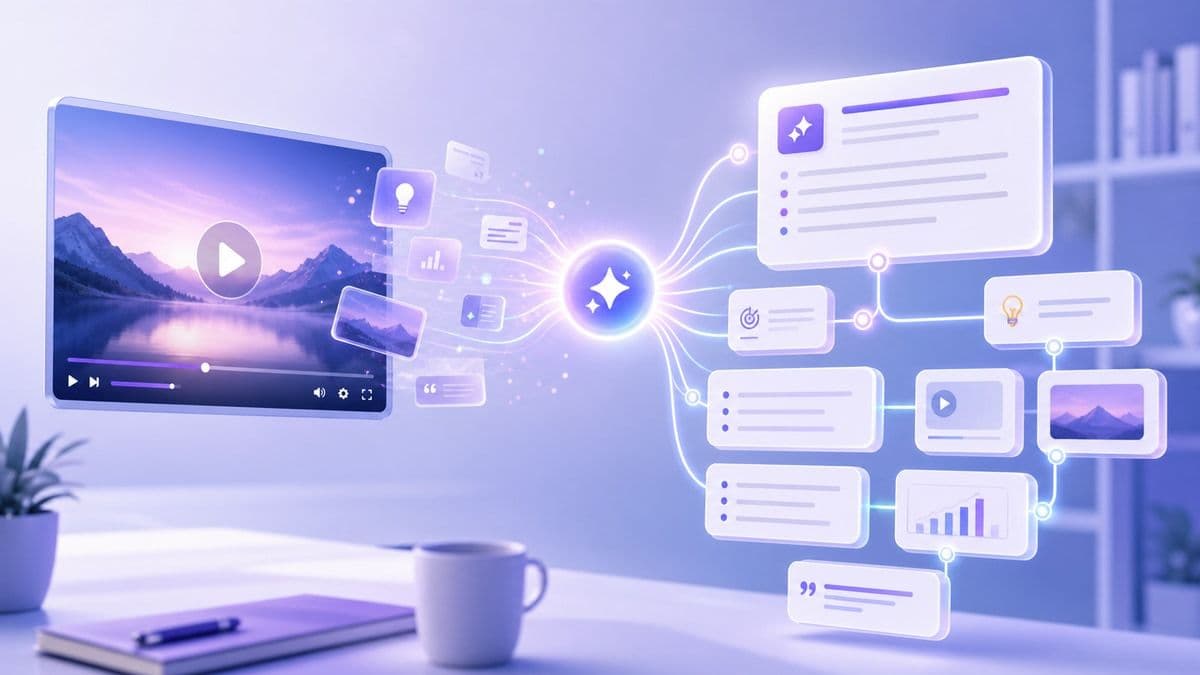
Lynote is built for people who learn from video, not just text. Turn lectures, tutorials, webinars, interviews, and YouTube videos into clear notes you can review later.

Timestamped Key Moments
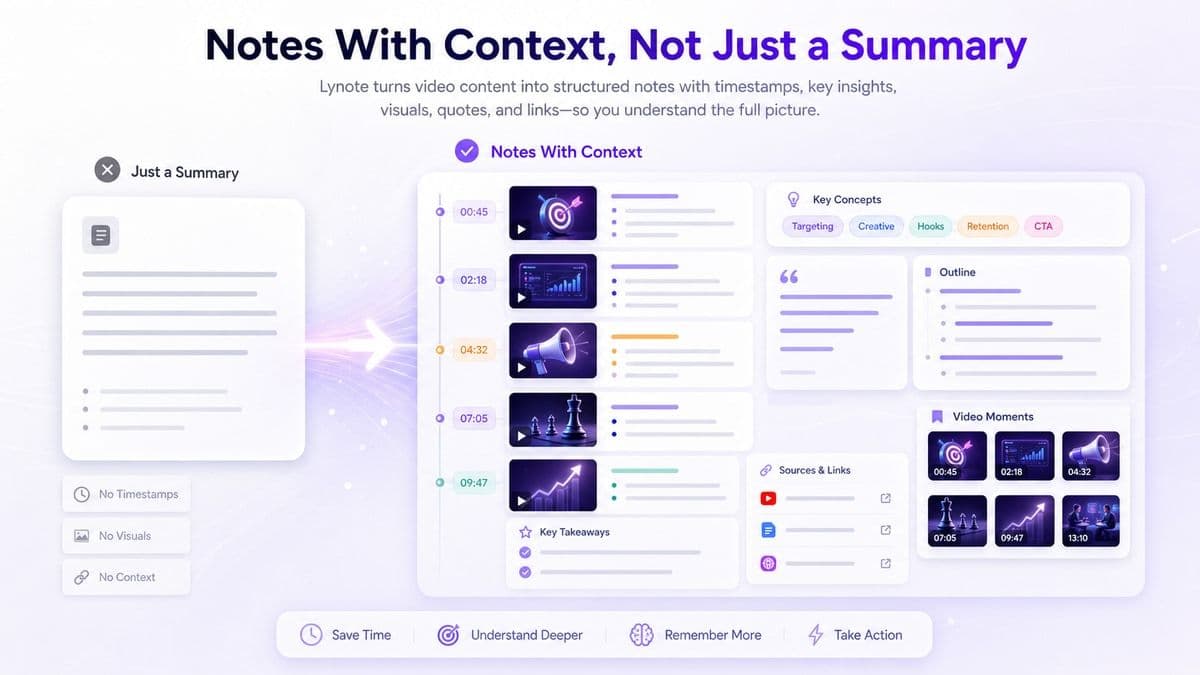
Important ideas are easier to trust when you can trace them back. Lynote helps organize video notes with timestamps, so you can jump back to the right moment.

YouTube Link Support
Paste a YouTube URL and generate notes without copying transcripts by hand. It is useful for online courses, explainers, product demos, and long educational videos.

Structured Learning Output
Instead of a flat summary, Lynote creates sections, bullet points, key takeaways, and important details. Your notes feel ready to study, edit, or share.

Ask Questions Later
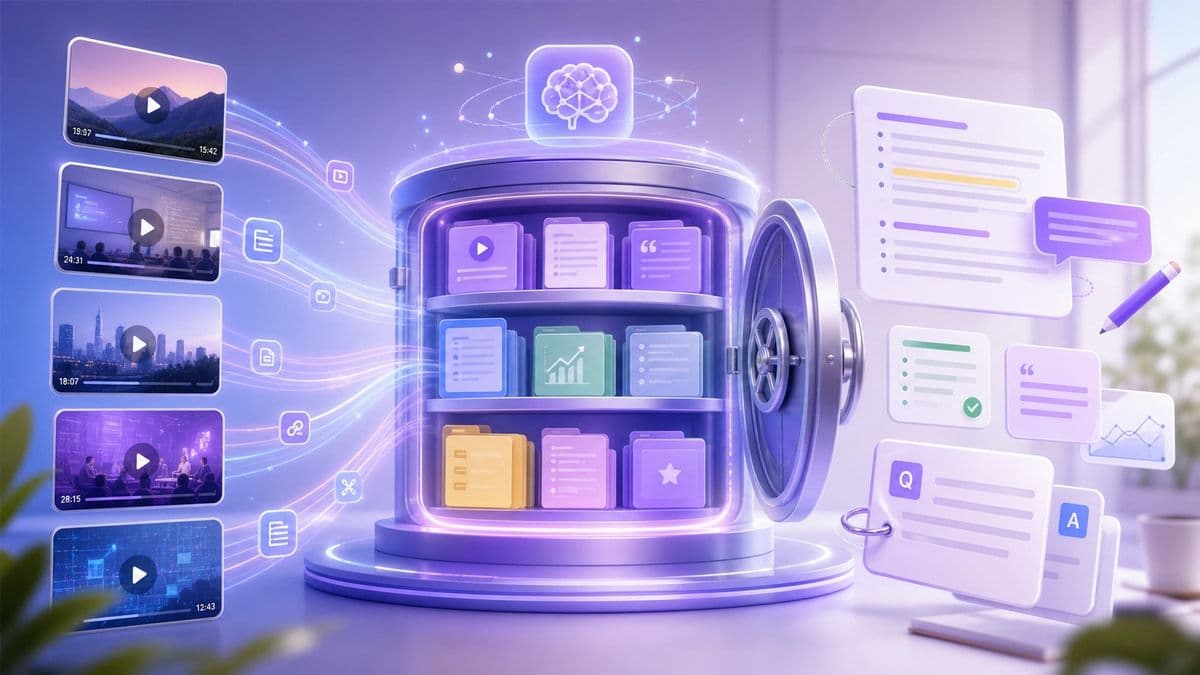
Use your notes as a searchable learning space. Ask follow-up questions about the video and review answers based on the source content.

Flashcards From Video
Turn video into notes, then convert the main points into flashcards. This helps self-learners review concepts with active recall after watching.

Private Video Workspace
Your uploaded files, links, and notes stay private. Lynote does not use your content to train AI models.
From Watching to Understanding

Built for YouTube Learning
Notes With Context, Not Just a Summary
Review, Edit, and Build Your Own Knowledge Base
How to Turn Video Into Notes
Step 1. Add Your Video
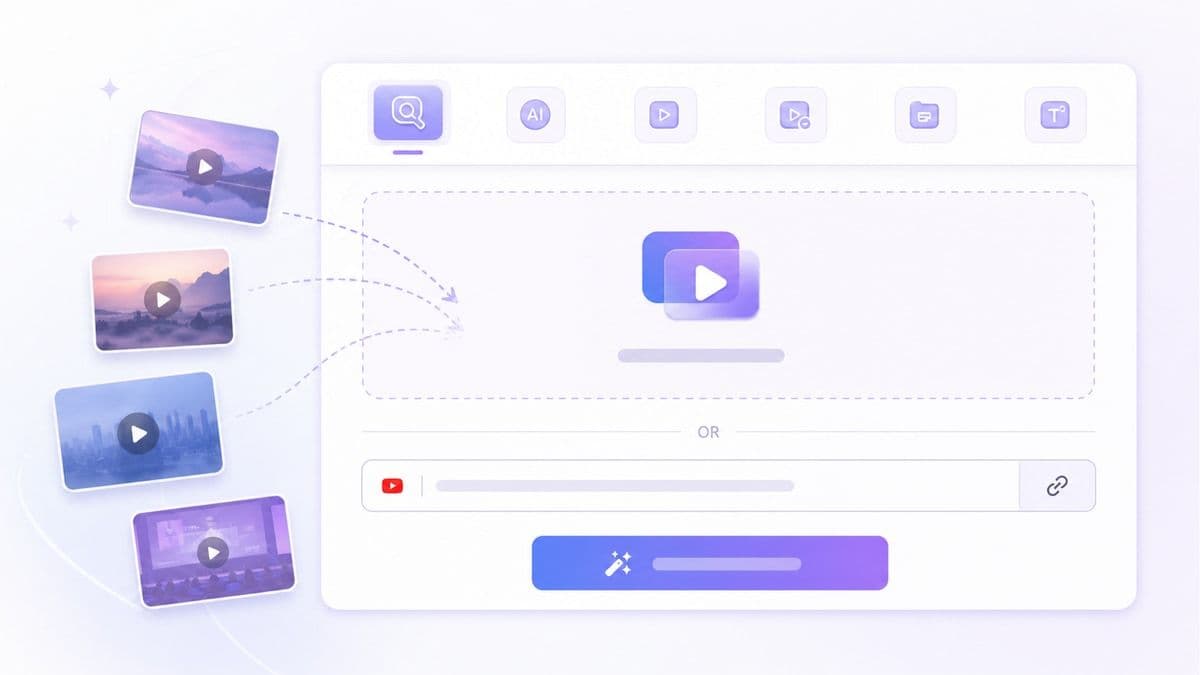
Upload a video file or paste a YouTube URL. Lynote can help you work with course videos, tutorials, interviews, webinars, recorded lessons, and other video-based learning materials.
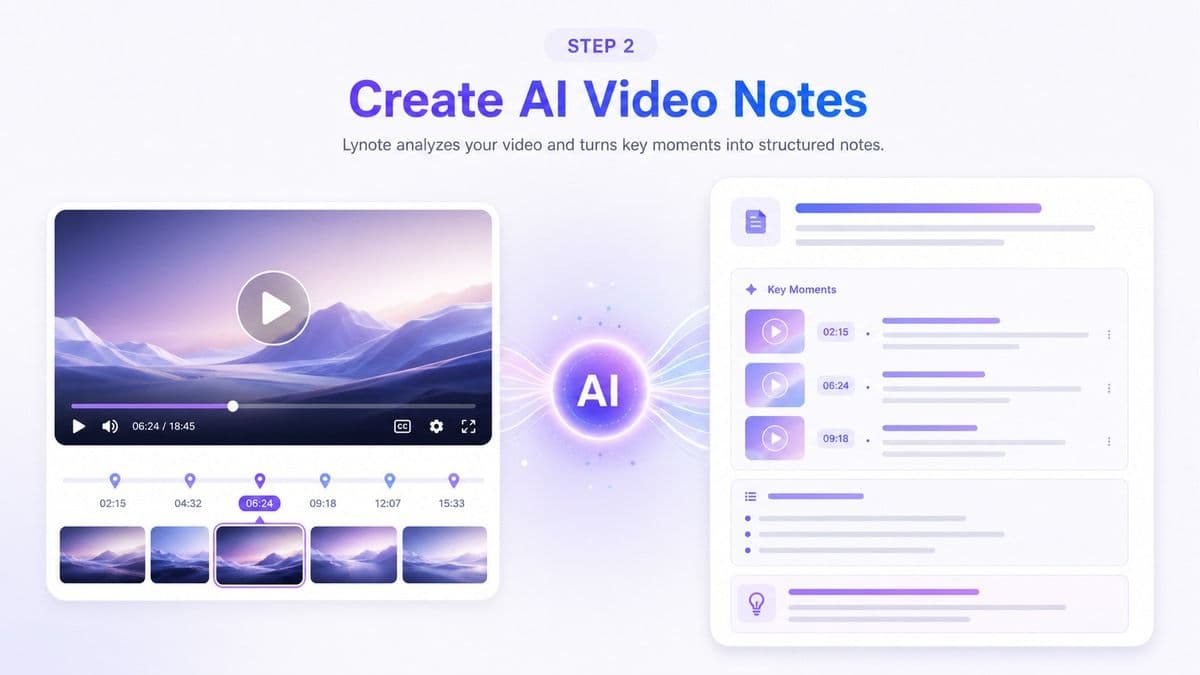
Step 2. Create AI Video Notes
Click Create Note and let Lynote analyze the video content. It organizes key ideas, important details, and timestamped moments into a structured note page.
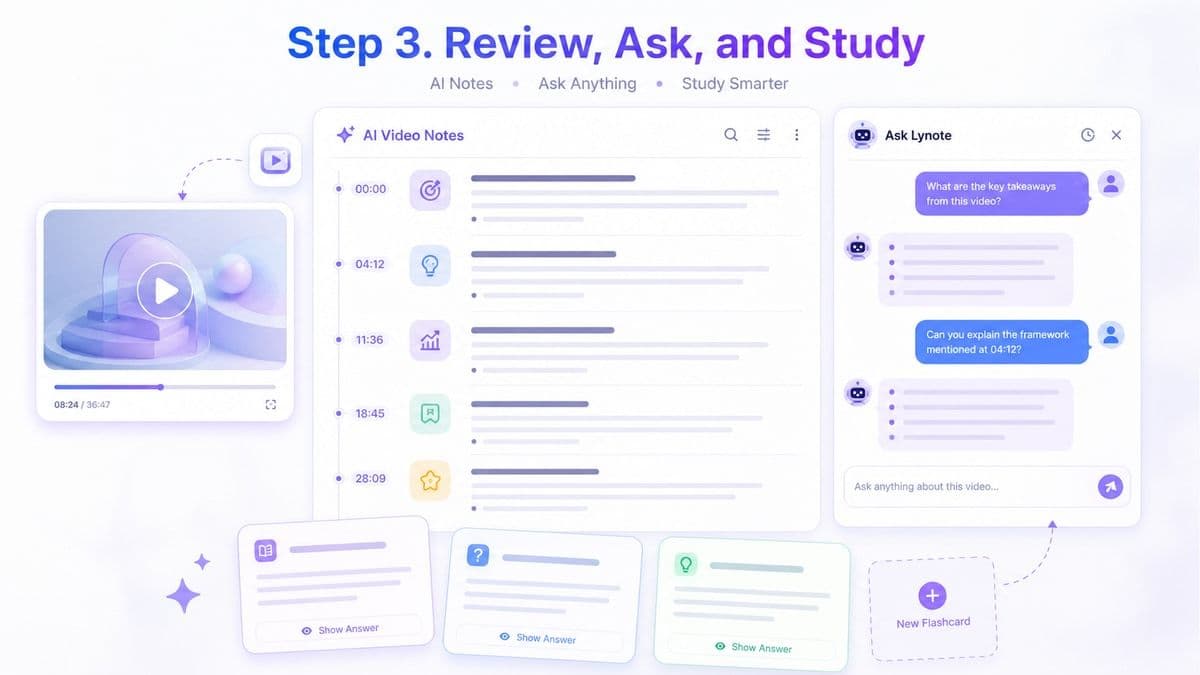
Step 3. Review, Ask, and Study
Read your notes, edit the structure, ask questions about the video, or turn the notes into flashcards. Use the result for studying, writing, research, or team documentation.
Who Should Use This Video to Notes AI?

YouTube Learners
Turn long YouTube explainers, tutorials, and educational channels into structured notes you can review without replaying the full video.

Course Builders
Convert lesson videos, training modules, and recorded workshops into reusable notes for students, members, or internal learning hubs.

Podcast Teams
Use video podcast recordings to capture topic summaries, guest insights, quotes, and follow-up ideas for show notes or repurposed content.

Sales Enablement Teams
Turn product demos, customer calls, and onboarding videos into searchable notes for training, objection handling, and internal playbooks.

Webinar Marketers
Break down webinar recordings into key takeaways, campaign angles, email follow-ups, and content snippets for future promotion.

Coaches and Consultants
Create notes from client sessions, coaching videos, and strategy calls, then review decisions, action items, and recurring themes.
What People Say About Our AI Video Note Taker

Graduate Student

I use Lynote for recorded lectures and long YouTube explainers. The timestamped notes help me review the exact parts I missed.

Product Marketer
Turning product webinars into notes saves me a lot of time. I can pull key points into briefs without rewatching the whole recording.

Online Course Learner
My course videos are usually 40 minutes or longer. Lynote gives me structured notes I can study before moving to the next lesson.

Research Coordinator
I use it for interview videos and conference talks. The notes make it easier to compare ideas across different speakers.

Content Strategist
Lynote helps me turn video research into outlines. I can capture useful points from YouTube without building notes from scratch.

Language Tutor
I use it to prepare notes from lesson videos. It gives students a clearer review sheet after class.
Frequently Asked Questions
Have questions about video to notes AI? Here are the answers.
A video note taker turns video content into organized notes. Lynote can help extract key ideas, timestamps, summaries, and important details from uploaded videos or supported video links.
Lynote analyzes the video source and identifies useful information from the content. It then organizes that material into structured notes with sections, bullet points, key takeaways, and review-friendly formatting.
Yes. Paste a YouTube URL into Lynote and create structured notes from the video content. This is useful for lectures, tutorials, explainers, interviews, and educational channels.
Yes. Lynote works as a video summarizer into notes, but it goes beyond a short recap. It creates organized notes that you can review, edit, question, and turn into flashcards.
Lynote lets users try the video to notes AI free workflow. You can paste a video link or add supported content and create AI-generated notes for faster review.
You can use Lynote for YouTube videos, tutorials, recorded lessons, webinars, interviews, training videos, and other learning-focused video content. Supported options may depend on the source and file type.
Yes. After creating notes, you can chat with the content and ask follow-up questions. This helps you find details without replaying the full video.
Yes. Lynote can turn notes from video into flashcards, making it easier to review definitions, key concepts, steps, and important takeaways.