

User Manual Translator for Guides and Instructions


Upload Document
PDF, DOC, DOCX, PPT, PPTX
< 10M



Why Use Lynote’s User Manual Translator?

Keep Steps Understandable
Translate setup steps, warnings, labels, and troubleshooting notes into clear target-language instructions.

Preserve Document Structure
Upload PDF, DOCX, PPTX, or XLSX files when tables, screenshots, and numbered steps need to stay readable.

Review Technical Terms
Use AI for a fast draft, then check product names, safety terms, units, and UI labels before publishing.

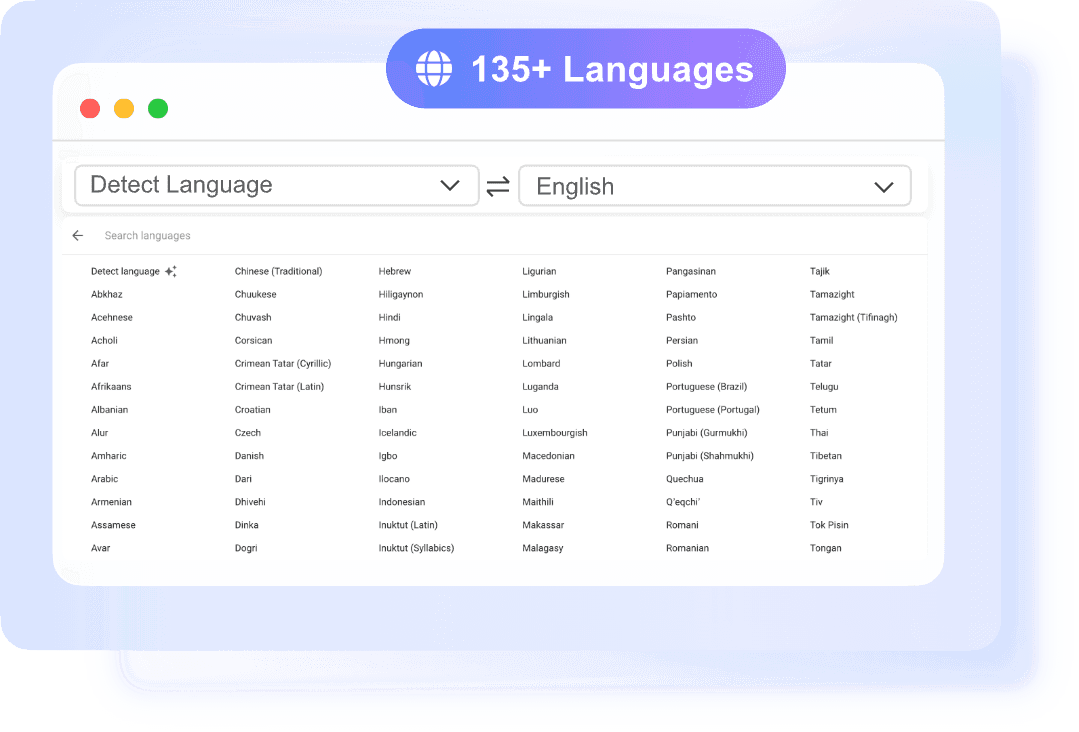
135+ Languages
Prepare manuals and guides for international users with broad language coverage.

OCR Support
Scanned manuals can be processed when OCR can read the original text clearly.

No Sign-Up
Translate a guide or section quickly without creating an account.
Manuals Need More Than Literal Translation
Works for Product Guides and Help Docs
Use Human Review for Safety-Critical Content
How to Translate a User Manual

Upload the Manual
Use the cleanest PDF, DOCX, PPTX, XLSX, or text file available.

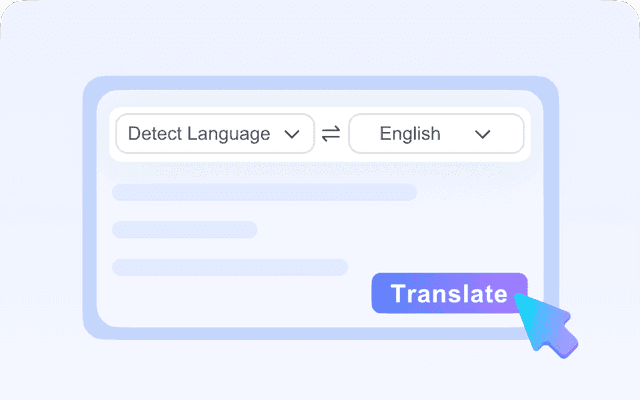
Choose the Target Language
Select the language your users need and let Lynote process the file.
Review Critical Sections
Check warnings, steps, units, diagrams, and technical terms before publishing.
Who Should Use This Guide Translator?

Product Teams
Translate setup guides, release notes, and help documents.

Support Teams
Prepare translated troubleshooting instructions for customers.

Manufacturers
Create first drafts of manuals for international markets.

SaaS Teams
Translate onboarding guides and feature walkthroughs.

Training Teams
Localize internal guides, SOPs, and process documents.
What People Say About Us

Technical Writer

"I used it for technical manual translation and the layout stayed intact in the downloaded file. That saved me a lot of cleanup time before sending it to our overseas team."

Operations Manager
"We needed fast user manual translation for product instructions in two languages. The upload flow was simple, and the translated document was ready in minutes."

Freelance Translator
"I like that I can paste short sections and translate guide text instantly. It is useful when a client only needs a few paragraphs checked instead of a full file."

Product Specialist
"The OCR feature helped with a scanned PDF manual that was hard to work with elsewhere. For manual translation, that made the difference between retyping and finishing the job quickly."

Research Assistant
"I used it as a user manual translator for lab equipment guides from overseas vendors. The language detection worked well, and the instructions were much easier to review."

Customer Support Lead
"We often need guide translation for help documents and setup notes. Being able to copy translated text right away is great for quick support replies."
Frequently Asked Questions
Answers to common questions before using this tool.
Yes, it can create a useful first draft, but technical and safety-critical content should be reviewed by a qualified person.
Yes, if OCR can read the scan clearly. Poor scans may create translation errors.
The tool aims to preserve structure, but manuals with complex diagrams, captions, and tables need manual review.
Use human review for safety, compliance, warranty, medical, legal, or equipment-operation instructions.