

UnAI My Text Free Without Signing Up
Content
Result

Your humanized result will be ready here. To begin, paste your AI-generated text in the left box.



Why Choose Our Unai Text Humanizer

Direct Document Uploads
Upload your .pdf, .doc, .docx, or .txt files directly to the tool instead of pasting everything manually.

80+ Supported Languages
Non-native speakers can unAI a text in over 80 languages to sound natural to global audiences.

Free to Use
Process your content free of charge when you need to unAI this text for your projects.

No Sign-Up Required
Start working without creating an account or registering. You can unAI text free with no sign-up required.

Break Robotic Patterns
Break robotic patterns by removing repetitive phrasing and predictable AI structures, restoring a natural human flow to your content.

Fast Text Rewriting
Get your unAI text free with a fast rewrite flow designed for quick edits and short draft sections.

Adapt to Any Tone
Adapt to any tone, whether you need a casual voice for social media or a professional style for business emails.

Complete Data Privacy
Your data stays private when you unAI your text. We never save documents for model training.
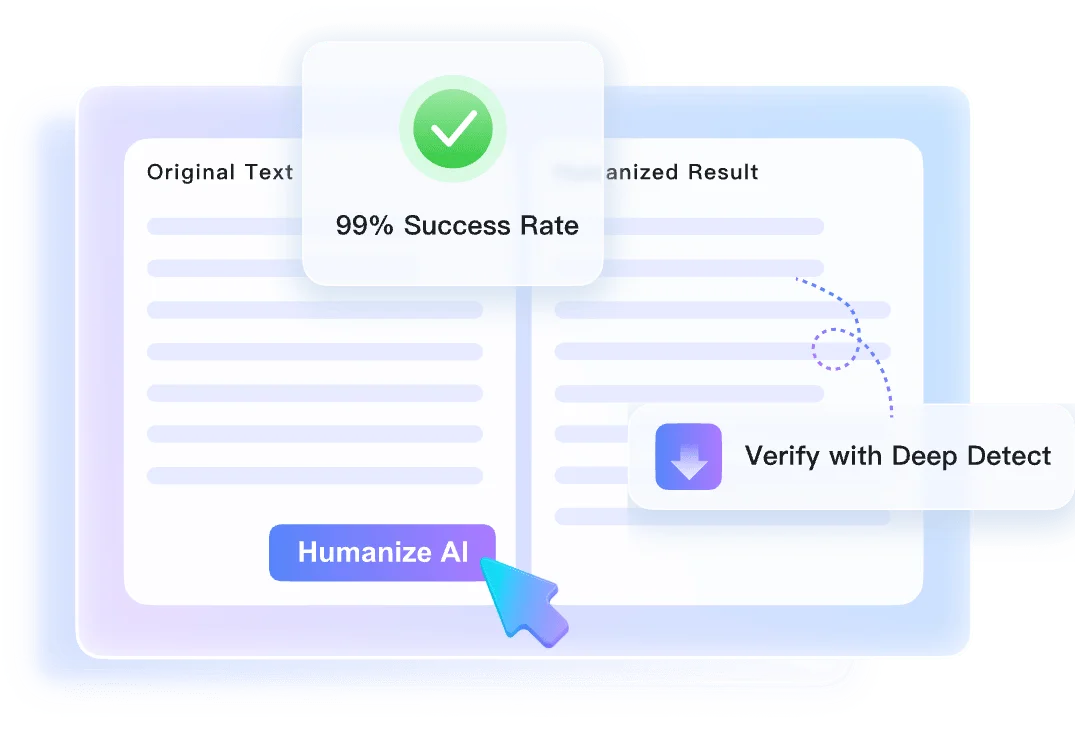
Preserve Meaning With Context-Aware Rewriting
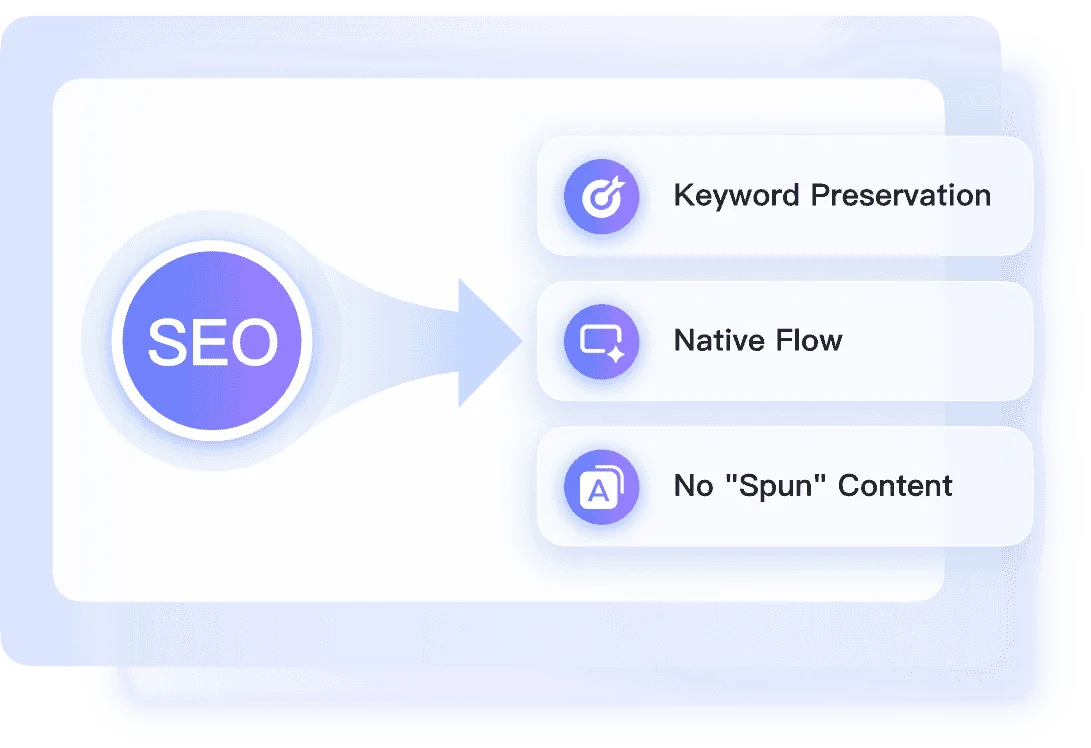
Choose the Right Unai Rewrite Depth
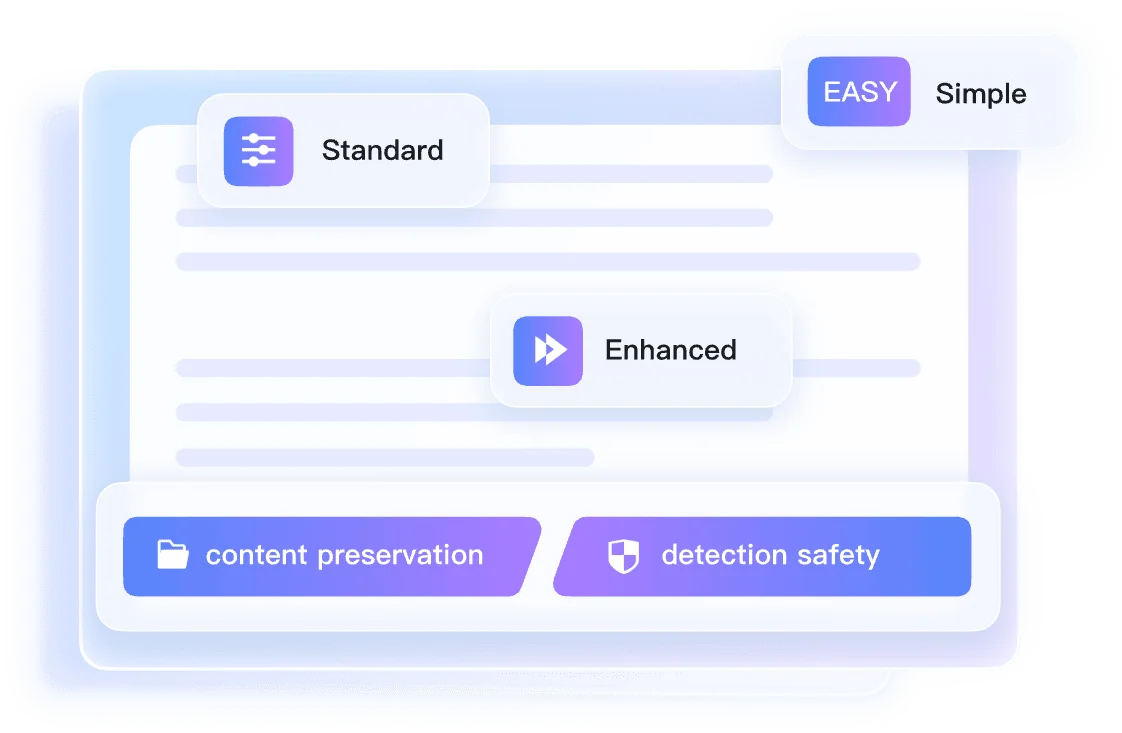
Review Unai Text Signals After Rewriting
How to Unai My Text in Three Steps

Step 1. Paste Text or Upload Document
Copy your AI-generated draft and paste it into the input box. You can also upload a supported document file directly from your computer to begin.


Step 2. Select a Humanization Mode
Open the settings dropdown above the text box. Choose Simple, Balanced, or Enhanced depending on how you want the tool to handle your writing.

Step 3. Click Humanize
Click the humanize button to start the transformation process. Once finished, review your new output alongside the authenticity report to check the results.
Perfect for Quick Unai Text Projects

Marketing Copy
Use our unai text generator to refine generic blog posts, turning robotic drafts into compelling articles that connect with your audience.
Use our unai text generator to refine generic blog posts, turning robotic drafts into compelling articles that connect with your audience.

Academic Essays
Learn how to unai text in your essay drafts to achieve a natural flow before proofreading your academic assignments.
Learn how to unai text in your essay drafts to achieve a natural flow before proofreading your academic assignments.

Work Emails
Get free unai text processing for drafted emails, removing awkward phrasing from daily workplace communication.
Get free unai text processing for drafted emails, removing awkward phrasing from daily workplace communication.

Freelance Articles
Use unai my text free searches to polish client drafts, keep your own voice, and avoid stiff AI phrasing.
Use unai my text free searches to polish client drafts, keep your own voice, and avoid stiff AI phrasing.
Who Should Use This Unai Text Humanizer?

Content Marketers
Use unai text free when turning stiff AI drafts into clearer marketing copy for landing pages, emails, and social posts.

University Students
Unai essay drafts for a smoother flow before proofreading, while keeping your argument and personal phrasing recognizable.

Non-Native Speakers
Unai drafted emails to sound natural to colleagues, removing robotic patterns from your correspondence without any hassle.

Freelance Writers
Unai articles to meet client tone requirements, delivering cleaner freelance submissions without rigid AI phrasing.

SEO Specialists
Unai web copy so it reads well for human visitors, keeping your landing pages engaging while maintaining search relevance.

Business Professionals
Unai reports to remove clunky corporate AI jargon, presenting your internal memos and quarterly updates clearly to stakeholders.
What Our Users Say

Content Marketer

"I needed to unai my text for a generic ChatGPT blog post. Balanced mode cleaned up the rhythm without stripping out my examples."

University Student
"The free access helps when I need to unAI text in essay sections. I pasted a dense history paragraph from a DOCX file, and it flowed better."

Non-Native Speaker
"I write to overseas clients, and the support for over 80 languages helps. I used it to unai a text email drafted in Spanish and remove awkward phrasing."

Freelance Writer
"Uploading my .docx files directly saves editing time. I drop my document in to unai ai text, then review the cleaner freelance article draft."

SEO Specialist
"The Instant Authenticity Report gives predicted Copyleaks scores after processing. It helps me unai this text for our landing pages before final review."

Business Professional
"I had a tight deadline and needed to unai your text on a clunky quarterly PDF report. The no-sign-up flow helped me move faster."
Frequently Asked Questions
Here are practical answers for free unAI text searches, uploads, rewrite depth, and privacy.
To unAI text means to rewrite machine-generated content so it sounds more natural and human. The process removes robotic phrasing, repetitive sentence structures, and predictable patterns while keeping your original meaning.
No, you do not need an account. You can use our unAI text generator without signing up or providing an email address.
Yes. Besides pasting text directly, you can upload .pdf, .doc, .docx, and .txt files for quick rewriting.
On the free tier, you can process up to 600 words per request. If you have a longer document, split it into smaller sections.
Simple mode makes light edits, Balanced mode reshapes sentence flow, and Enhanced mode performs a deeper rewrite. Choose the level that matches how AI-written your draft feels.
Yes. Our context-aware rewriting engine is designed to preserve your core message and facts while updating the tone to sound human.
Yes, the tool supports over 80 languages. You can unAI text in Spanish, French, German, and other languages without changing the core meaning.
No. Your privacy is protected. We do not save your private drafts, and your uploaded documents are never used to train our AI models.
Yes, basic usage is free. You can unAI text free of charge up to the 600-word limit per request without hidden fees.
Short pasted sections usually return in seconds. Longer uploaded documents may take more time, and the authenticity report appears with the rewritten draft.