

Turn Textbook Into Notes

Drop files or browse

Add study materials to enable the AI to extract and structure content.



Why Choose Lynote Textbook to Notes AI?

Turn Chapters Into Study Notes
Long textbook chapters can be dense, repetitive, and hard to review. Lynote helps turn textbook into notes by extracting the main ideas and organizing them into cleaner study sections.

Built for Textbook Structure
Textbooks are not just plain text. They include headings, subheadings, definitions, examples, diagrams, review questions, sidebars, and summaries. Lynote is designed to help convert that structure into useful notes.

Works With PDFs and Page Images
Upload textbook PDFs, copied chapter text, or readable page images. Lynote can help create textbook notes from common study materials without forcing you to type everything manually.

Better Than Copying Paragraphs
Copying full textbook paragraphs does not create good notes. Lynote helps condense the content into key ideas, definitions, examples, and takeaways you can actually review.

Helpful for Active Reading
Use Lynote while reading a chapter to identify what matters. It helps you focus on concepts, terms, arguments, formulas, and examples instead of highlighting too much.

Ask Questions About the Chapter
After notes are generated, you can ask follow-up questions about confusing sections. This makes Lynote more useful than a basic textbook notes generator or simple summarizer.

Edit Notes in Your Own Style
Good textbook notes should match your class, exam, and learning style. Lynote gives you a structured first draft that you can edit, shorten, expand, or turn into flashcards.

Free to Start
Use Lynote as a textbook to notes AI free workflow for quick reading assignments, exam prep, and chapter review.
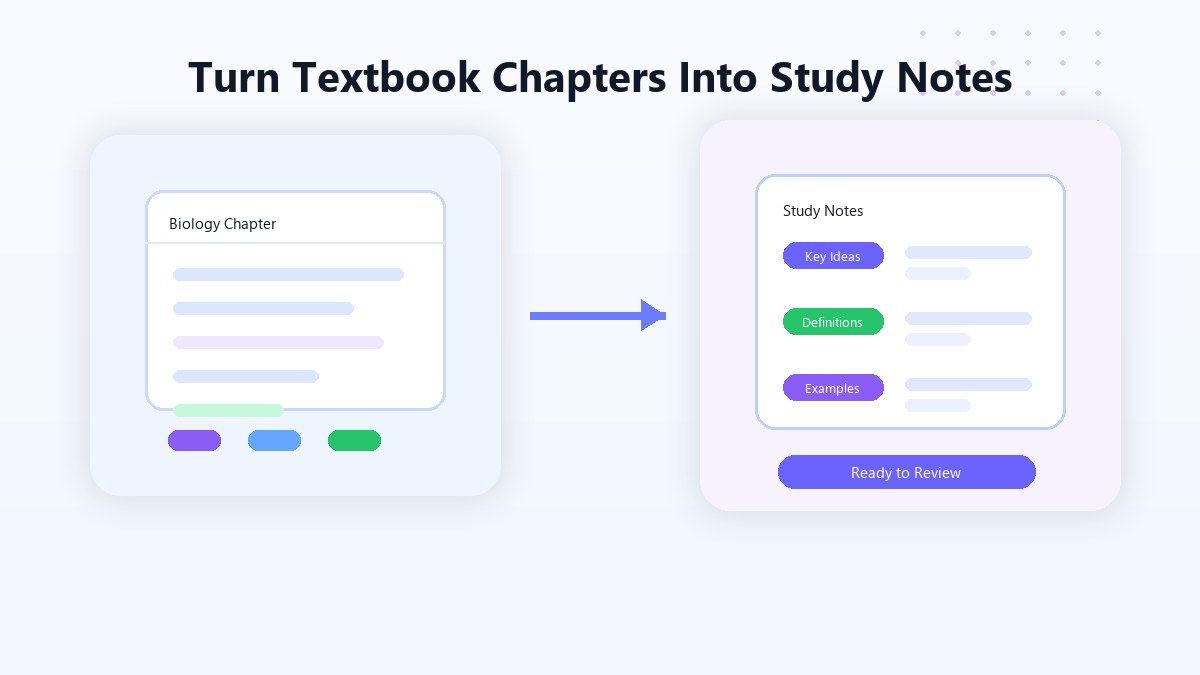
Turn Textbook Chapters Into Clear Study Notes
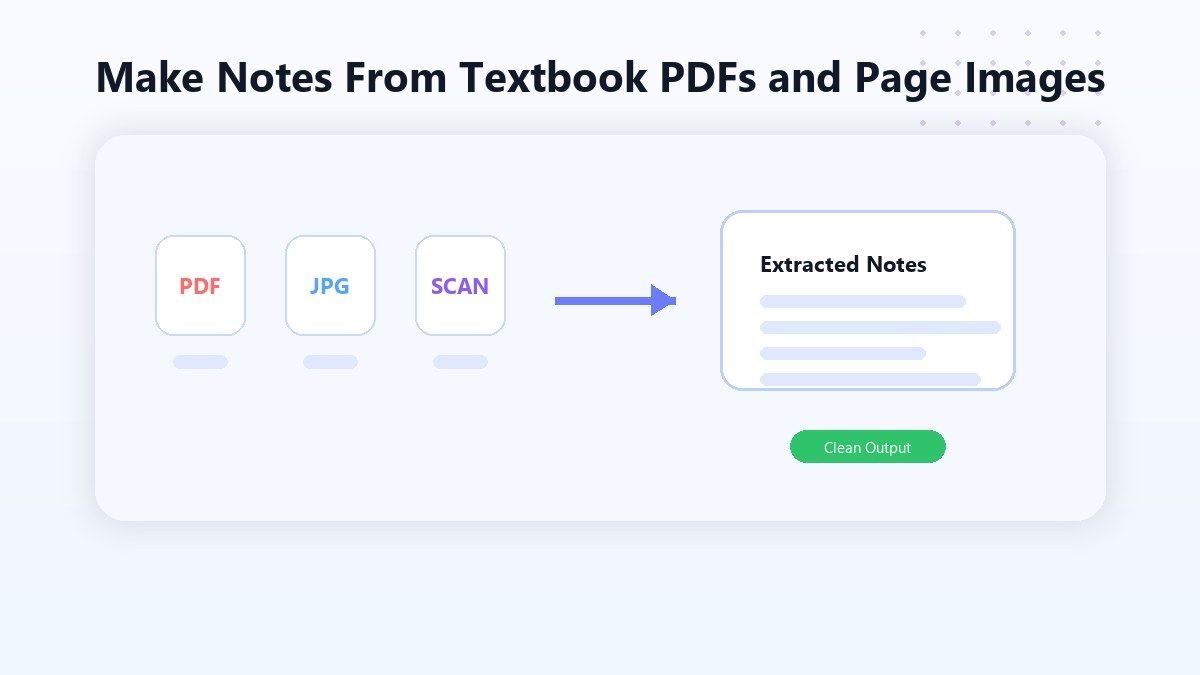
Make Notes From Textbook PDFs and Page Images
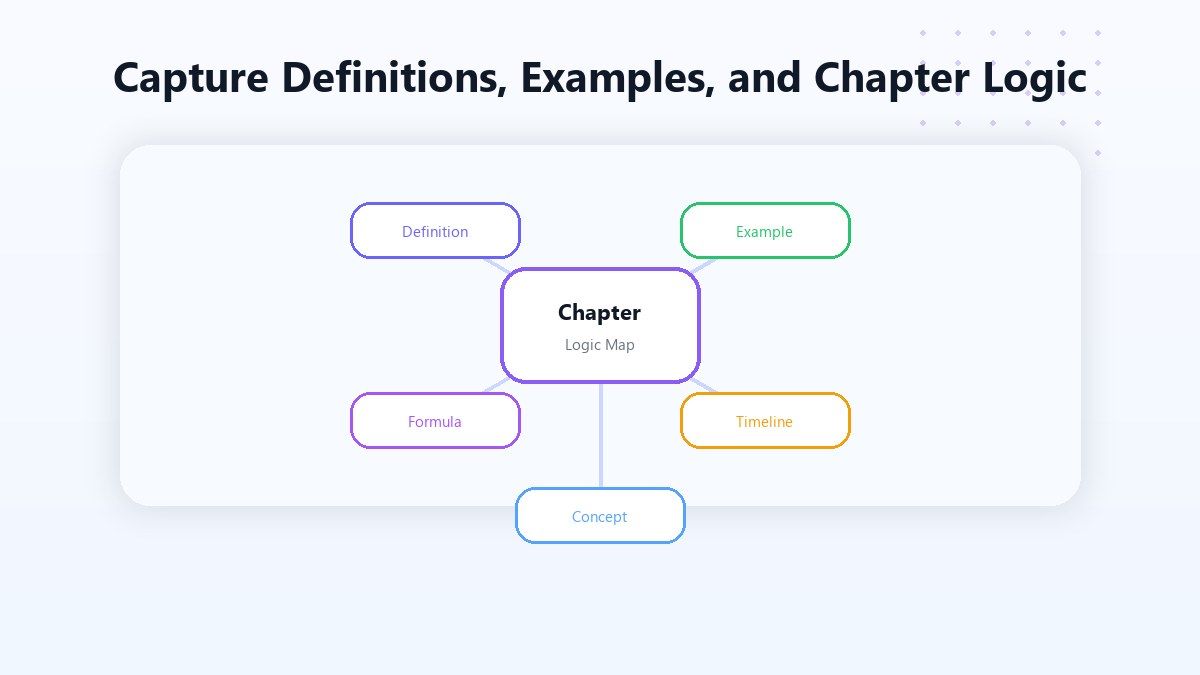
Capture Definitions, Examples, and Chapter Logic
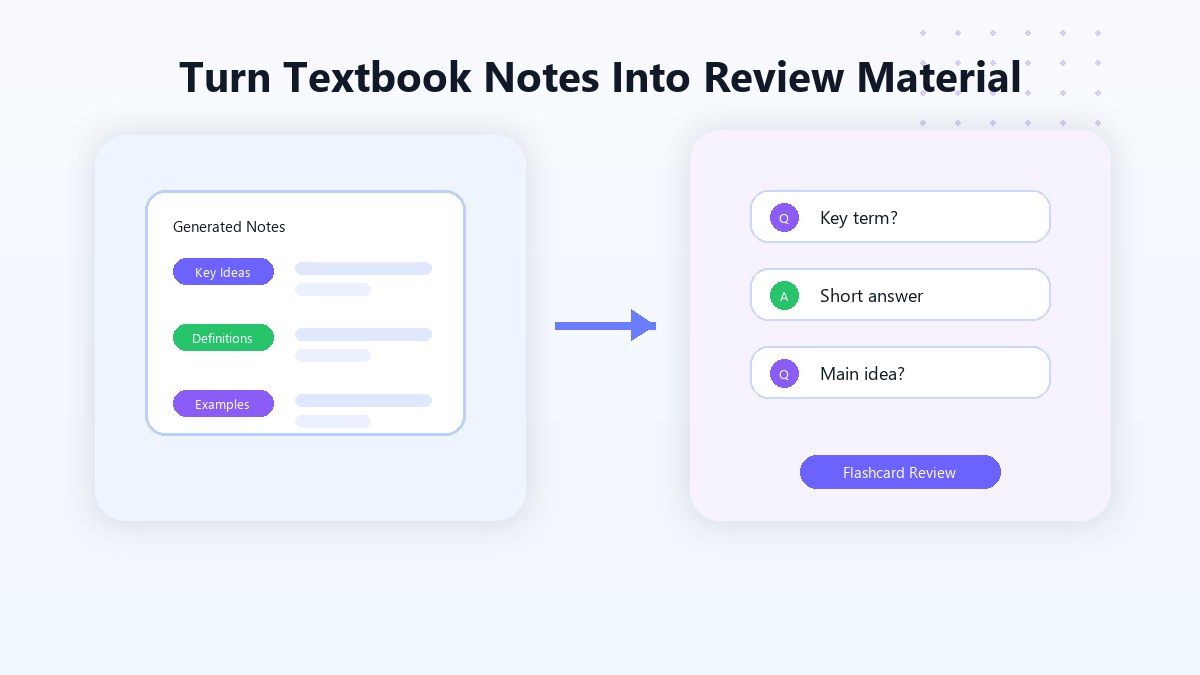
Turn Textbook Notes Into Review Material
How to Make Notes From a Textbook Online
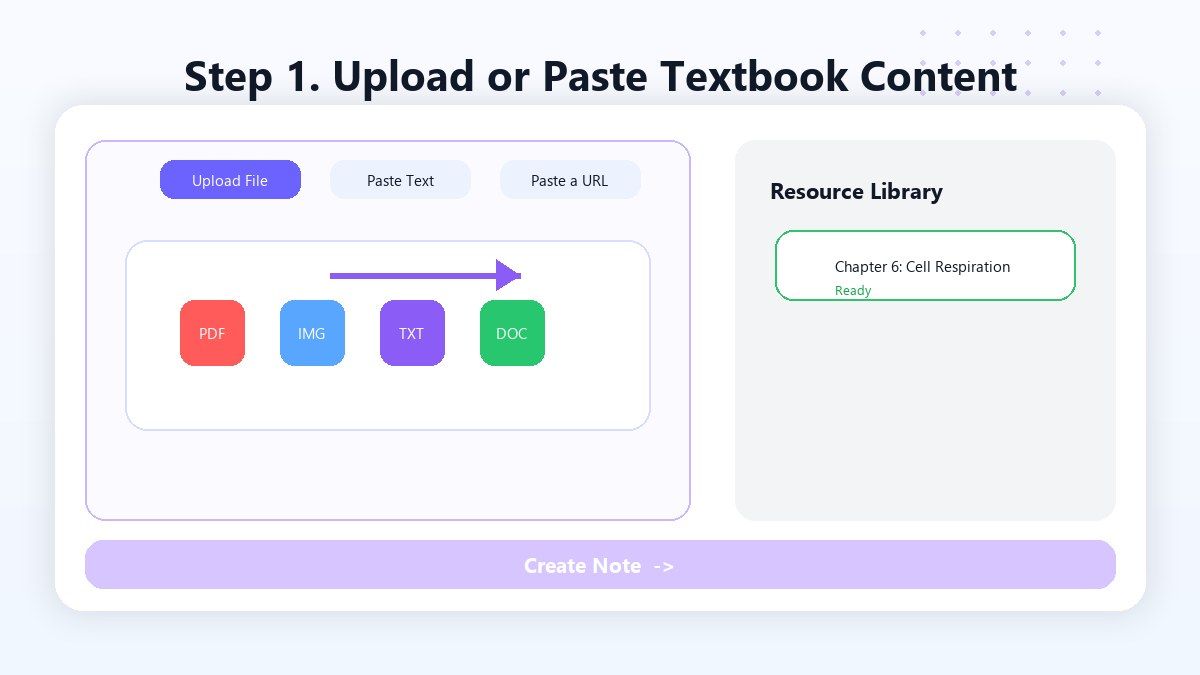
Step 1. Upload or Paste Textbook Content
Upload a textbook PDF, readable page image, copied chapter text, or study material from your assigned reading. Lynote helps process textbook content so you do not have to type every paragraph manually. This is useful when you need to turn textbook into notes from long chapters, dense readings, or scanned class materials.
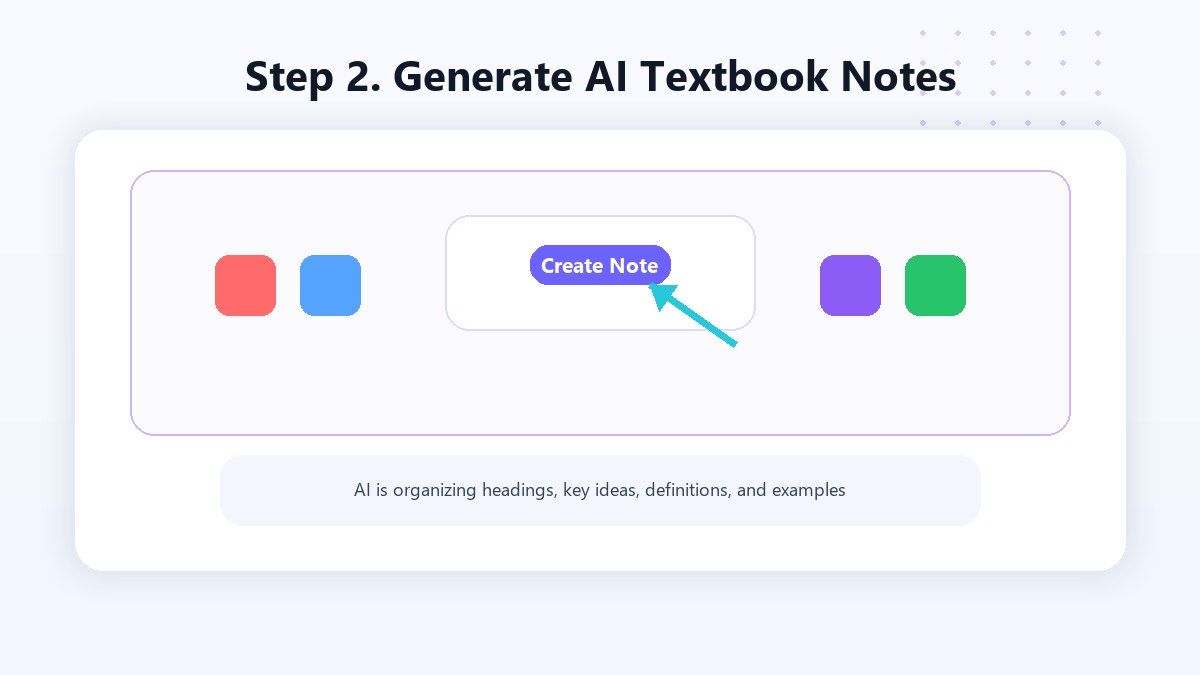
Step 2. Generate AI Textbook Notes
Click Create Note and Lynote will turn the textbook content into structured notes. The output can include chapter summaries, key concepts, definitions, examples, bullet points, and review-friendly sections. Use this when you need a textbook notes generator that creates a first draft instead of a raw copied block of text.
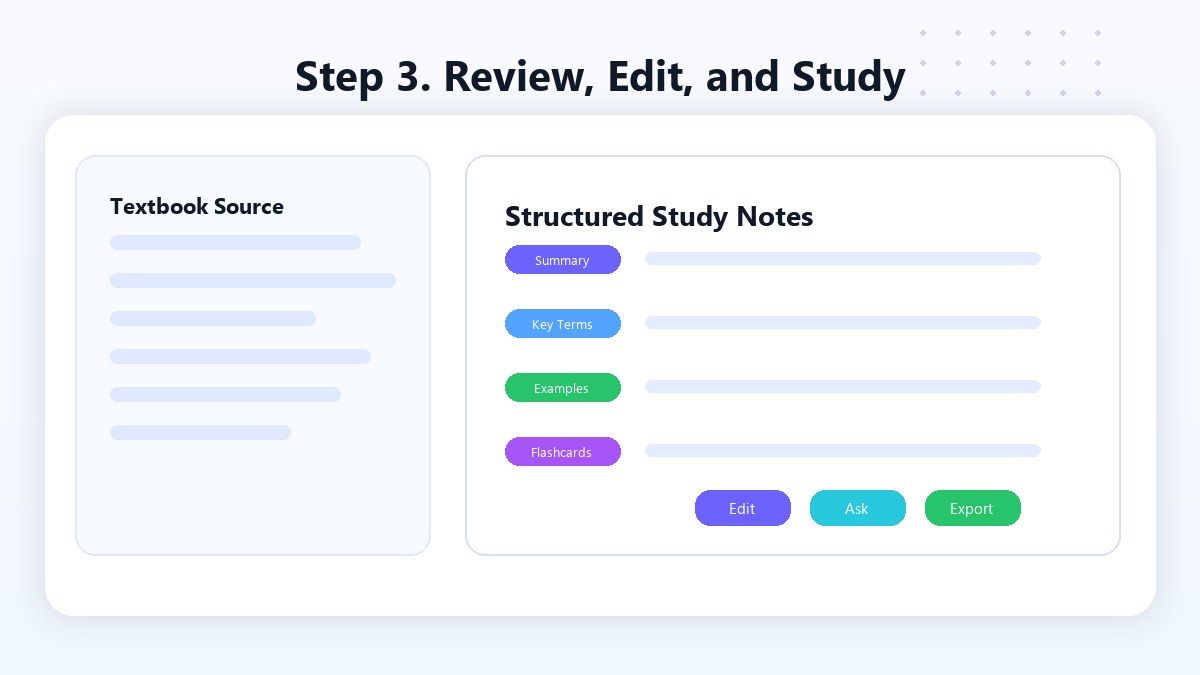
Step 3. Review, Edit, and Study
Read through the generated textbook notes, edit unclear sections, add class-specific examples, and remove details you do not need. You can also ask questions about the chapter or turn important points into flashcards. This final step helps you take better notes from a textbook because the output becomes personalized study material, not just an AI summary.
Who Benefits from This Textbook Note Taker?

College Students
Turn assigned textbook chapters into notes before lectures, seminars, quizzes, or exams.

High School Students
Create clearer notes from history, biology, chemistry, literature, and social studies textbooks.

Online Learners
Convert course readings, ebook chapters, PDFs, and workbook pages into structured review notes.

Graduate Students
Summarize dense textbook chapters and theory-heavy readings into organized notes for deeper review.

Teachers and Tutors
Prepare lesson notes, reading guides, concept summaries, and study materials from textbook chapters.

Busy Readers
Use Lynote when textbook reading is long and you need a faster way to capture what matters.
What People Say About Lynote Textbook Notes

College Student

I use Lynote after reading textbook chapters. It gives me a clean note draft, then I add the examples my professor emphasized in class.

Biology Student
My textbook chapters are full of terms and diagrams. Lynote helps me pull out definitions and key ideas before I make flashcards.

High School Student
It helps me make notes from textbook pages without copying everything. I still review the chapter, but my study notes are much easier to organize.

Engineering Student
I use it for textbook PDFs and problem explanations. The notes help me separate formulas, examples, and concepts.

Graduate Student
Dense readings are easier to manage now. Lynote turns the chapter into a structure I can edit and question.

Online Learner
I upload reading materials and turn them into textbook notes before quizzes. It saves time and helps me review the main ideas.
FAQ
It means converting textbook chapters, pages, PDFs, or copied reading material into shorter, structured study notes. Lynote helps extract key ideas, definitions, examples, and summaries.
Yes. Lynote can help make notes from textbook content when you upload or paste readable material. The result is a structured draft you can review and edit.
Yes. Lynote works as a textbook to notes AI workflow for students who want to turn chapters, PDFs, and reading assignments into organized notes.
Yes. You can upload readable textbook PDFs and use Lynote to generate study notes from the content.
Focus on headings, key concepts, definitions, examples, diagrams, and review questions. Lynote helps create a first draft so you can spend more time understanding and editing.
Highlighting can mark important parts, but it does not organize them. Lynote helps turn textbook highlights and chapter content into notes you can actually review.
Yes. Lynote notes are editable, so you can add class examples, remove unnecessary details, and reshape the output for your exam or assignment.
Yes. After creating notes, you can reuse important points as flashcards for active recall and faster review.