

Free English to Urdu Translator Online

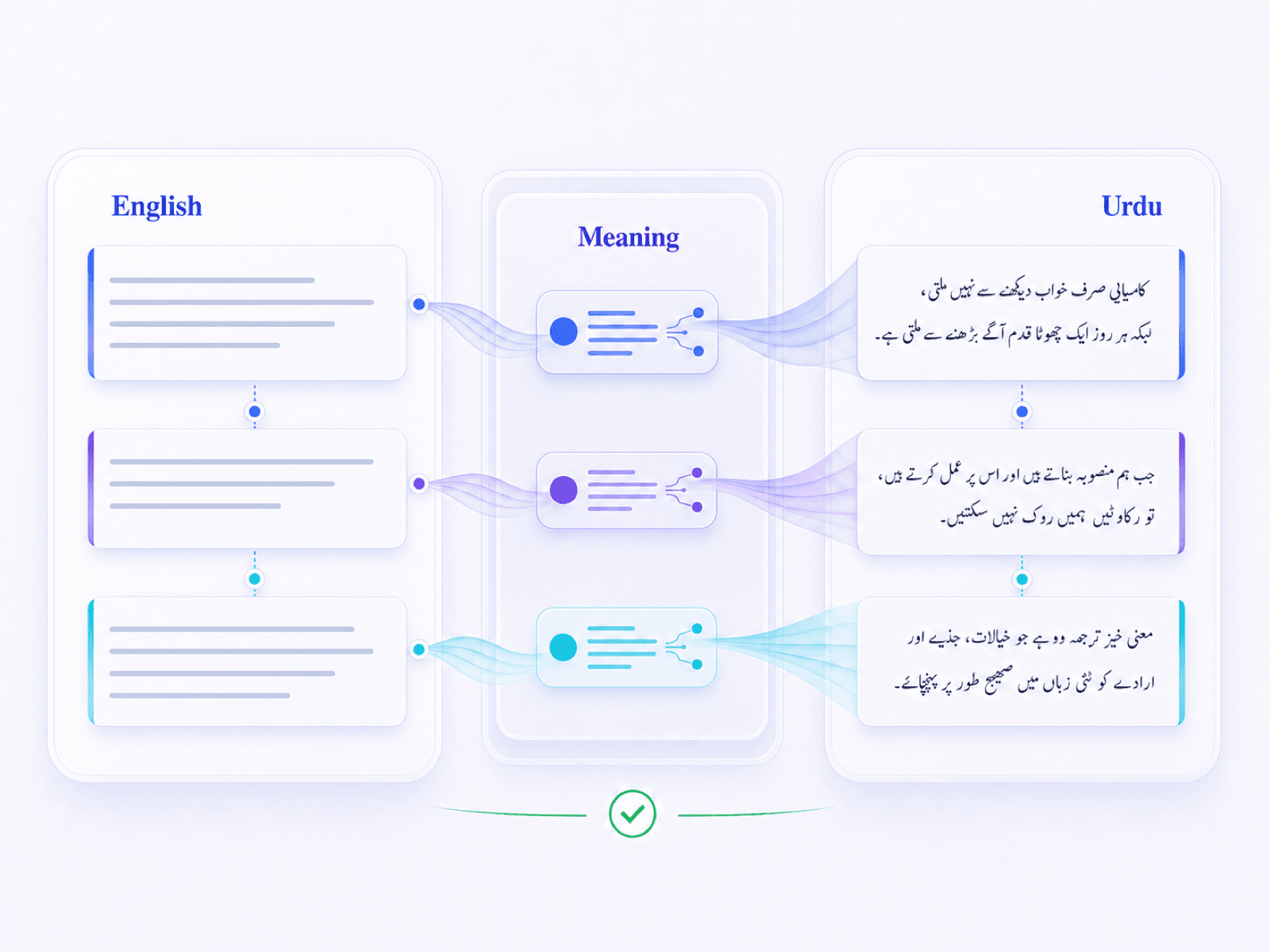
Translate English to Urdu With the Right Meaning
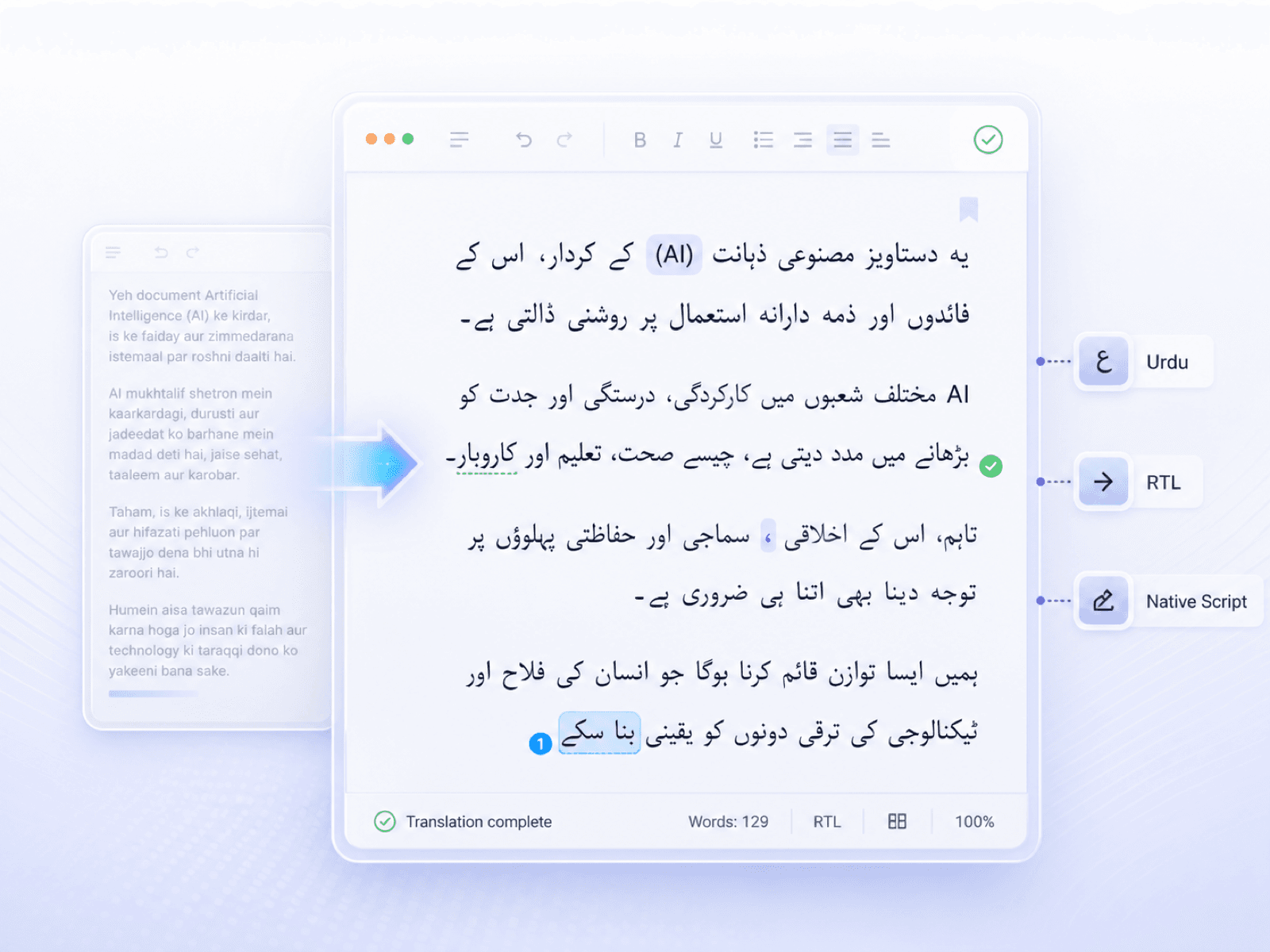
Get English to Urdu Translation in Native Urdu Script
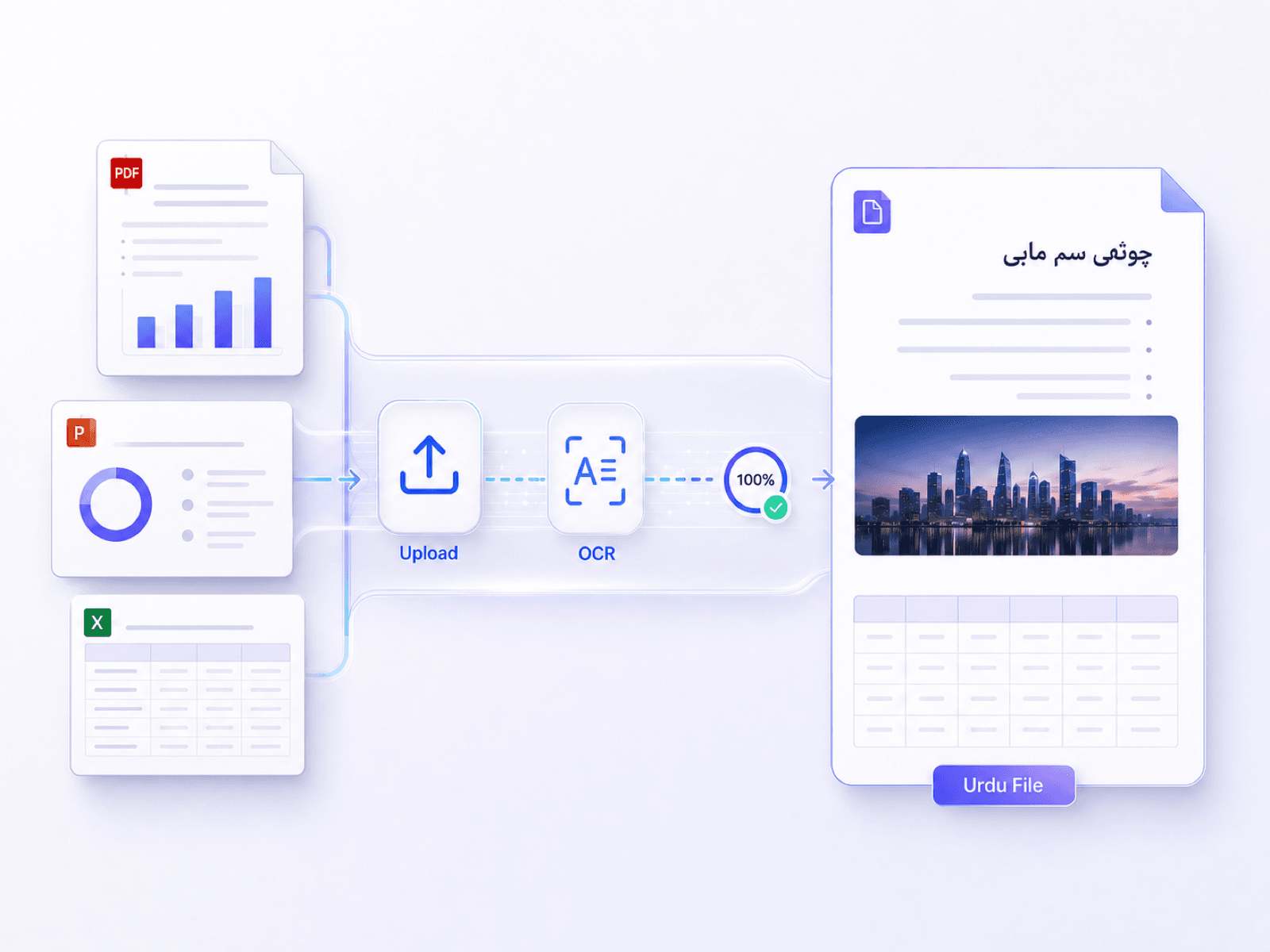
Translate English Files to Urdu Online
Why Choose Our English to Urdu Translator?

100% Free Online
Translate supported English text and files into Urdu online without paying for software or installing an app.

No Sign-Up Needed
No sign-up or account is needed. Open the translator and begin translating English to Urdu straight away.

Text and Files Together
Paste English text for a quick translation, or add a PDF, DOCX, PPTX, or XLSX when the wording is inside a document.

Urdu Ready to Review
Read and copy the Urdu result or download the translated file, then check names, numbers, terminology, and right-to-left line breaks before using it.
How to Translate English to Urdu
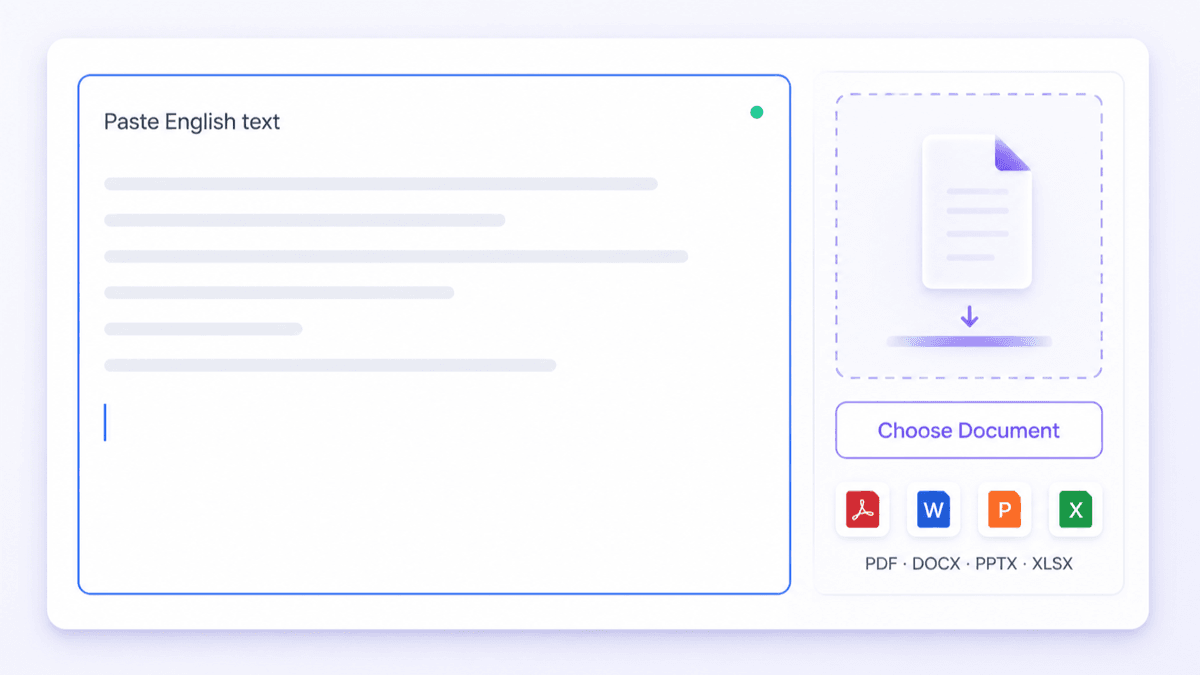
Add English Text or a File
Paste your English content into the text box, or click Choose Document to add a file. Check that the source content is readable, then continue to the language settings.

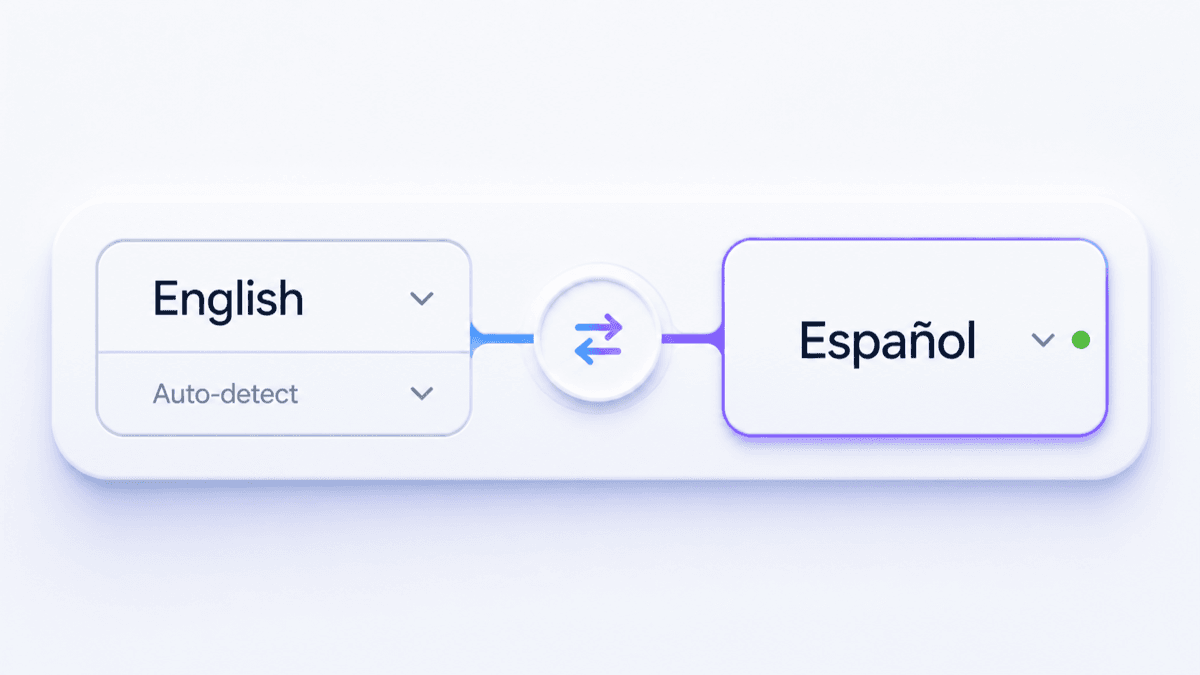
Choose English and Urdu
Select English as the source language and Urdu as the target language. You can also leave the source on auto-detect when you want Lynote to identify the English text automatically.
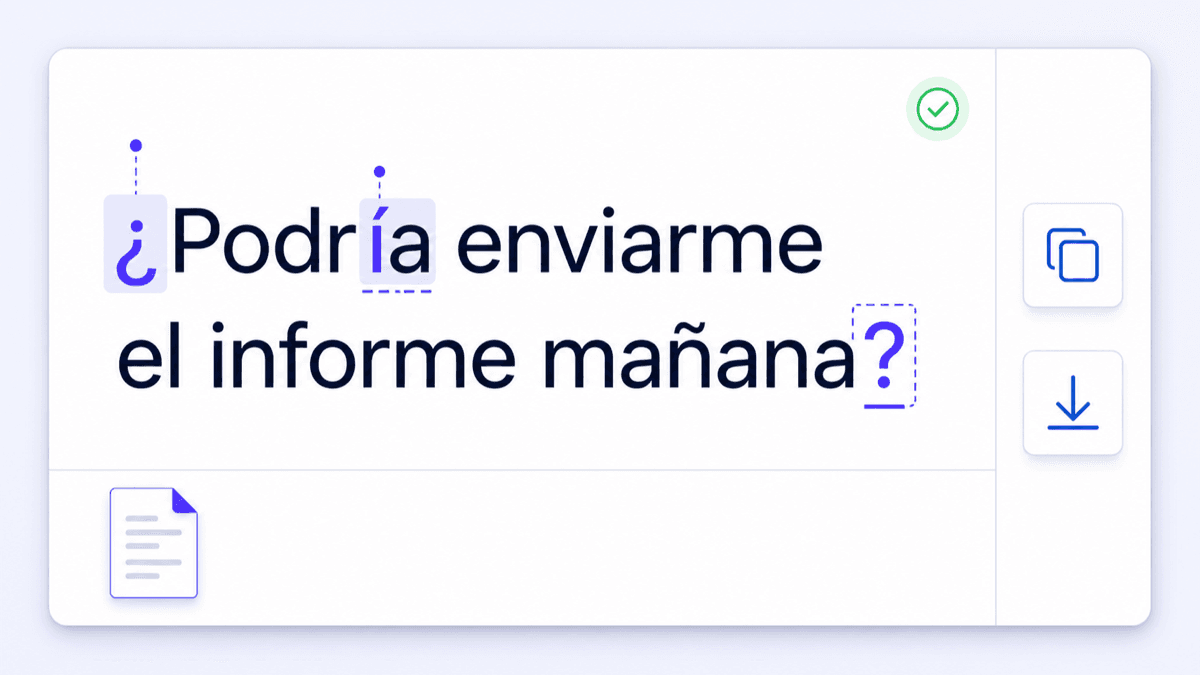
Review, Copy, or Download
Read the Urdu result and check names, dates, numbers, formality, and any English terms kept inside the text. Copy the translated text, or download the translated document and review its right-to-left layout.
Who Uses an English to Urdu Translator?

Students and Educators
Translate English reading passages, course notes, classroom instructions, and research summaries into Urdu while checking subject-specific terminology.

Families and Community Organizations
Prepare Urdu versions of invitations, public notices, schedules, and service information for Urdu-speaking families and local communities.

Businesses and Content Teams
Localize English emails, product information, presentations, and support material into Urdu for customers, partners, or colleagues.

Healthcare and Public Service Teams
Translate appointment instructions, public guidance, intake information, and service updates into readable Urdu before community distribution.

NGOs and Outreach Staff
Turn English program updates, field instructions, surveys, and aid information into Urdu for volunteers and the communities they support.

Publishers and Social Media Teams
Create Urdu drafts from English articles, captions, announcements, and campaign copy, then review right-to-left layout and audience-appropriate wording.
How People Translate English to Urdu

Community Coordinator

"I translated an English service notice into Urdu, then checked every date, address, and phone number before sending it to local families."

University Student
"An English research summary was easier to study after I translated it into Urdu. I kept the original beside it so I could correct one technical term."

School Administrator
"I used the translator for a parent notice, then adjusted the level of formality and checked the students' names before the Urdu version went out."

Customer Support Lead
"We translate English support replies into Urdu but leave product names and model numbers untouched. The review step makes that easy to verify."

Presentation Editor
"I translated an English PPTX for an Urdu-speaking audience. The content stayed organized, and I only needed to adjust a few right-to-left line breaks."

Operations Analyst
"For spreadsheet instructions, I check each Urdu label against the English source and make sure item codes, quantities, and numbers have not changed."
Frequently Asked Questions
Find quick answers about translating English text and documents into Urdu with Lynote.
Paste English text or upload one supported document, select Urdu as the target language, and start the translation. Review the Urdu result, then copy the text or download the translated file.
Yes. You can translate supported English text and files into Urdu online for free without signing up.
Yes. Paste up to 5,000 characters of English text, choose Urdu as the target, and generate a translation in native Urdu script.
Upload one PDF, DOCX, PPTX, or XLSX file up to 10 MB. Lynote translates the document and preserves fonts, images, tables, and layout where possible. OCR can extract text from scanned PDFs.
The result uses native Urdu script. It is a translation into Urdu, not a Roman Urdu transliteration written with Latin letters.
AI translation can provide a useful Urdu draft, but context, idioms, names, formality, and technical vocabulary still need review. Legal, medical, academic, or official material should be checked by a qualified Urdu speaker.
Lynote preserves document structure where possible, but Urdu is read right to left and often uses Nastaliq typography. Review line breaks, table cells, punctuation, and mixed English terms after translation.
Yes. Swap the source and target languages to translate Urdu text or a supported Urdu document into English.