

Translate English to Spanish Online




Why Choose Our English to Spanish Translator?

Free Without Sign-Up
Start a free English to Spanish translation right away without creating an account—just open the tool and begin translating.

English and Spanish in One Place
Let Lynote detect the source language automatically, then select Spanish as the target without switching between separate tools.

Text or File Workflow
Translate from English to Spanish by pasting text or uploading one document, then get a result you can use.

Easy to Review and Reuse
Reuse the result on the spot: copy the Spanish text into messages, or download the translated document to edit and publish.
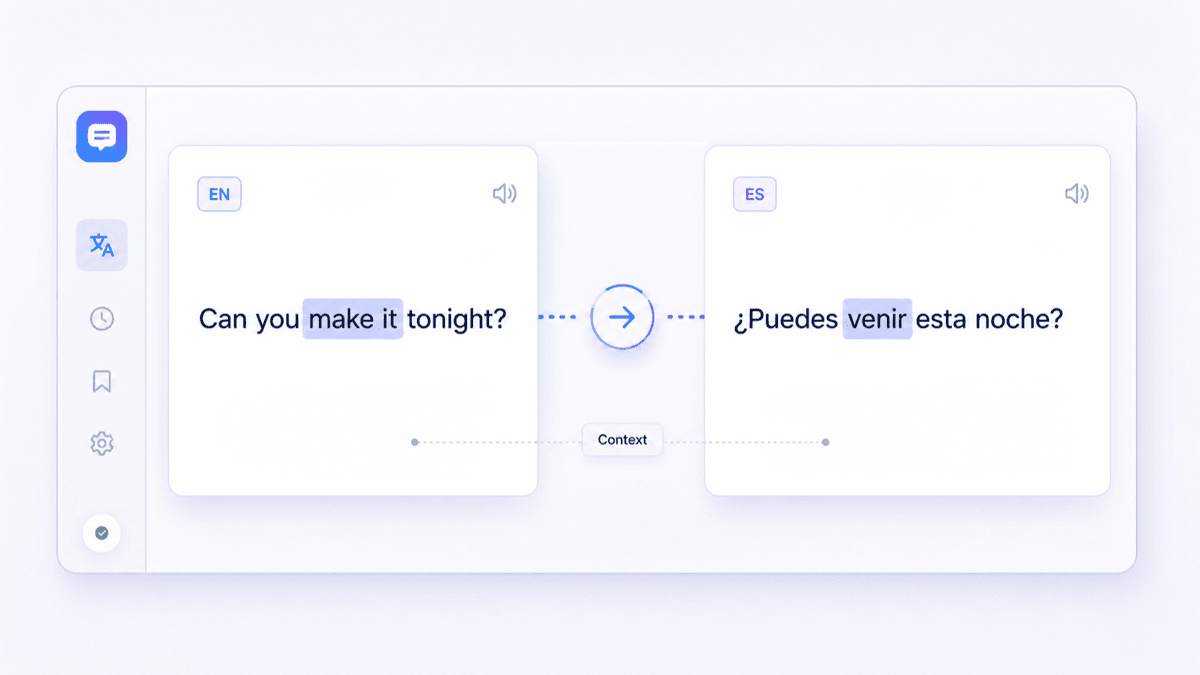
Translate English to Spanish With Context
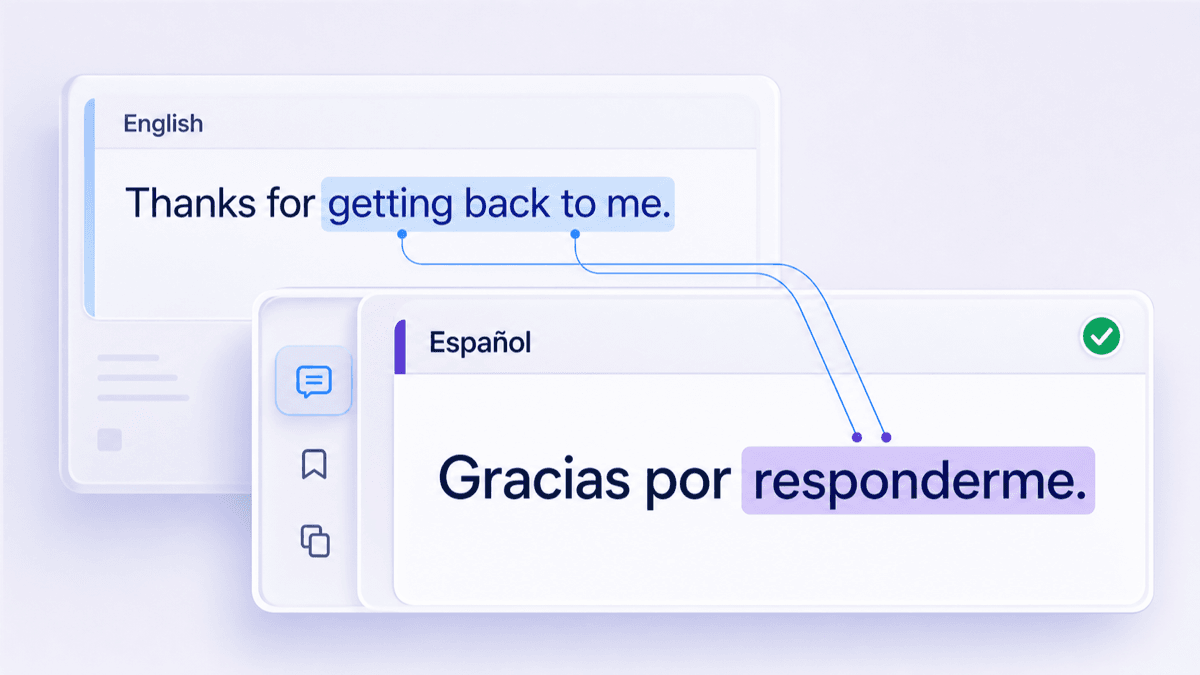
Review Spanish Grammar and Regional Wording

Translate Documents Into Spanish Without Reformatting
How to Translate English to Spanish Online
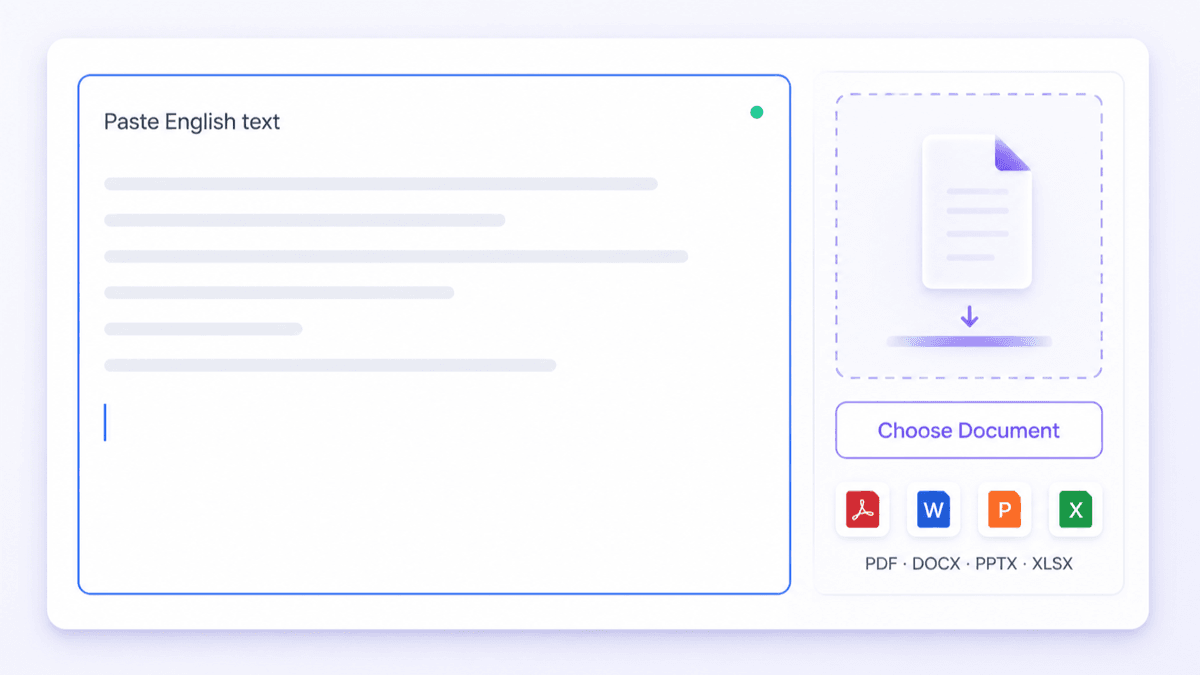
Add Text or Document
To translate English to Spanish free, paste up to 5,000 characters into the text box. For files, click “Choose Document” and upload one PDF, DOCX, PPTX, or XLSX up to 10 MB. Then continue to language selection.

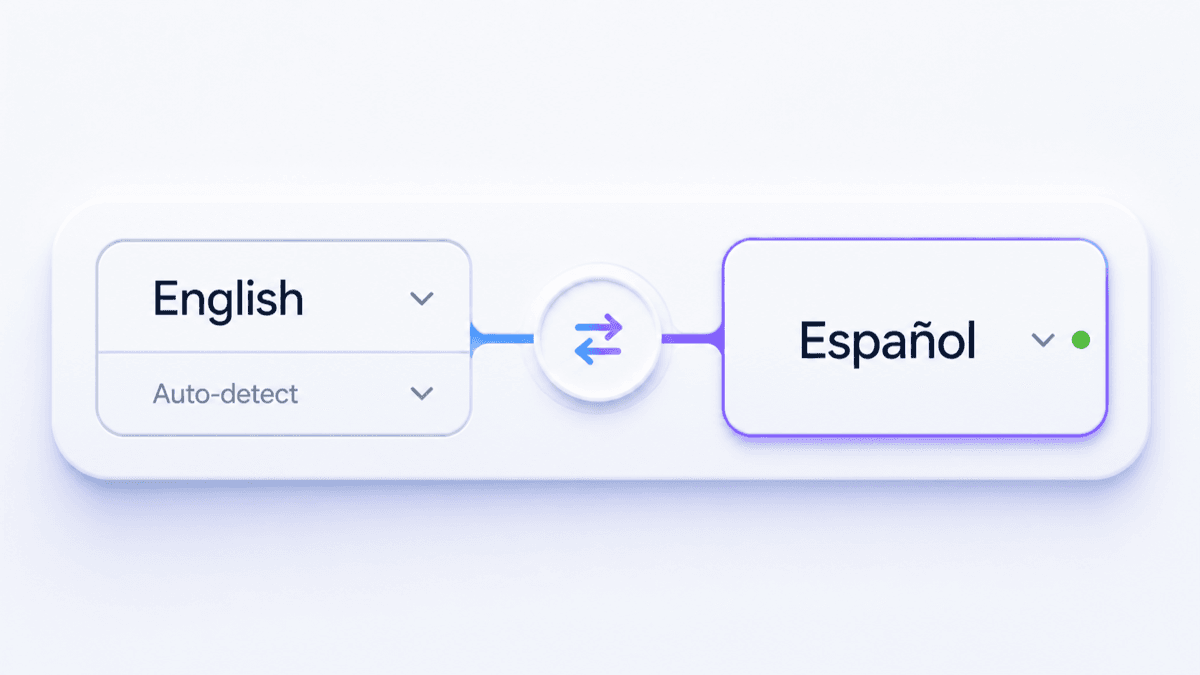
Select English and Spanish
Pick English as the source language and Spanish as the target. If you’re not sure the text is English, leave the source on auto-detect. Confirm your selection before generating the translation.
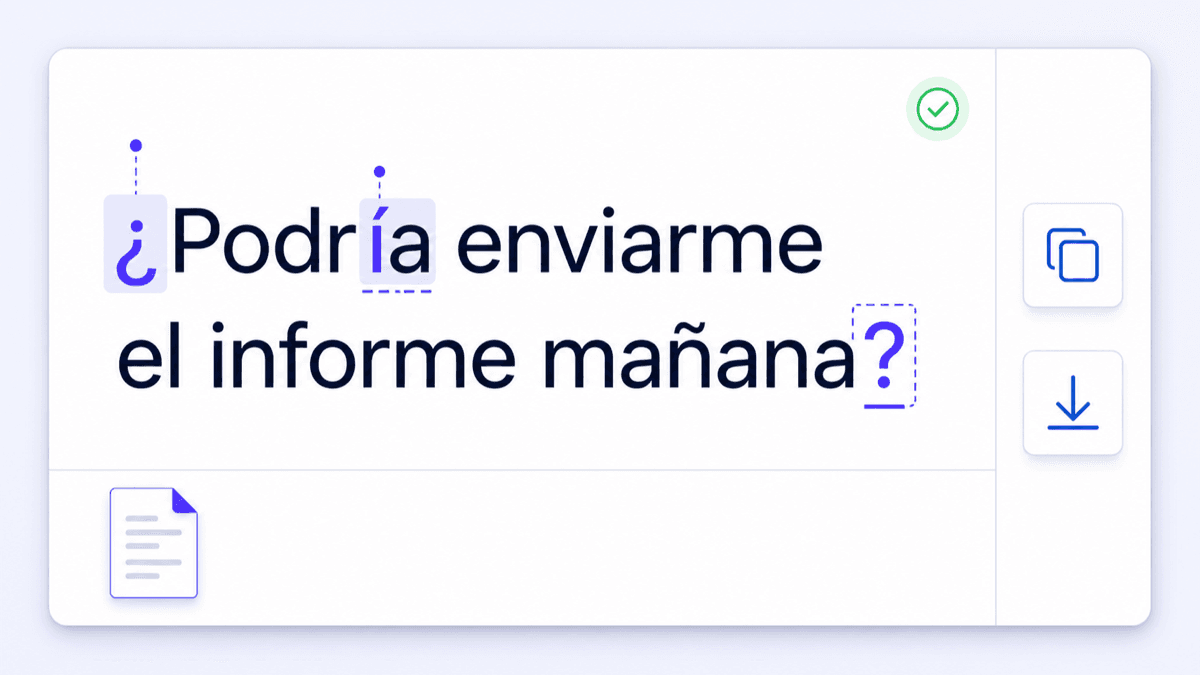
Review and Export
Review names, numbers, accents, and punctuation like ¿ and ¡. Double-check tú vs. usted and any regional wording. Then copy the Spanish text with the copy icon, or download the translated document (OCR may run for scanned PDFs).
Who Uses an English to Spanish Translator?

Students & Learners
Translate English reading passages, assignment paragraphs, and study notes into Spanish, then compare wording to learn vocabulary in context.

Travel & Family
Translate English booking details, directions, and everyday messages into Spanish so plans, pickup notes, and check-in instructions are clear.

Business Teams
Use an English to Spanish translator for emails, support replies, and PPTX updates, then share Spanish drafts for review before publishing.
How People Translate English to Spanish

University Student

"I pasted a 5,000-character research abstract to translate English to Spanish, then double-checked how key terms read before submitting."

Customer Support Lead
"For English to Spanish translation, I scan the output for accents, ¿/¡ punctuation, and gender agreement, then adjust tú vs. usted per customer. I keep a DOCX snippet of our canned replies for consistency."

Travel Coordinator
"I translate from English to Spanish, then copy the guest instructions straight into WhatsApp. Having the message ready to paste from one 5,000-character block saves back-and-forth edits."

Presentation Designer
"I uploaded a PPTX deck for English to Spanish translation and the slides came back with the structure intact. Tables and headings stayed in place, so I only had to tweak a few line breaks."

Community Volunteer
"I translated a two-page community notice before our bilingual event. The Spanish draft gave our volunteer editor a practical starting point for checking every name, date, and address."

Ecommerce Editor
"Our product notes were mixed English and a bit of Spanish, but the English to Spanish translator still picked up the source automatically. I just set Spanish as the target and translated a DOCX draft for review."
Frequently Asked Questions
Still got questions about translating English to Spanish with Lynote? Here are quick answers.
Paste your English text or upload one document, set Spanish as the target, and run the translation. Review the Spanish output, then copy it or download the translated file.
Yes. You can translate English to Spanish free, and you don’t need to sign up.
The text translator supports up to 5,000 characters per request.
Accepted uploads include PDFs, Word documents, PowerPoint decks, and Excel workbooks. Keep each file under 10 MB and submit documents individually.
AI translation from English to Spanish can work well for everyday text, but compare the result with the source for names, numbers, and intent. For legal, medical, or contract content, ask a qualified human translator to review it.
It doesn’t choose for you, but you can review the output and switch tú/usted based on your audience and relationship.
Yes. Many words and phrases vary by region (for example, everyday terms and formality). Translate first, then adjust vocabulary for your readers in Spain or your target Latin American market.
Yes. Swap the languages and run the translation again for a Spanish-to-English result.