

Translate English to Hindi




Why Choose Our English to Hindi Translator?

Meaning-Aware Hindi Output
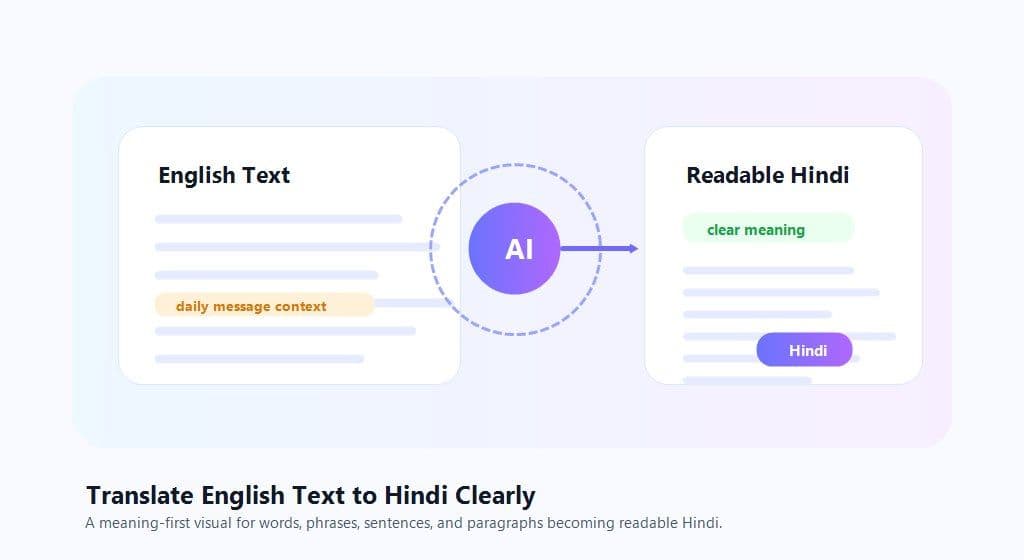
Translate English words, sentences, and paragraphs into Hindi with context, so the result is easier to read than a literal word-by-word conversion.

Built for Documents
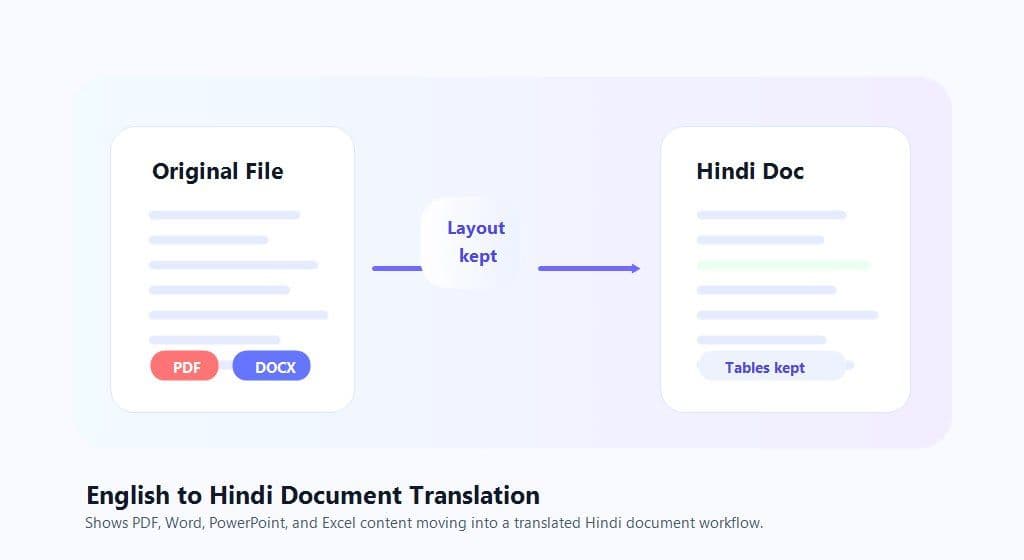
Upload supported PDF, Word, PowerPoint, or Excel files when your English to Hindi translation is too long for copy and paste.

Reverse Direction Anytime
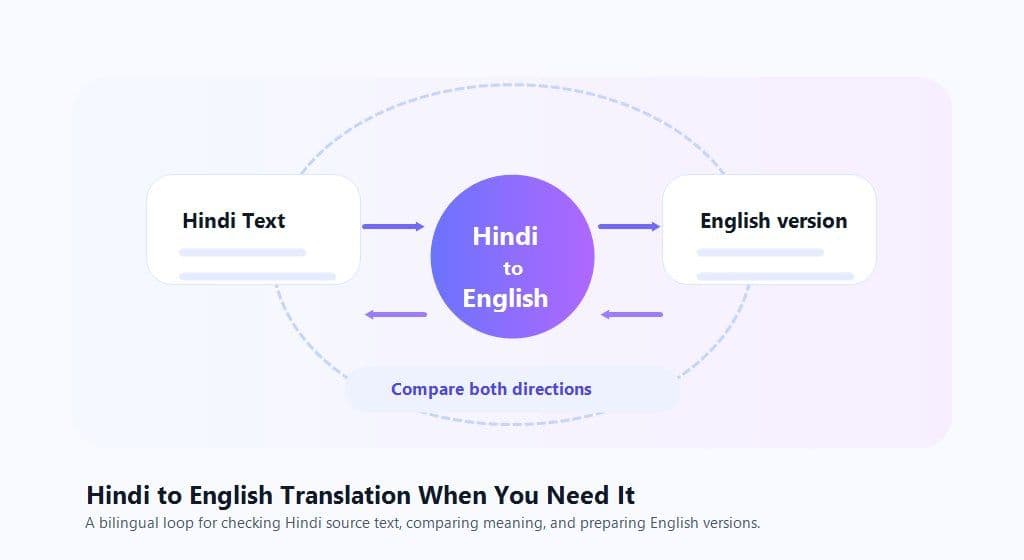
Switch from English to Hindi translation to Hindi to English translation when you need to compare both versions or understand a bilingual file.

Quick Browser Workflow
Start with text or one document in your browser. No sign-up is required for quick translation tasks.
Translate English Text to Hindi Clearly
English to Hindi Document Translation
Hindi to English Translation When You Need It
How to Translate English to Hindi Online
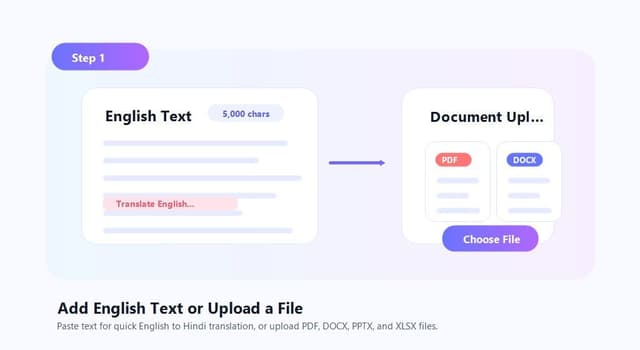
Step 1. Add English Text or Upload a File
Paste up to 5,000 characters into the text box for quick English to Hindi translation. For longer content, open the Document tab and upload a supported PDF, DOCX, PPTX, or XLSX file up to 10 MB.

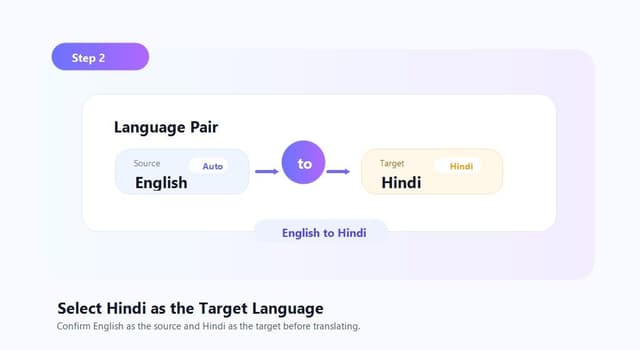
Step 2. Select Hindi as the Target Language
Choose English as the source language and Hindi as the target language. If the source language is unclear, use auto-detect, then adjust the language pair before translating.
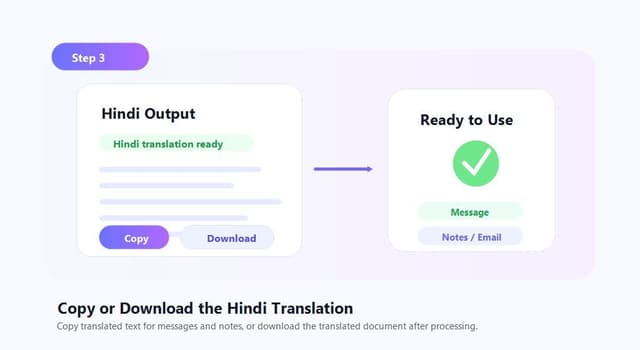
Step 3. Copy or Download the Hindi Translation
For text translation, copy the Hindi output and use it in messages, notes, emails, or drafts. For document translation, download the translated file after processing.
Who Can Use This English to Hindi Translator?

Students and Learners
Translate English sentences to Hindi for study notes, homework support, reading practice, and meaning review. It helps when you need both word meaning and full sentence context.

Office and Business Teams
Translate reports, forms, presentations, spreadsheets, and client-facing materials from English to Hindi. Support for common office file formats keeps the workflow practical for daily work.

Content Creators and Freelancers
Translate captions, product descriptions, scripts, website copy, and client messages into Hindi without moving between several tools.
What People Say About Lynote

Graduate Student

"I use Lynote to translate English paragraphs into Hindi for class notes. The sentence output is easier to review than checking every word separately."

Operations Manager
"The document workflow is helpful for Word files and PDFs. I can translate English to Hindi without rebuilding the whole document manually."

Freelance Writer
"For captions and short client messages, the text translator is fast. I paste the English line, get the Hindi version, and edit it before sending."

Sales Coordinator
"We often need Hindi versions of product notes and spreadsheet content. Uploading one file is much easier than copying each section into separate tools."

Language Learner
"I like using it both ways. I translate English to Hindi, then switch back to Hindi to English when I want to check meaning."

Travel Planner
"For short phrases, booking details, and everyday messages, Lynote gives me a quick Hindi translation I can review on the spot."
FAQs About English to Hindi Translation
Common questions about English to Hindi translation, Hindi to English translation, and supported text or document workflows.
Paste your English text into Lynote, choose Hindi as the target language, and run the translation. For longer content, upload a supported PDF, DOCX, PPTX, or XLSX file.
Yes. You can reverse the language direction and use Lynote for Hindi to English translation as well as English to Hindi translation.
Yes. Lynote supports PDF document translation up to 10 MB. If the PDF is scanned, OCR can help read the text before translation.
Yes. Upload a DOCX file, select Hindi as the target language, and download the translated file after processing.
Yes. Lynote supports XLSX files for document translation. This is useful for spreadsheet content, tables, and office files that should stay in a file-based workflow.
For standalone photos or screenshots, extract the text first, then paste it into the translator. For scanned PDFs, Lynote can use OCR before translation.
It can translate words, phrases, sentences, paragraphs, and supported documents. Sentence translation uses surrounding context, which helps the Hindi output read more naturally.
The text translator supports up to 5,000 characters per request. For longer content, use the document translation workflow when the file format is supported.
No sign-up is required for quick translation. You can paste text or upload a supported file and start translating in your browser.
Yes. You can use it to check the Hindi meaning of English words, phrases, and full sentences. For important school, legal, medical, or business text, review the output carefully before using it.