

Translate English to Bangla




Why Choose Lynote English to Bangla Translation?

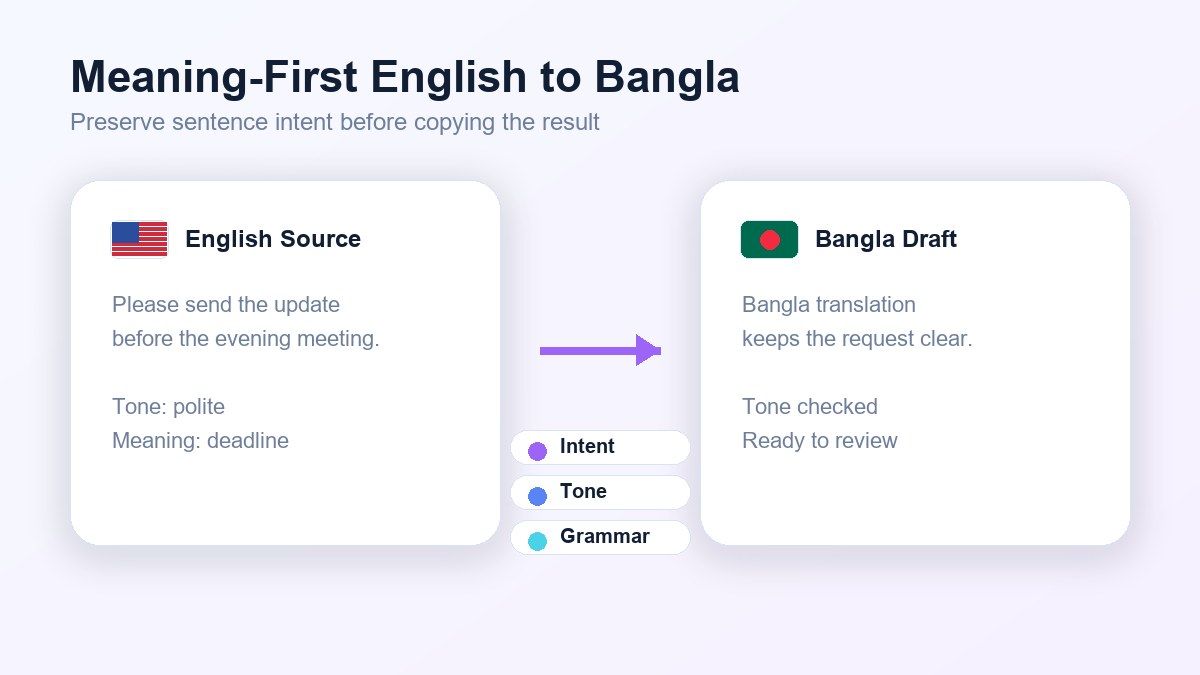
Bangla Meaning, Not Literal Word Swaps
Translate English to Bangla with context instead of stiff word-for-word output. Lynote helps preserve the real meaning behind full sentences, everyday expressions, and longer paragraphs.

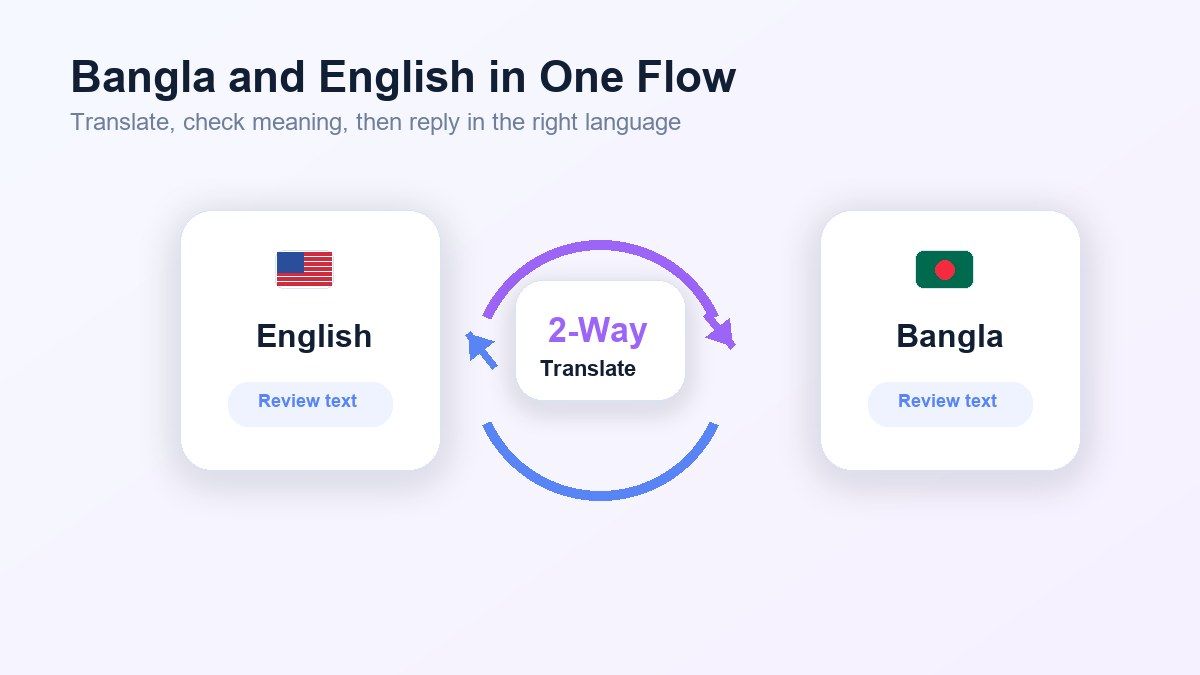
Bangla to English Support
Need the reverse direction? Lynote also helps with Bangla to English translation, so you can understand Bangla messages, notes, captions, documents, and replies in English.

Clearer Everyday Bangla
English and Bangla often use different sentence rhythm and expression. Lynote helps create Bangla output that feels easier to read, not just mechanically converted.

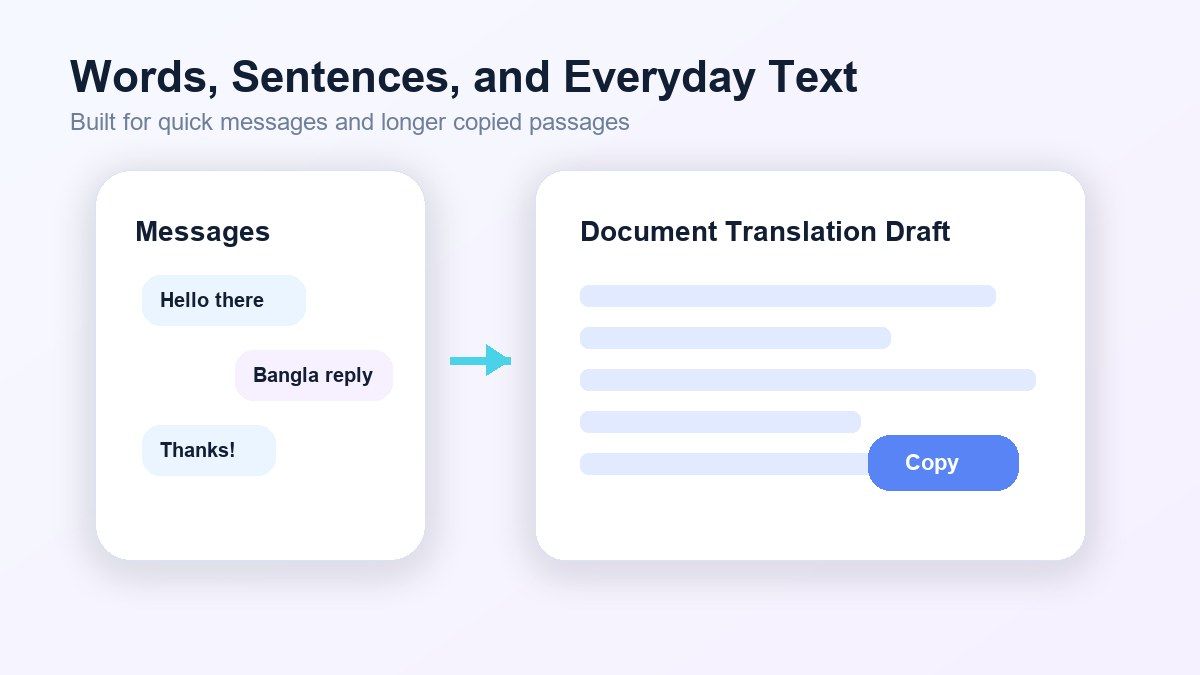
Useful for Words and Sentences
Use Lynote for English to Bangla translate tasks, Bangla to English words, short phrases, sentences, paragraphs, and copied text from documents or messages.

Online Translation Workflow
Translate English to Bangla online without switching between multiple dictionary tabs. Paste your text, choose the language direction, review the result, and copy it where you need it.

Good for Messages and Study Notes
Lynote is useful for students, families, travelers, creators, and teams who need quick English to Bangla translation or Bangla translation to English online.

Review Before You Send
The translated result stays editable, so you can check names, tone, grammar, and meaning before using it in emails, chats, captions, forms, or documents.
Translate English to Bangla Without Flattening Meaning
Switch Between Bangla and English Translation
Translate Bangla Words, Sentences, and Everyday Text
How to Translate English to Bangla Online
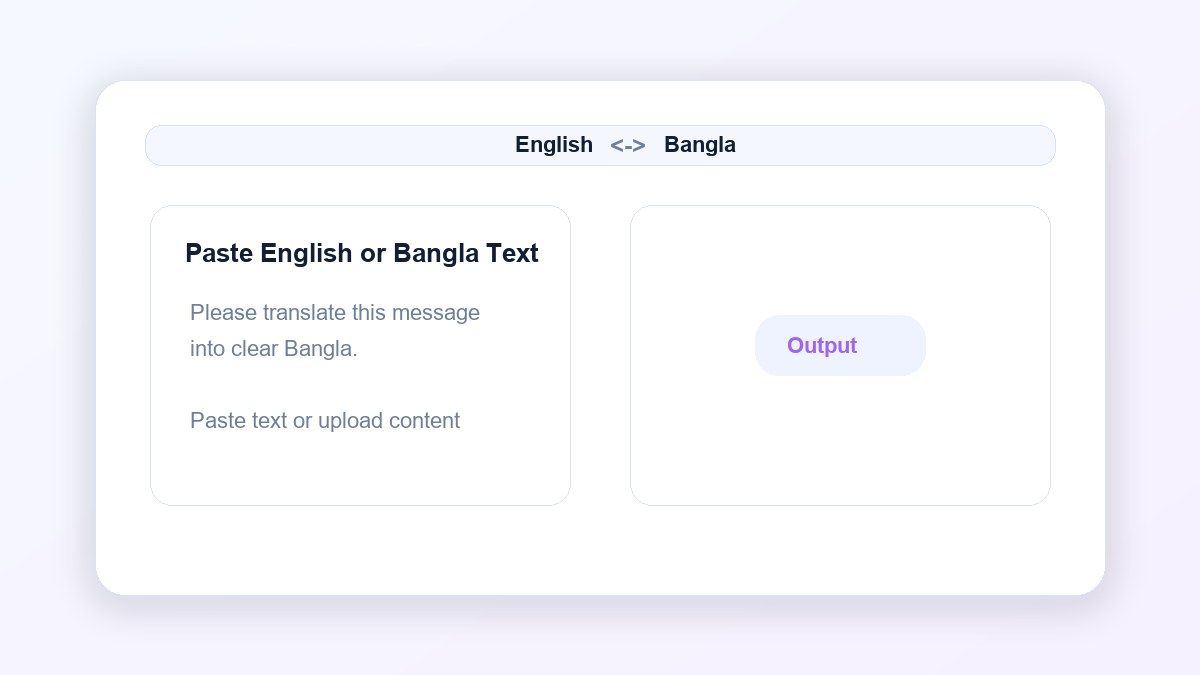
Step 1. Paste English or Bangla Text
Paste English text, Bangla text, words, sentences, messages, captions, study notes, or copied document content into Lynote. You can use it for English to Bangla translate tasks or Bangla to English translation. For longer content, paste one section at a time so you can review the meaning, tone, and grammar before copying the final result.

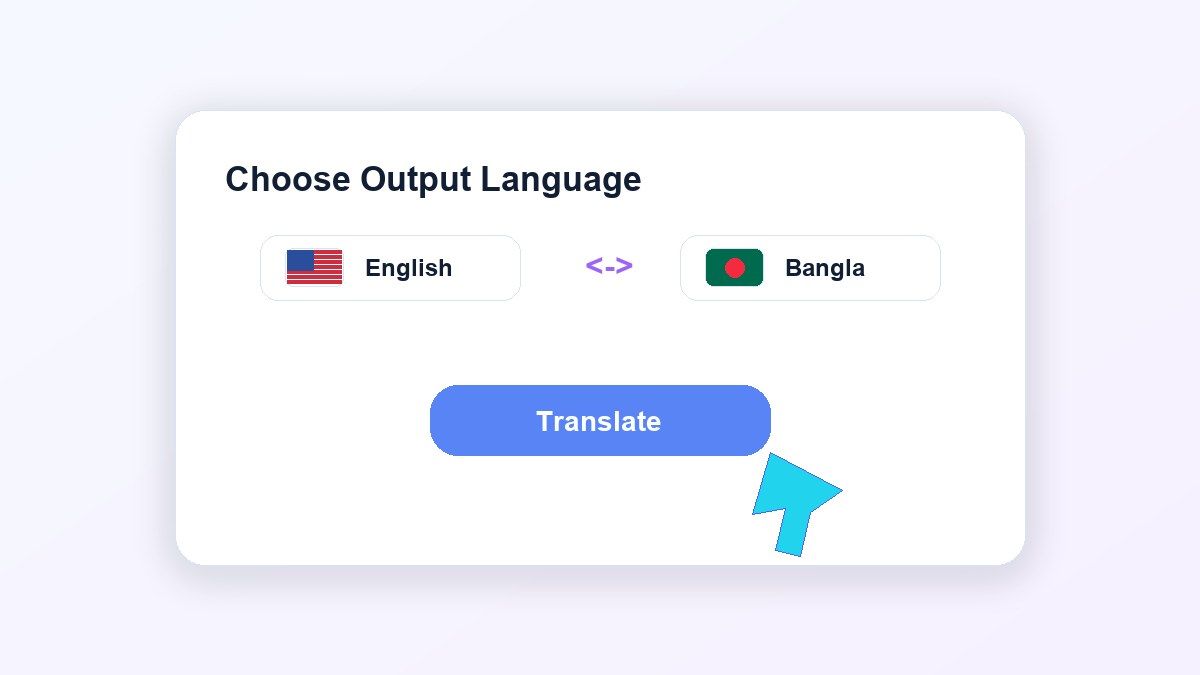
Step 2. Choose Bangla or English Output
Select Bangla when you want to translate English to Bangla. Select English when you need translate Bangla to English output for reading, replying, or reviewing content. This lets you handle English to Bangla and Bangla to English translation online without changing tools or rebuilding the text manually.
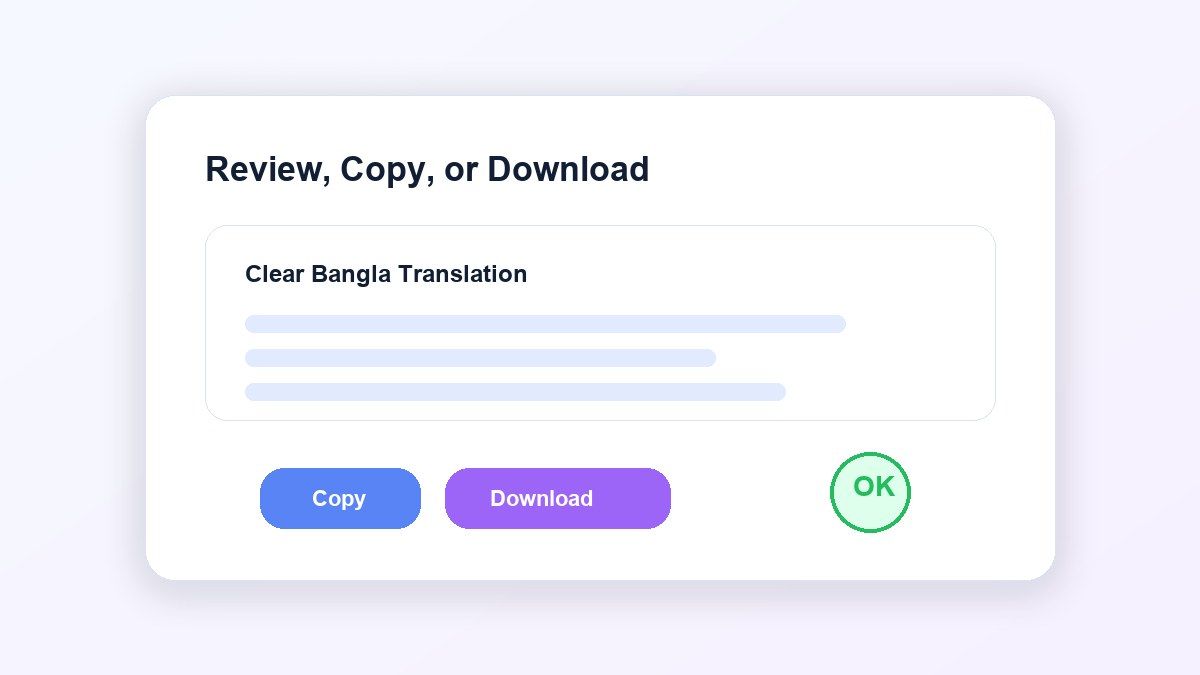
Step 3. Copy or Download Your Translation
Review the translated result and check names, formal wording, slang, tone, and sentence meaning before final use. Then copy the Bangla or English translation into emails, chats, captions, study notes, documents, or business messages. If the text is formal, public-facing, or important, give the translation a final human review before sending.
Who Is This Tool Suitable For?

Students
Translate Bangla study notes, English explanations, assignment text, and short paragraphs for faster understanding.

Language Learners
Compare English and Bangla sentence structure, vocabulary, meaning, and everyday phrasing while practicing both languages.

Customer Support Teams
Understand Bangla customer messages and write clearer Bangla or English replies without slowing down support work.

Content Creators
Translate captions, comments, video descriptions, short scripts, and audience replies for Bangla-speaking audiences.

Families and Everyday Users
Translate family messages, travel notes, greetings, personal chats, and daily communication between English and Bangla.

Remote Workers
Translate project updates, client messages, workplace chats, and short documents across English and Bangla.
What Users Say About Lynote Bangla Translation

Language Student

Lynote helps me compare English to Bangla translation with the original sentence. The Bangla result is easier to understand than a word-by-word translation.

Remote Team Member
I use Lynote when our team shares Bangla messages. It helps me translate Bangla to English quickly before I reply.

Content Creator
I translate captions and short posts between English and Bangla. Lynote gives me a cleaner first draft that I can quickly polish.

Customer Support Lead
Bangla customer messages used to slow down our review process. Lynote helps us understand the message and prepare clearer replies.

College Student
I use it for study notes and short Bangla paragraphs. It is faster than checking every word separately in a dictionary.

Small Business Owner
I translate product messages and customer replies into Bangla. Lynote gives me a practical draft I can review before sending.
Frequently Asked Questions
Yes. Paste English text into Lynote and choose Bangla output to get a clear English to Bangla translation.
Yes. Lynote supports Bangla to English translation as well as English to Bangla translation, so you can work in both directions.
Yes. Lynote works online, so you can translate English to Bangla online without installing a separate app.
Yes. You can translate Bangla to English words, English to Bangla sentences, short messages, paragraphs, captions, and copied document text.
Lynote is free to start for everyday translation workflows. Usage limits may depend on current product settings and text length.
You can use Lynote for a strong translation draft, but legal, medical, immigration, or official documents should still be reviewed by a qualified human translator.