

TikTok Video to Text Converter

Drop files or browse

Add study materials to enable the AI to extract and structure content.



Why Choose Our TikTok Video to Text Converter?

Built for Short-Form Video
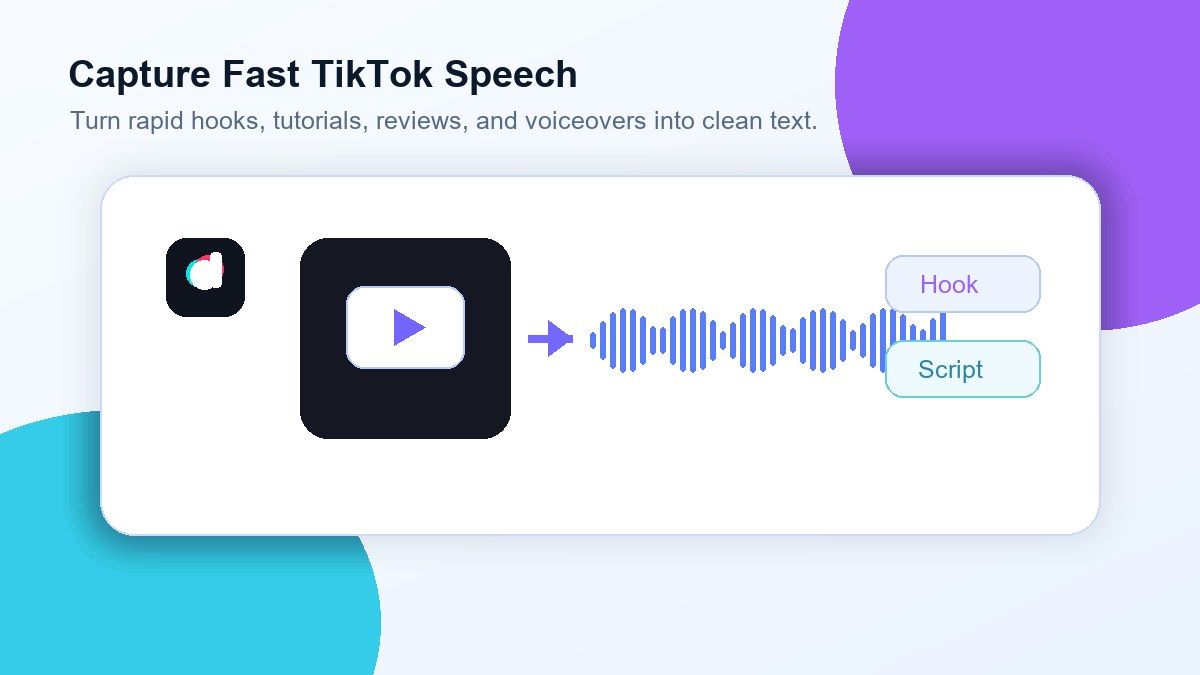
TikTok videos move quickly, and useful ideas can disappear in seconds. Lynote helps convert TikTok video to text so you can capture spoken lines, hooks, product mentions, tutorials, and creator scripts without replaying the same clip again and again.

Download-First Workflow
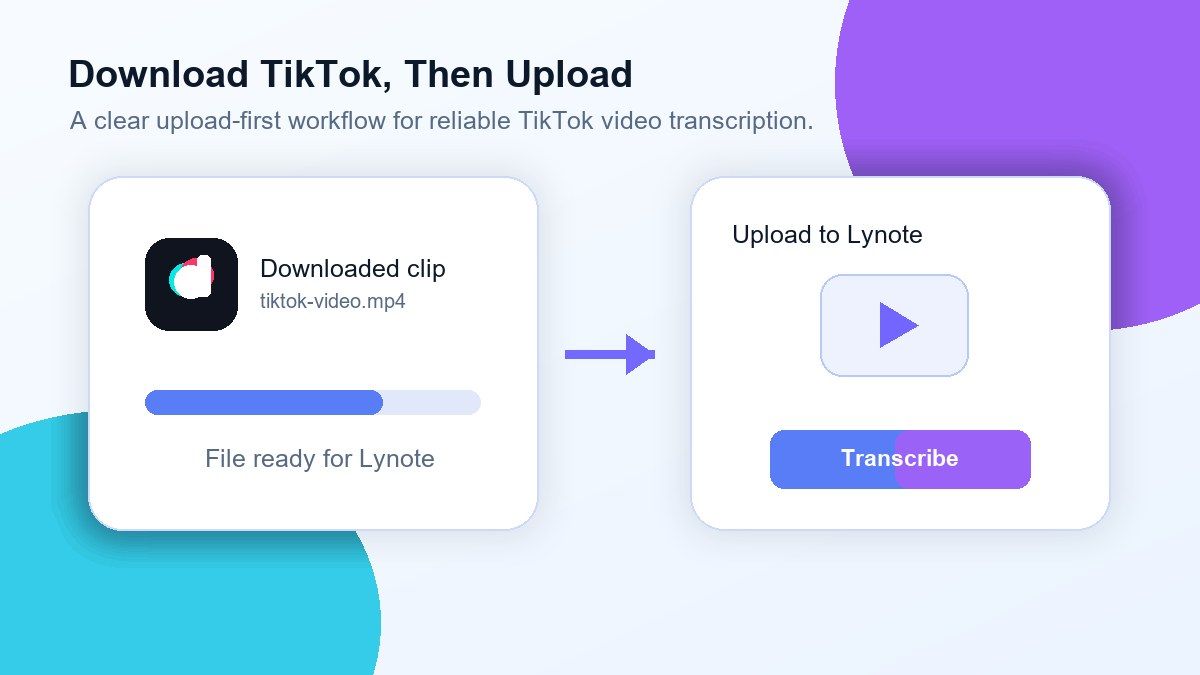
For the most reliable result, download your TikTok video first and upload it to Lynote. This makes transcription more stable than relying on a social media link that may expire, block audio access, or load differently across regions.

Clean Text for Captions and Scripts
Use the transcript to rewrite captions, create subtitles, study viral hooks, or repurpose TikTok content into blog posts and newsletters. Lynote gives you editable text instead of forcing you to manually type from a fast-moving video.

Useful for Creators and Marketers
Analyze TikTok trends, creator scripts, UGC ads, product reviews, or short tutorials in text format. You can quickly compare wording, extract key phrases, and turn short video ideas into reusable content assets.

Works With Downloaded Video Files
After downloading your TikTok clip, upload the saved video file to Lynote. MP4 is usually the best option for TikTok video to text transcription because it preserves the audio source for processing.

More Than a Transcript
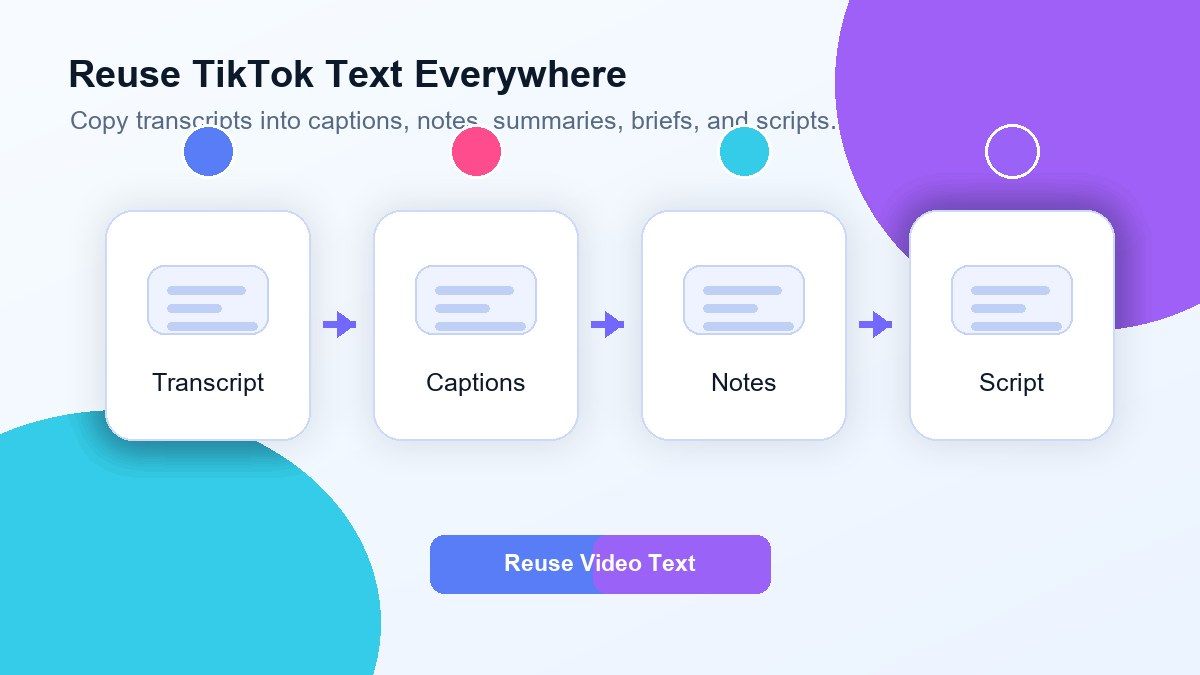
Once your TikTok video audio is converted to text, you can use the output for notes, summaries, translations, captions, social posts, or research. It is a practical way to turn short-form video into searchable written content.
Download TikTok, Then Upload to Lynote
Capture Fast TikTok Speech in Clean Text
Turn TikTok Clips Into Reusable Content
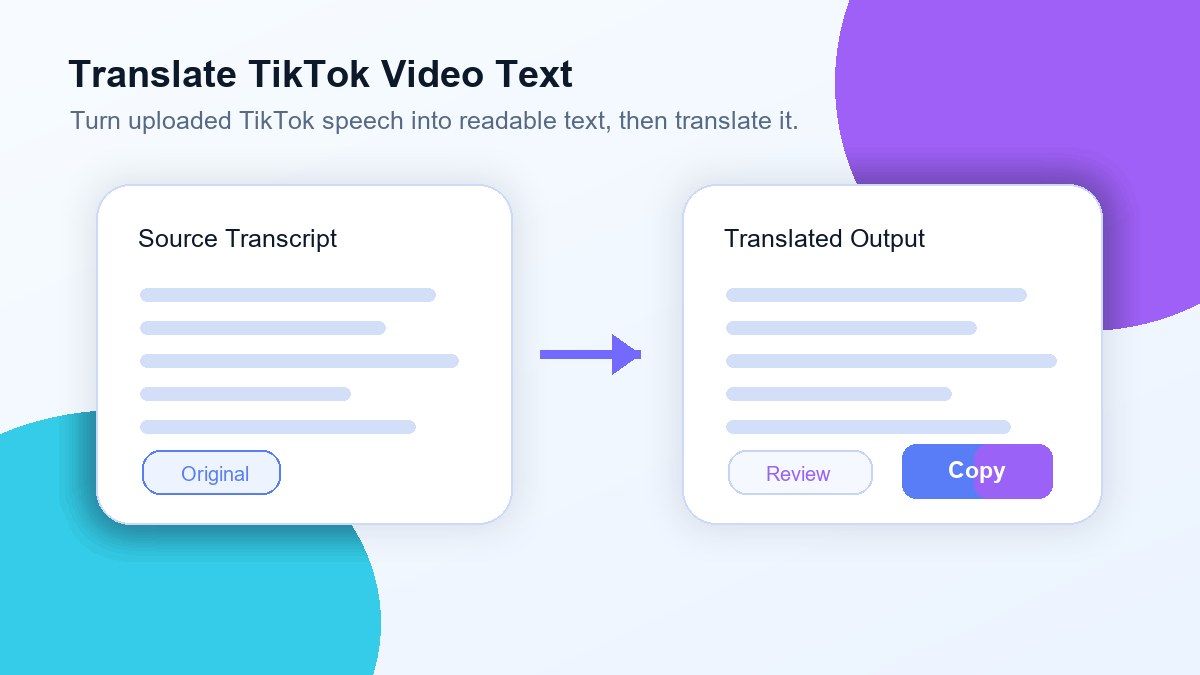
Translate TikTok Video to Text for More Context
How to Transcribe TikTok Video to Text Online
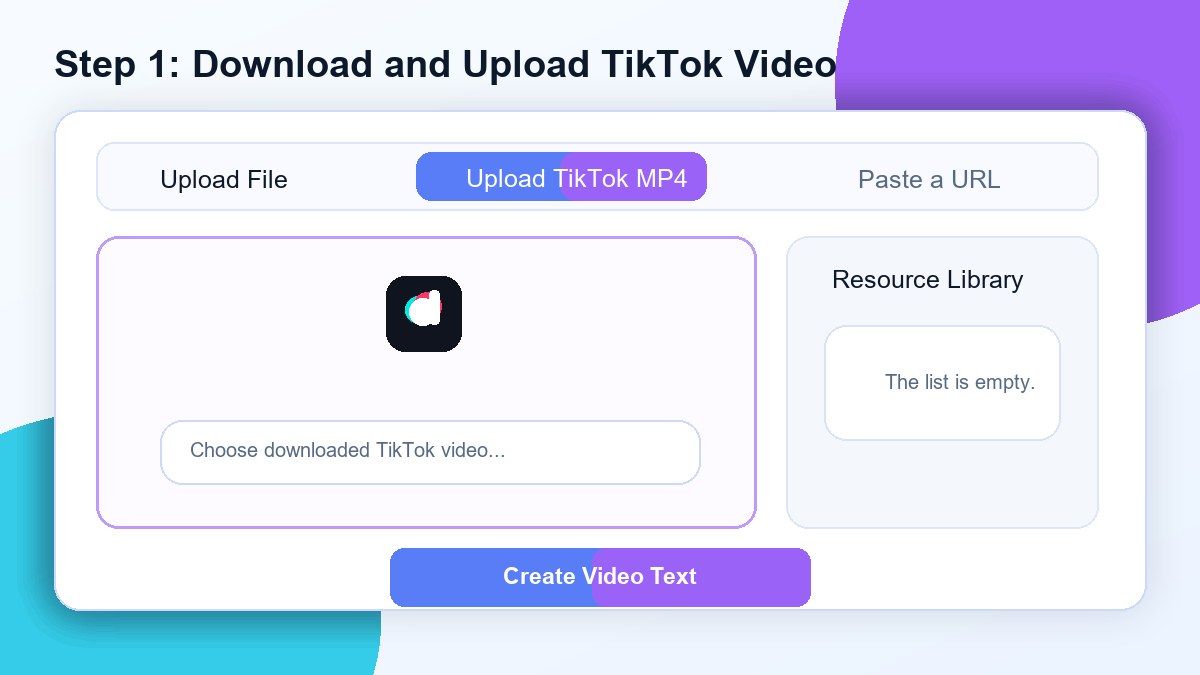
Step 1. Download and Upload Your TikTok Video
Open TikTok and download the video you want to transcribe. Save the clip to your phone, tablet, or computer, then upload the actual video file into Lynote so the audio can be processed reliably.
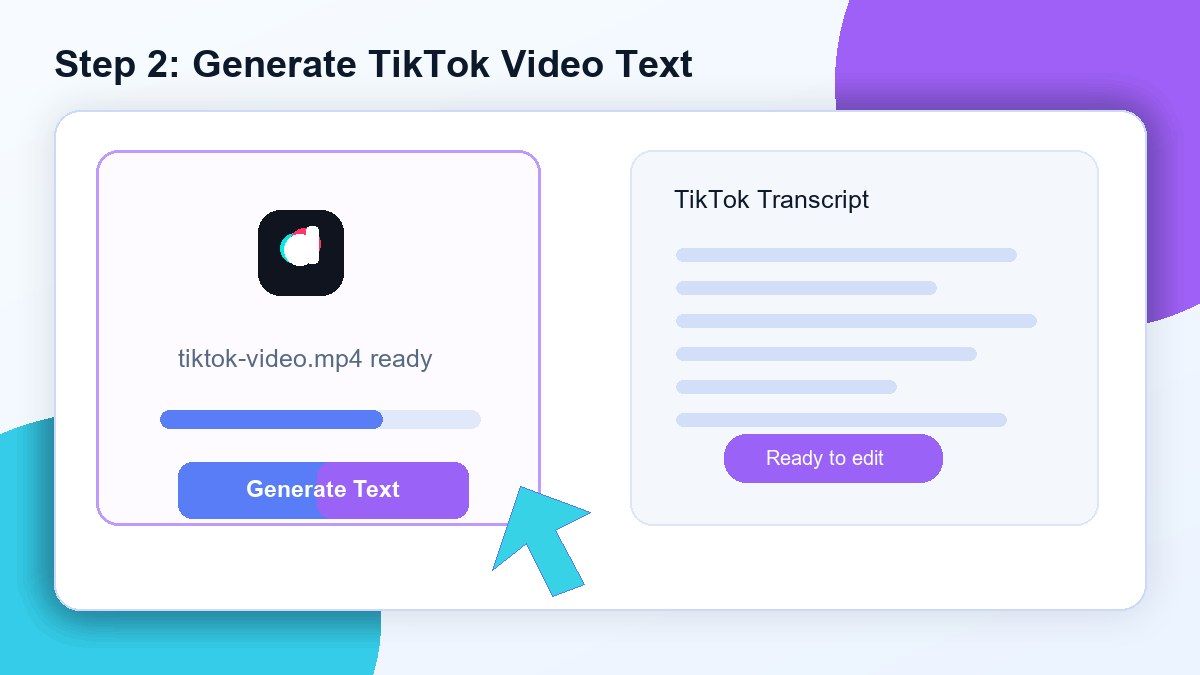
Step 2. Generate TikTok Video Text
Click the create or convert button and Lynote will process the uploaded video audio into editable text. This works well for tutorials, product reviews, creator clips, interviews, mini lessons, reactions, and short-form educational videos.
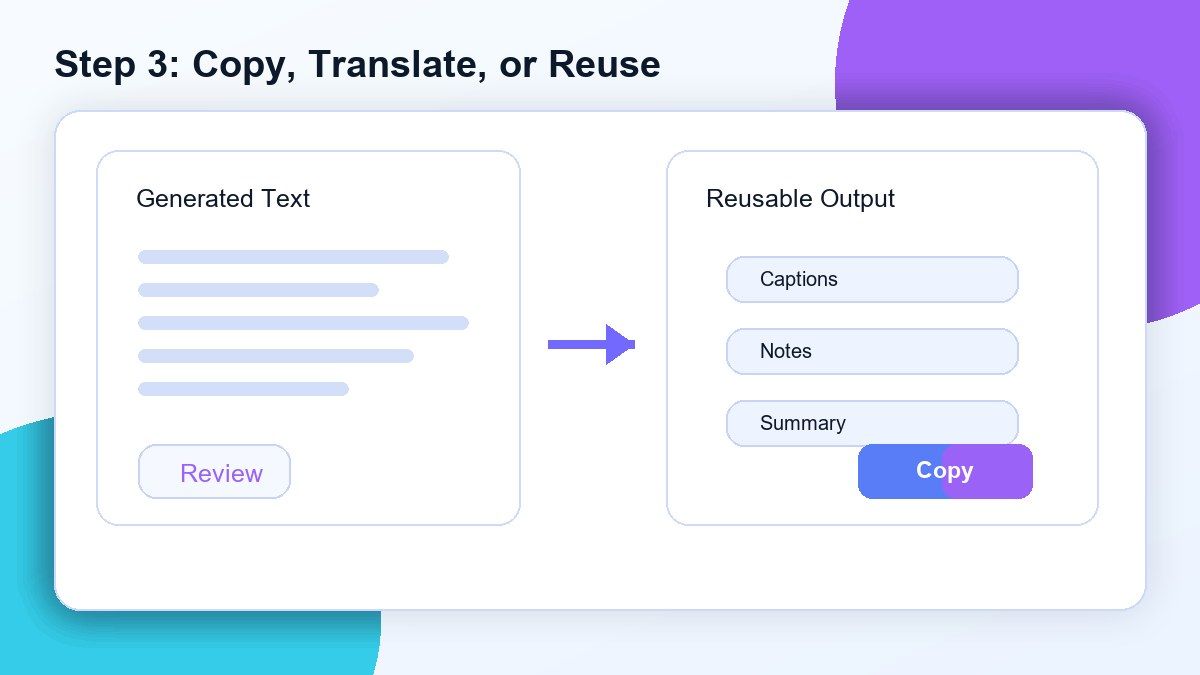
Step 3. Copy, Translate, or Reuse the Text
Review the transcript, fix any names or unclear phrases, then copy the text for your next task. You can use it for captions, summaries, subtitles, research notes, content briefs, or script analysis.
Who Is This TikTok Video to Text Tool For?

TikTok Creators
Turn your own TikTok videos into reusable scripts, captions, hooks, and content notes.

Social Media Managers
Transcribe TikTok videos to text for campaign review, creator analysis, UGC briefs, and content repurposing.

Students and Learners
Save educational TikTok clips as readable notes so you can study the explanation without rewatching the video.

Marketers
Analyze product demos, viral ads, customer testimonials, and trend videos in text format.

Researchers
Collect short-form video quotes, creator commentary, and social media examples for analysis.

Repurposing Teams
Convert TikTok clips into blog sections, newsletters, YouTube Shorts scripts, Reels captions, or internal notes.
What Users Say About Lynote TikTok Video to Text

Content Creator

I use Lynote to transcribe TikTok video to text after downloading my clips. It helps me reuse my own hooks and turn them into captions much faster.

Social Media Strategist
Our team reviews TikTok ads every week. Uploading the video and getting a transcript makes it easier to compare messaging and write better briefs.

Student
I save educational TikToks and upload them to Lynote so I can turn quick videos into notes. It is much easier than replaying the clip.

Marketing Analyst
TikTok audio moves too fast when I am researching trends. Lynote gives me clean text I can search, highlight, and organize.

Ecommerce Founder
I use it to capture wording from product videos and customer clips. The transcript gives me ideas for emails, ads, and landing page copy.

Video Editor
When a client sends a TikTok reference, I download it and upload it to Lynote. The transcript helps me understand the structure before editing.
Frequently Asked Questions
Yes. Download the TikTok video first, then upload the video file to Lynote. Lynote can process the video audio and generate readable text.
For best results, use the upload workflow. TikTok links may not always provide stable audio access, so downloading and uploading the video is the recommended method.
Lynote provides an easy online workflow for turning TikTok video audio into text. Availability may depend on your account limits and file processing needs.
MP4 is usually the best choice. If your downloaded TikTok video is saved as MP4 or MOV, you can upload it and start transcription.
You can first transcribe the TikTok video audio into text, then translate the transcript if needed. This is useful for multilingual creators, researchers, and social media teams.
You can copy it, edit it, summarize it, turn it into notes, create captions, analyze hooks, or repurpose it into other content formats.
Yes, it can help with longer TikTok clips too. Clear audio, minimal background noise, and a clean uploaded file will usually produce better results.
No. Lynote works online. Download your TikTok video, upload it through the browser, and convert the video audio to text.