

Text to Notes AI

Drop files or browse

Add study materials to enable the AI to extract and structure content.



Why Choose Lynote Text to Notes AI?

Text-to-Notes Workflow
Convert pasted text, transcripts, articles, and extracted document content into clean notes with headings, key points, and review-ready structure.

Voice and Audio Ready
Use Lynote as an AI note taker audio to text workflow when you need spoken material organized into useful notes after transcription.

Video to Text Notes
Turn video material into text notes for lessons, tutorials, webinars, interviews, and content planning without rewatching every minute.

Handwritten Note Support
Upload readable handwritten notes or images when you want AI to help convert handwritten notes to text and organize the result.

Source-Based Structure
Keep notes grounded in the source material so summaries, definitions, action items, and important details stay connected to the original content.

Review and Edit Notes
Edit the generated notes, refine headings, add context, and keep only the sections that matter for your study, work, or documentation task.

Notes to Flashcards
Turn organized notes into flashcards when you want to move from understanding the material to reviewing and remembering it.

Private Processing
Use a focused workspace for notes without installing extra software or manually rebuilding long transcripts into study material.
Feature Highlights
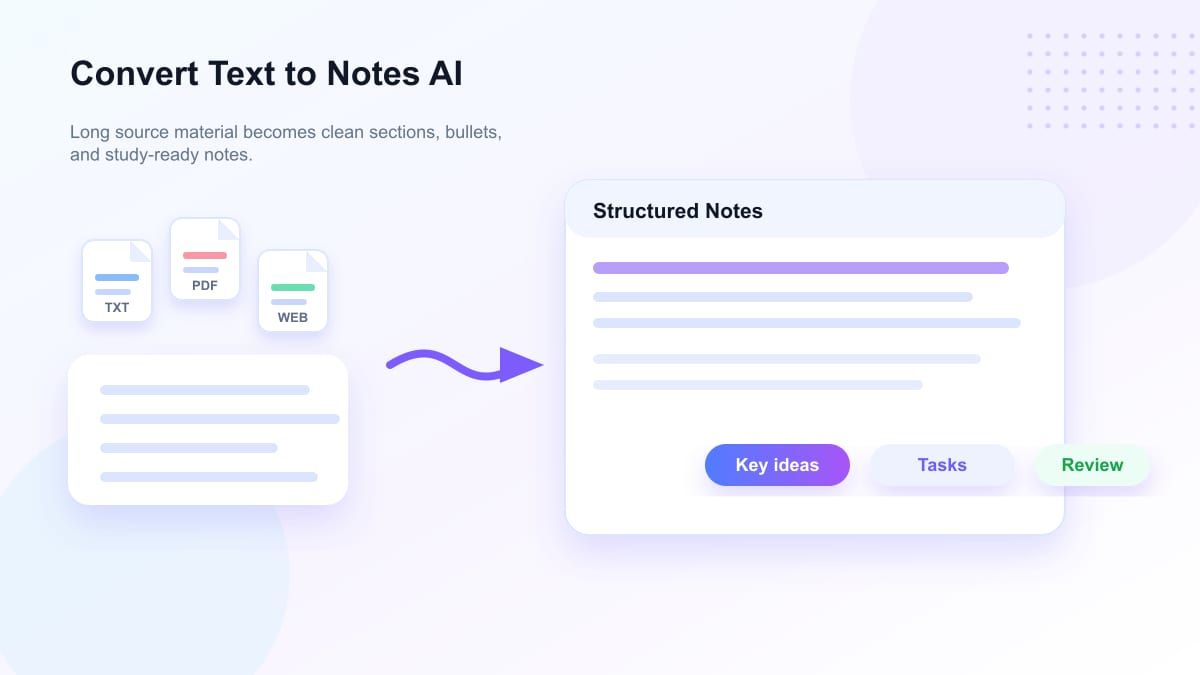
Convert Text to Notes AI From Long Source Material
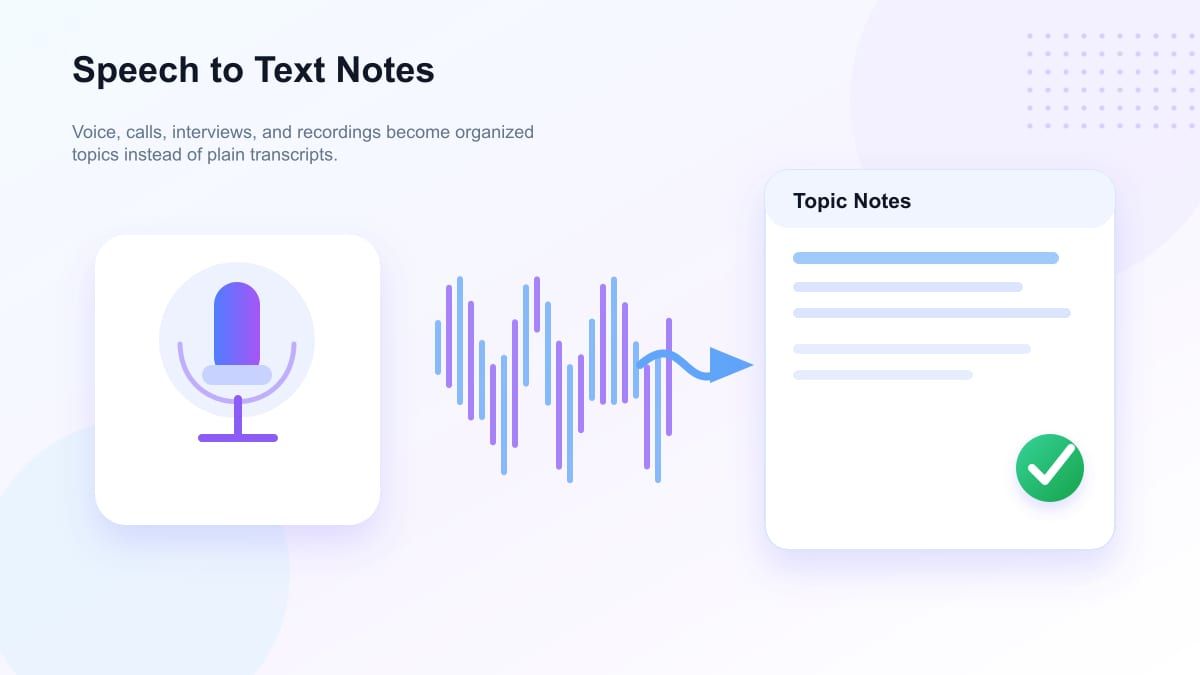
AI Note Taker for Speech-to-Text Workflows
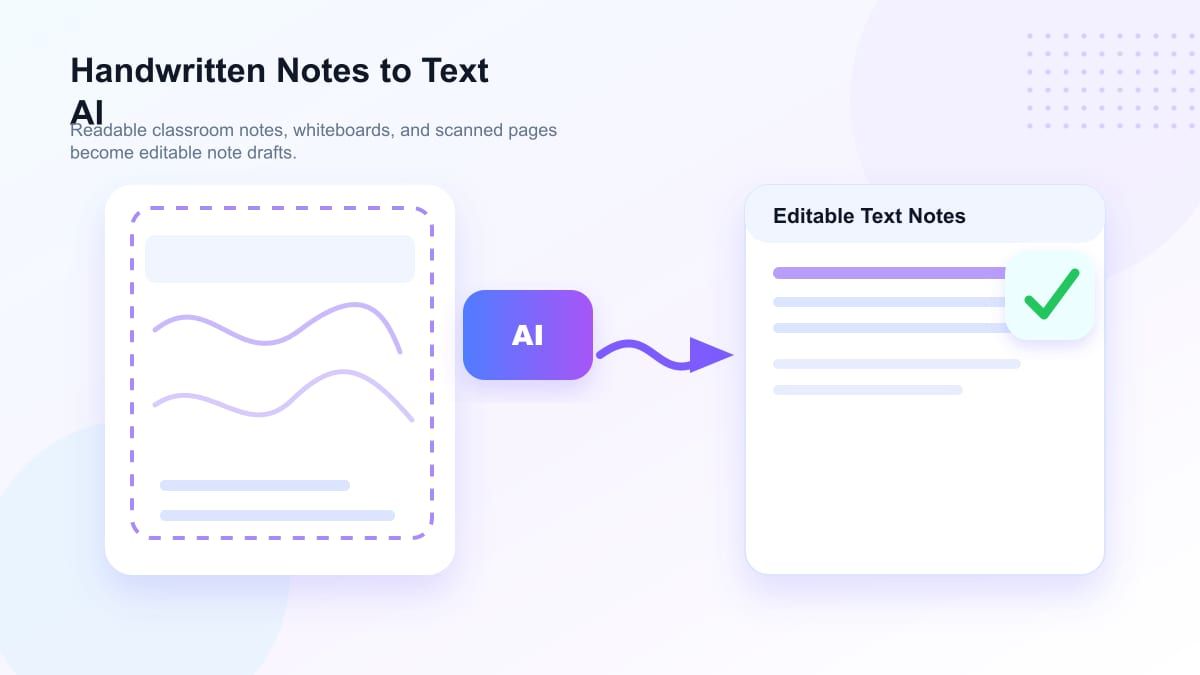
Handwritten Notes to Text AI for Readable Images
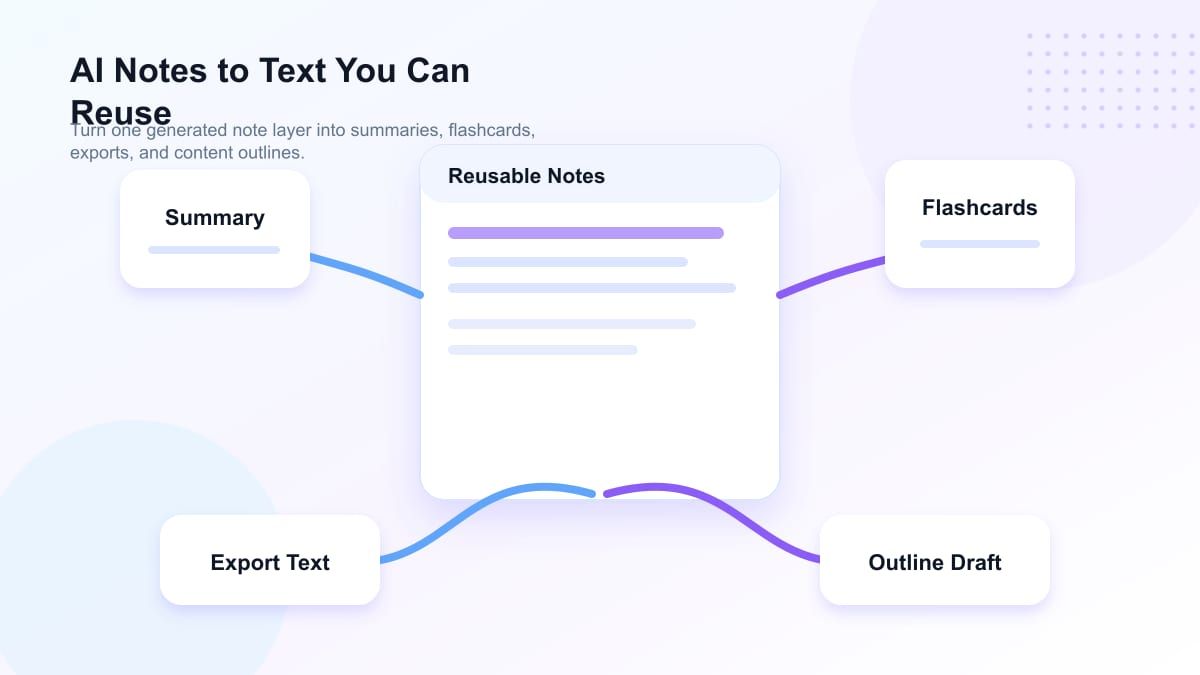
AI Notes to Text You Can Reuse
How to Convert Text to Notes AI
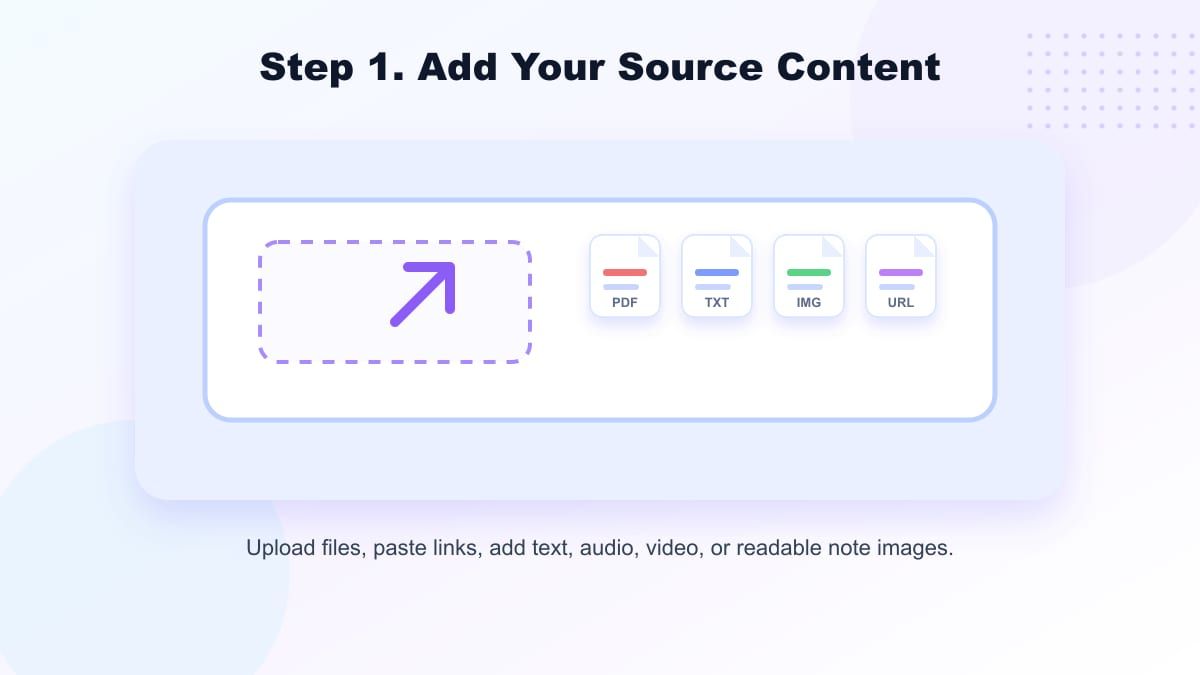
Step 1. Add Your Source Content
Paste text, upload a file, add a video link, or import readable source material. Lynote supports practical text to notes AI workflows for transcripts, documents, recordings, videos, and study resources.
Step 2. Generate AI Notes
Click the note action and let Lynote identify key ideas, supporting details, definitions, examples, and action points. The output is organized so you can review the material faster.
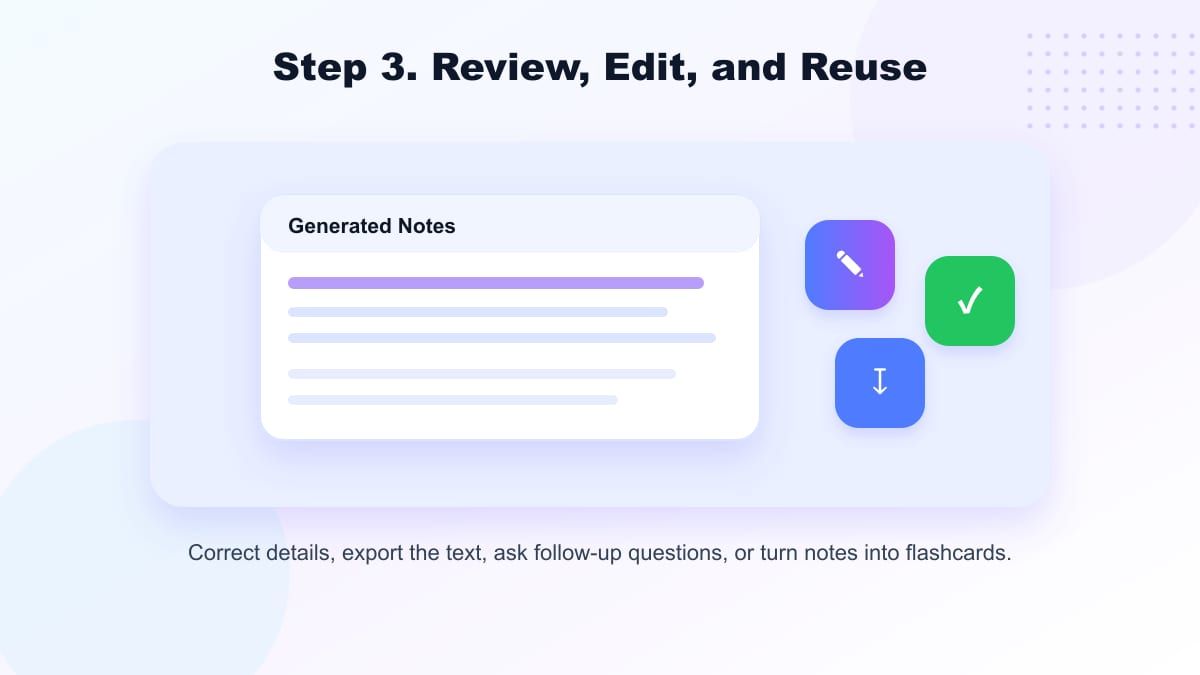
Step 3. Review, Edit, and Reuse
Read the notes, adjust wording, remove extra details, or turn the result into flashcards. Copy the final notes into your study plan, project document, charting draft, or content workflow.
Who Benefits from Text to Notes AI?

Students
Turn lecture transcripts, textbook excerpts, class videos, and handwritten notes into organized study notes. Use text to notes AI free workflows when you need faster review material.

Researchers
Convert long excerpts, interview transcripts, academic sources, and PDF content into structured notes for literature review, synthesis, and citation planning.

Therapists and Clinicians
Use AI-assisted speech-to-text note generation for behavioral health charting as a drafting aid, then review every detail before it becomes part of a record.

Veterinary Teams
Turn spoken appointment notes or intake summaries into cleaner text notes while keeping the workflow practical for review, handoff, and documentation.

Content Creators
Convert video to text notes AI output into outlines, talking points, newsletter drafts, captions, or repurposed content ideas.

Knowledge Workers
Summarize meetings, webinars, training materials, and project research into reusable notes that are easier to scan and share.
What Users Say About Text to Notes AI

Research Coordinator

“I paste interview transcripts into Lynote and get structured notes with themes, questions, and follow-up points. It saves me hours before analysis.”

Graduate Student
“My lecture recordings become readable notes instead of endless transcripts. It helps me review faster before exams.”

Product Analyst
“I use Lynote to turn long webinar transcripts into product notes and action items. The structure is much easier to reuse.”

Podcast Producer
“Video to text notes AI is perfect for episode research. I can scan the useful points before writing clips and summaries.”

Behavioral Health Assistant
“It helps turn rough dictated notes into an organized draft, then our team reviews and edits carefully before anything is finalized.”

Veterinary Office Manager
“We use it to clean up meeting and training notes. It makes long spoken content easier to organize for the team.”
Frequently Asked Questions
Have questions about text to notes AI? Here are the answers users usually need before getting started.
Text to notes AI is a tool that turns raw text, transcripts, documents, videos, audio-derived text, or readable handwritten content into organized notes. It helps you move from unstructured material to headings, summaries, key points, and review-ready sections.
Yes. Lynote supports text to notes AI free workflows for users who need to paste or upload content and create notes quickly. Availability may depend on file size, format, and usage limits.
AI can help convert readable handwritten notes to text when the image is clear enough. Results depend on handwriting quality, lighting, file resolution, and whether the notes are structured or messy.
Lynote helps organize voice or speech content after it is available as text or supported media. It can support AI note taker voice to text workflows by turning spoken material into clearer notes, summaries, and review sections.
Yes. You can use Lynote with supported video sources or transcripts to create video to text notes AI output. This is useful for tutorials, lectures, interviews, webinars, podcasts, and content research.
No. Speech-to-text transcription captures spoken words as text, while text to notes AI organizes that text into useful notes. Lynote focuses on structure, key ideas, summaries, and reusable study or work material.
Lynote can help organize source material into draft notes, but healthcare users should treat AI output as a draft only. Always review, edit, verify, and follow professional, privacy, and compliance requirements before using notes in any clinical record.
A text to notes converter AI takes long or messy content and turns it into shorter, organized notes. It can help with study notes, meeting summaries, research notes, documentation drafts, flashcards, and content planning.