

Telugu Audio to Text Converter

Drop files or browse

Add study materials to enable the AI to extract and structure content.



Why Choose Our Telugu Audio to Text Converter?

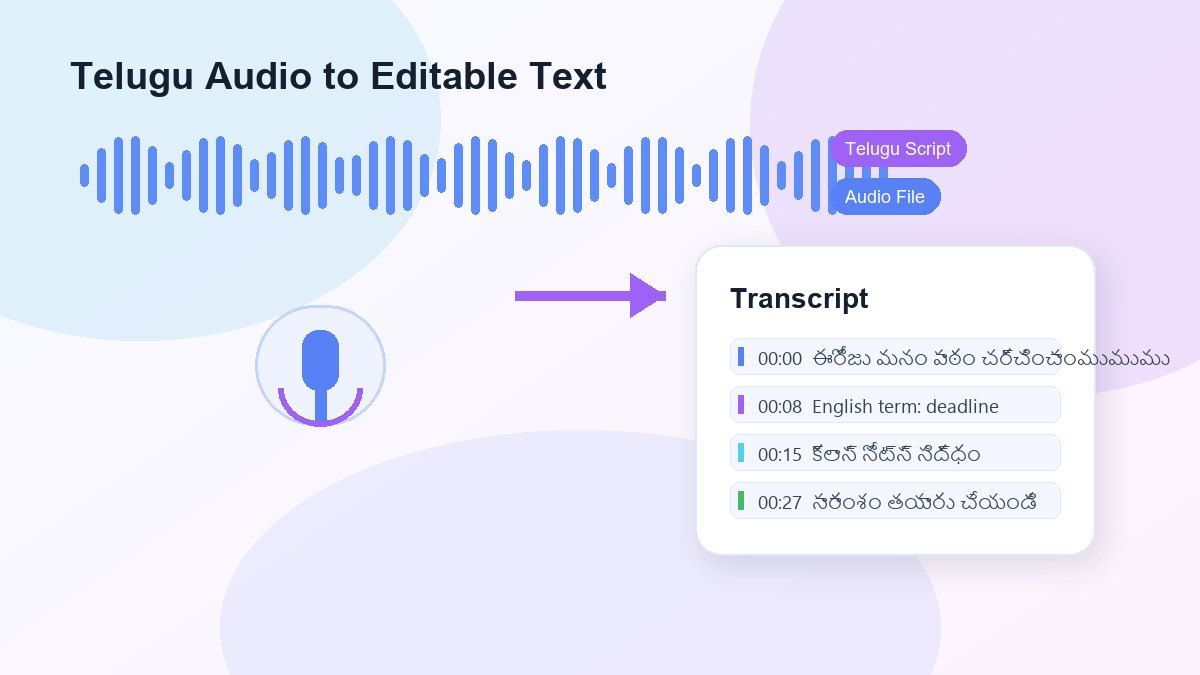
Telugu Audio Transcription
Convert Telugu audio into readable text for interviews, lectures, podcasts, meetings, voice notes, classroom recordings, and video audio.

Telugu Script Output
Generate Telugu text that you can review, edit, copy, export, summarize, or translate for your next workflow.

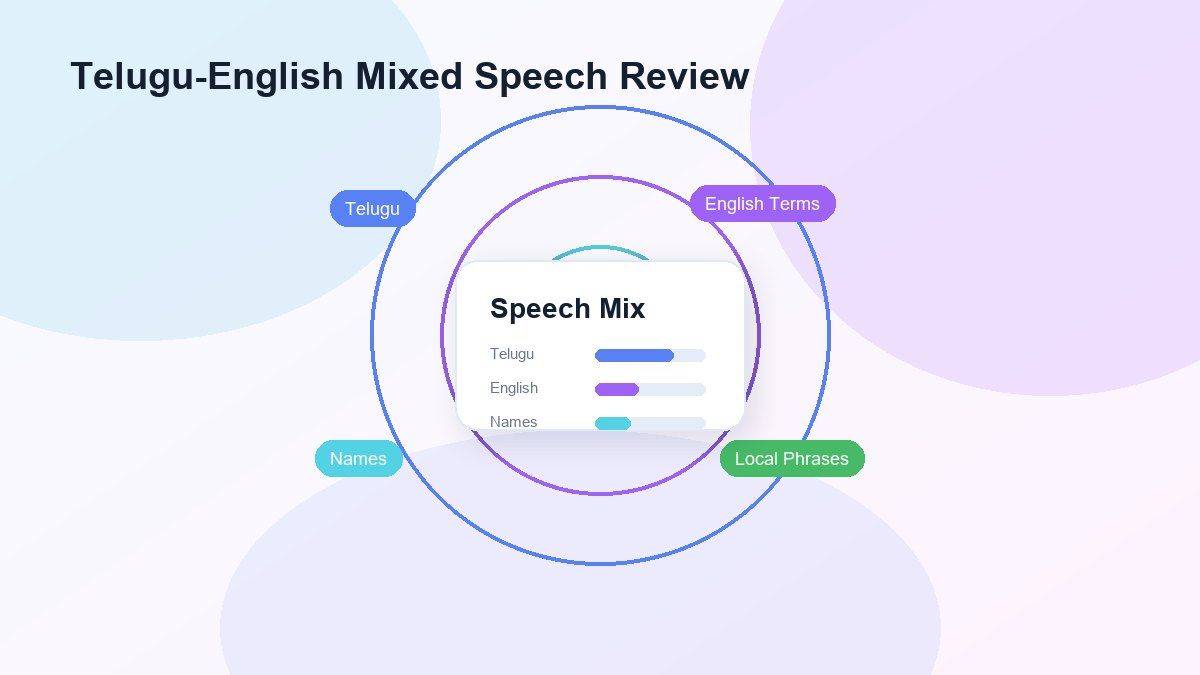
Telugu-English Mixed Speech
Many Telugu recordings include English names, technical words, school phrases, or business terms. Lynote gives you editable text so you can clean up mixed-language parts.

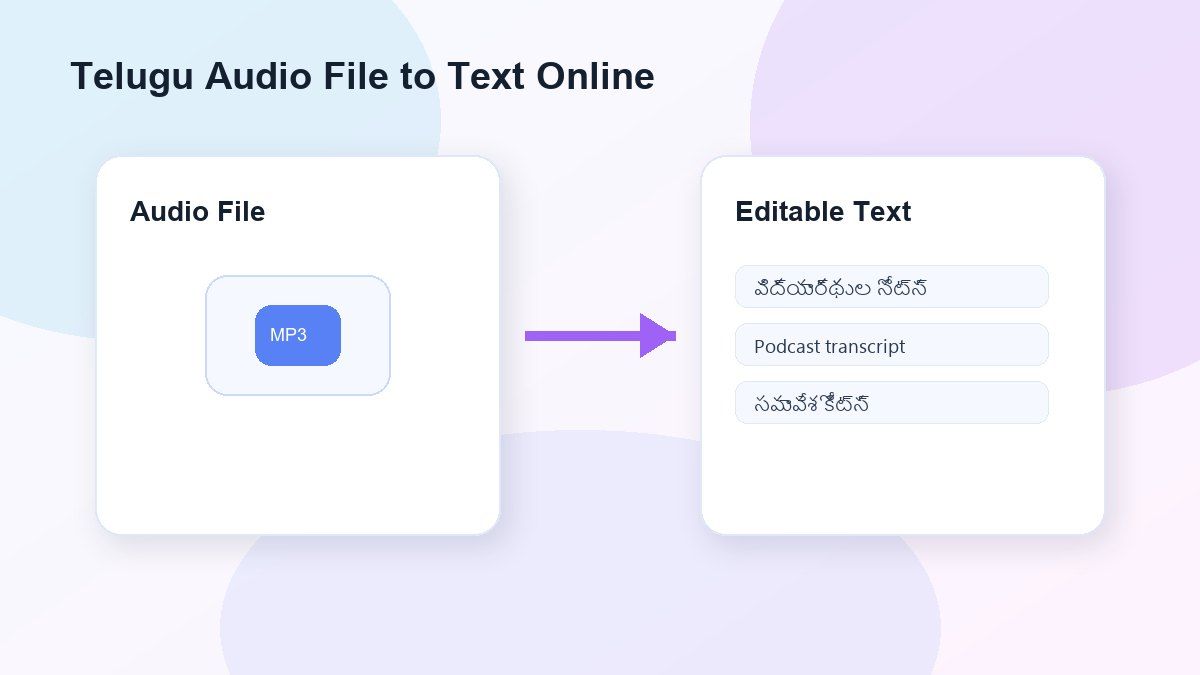
Online File Upload
Use Lynote as a Telugu audio file to text converter online without installing heavy desktop transcription software.

Common Audio Format Support
Upload MP3, WAV, M4A, and other common audio files directly from your device.

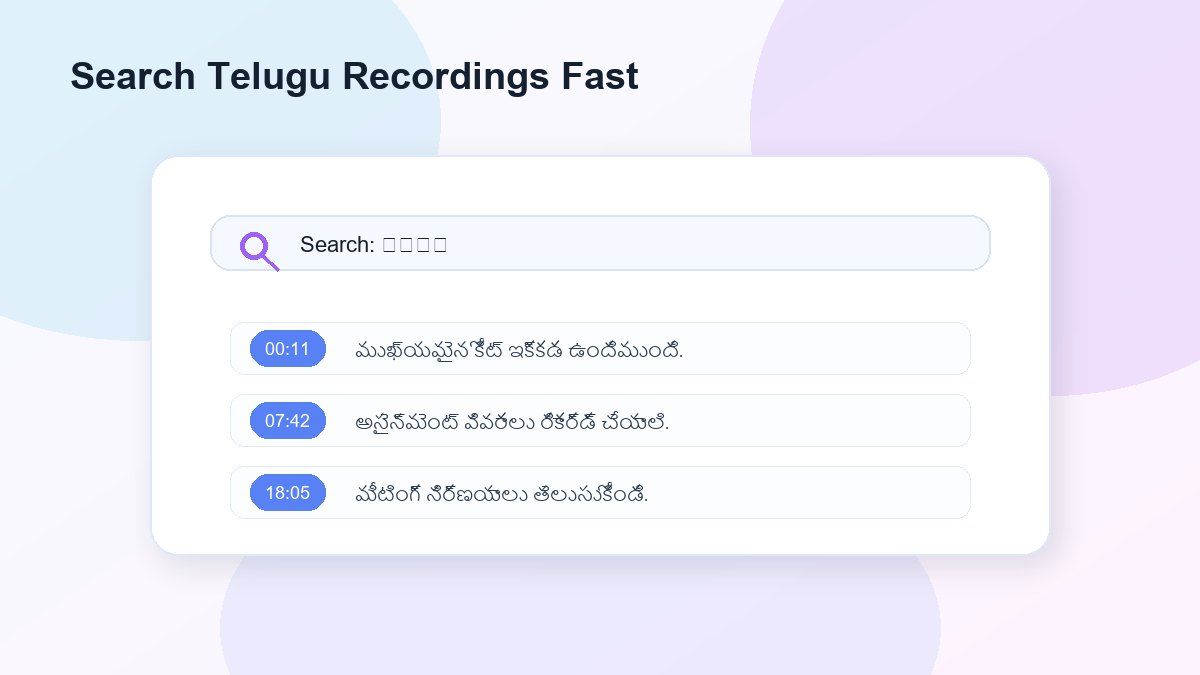
Searchable Telugu Text
Search names, quotes, lesson points, timestamps, topics, and repeated terms after you convert Telugu audio to text.

Useful for Long Recordings
Turn long Telugu classes, interviews, podcasts, meetings, and discussions into text you can scan instead of replaying the full file.

Secure Processing
Uploaded audio is processed securely and is not used to train AI models.
Convert Telugu Audio to Text Without Manual Typing
Review Telugu and English Mixed Audio
Telugu Audio File to Text Converter Online
Searchable Telugu Recordings
How to Convert Telugu Audio to Text Online
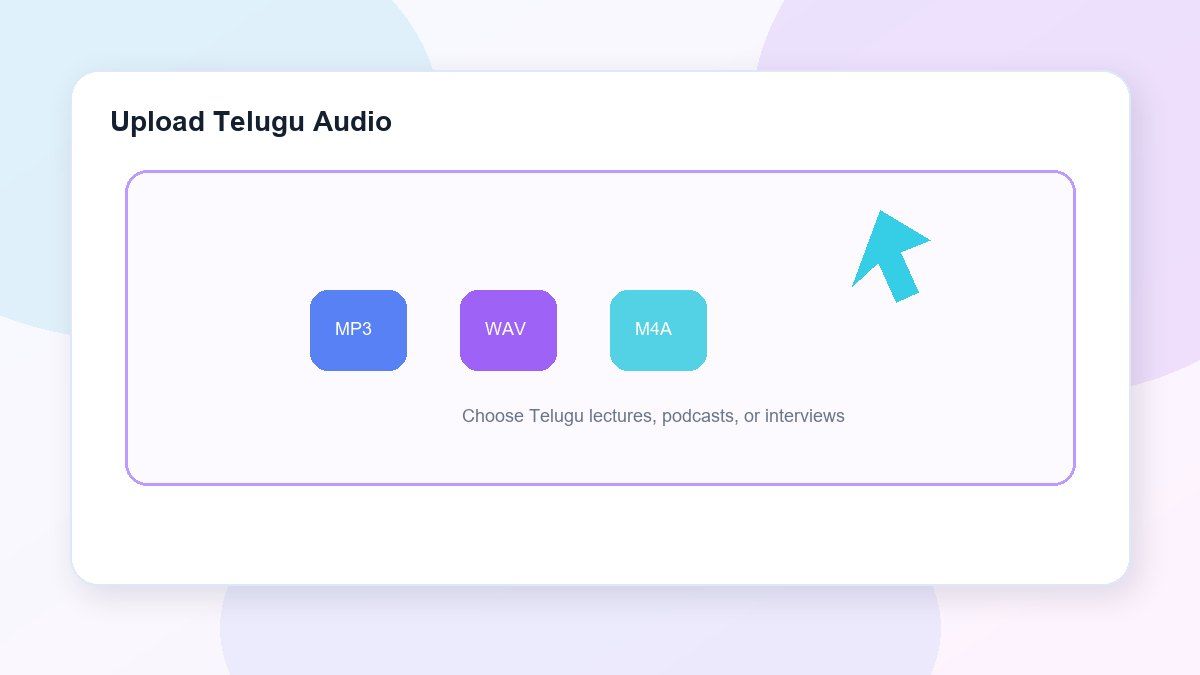
Step 1. Upload Telugu Audio
Upload your Telugu audio file from your computer. Lynote accepts common audio formats like MP3, WAV, and M4A, and performs best with clear speech, minimal background noise, and fewer speakers talking at once.
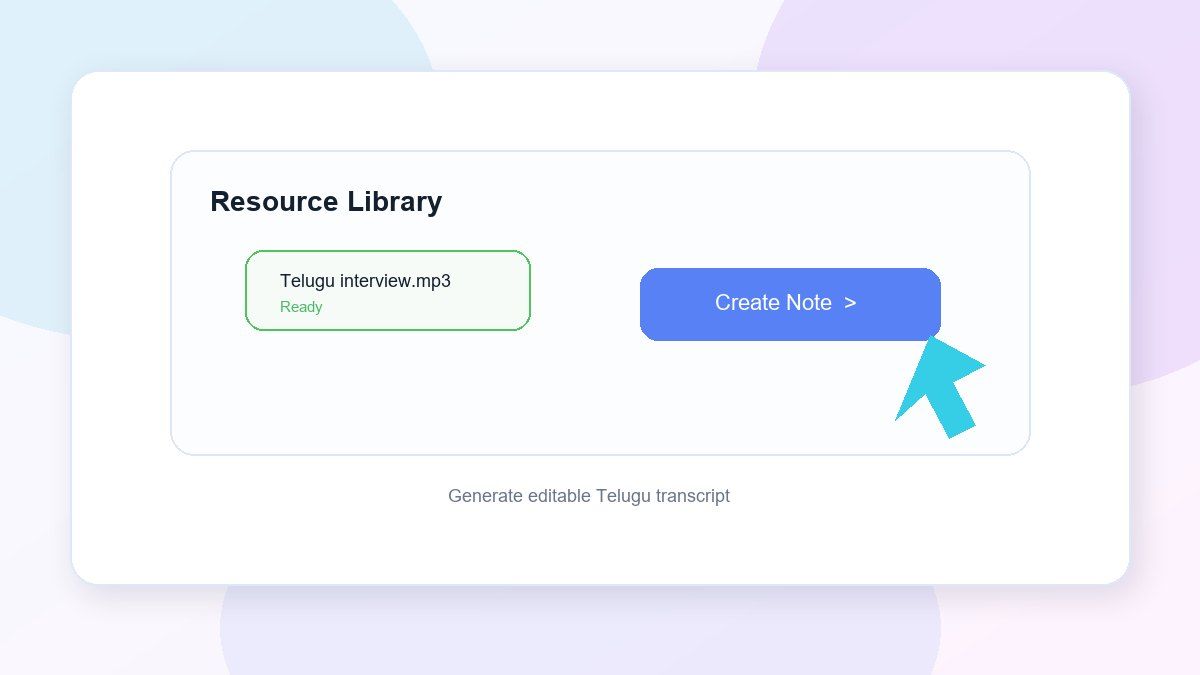
Step 2. Generate the Telugu Transcript
Start the transcription, and Lynote will convert the Telugu speech into editable text. Use it for lectures, interviews, meetings, podcasts, voice notes, video audio, study recordings, or local content.
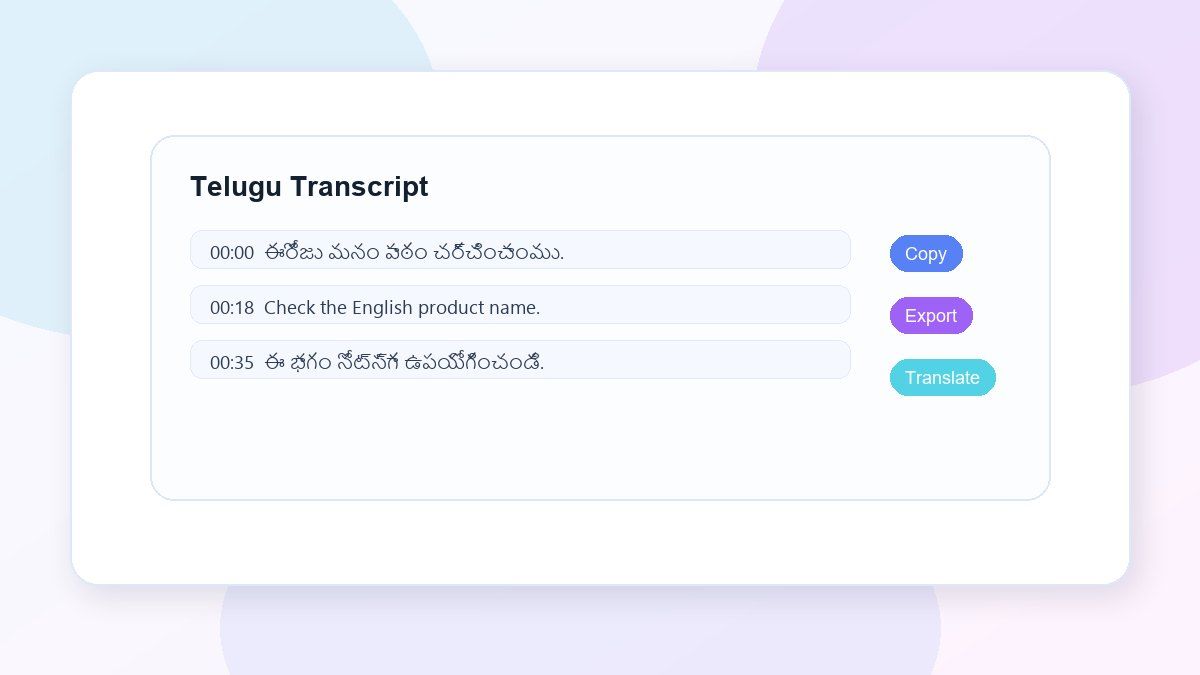
Step 3. Review, Export, or Translate
Review the transcript, correct any names or unclear terms, and search for the sections that matter most. From there, you can copy, export, summarize, translate, or transform the Telugu transcript into organized notes.
Who Can Use This Telugu Audio to Text Tool?

Students
Transform Telugu lectures, classroom recordings, study sessions, and spoken explanations into text for easier studying.

Researchers
Transcribe Telugu interviews, oral histories, field recordings, community discussions, and qualitative research audio.

Journalists
Convert Telugu interviews, press recordings, and voice memos into searchable text for quotes, names, and story details.

Content Creators
Convert Telugu podcasts, YouTube audio, voiceovers, short videos, and recorded ideas into captions, scripts, summaries, or posts.

Business Teams
Record Telugu meetings, client calls, training sessions, and internal discussions without having to type out every word.

Language Learners
Study Telugu pronunciation, vocabulary, grammar, listening skills, and Telugu-English mixed speech using Telugu transcripts.
What People Are Saying About Lynote Telugu Transcription

Graduate Student

I use Lynote to transcribe Telugu interviews for my research. It provides a good starting draft, and I?m able to quickly go back and check names and regional terms.

Podcast Host
Telugu podcast episodes are much simpler to repurpose now. I create the transcript, look for highlights, and use them in my show notes.

Language Teacher
I listen to Telugu transcripts to practice listening. I can match the audio with the text and get a better understanding of tough words.

Operations Manager
We take Telugu calls with our team and we record them. We then use Lynote to write down our call notes. This helps us save time post call and makes it easy for us to locate our decisions.

Content Creator
I use it to create Telugu subtitles for my videos and reels. I take the transcript and then tweak the parts that need work.

Journalist
It?s a lot easier to go through a Telugu interview when there?s a searchable transcript. I can pick out quotes fast without having to listen to the entire recording.
Frequently Asked Questions
A Telugu audio to text converter converts spoken Telugu language in an audio file to written text. Lynote allows you to upload Telugu audio to transcribe and create a transcript that you can review, copy, export, translate, summarize or turn into notes.
Yes. Lynote is an online service, so you can upload a Telugu audio file and convert it to text in your browser.
Yes, you can use Lynote online to transcribe Telugu audio. Free usage will vary based on your account limits, file length, and product availability.
Yes. You can upload Telugu audio files like lectures, interviews, meetings, podcasts, voice memos, and study recordings.
Yes. Lynote can help transcribe recordings where people speak Telugu and English. Make sure to check any names, technical terms, slang and other context-specific phrases.
Lynote supports standard audio formats like MP3, WAV, and M4A. Clear audio with minimal background noise usually produces better results.
Yes. Lynote is great for Telugu interviews, research discussions, oral history projects, journalism recordings, podcasts, and community dialogues.
Yes. Once you have the transcript, you can use it as the basis for translation, summaries, notes, captions, documentation, and content writing.
Accuracy is influenced by the clarity of the audio, speaking pace, background noise, accent, and overlapping voices. Lynote provides editable text, so you can review and edit the transcript before using it.
Lynote uses secure processing for your uploaded audio, and we do not use your audio or transcripts to train AI models.


