

Study Notes Generator

Drop files or browse

Add study materials to enable the AI to extract and structure content.



Why Choose Lynote Study Notes Generator?

20+ Study Sources Supported
Generate study notes from PDFs, DOCX files, lecture recordings, videos, YouTube links, webpages, images, and more. Bring scattered class materials into one note workflow instead of switching between tabs.

AI-Generated Study Notes
Lynote turns long materials into AI generated study notes with headings, summaries, bullet points, definitions, and key takeaways. The result feels more like a study guide than a plain transcript.

PDF to Study Notes
Upload a class handout, reading packet, textbook excerpt, or research PDF and turn it into organized notes. This helps when you need a study notes generator from PDF instead of manually copying paragraphs.

Study Guide Ready Structure
Organize concepts into sections you can review before quizzes, exams, projects, or presentations. Use the output as a study guide notes generator and refine it into your own learning plan.

Flashcards From Notes
Turn generated study notes into flashcards for active recall. This is useful when reading notes is not enough and you need quick question-answer cards for memorization.

Ask Questions About Notes
Chat with your study notes when a concept is unclear. Ask for examples, definitions, comparisons, or simpler explanations based on the material you uploaded.

Editable Study Workspace
Add your own examples, remove unnecessary details, highlight important points, and shape the notes around your course or exam goals after generation.

Private Study Workspace
Your uploaded files and study notes stay private. Lynote processes your materials securely and keeps your study workflow focused.

Turn Course Materials Into Exam-Ready Study Notes
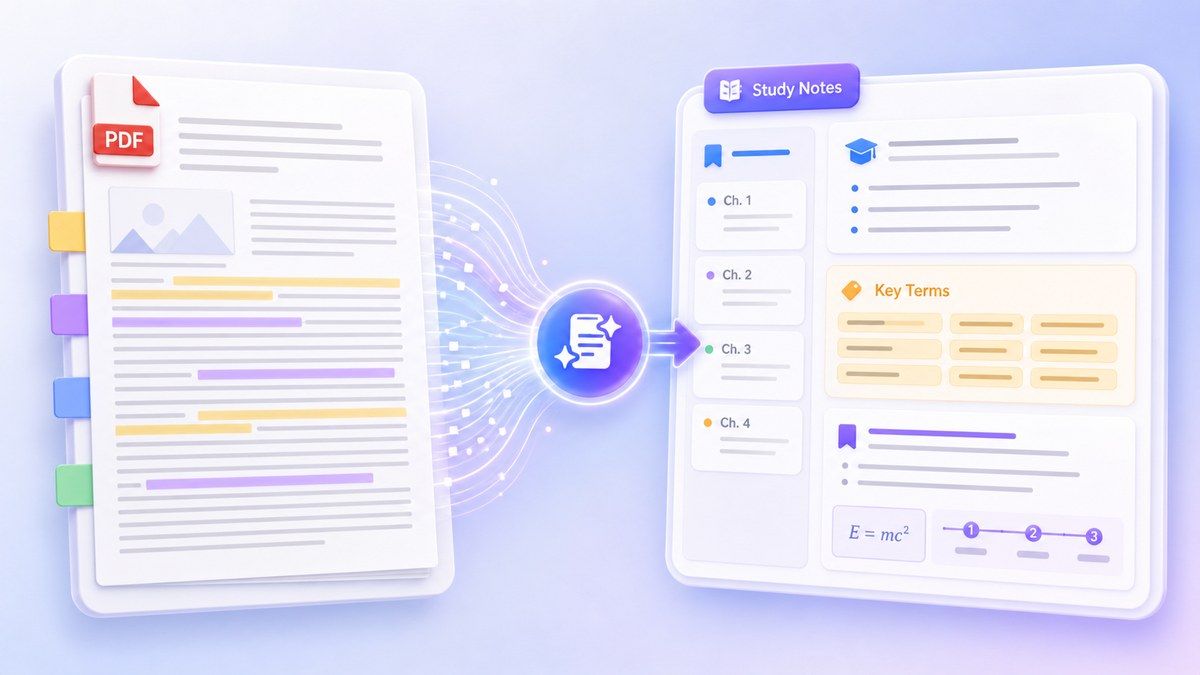
Generate Study Notes From PDFs Without Manual Copying

Move From Notes to Active Recall
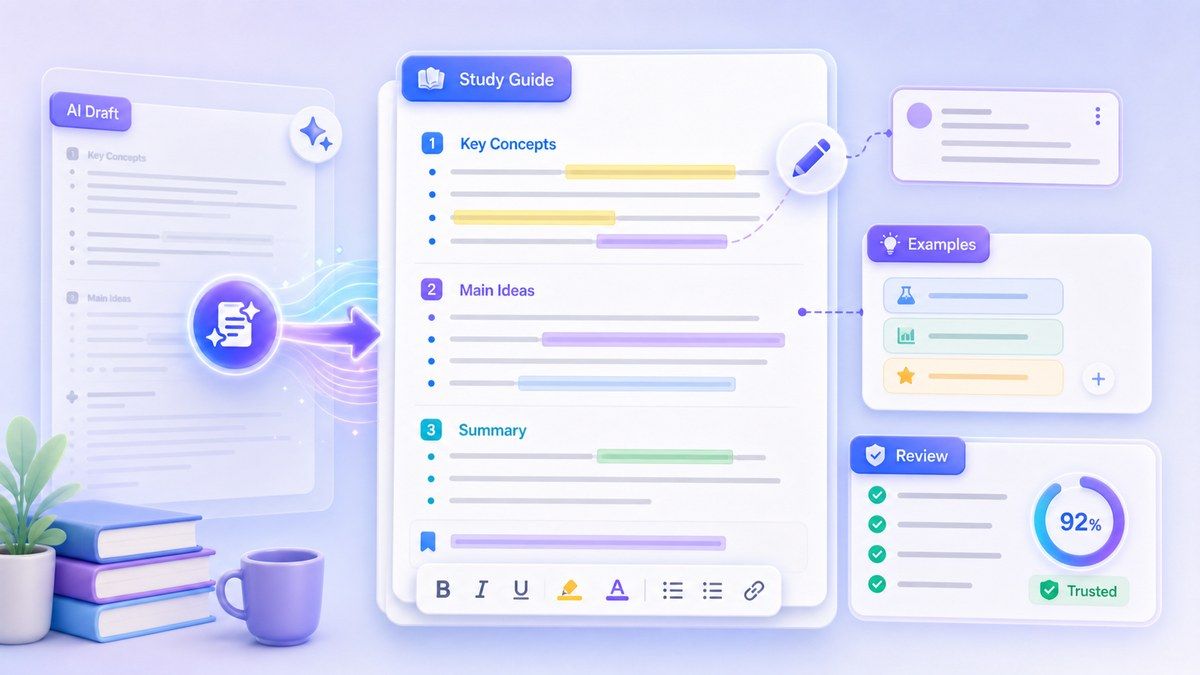
Build a Study Guide You Can Edit and Trust
How to Use a Study Notes Generator Online
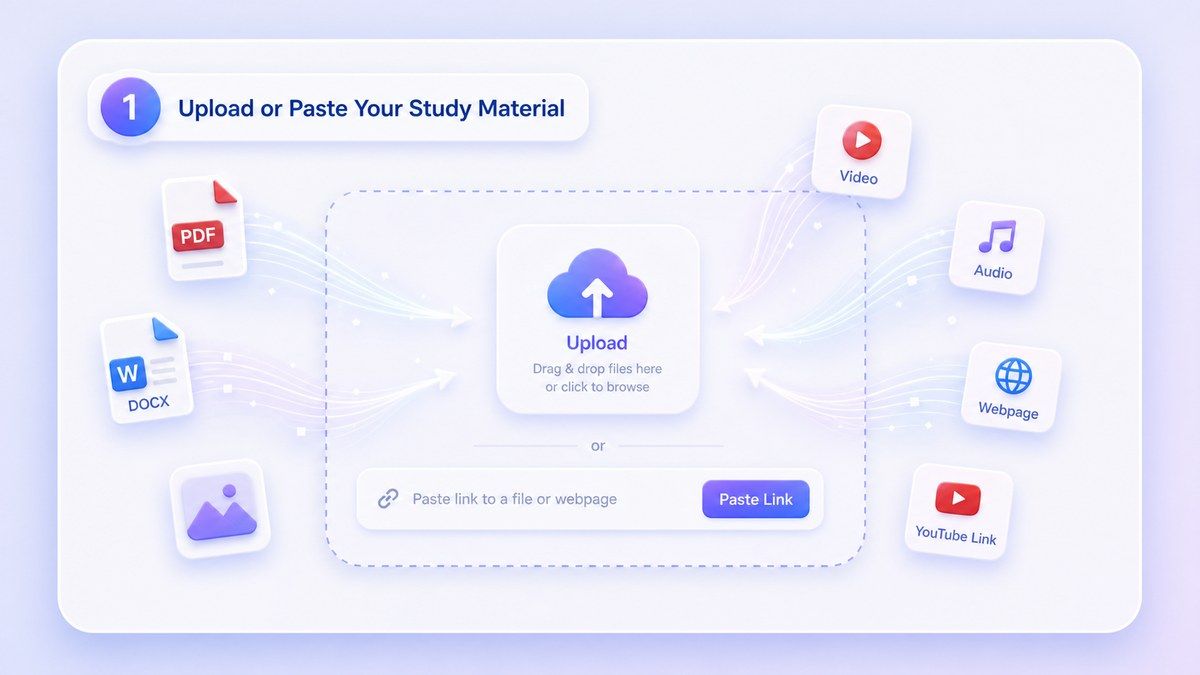
Step 1. Upload or Paste Your Study Material
Upload a PDF, DOCX file, lecture recording, video, image, webpage, or paste a YouTube link. Lynote can handle many common study sources in one workspace. This is useful when your class material is scattered across documents, slides, recordings, and links. Instead of making separate notes for every file, you can start from the source and let Lynote organize the material.
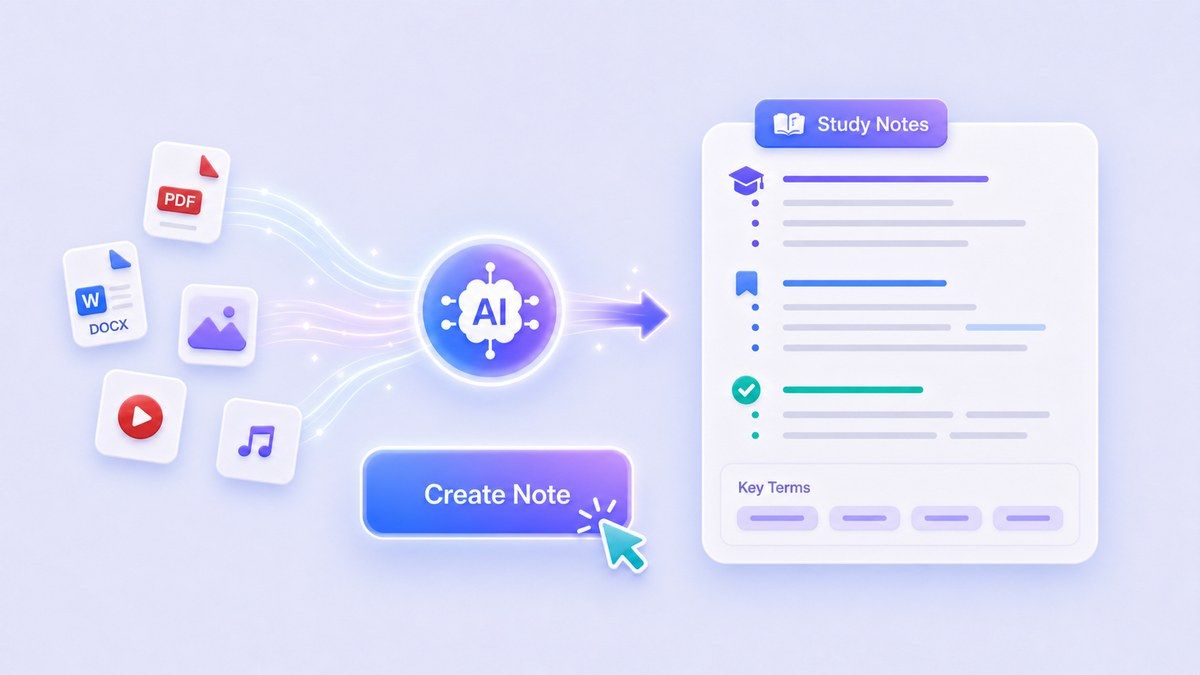
Step 2. Generate AI Study Notes
Click Create Note and Lynote will turn the source content into structured study notes. The output can include summaries, key points, sections, important terms, and source-based details. Use it as an ai study notes generator when you want a cleaner first draft before studying. You can review the notes immediately instead of spending your energy formatting and rewriting everything manually.
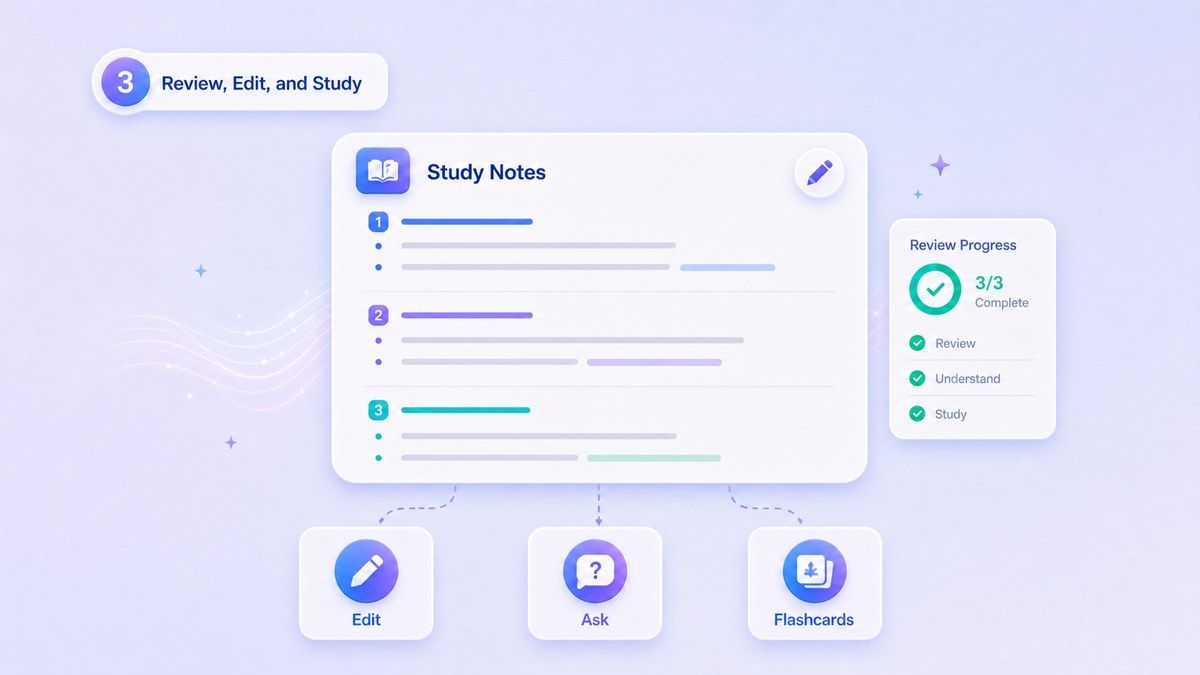
Step 3. Review, Edit, and Study
Read through the generated notes, edit unclear sections, add your own class examples, and remove details you do not need. You can also ask questions about the notes or turn them into flashcards. This final step helps you move from passive reading to active studying. The best study notes are not just generated; they are reviewed, personalized, and used.
Who Benefits from This Study Notes Generator?

Students
Turn lectures, PDFs, textbook chapters, videos, and webpages into organized notes for faster homework, quiz, and exam review.

College Learners
Generate study notes from PDF readings, academic articles, recorded lectures, and course materials without rebuilding everything manually.

High School Students
Create clear notes from class handouts, study packets, online lessons, and teacher-provided files before tests and projects.

Online Course Learners
Turn video lessons, webinar recordings, transcripts, and webpages into structured notes that are easier to revisit after class.

Certification Candidates
Create review notes from training PDFs, policy documents, long guides, and recorded lessons when preparing for professional exams.

Study Groups
Create a shared first draft of study notes, then discuss, edit, and turn the most important points into flashcards.
What People Say About Lynote Study Notes

College Student

I uploaded a long biology PDF and got clean study notes with the main terms and explanations. It gave me a much better starting point before exam week.

Online Course Learner
I use Lynote after watching course videos. The notes help me remember the structure of each lesson without replaying the whole video.

Nursing Student
The flashcards are the best part for me. I generate notes from PDFs first, then turn key definitions into cards for quick review.

High School Student
It helps me make study guides from class handouts. I still edit the notes, but I do not have to start from a blank page.

Graduate Student
I use it for dense readings and journal articles. Lynote pulls out the structure so I can decide what deserves deeper reading.

Study Group Lead
We use it to create shared notes from lecture files before group review. Everyone can add comments instead of arguing about what to write down first.
Frequently Asked Questions
Answers about AI study notes, PDFs, flashcards, supported sources, and study guide workflows.
A study notes generator turns learning materials into organized notes for review. Lynote can process PDFs, documents, videos, audio, images, webpages, and YouTube links, then structure the content into clearer study notes.
Yes. You can upload a PDF and use Lynote to generate study notes from PDF content. This is useful for textbook chapters, class readings, handouts, research articles, and long study packets.
Yes. Lynote works as an ai study notes generator that analyzes your uploaded source material and creates structured notes. The notes can include summaries, headings, bullet points, key terms, and important ideas.
You can start using Lynote online and generate notes from supported materials. For larger workflows or advanced usage, available limits and account options may depend on your plan.
Yes. After generating notes, you can turn important points into flashcards. This helps you practice active recall instead of only rereading your notes.
You can use PDFs, DOCX files, text files, images, audio, videos, webpages, YouTube links, and other supported learning materials. Lynote is designed for students who study from many source types.
Lynote generates notes based on the source content you provide, which makes the output more grounded than random AI writing. You should still review important details, names, formulas, and citations before using the notes for exams or assignments.
A basic summarizer usually shortens text. Lynote creates structured study notes, supports multiple source types, lets you ask questions, edit the result, and turn notes into flashcards for review.