

Resize PDF Files Online
Drop PDFs here, or click to select
Max 100 MB per file



Why Choose Our PDF Resizer

Free PDF Resizer
Open the PDF resizer online and adjust file size without buying a separate editing tool.

Easy PDF Resizing
Make PDF resizing easy by setting your preferred KB or MB target first, then uploading your document.

Quick Online Resizer
Use the quick online resizer to adjust a PDF after choosing the KB or MB target that fits your requirement.

Clear Document Quality
Keep clear document quality by protecting fonts, form fields, and key visual details as the file becomes smaller.

Use Anywhere Online
Resize PDF files online from the device you already have, with no desktop-only workflow.

Batch PDF Resizing
Optimize multiple files in one session so you can handle larger document batches faster.

Upload-Ready Files
Create upload-ready files with a PDF change size online workflow for forms, email, and storage.

Secure & Private
You can resize PDF free of unnecessary privacy stress. We securely handle your uploads and do not permanently store files on our servers.
Resize PDF Files to a Custom Target Size
Check Your Resized PDF File Size and Quality
Resize Multiple PDF Documents in One Batch Workflow
How to Resize PDF Online
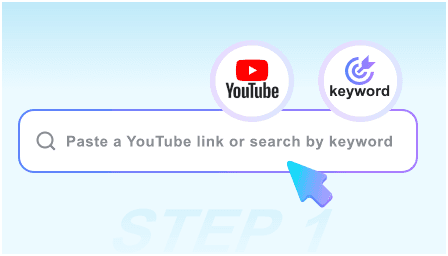
Step 1. Choose Target Size
If you want to know how to resize a PDF, start by selecting your preferred KB or MB limit before adding documents. This guides the compression level before upload begins.
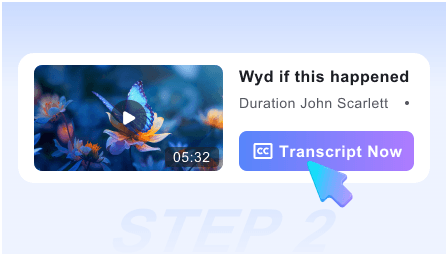
Step 2. Upload Your PDF
Select one or more documents from your computer or mobile device. The system will immediately start processing your files based on your chosen size settings.
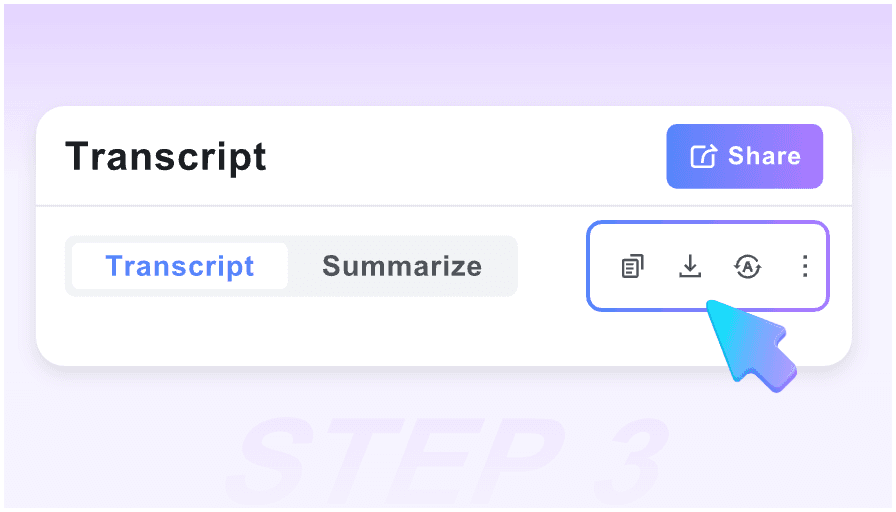
Step 3. Download Compressed PDF
Review the final optimized size on your screen to confirm it meets your requirements. Once verified, save the smaller document directly to your device.
Who Should Resize PDF Files?

Students
Use our PDF resizer online to shrink lecture notes and scanned assignments to meet strict upload limits on university portals.

HR Professionals
Resize PDF online to shrink heavy employee handbooks and policy documents for quick email distribution to your staff.

Freelancers
Change PDF size online to make heavy design portfolios and multi-page invoices easy to attach to client emails.

Legal Assistants
Resize PDF free to shrink large scanned contracts and court filings, ensuring compliance with strict court e-filing system limits.

Sales Teams
Use our tool for a quick PDF resize online, shrinking visual product catalogs and pitch decks for faster prospect sharing.

Everyday Users
Resize PDF files like tax forms, identification scans, and personal records to fit standard online application upload limits.
What People Say About Us

Job Applicant

"I needed to resize a PDF file online for a strict job portal upload limit. This tool made shrinking my scanned certifications incredibly easy."

University Student
"Being able to choose a KB target is helpful. I used this PDF resizer to shrink a 15MB lab report toward 500KB for my university submission portal."

HR Professional
"When you resize a PDF document like our 100-page onboarding manual, you worry about blurry text. This tool reduced the file size drastically while keeping every policy completely readable."

Freelancer
"I regularly use this to resize PDF files in bulk before sending them to clients. Processing five heavy project proposals at once saves me so much time on email attachments."

Small Business Owner
"Finding a reliable PDF resizer free of complicated software installs was a relief. I just open my browser, upload my monthly expense reports, and get smaller files for my archive."

Everyday User
"I was looking for how to resize a PDF containing sensitive financial statements. Knowing the files are processed securely and not stored permanently gave me peace of mind."
Frequently Asked Questions
Still got questions about how to resize PDF files? Here are the answers.
Simply choose your target size, then upload your document. Our system will automatically compress the file, allowing you to check the final result before downloading.
Our tool functions strictly as a file-size compressor. It reduces the document weight so you can meet upload limits. It does not alter the physical page dimensions, such as A4 or Letter sizes, nor does it crop your visible content.
Yes, you can enter a target size before uploading. The tool adjusts its compression level to match your requested size as closely as possible.
The tool uses smart compression to shrink embedded images and optimize background data while keeping text sharp. Heavy compression on very large files may slightly reduce image clarity, but the document can remain readable for business and academic use.
Yes. You can batch upload and resize multiple PDFs simultaneously as long as they share similar layout structures.
Very large or highly image-heavy files may not always reach a very small target size without quality tradeoffs. The final compressed size depends heavily on the original document structure, embedded fonts, and scanned content. The tool will apply strong reduction while keeping text readable where possible.
Yes. All files are processed securely and are never permanently stored, ensuring your sensitive information remains completely private.


