

Reduce PDF Size Online
Drop PDFs here, or click to select
Max 100 MB per file



Why Choose Our PDF Size Reducer

Free PDF Reducer
Reduce PDF file size online for free without downloading desktop software or creating extra setup.

Simple Size Control
Choose a target size or compression level before upload so the tool works toward the result you need.

Fast File Reduction
Shrink PDF size quickly in your browser for email attachments, uploads, and everyday sharing.

Readable Results
Retain usable document quality by balancing smaller file size with readable text and clear forms where possible.

Browser-Based Tool
Use this browser-based tool from desktop, tablet, or mobile with no software installation.

Multi-PDF Support
Reduce multiple PDF files in one workflow when several documents need to be smaller.

Save Storage Space
Minimize PDF size to free up valuable space on your local hard drive and cloud storage accounts.

Secure & Private
Process PDF files securely online with zero permanent storage on our servers after your session ends.
Reduce PDF File Size With Target Control
Shrink PDFs While Keeping Content Readable
Batch Reduce PDF Files For Quick Processing
How to Reduce PDF Size Online
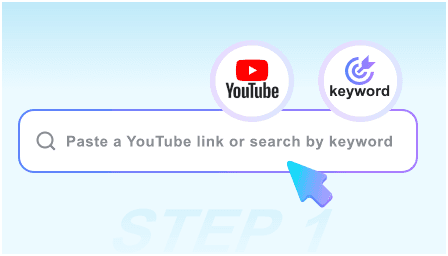
Step 1. Choose Target Size
Select your desired compression level from the menu before uploading if you need a short PDF size. Setting this preference first prepares the system for processing.
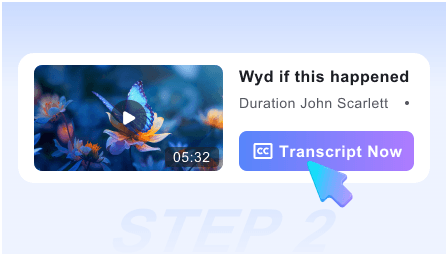
Step 2. Upload Your PDF
Choose one or multiple PDF documents from your device to begin. Once uploaded, the system immediately starts to shrink PDF size based on your chosen settings.
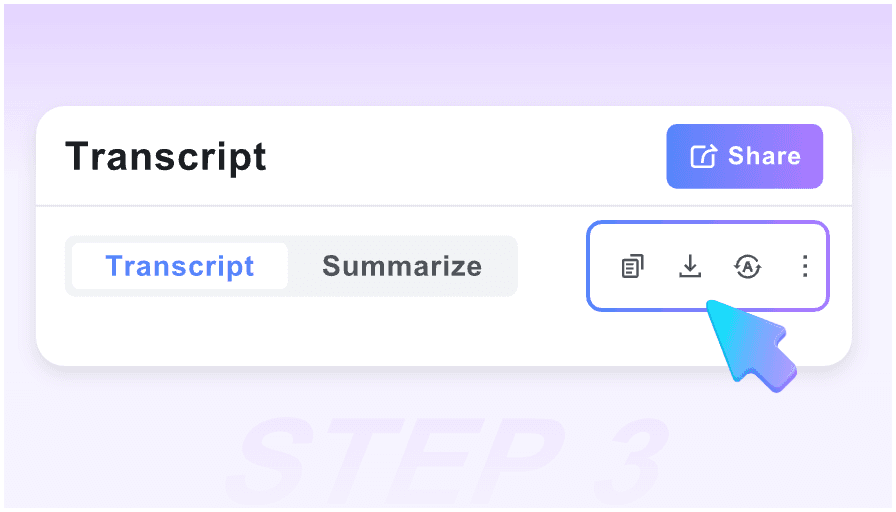
Step 3. Download Compressed PDF
Review the final output metrics to confirm it meets your requirements. Download the optimized PDF directly to your computer or mobile device for immediate sharing.
Who Needs to Reduce PDF Size?

Government Applicants
Reduce PDF size of scanned ID documents and passport copies for official portal uploads while keeping text clear where possible.

Students & Educators
Decrease PDF size of heavy lecture slides and assignment scans to meet school system upload limits on time.

Legal Professionals
Shrink PDF file size of lengthy case files, contracts, and evidence exhibits for direct e-filing in court systems.

HR Coordinators
Minimize PDF size of comprehensive employee handbooks and benefits packages for fast email distribution to staff.

Architects & Engineers
Reduce PDF file size of large CAD exports and complex blueprints to share drafts directly with clients.

Freelance Designers
Decrease the size of the PDF portfolio containing high-resolution graphics for smooth client pitches via email.
What Our Users Say

Job Applicant

"I needed a reliable file size reducer to upload my resume to a strict career portal. It was very simple to compress my scanned certificate."

Graduate Student
"I love that I can set a specific target size. Being able to reduce PDF file size toward 500KB for my 100-page thesis draft saved me so much stress."

HR Professional
"We shrink PDF files daily to email 50-page onboarding packets. The text stays crisp, and the forms remain readable for new hires."

Freelance Consultant
"Being able to upload five heavy design proposals at once is a huge timesaver. I batch reduce PDF size before sending."

Small Business Owner
"I use this PDF size reducer on my phone while traveling. It is great for compressing scanned tax receipts on the go."

Everyday User
"I needed a quick way to short PDF size for my tax declaration forms. I felt safe knowing my personal documents were processed securely without permanent storage."
Frequently Asked Questions
Still got questions about reducing your PDF size? Here are the answers.
Choose your desired target size, upload your document, and the tool will automatically decrease the size of the PDF. Once processed, you can check the final size and download it.
Yes, you can enter a target size in KB or MB before uploading. The tool will attempt to shrink PDF size as close to your requested limit as possible.
Our tool minimizes PDF size while keeping the document readable. However, reaching very small target sizes on image-heavy files may slightly impact visual clarity.
Yes, you can upload and batch compress several documents simultaneously. This helps you reduce PDF file size for multiple reports or forms in one go.
If your document contains heavy embedded images or scanned content, it may be difficult to shrink PDF file size to a very small target. Our PDF size reducer will reduce PDF file size as much as possible to help you reach a short PDF size while keeping text clear.
Yes. Your files are processed securely and are automatically deleted from our servers right after you decrease the size of the PDF.
This tool is a dedicated file size reducer designed to minimize PDF size in kilobytes or megabytes for easier uploads. It does not change physical page dimensions. It only compresses internal data to shrink PDF size.


