Reduce PDF in MB Online
Drop PDFs here, or click to select
Max 100 MB per file



Why Choose Our PDF Size Reducer in MB?

100% Free
Reduce PDF size in MB online for free. Just pick a clear target choice before you upload any file.

No Sign Up
No sign up is required. Reduce your PDF size in MB immediately without creating an account or going through any software setup.

Batch Compress
Process multiple documents in one workflow. Batch compress your files to the same MB target instead of repeating individual uploads.

High Quality
Shrink your documents while maintaining high quality. This tool keeps your text, layouts, and important visuals readable after reaching the MB target.

Exact MB Control
Avoid vague compression tiers. Simply choose the exact MB target that matches your strict portal upload limit.

Works Anywhere
Access this tool directly from your desktop or mobile browser. It works anywhere, letting you optimize files without installing any apps.

Final Size Check
Verify the newly compressed MB size on your screen before downloading the final optimized file to your device.

Secure & Private
Uploaded PDFs are processed securely on our system and automatically deleted from our servers after your session ends.
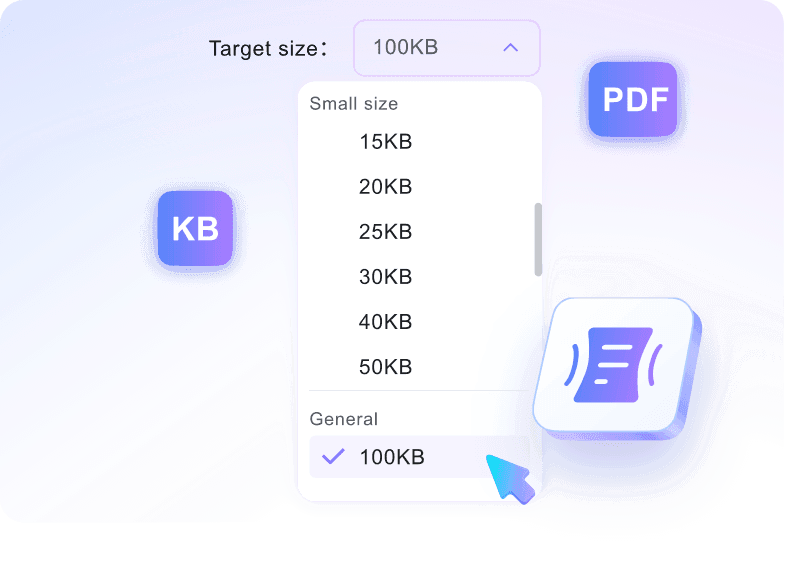
Choose the MB Limit Your Portal Requires
Different forms ask for different MB limits, and a generic compressor may not match the number you need. Choose targets such as 1MB, 2MB, 5MB, 10MB, or 25MB before uploading. The workflow is built around the limit your portal actually shows.
Balance Smaller Size with Readability
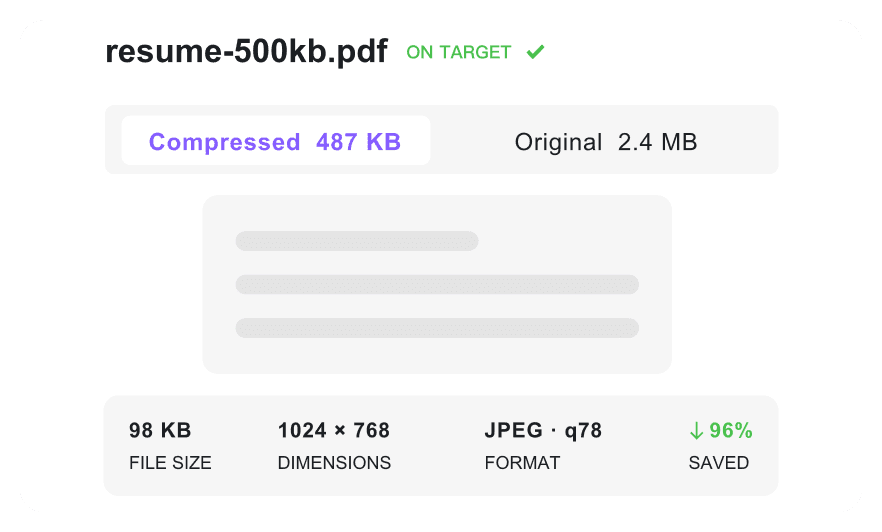
A 1MB target and a 10MB target create very different quality tradeoffs. This compressor helps you reduce PDF in MB while keeping text, layouts, and important visuals readable where possible. You can choose the smallest practical size for each situation.
Reduce Whole Folders to MB Targets
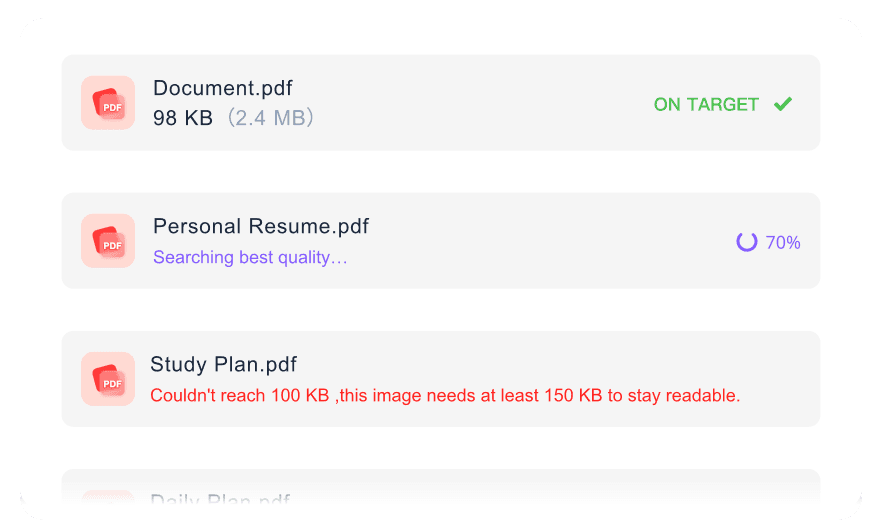
If your team prepares invoices, policy files, forms, or course packets, repeated manual compression gets old fast. Upload multiple PDFs and apply the same MB target to the whole group. It helps you prepare folders for email, portals, or shared drives faster.
How to Reduce PDF MB Size Online

Step 1. Pick an MB Preset
Select the MB value that matches your email, portal, or storage requirement. Pick the target first so the output is judged against the right limit.
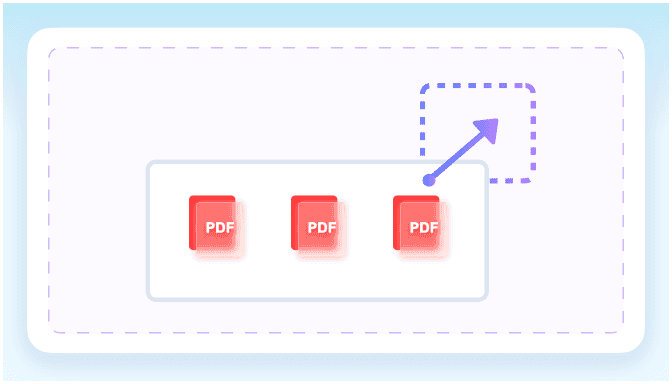
Step 2. Add One or More PDFs
Drag files into the upload area or browse from your device. You can process a single document or several related PDFs in one workflow.
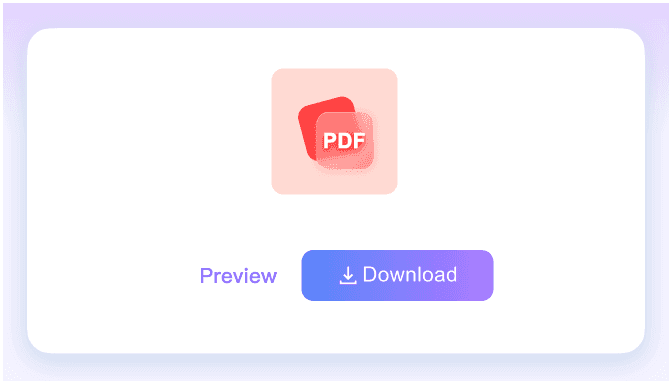
Step 3. Review the Final MB Size
Check the new MB size on screen before saving. When it fits your requirement, download the compressed PDF directly to your device.
Who Needs to Reduce PDF in MB?

Job Applicants
Shrink resumes and design portfolios to bypass strict applicant tracking system limits when you reduce PDF in MB.

Students
Compress scanned assignments and lecture notes to meet university submission portal requirements using this PDF size reducer in MB.

Business Professionals
Reduce large contracts and financial reports to fit standard 25MB email attachment limits without losing document readability.

Freelancers
Optimize heavy project proposals and compress PDF in MB before sending them to clients for fast review.

Government Applicants
Shrink tax forms and identification scans to ensure they upload successfully to strict government or visa application portals.

Webmasters
Compress downloadable PDF guides to reduce server bandwidth usage and improve page load times for your website visitors.
MB Reduction Use Cases

Job Applicant

"I needed to shrink my design portfolio to fit a strict upload cap. This tool helped me bypass a 2MB limit for a job application resume perfectly."

Graduate Student
"Being able to select specific MB targets before uploading is helpful. I easily selected a 5MB target for a scanned university assignment."

Office Administrator
"Batch compressing multiple PDFs to the same MB target saves me hours. I finished batch compressing 15 monthly invoices to 1MB each quickly."

Consultant
"I process sensitive 40-page consulting reports, so data security is essential. Knowing this tool deletes my files right after reducing the MB size gives me peace of mind."

HR Manager
"It replaces vague High or Medium tiers with exact MB control. Avoiding vague compression tiers for HR policy documents gives me peace of mind."

Freelance Designer
"It works directly in mobile browsers without downloading any apps. Reducing a client proposal directly from a mobile browser was incredibly convenient."
Frequently Asked Questions
Answers for MB presets, quality tradeoffs, upload limits, privacy, and batch files.
Select your target size to reduce PDF MB online free, then upload your document. The tool automatically shrinks the file toward your chosen size for download.
You can upload documents up to 100 MB per file. If your document is larger, you will need to split it first.
The tool optimizes your file while keeping text and layouts readable. However, heavily shrinking image-rich documents to a very small MB target may lower image resolution.
Yes, you can compress PDF file in MB online for multiple documents simultaneously. Just set your desired target size before uploading, and the tool processes all files.
Yes, your files are processed securely. We do not permanently store your documents, ensuring privacy when you reduce PDF file in MB.
Yes, you can reduce PDF MB online free of charge. There are no hidden fees or software installations required.
Generic high or medium settings often leave files too large for strict upload limits. When you compress PDF file in MB online with exact targets, you ensure the document meets specific portal requirements without unnecessary quality loss.