

Podcast Transcript Generator

Drop files or browse

Add study materials to enable the AI to extract and structure content.



Why Choose Our Podcast Transcript Generator?

Accurate Podcast Transcription
Convert podcast episodes into readable text with clear punctuation, paragraph flow, and speaker-aware formatting for interviews, panels, and solo shows.

Searchable Episode Text
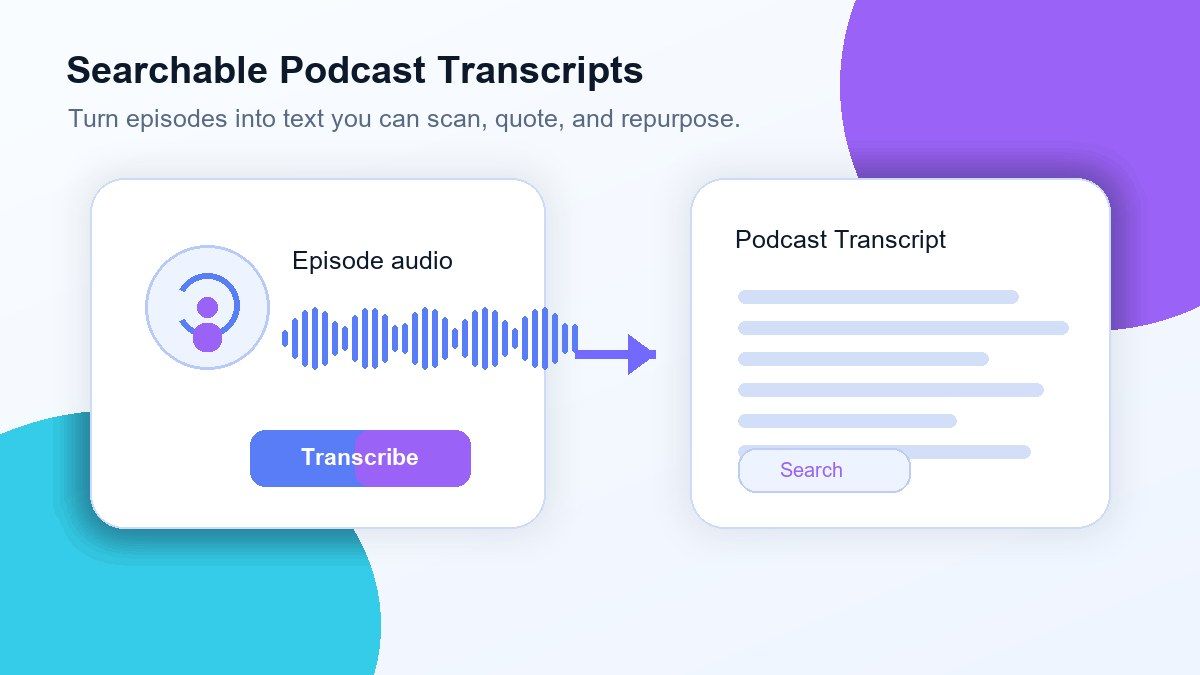
Find quotes, topics, sponsors, questions, and timestamps without replaying the entire episode from beginning to end.

Built for Long Episodes
Upload long podcast recordings and get a transcript that is easier to scan, edit, and repurpose than raw audio notes.

Great for Show Notes
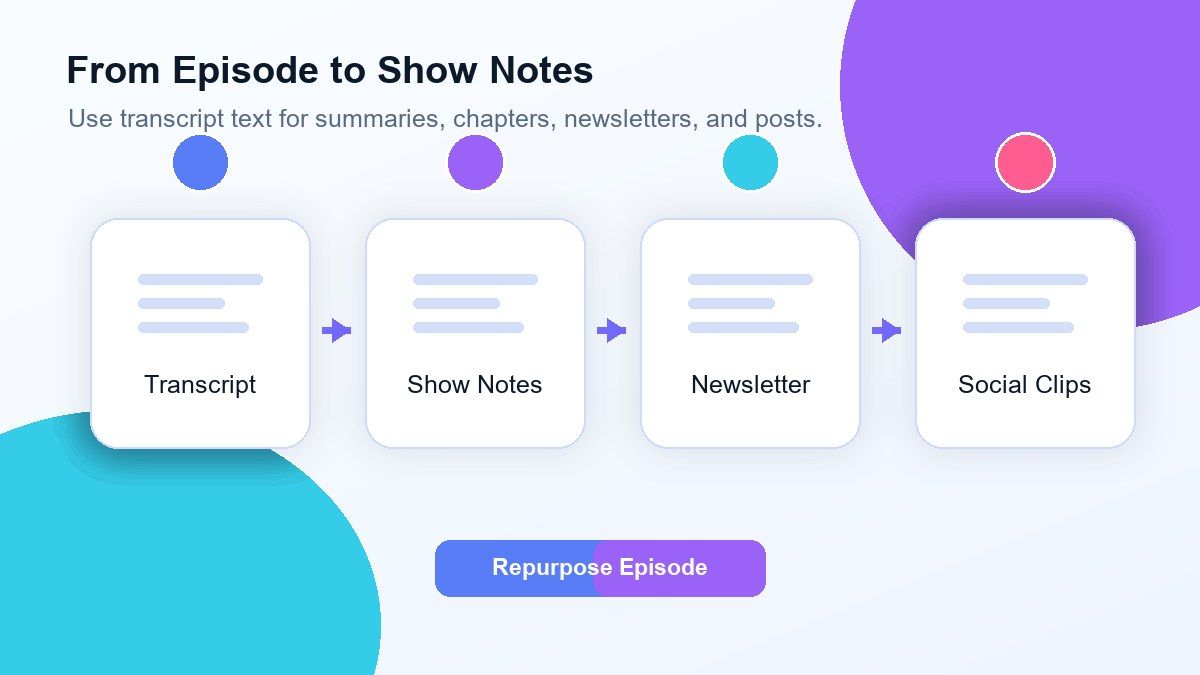
Use the transcript to create summaries, episode descriptions, blog drafts, social posts, captions, and newsletter snippets.

Supports Common Audio Files
Upload MP3, WAV, M4A, and other common audio formats. If your podcast is from Spotify or Apple Podcasts, upload the episode audio file you have permission to use.

Speaker-Aware Review
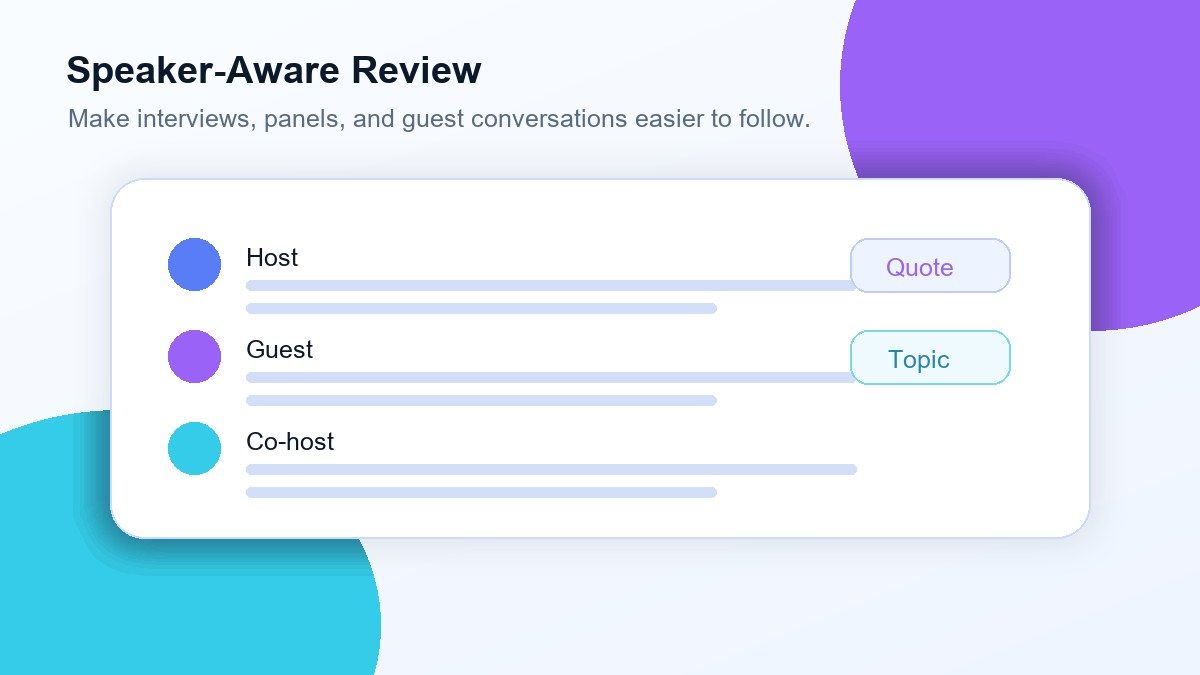
Make interview transcripts easier to follow by separating speakers where possible, so conversations feel structured instead of like one long block of text.

Editable and Reusable
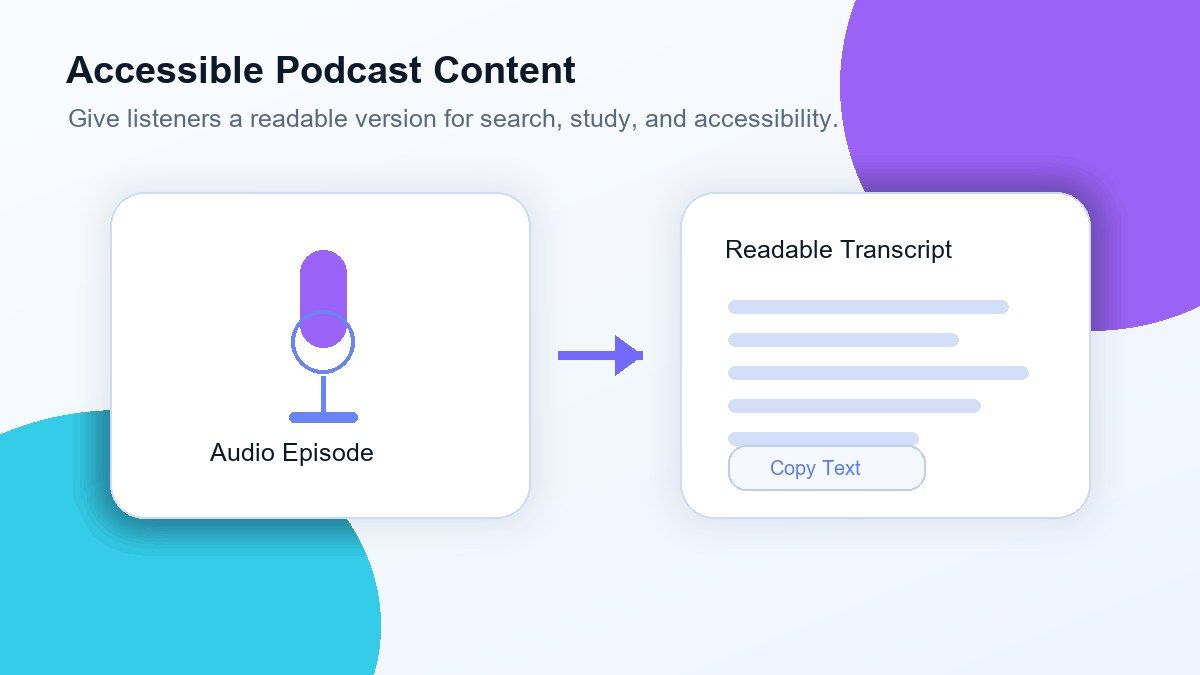
Review, edit, copy, export, translate, or turn transcript sections into notes for your publishing workflow.

Private Processing
Your podcast files are processed securely and are not used to train AI models.
Turn Podcast Audio Into a Searchable Transcript
Create Better Show Notes From Every Episode
Review Interviews, Panels, and Guest Conversations
Make Podcast Content More Accessible
How to Get a Transcript of a Podcast Online
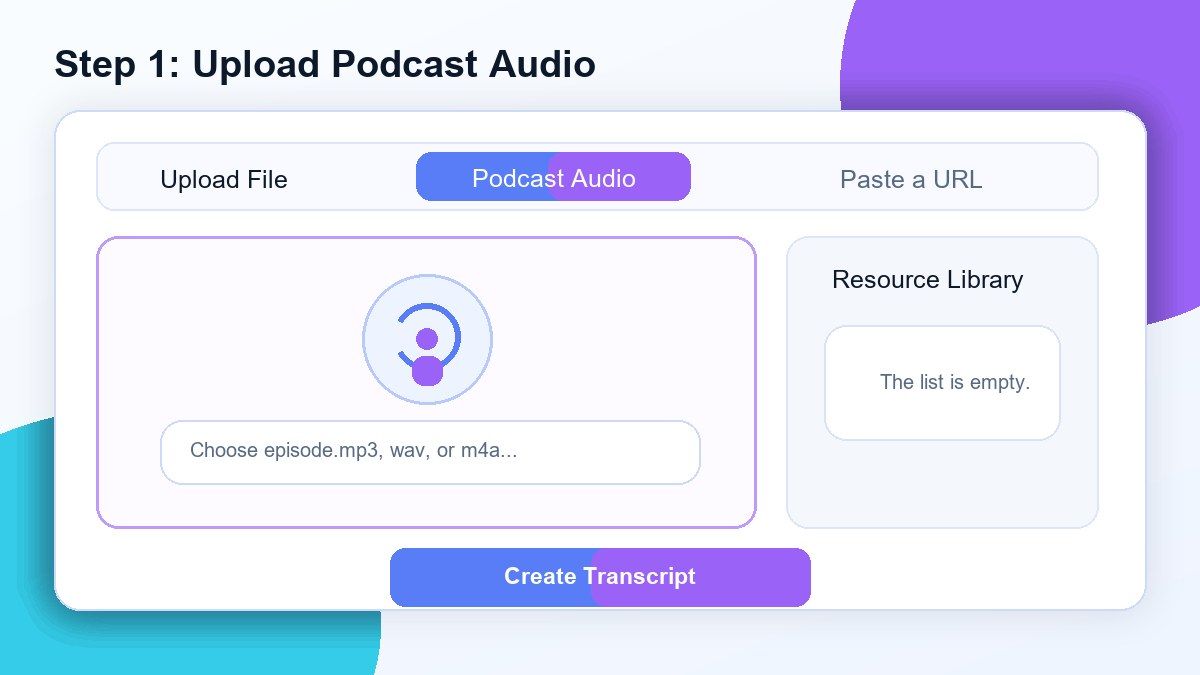
Step 1. Upload Your Podcast Audio
Upload your podcast episode file, such as MP3, WAV, or M4A. If the episode comes from Spotify, Apple Podcasts, or another platform, download or export the audio file you have the right to process first.
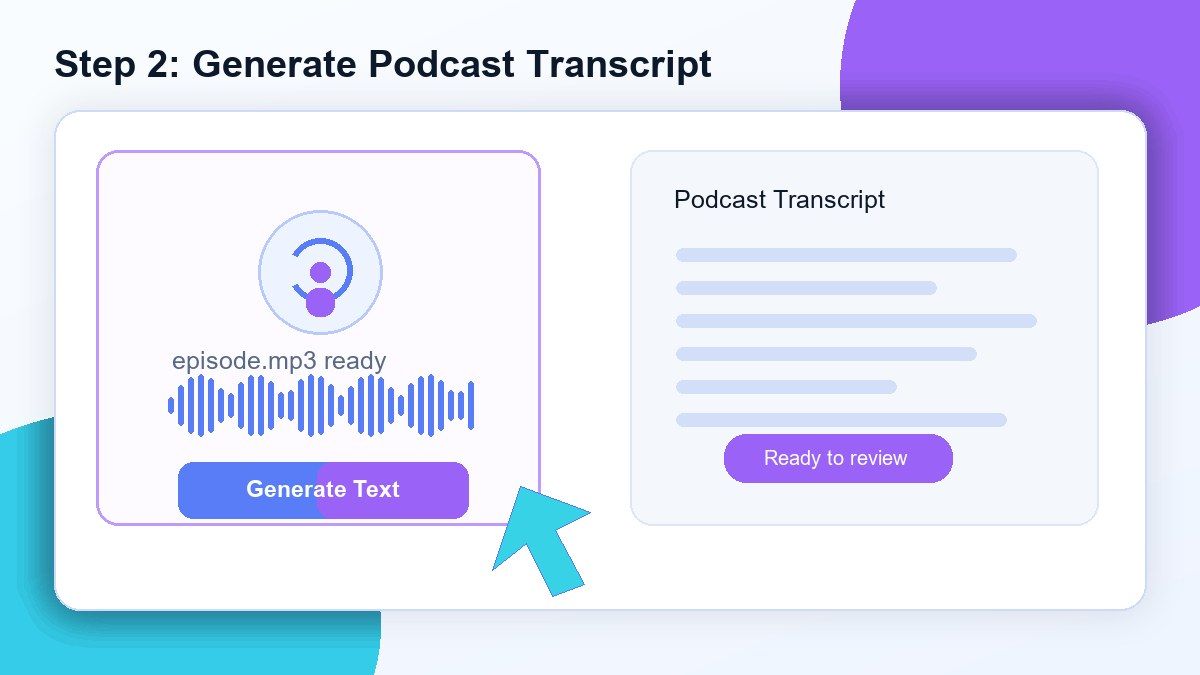
Step 2. Generate the Podcast Transcript
Click the transcription action and Lynote will convert the podcast audio into editable text. The output is designed for long-form spoken content, including interviews, commentary, lessons, and multi-speaker discussions.
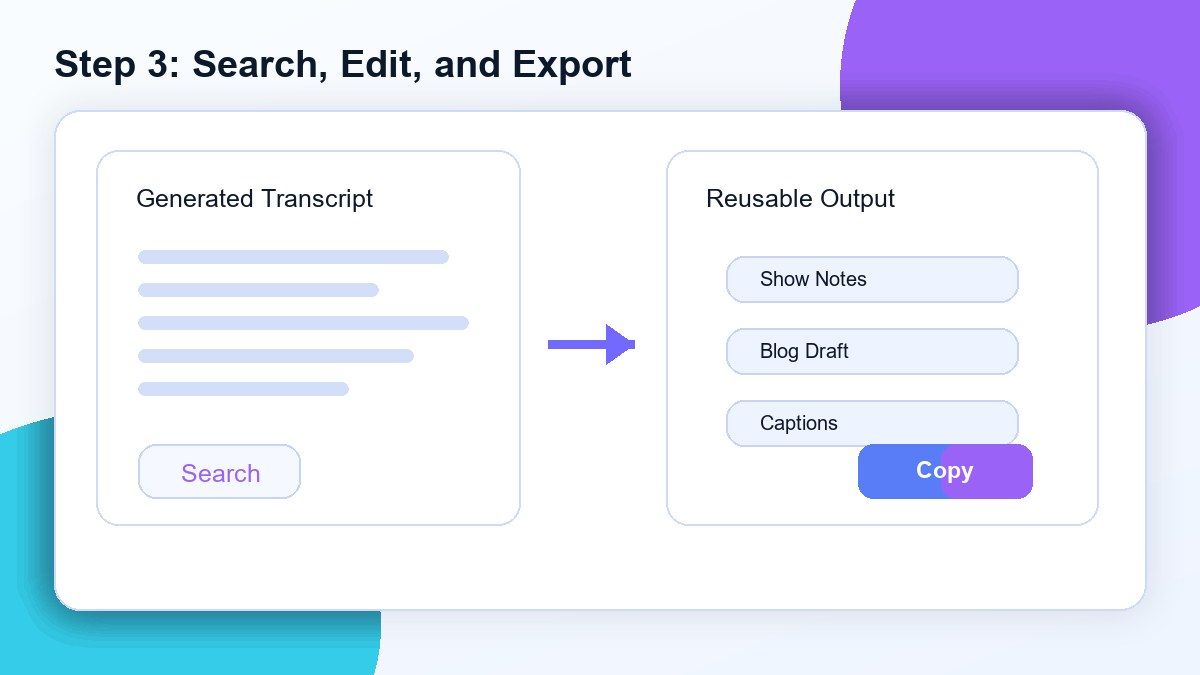
Step 3. Review, Search, and Reuse the Text
Read through the transcript, correct names or technical terms if needed, and search for important moments. Then copy, export, translate, summarize, or turn the transcript into notes, captions, show notes, or blog content.
Who Is This Podcast Transcript Tool For?

Podcasters
Create transcripts for episodes, interviews, bonus content, and archives so your audience can search and read key moments.

Podcast Producers
Review raw conversations, find strong clips, prepare show notes, and organize episode material before publishing.

Content Marketers
Turn podcast episodes into blog posts, newsletters, LinkedIn posts, quote graphics, and SEO-friendly summaries.

Journalists
Transcribe podcast interviews and spoken commentary so quotes, names, and claims can be reviewed before writing.

Researchers
Convert audio discussions into searchable transcripts for qualitative review, citations, and topic analysis.

Students and Listeners
Turn educational podcasts into study text so you can highlight ideas, search terms, and revisit important sections faster.
What People Say About Lynote Podcast Transcripts

Podcast Producer

Lynote helps me turn long interview episodes into clean transcripts I can search before writing show notes. It saves hours every week.

Content Strategist
I use podcast transcripts to create blog outlines and social posts. Having the full episode in text makes repurposing much easier.

Graduate Student
I listen to academic podcasts for research, and Lynote lets me turn useful episodes into searchable study material.

Creator
After uploading my podcast audio, I can quickly pull quotes, summarize segments, and prepare captions without typing everything manually.

Marketing Manager
Our team uses transcripts for webinars and podcasts. The text is easy to edit, share, and reuse across content channels.

Research Assistant
For interviews and expert conversations, the searchable transcript is the most useful part. I can find one idea in seconds.
Frequently Asked Questions
Have questions? We've got answers. If you can't find what you're looking for, feel free to contact us.
An AI audio to text converter automatically transcribes spoken audio into written text using speech recognition technology. It helps turn recordings, meetings, lectures, interviews, and other audio files into editable transcripts.
Lynote supports popular audio and video formats including MP3, WAV, M4A, MP4, MOV, and more. You can also paste a YouTube link for transcription.
Our AI provides highly accurate transcription for clear recordings and spoken conversations. Accuracy may vary depending on background noise, audio quality, and speaker clarity.
Yes. You can transcribe podcasts, lectures, interviews, webinars, meetings, and other long-form recordings into searchable text.
Yes. You can transcribe audio to text online for free and generate editable transcripts in minutes.
Yes. Paste a YouTube link and Lynote will automatically generate a transcript from the video audio.
Yes. Once your transcript is generated, you can review, edit, copy, export, share, or translate the text.
Your files are processed securely and are never used to train AI models. Your recordings and transcripts stay private.


