Choose Your Images
Click Choose Images or drag your files into the converter. Add one image or select up to 10 at a time. Each file can be up to 50 MB.


Convert photos, screenshots, and graphics to PNG. Preview the results and download a single PNG or a whole batch. Free to start, with files processed directly in your browser.

Max 50 MB per file · Up to 10 images
Images converted: 0.
Images are processed locally in your browser. HEIC is not supported yet.
Click Choose Images or drag your files into the converter. Add one image or select up to 10 at a time. Each file can be up to 50 MB.
PNG is already selected as your output format. Click Convert to PNG to create a separate .png file for each image.
Compare your original and converted image side by side. Check small text, edges, colors, and the background. Download an individual PNG or save the converted batch as a ZIP.
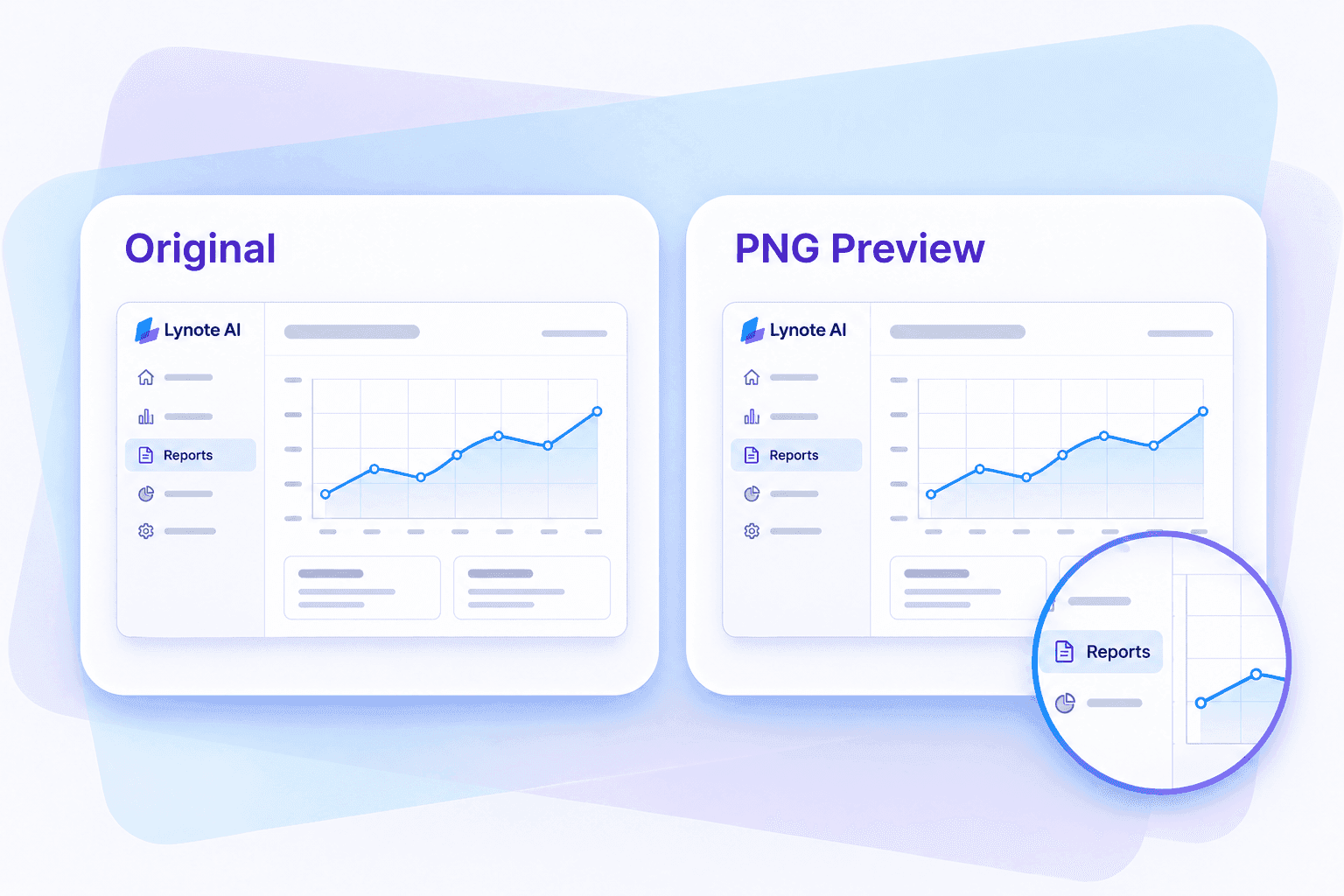
A screenshot might need to show a menu label, a chart might have thin gridlines, and a logo might include small lettering. PNG uses lossless compression, which preserves the pixel data encoded in the PNG. Start with a sharp source image, then use the side-by-side preview to check that the details you need are easy to read.
Drop in your images, click Convert to PNG, and download the results as soon as they’re ready. Lynote AI processes your files directly in your browser, so conversion can start right away without waiting for an upload. Convert a single image or batch up to 10 files in one go.
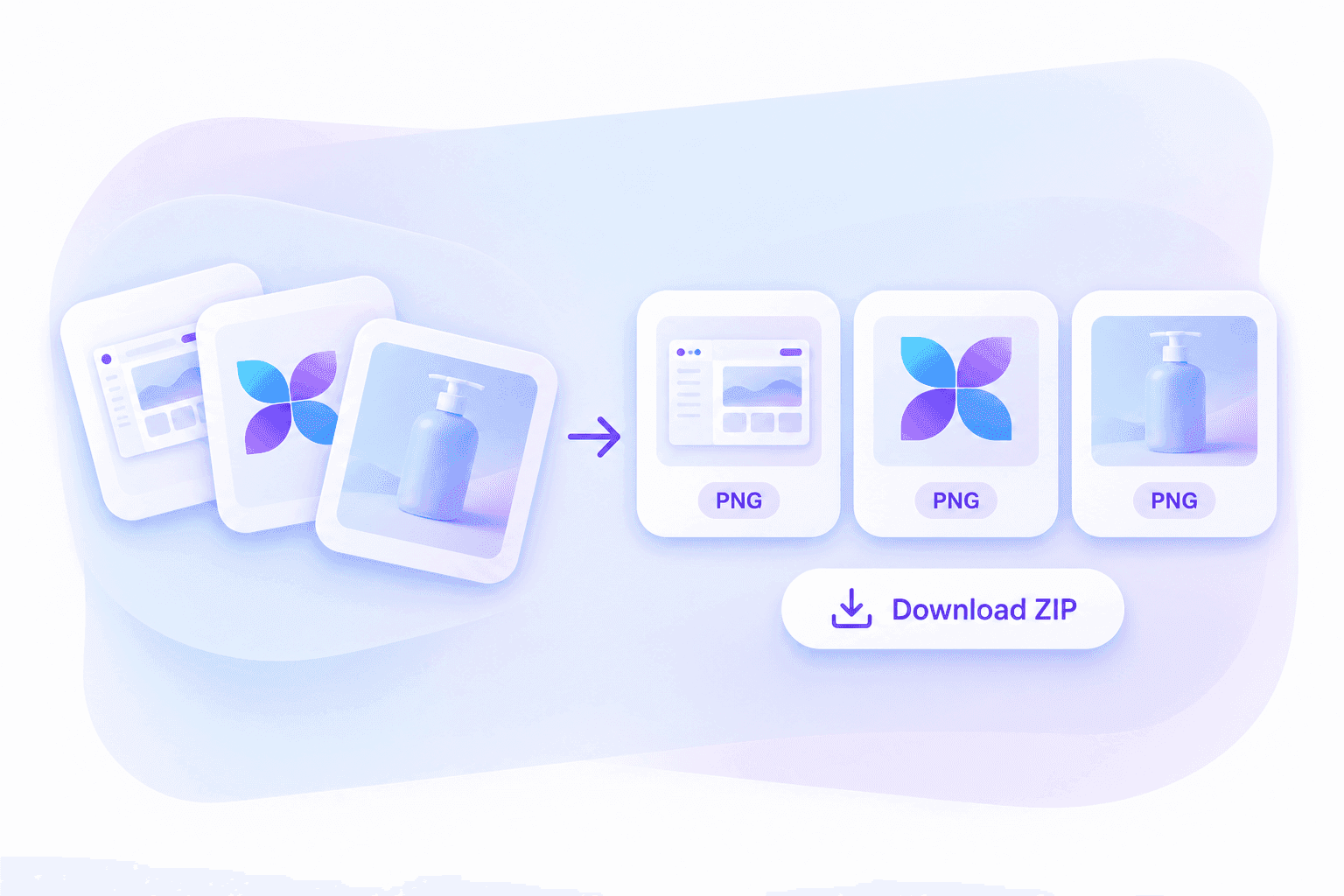
When a project calls for several screenshots, illustrations, or product graphics in the same format, add them to one batch. Each image becomes a separate PNG. Save the files you need individually or download all successfully converted images together in a ZIP.
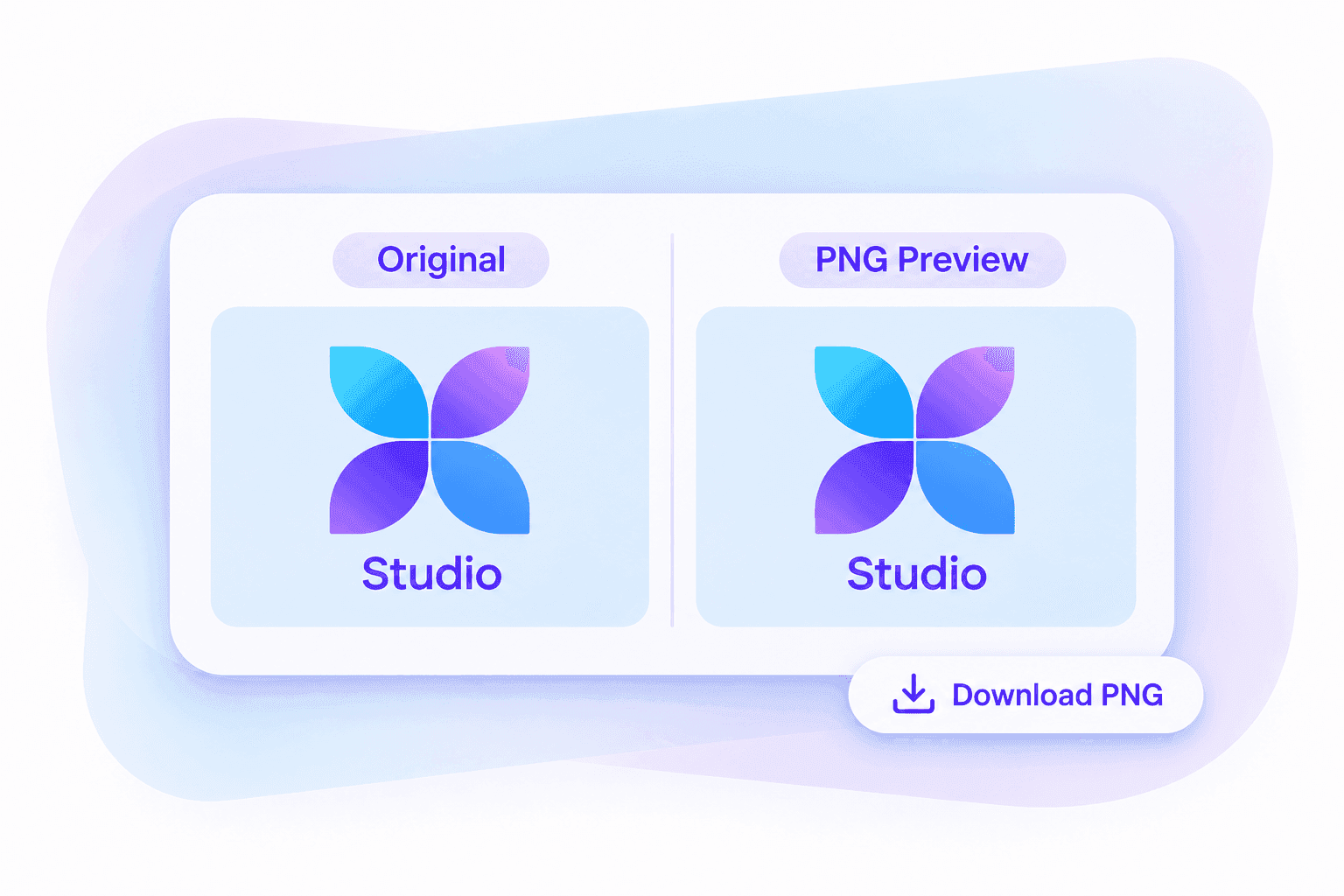
Compare the original and the converted PNG in one view. Check whether a logo’s edges look clean, a diagram’s labels are readable, and the background fits your final layout. Once you’ve checked the result, save the PNG to your device.
Convert images to PNG quickly, preview the results, and download the files you need.
Convert images to PNG right in your browser, with no upload wait.
Convert up to 10 images at once and download them individually or as a ZIP.
Compare the original and converted PNG side by side before downloading.
Keep small text, fine lines, and sharp edges clear with lossless PNG compression.
Start with free credits. Only successful conversions use credits.
Your images stay on your device throughout conversion.

Prepare PNG copies of logos and icons for slides, signatures, or website layouts. Use a source with transparency when the graphic needs to sit over a colored background.
Prepare PNG copies of logos and icons for slides, signatures, or website layouts. Use a source with transparency when the graphic needs to sit over a colored background.

Convert screenshots for help articles, training guides, and bug reports. Preview interface labels and menu text before publishing.
Convert screenshots for help articles, training guides, and bug reports. Preview interface labels and menu text before publishing.

Save diagrams, charts, and annotated visuals as PNG images for slides or worksheets. Check that axis labels and thin lines are easy to read at the final size.
Save diagrams, charts, and annotated visuals as PNG images for slides or worksheets. Check that axis labels and thin lines are easy to read at the final size.

Convert supported images to PNG when a submission requires that file type. Check the final file size and dimensions against the upload requirements.
Convert supported images to PNG when a submission requires that file type. Check the final file size and dimensions against the upload requirements.
Create a PNG copy of an illustration or web graphic when your design or publishing workflow asks for .png.
Create a PNG copy of an illustration or web graphic when your design or publishing workflow asks for .png.
Convert sticker graphics or stream overlays to PNG. If the original has a transparent background, you can place the PNG over videos, livestreams, or social posts without a solid box around it.
Convert sticker graphics or stream overlays to PNG. If the original has a transparent background, you can place the PNG over videos, livestreams, or social posts without a solid box around it.
A PNG file converter takes a supported image and encodes it as a .png file. The result is a separate PNG copy, so you can keep the source file for later edits.
Choose your image, click Convert to PNG, and open the preview. Download the PNG when you’re happy with the result.
You can start with free conversion credits. Each successfully converted image uses one credit. Failed conversions and downloads use no credits.
Yes. Add up to 10 supported images at a time, with a maximum of 50 MB per file. Download the PNGs separately or save the batch as a ZIP.
Yes. PNG supports transparent areas. If your source already has transparency, check the preview to see how it appears in the converted PNG. For an image with a solid background, use a background removal tool first if you need transparency.
PNG uses lossless compression to store the pixels in the converted file. Any blur or compression artifacts already in the source JPG can still appear in the PNG. For clearer results, start with the sharpest copy you have.
PNG files can be larger than JPG or WebP files, especially for detailed photos. The final size depends on the image’s dimensions and content. Check the downloaded PNG against your upload limit.
Your browser processes the image and generates the PNG locally. The conversion runs on your device without sending your images to a server.