

AI Note Summarizer for Notes, PDFs, and Videos

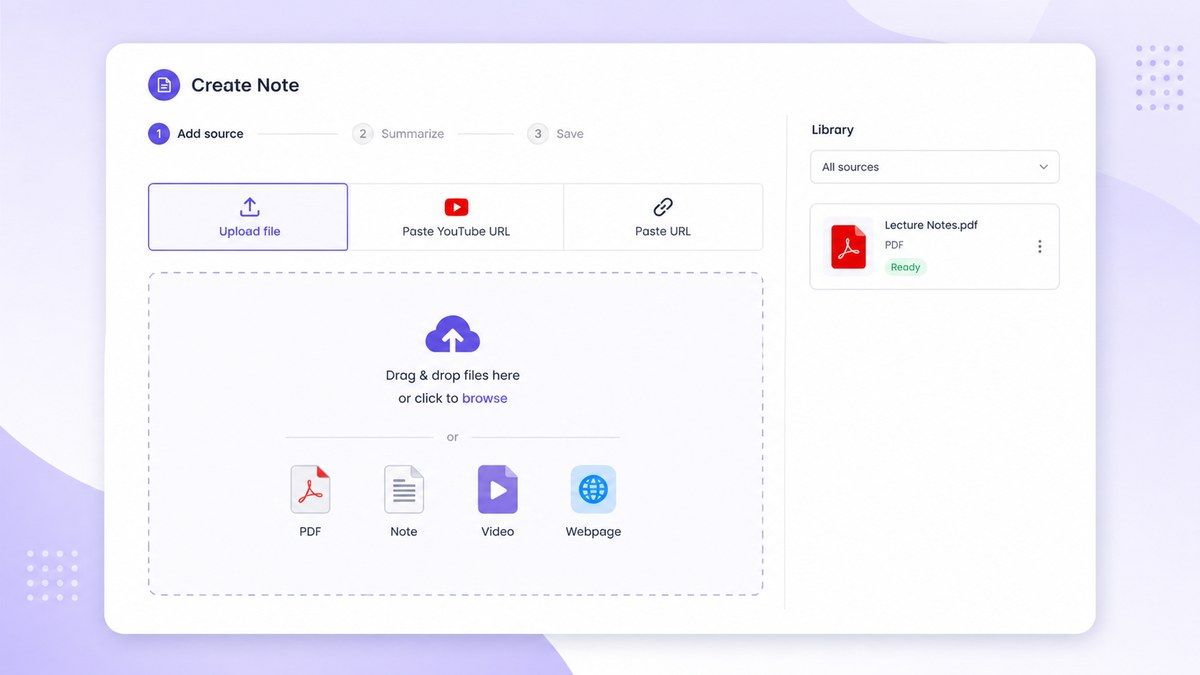
Drop files or browse

Add study materials to enable the AI to extract and structure content.



Why Choose Lynote Note Summarizer?

Summarize Notes Without Losing Context
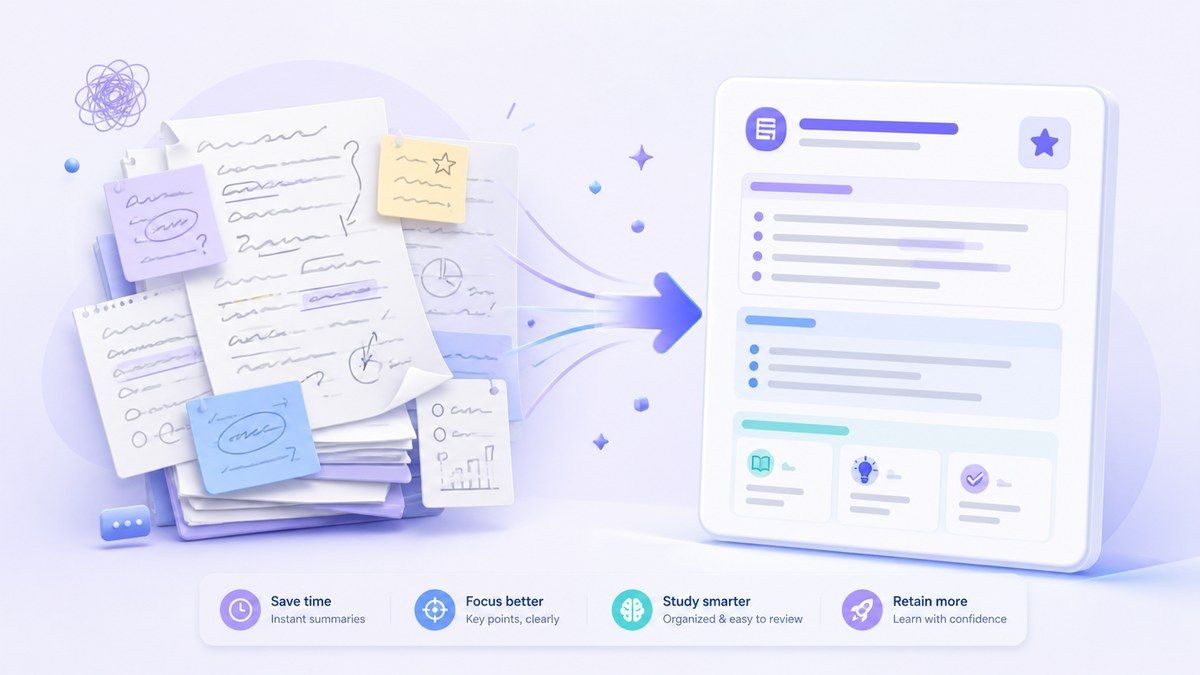
Lynote helps turn scattered notes into shorter, clearer summaries while keeping the original meaning. It is useful when your notes are too long, messy, or copied from multiple sources.

Works With PDFs, Videos, and Webpages
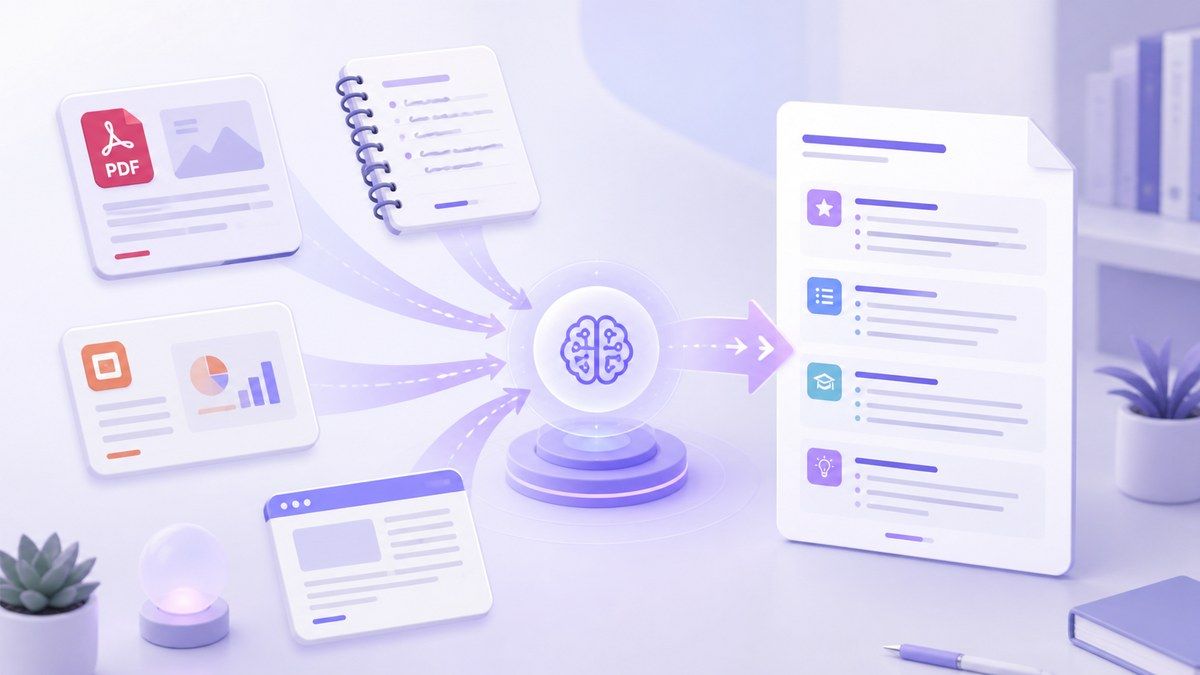
Use Lynote as a PDF note summarizer, video note summarizer, YouTube note summarizer, or general notes summarizer. Upload files or paste links to create summaries from the materials you already use.

Built for Study and Review
Instead of only shortening text, Lynote organizes ideas into headings, key points, explanations, and review sections. This makes it easier to prepare for exams, meetings, writing tasks, or research.

Summarize Video Into Notes
Paste a YouTube link or video source and generate notes from the content. This helps when you need to summarize videos into notes without replaying the same lesson or tutorial again.

Turn Long Notes Into Actionable Takeaways
Lynote can highlight definitions, arguments, examples, steps, and decisions. You get a cleaner summary that helps you understand what matters and what can be skipped.

Ask Questions After Summarizing
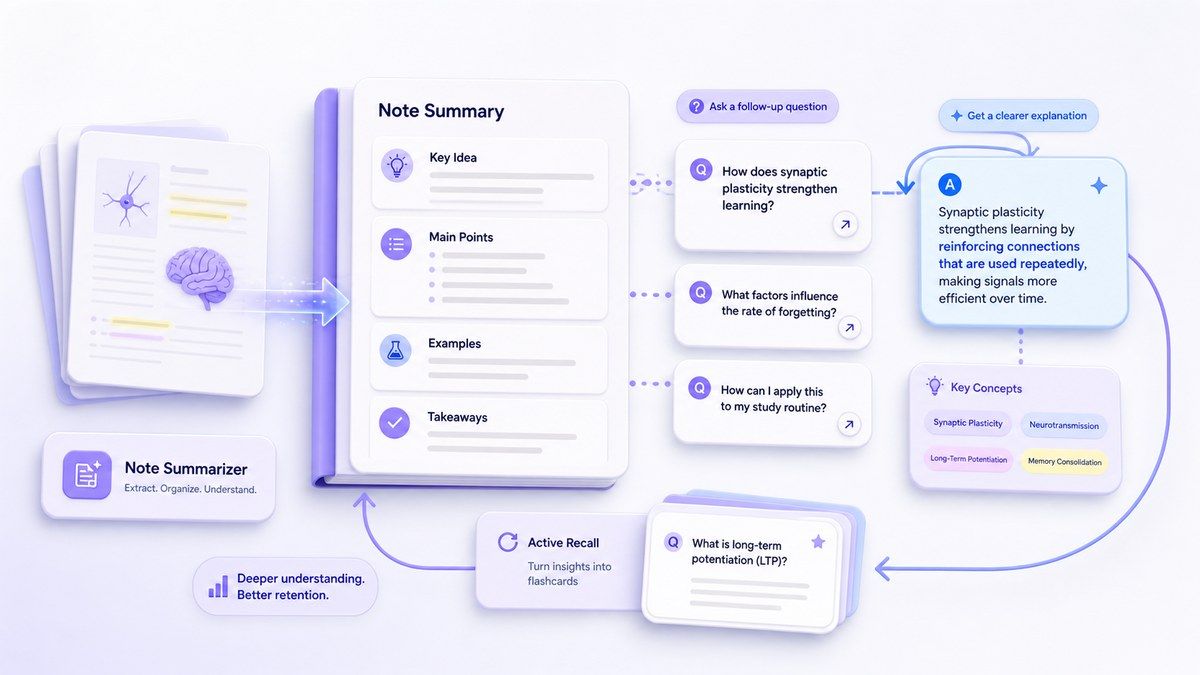
A summary is only the start. After Lynote creates your summary, you can ask follow-up questions, clarify confusing parts, and explore details from the original source.

Free to Start
Use Lynote as a note summarizer free workflow for everyday study, research, and content review. Start with notes, videos, PDFs, or webpages and generate a structured summary quickly.
Summarize Notes Into a Clear Study Digest

Convert Videos and YouTube Lessons Into Notes
Summarize PDFs and Lecture Notes Together
From Summary to Deeper Understanding
How to Summarize Notes With AI
Step 1. Upload or Paste Your Notes
Upload notes, PDFs, documents, lecture files, or paste a YouTube video or webpage URL. Lynote supports common study and content sources so you can summarize into notes from different materials in one place. This is useful when your notes are scattered across class files, copied text, videos, and online resources.
Step 2. Generate an AI Note Summary
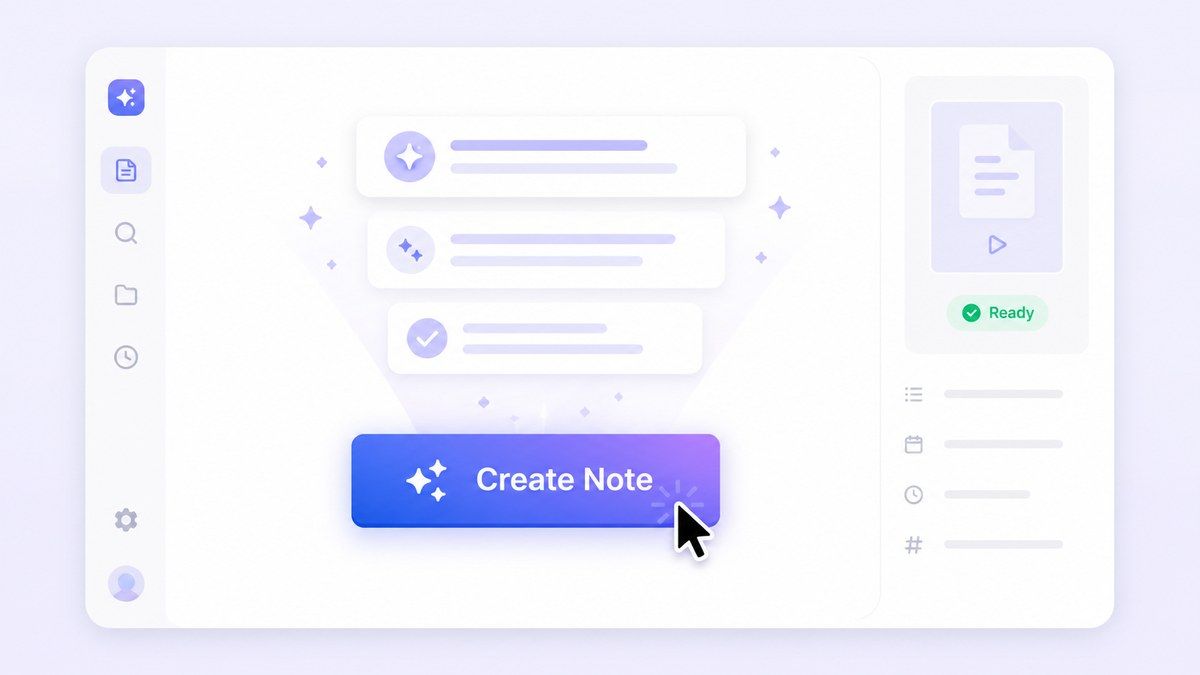
Click the summarize button and Lynote will extract the key ideas, important details, examples, and structure from your source. The output can include headings, bullet points, core concepts, and readable sections. Use this when you need to summarize notes AI-style without manually rewriting every paragraph.
Step 3. Review, Edit, and Study
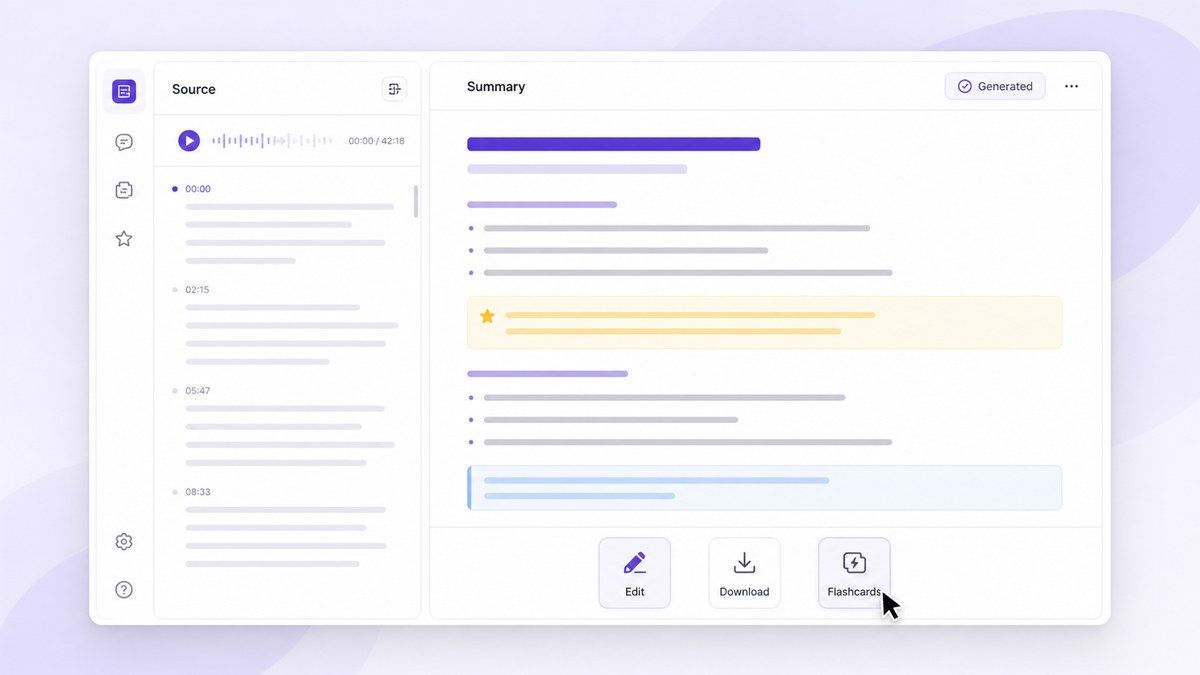
Read through the summary, edit unclear sections, ask follow-up questions, or reuse the output for study guides, meeting notes, research briefs, and content planning. You can also use the summary as a starting point for flashcards, outlines, or revision notes.
Who Benefits from This Note Summarizer?

Students and Online Learners
Summarize lecture notes, PDFs, YouTube lessons, and study materials before exams. Lynote helps turn long content into review-ready notes.

Researchers and Academics
Summarize papers, references, research notes, and source materials. Quickly understand what deserves deeper reading.

Content Creators
Turn videos, articles, podcasts, and competitor content into useful notes for scripts, outlines, and planning.

Knowledge Workers
Summarize meeting notes, reports, training videos, and documents into clear takeaways for faster decisions.

Teachers and Tutors
Create concise lesson summaries from class materials, videos, and PDFs. Use the output to prepare review sheets or student-friendly explanations.

Busy Readers
Use Lynote when you need websites that summarize notes, PDFs, and videos without spending hours reading or watching everything manually.
What People Say About Lynote Note Summarizer

Graduate Student

I use Lynote to summarize lecture notes and PDF readings before exams. The summaries help me see the main ideas without rereading every page.

Product Manager
My meeting notes used to be too long to review. Lynote gives me clean takeaways and action points that are easier to share with my team.

Online Learner
I paste YouTube lessons into Lynote and turn them into notes. It saves me a lot of time when I study from video courses.

Research Assistant
I use it as a notes summarizer for papers and research notes. It helps me decide what I need to read in full.

Content Strategist
Lynote helps me summarize videos, webinars, and articles into planning notes. It makes content research much faster.

College Student
The best part is that I can ask follow-up questions after summarizing. It feels more useful than a basic summary tool.
Frequently Asked Questions
A note summarizer is a tool that turns long notes into shorter, clearer summaries. Lynote uses AI to extract key ideas, important details, and structured takeaways from notes, PDFs, videos, and webpages.
Yes. Lynote can help summarize notes from video sources, including YouTube links when supported. It turns video content into written summaries you can review faster.
Yes. Lynote works as an AI note summarizer for study notes, lecture notes, PDFs, videos, documents, and webpages.
Yes. Upload a PDF and Lynote can summarize the content into readable notes with key ideas and important sections.
Lynote offers a free-to-start workflow for note summarization. Usage limits may depend on the current plan and source type.
Upload your notes or paste a source link, generate an AI summary, then review and edit the result. Lynote helps organize the summary into clearer study-ready sections.
Yes. You can review, copy, edit, export, or share your AI-generated summary for study, work, research, or content planning.
Yes. You can upload multiple resources and generate summaries from different documents, videos, audio files, or links in one place.


